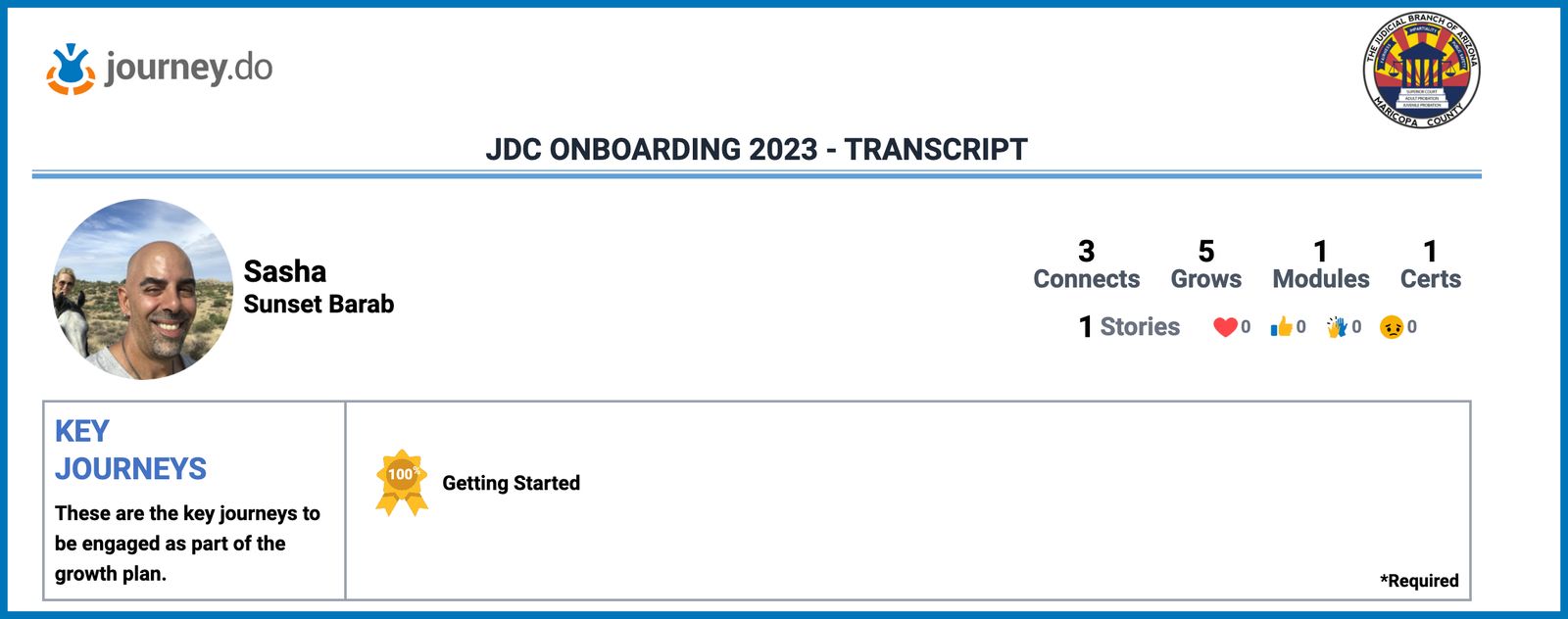
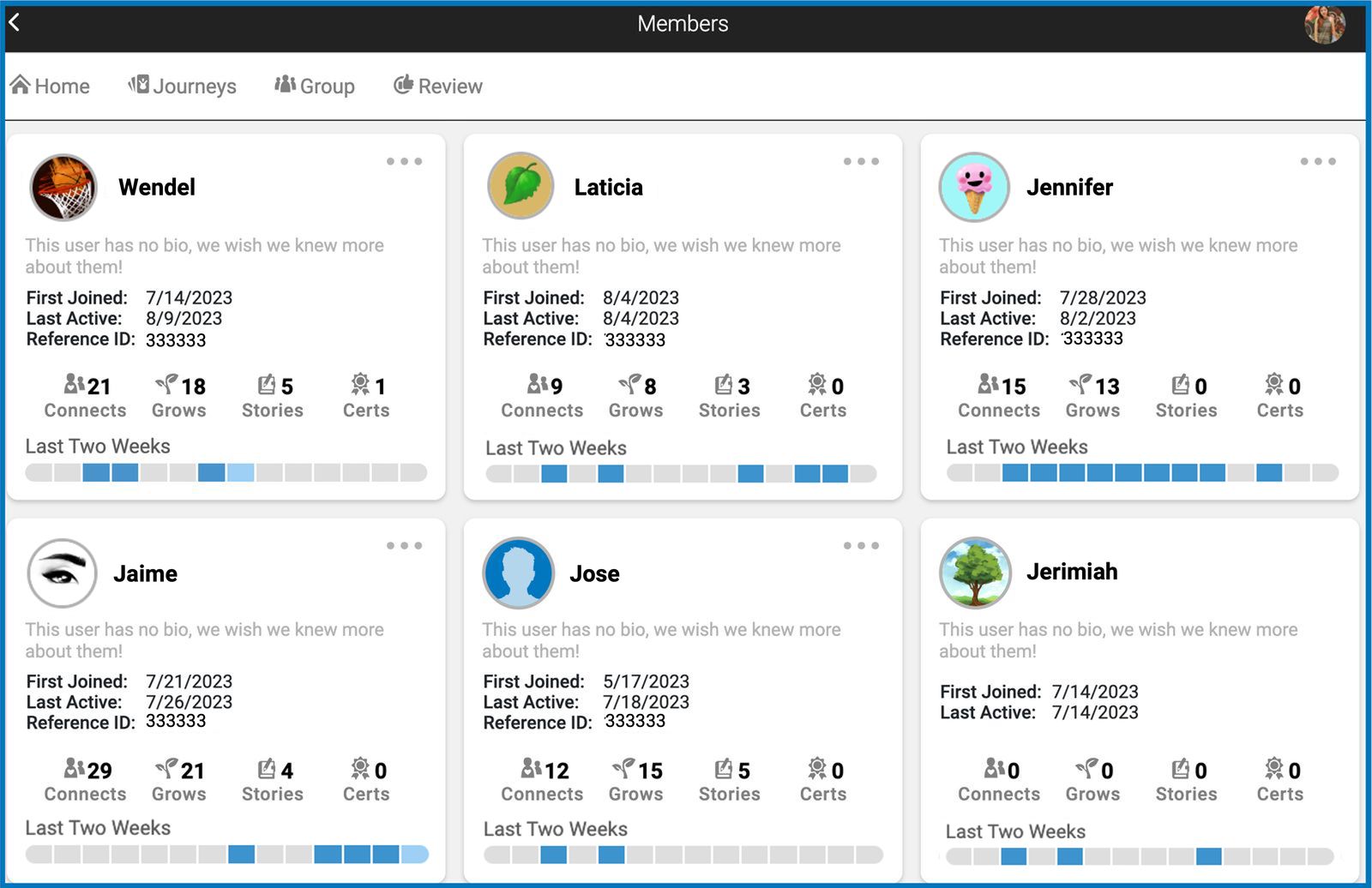
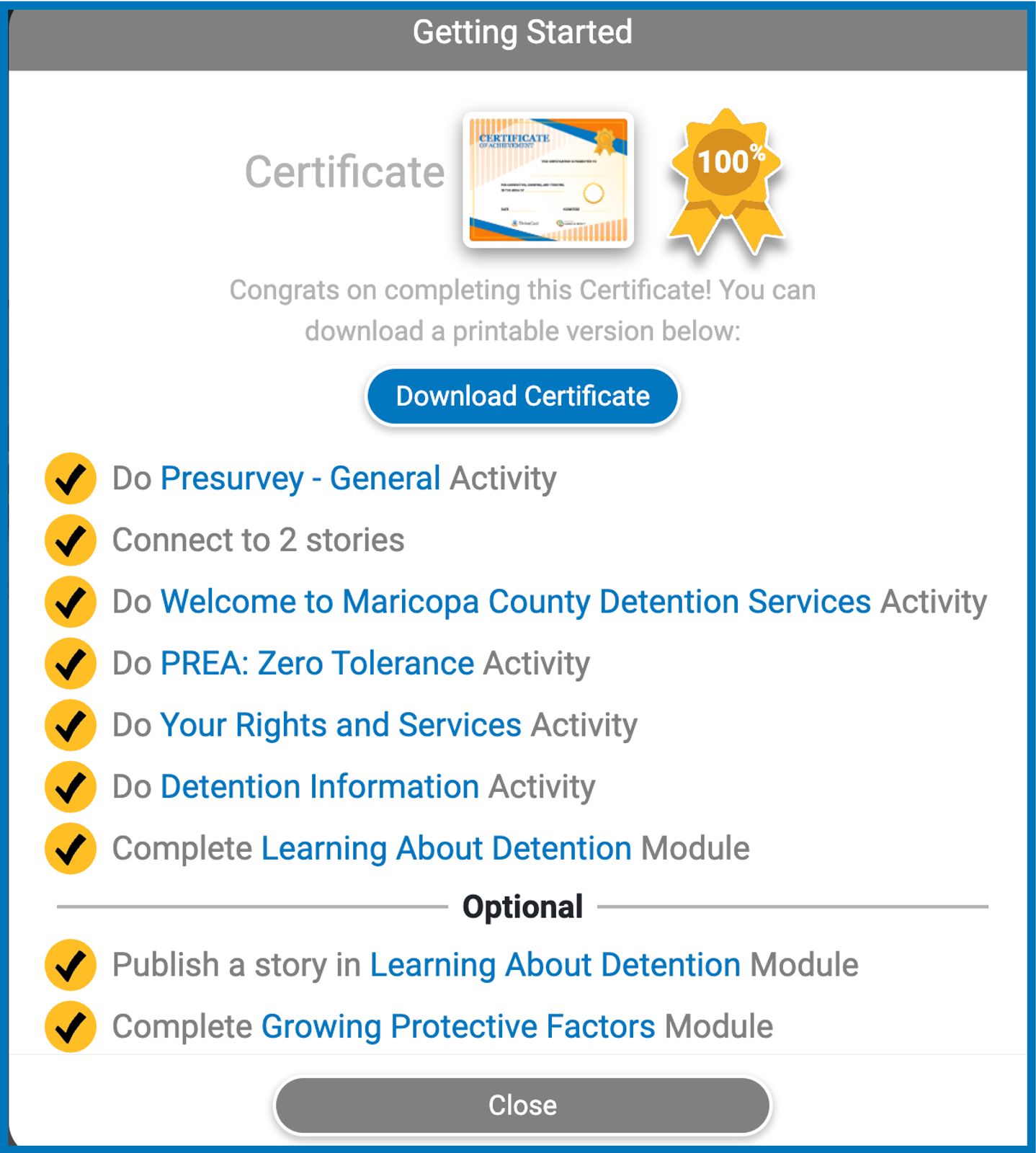
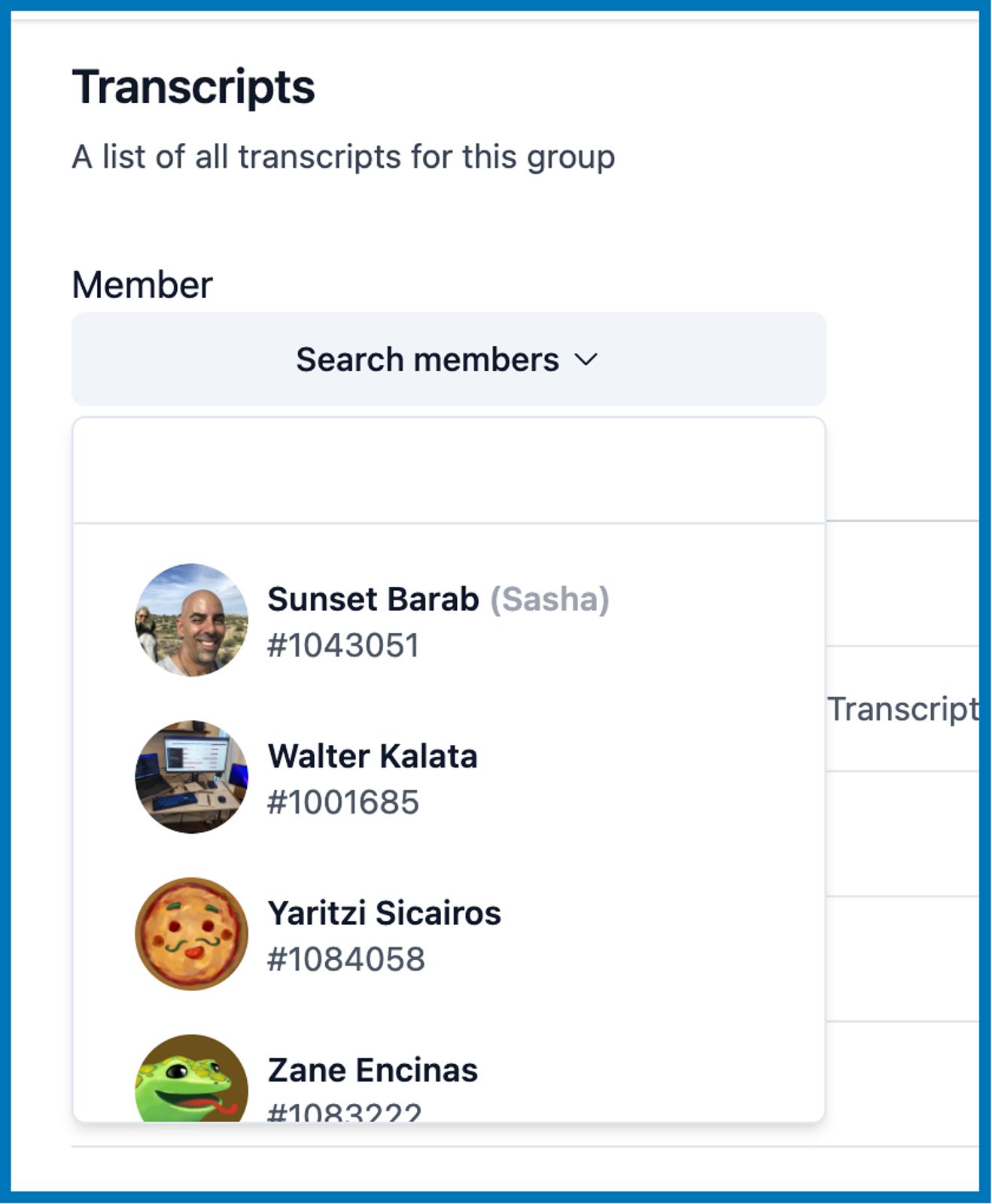
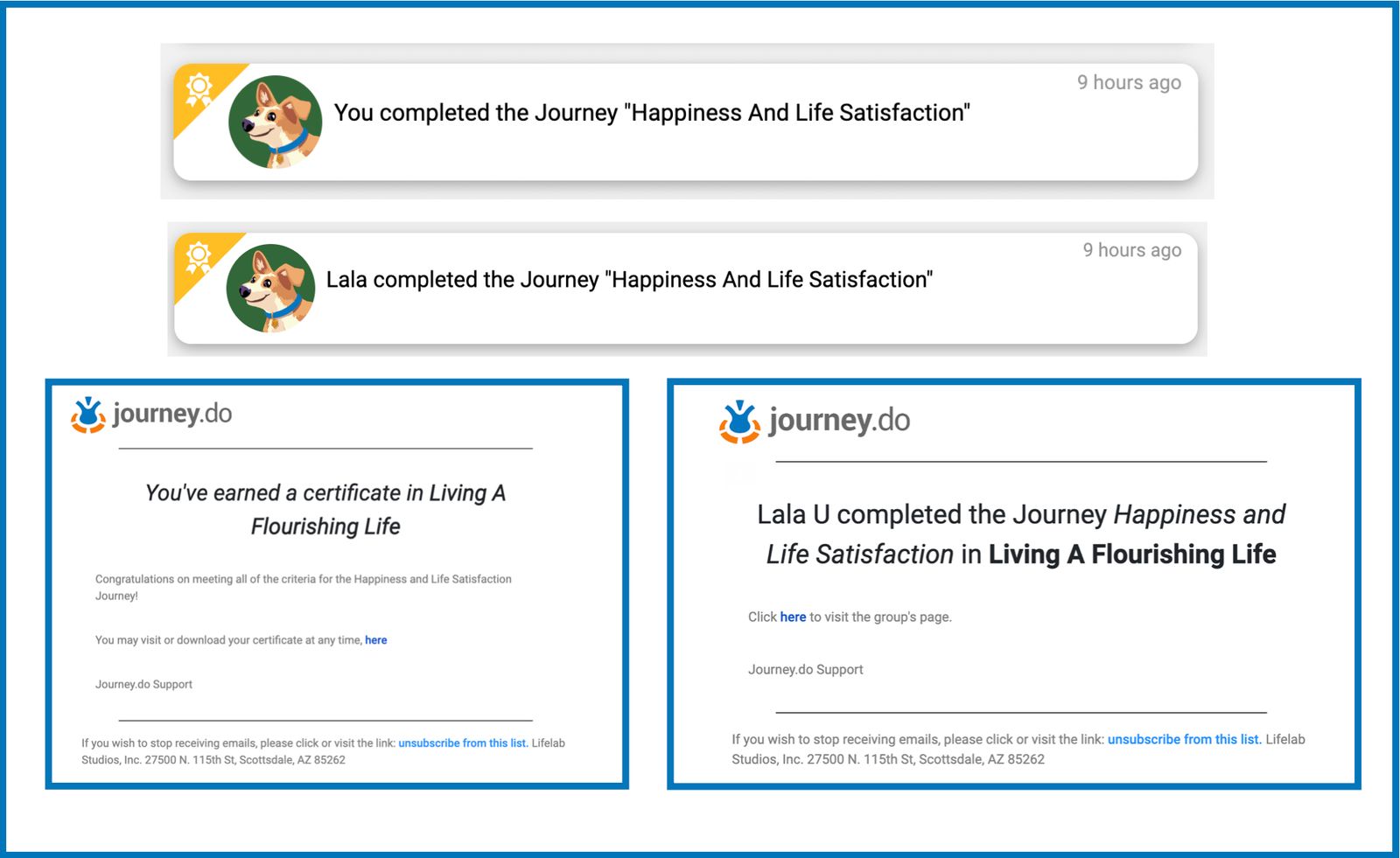
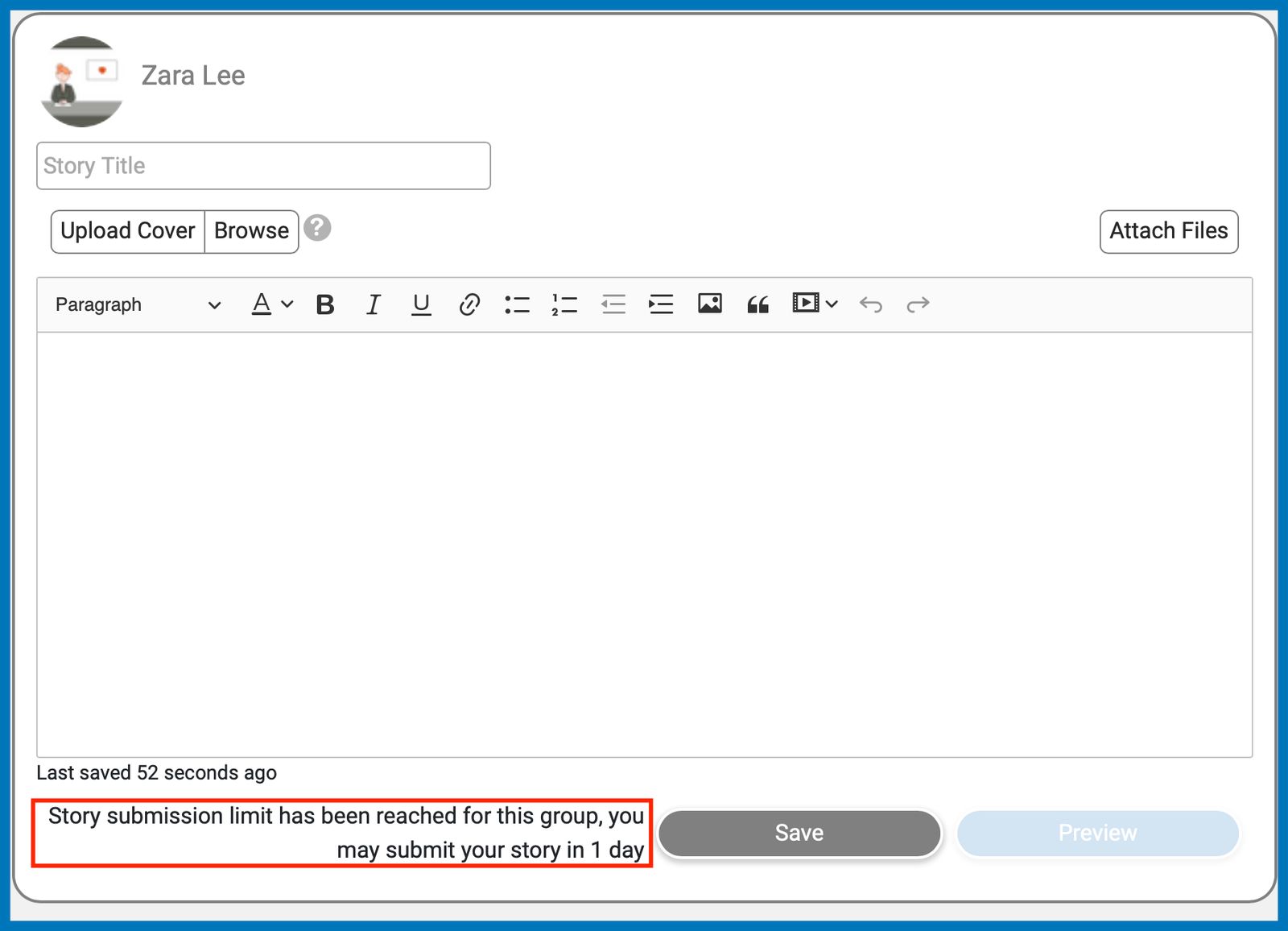
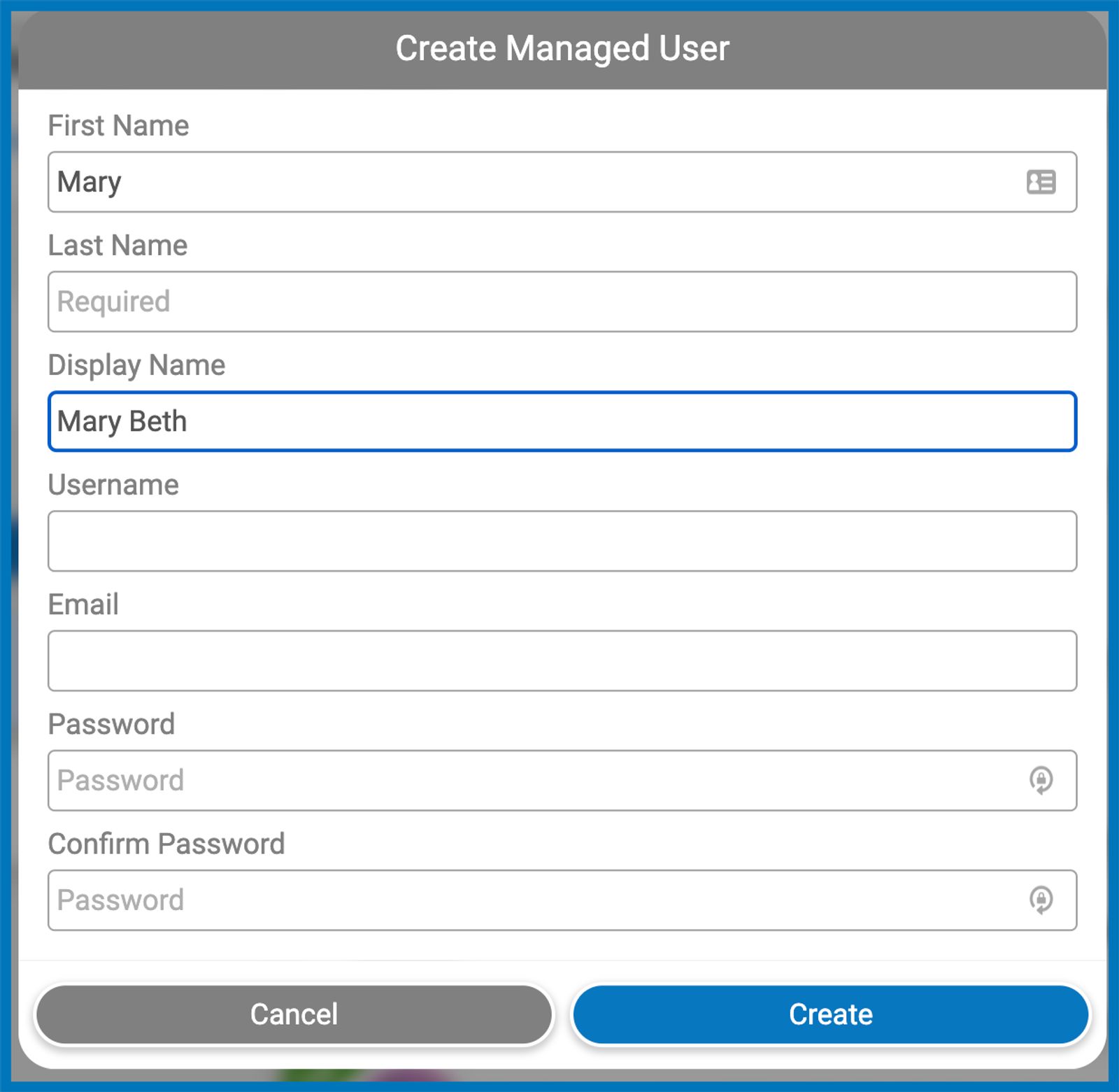
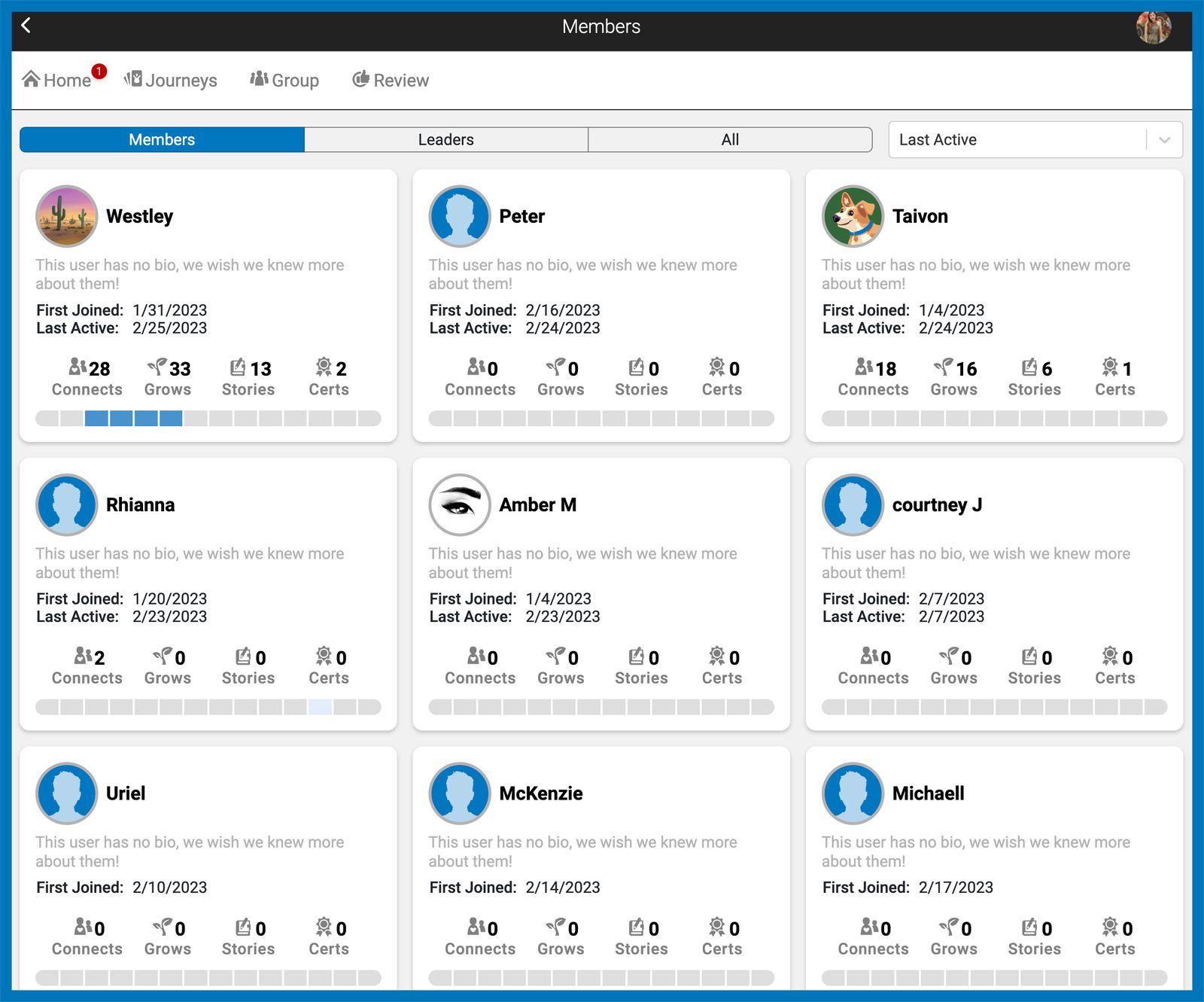
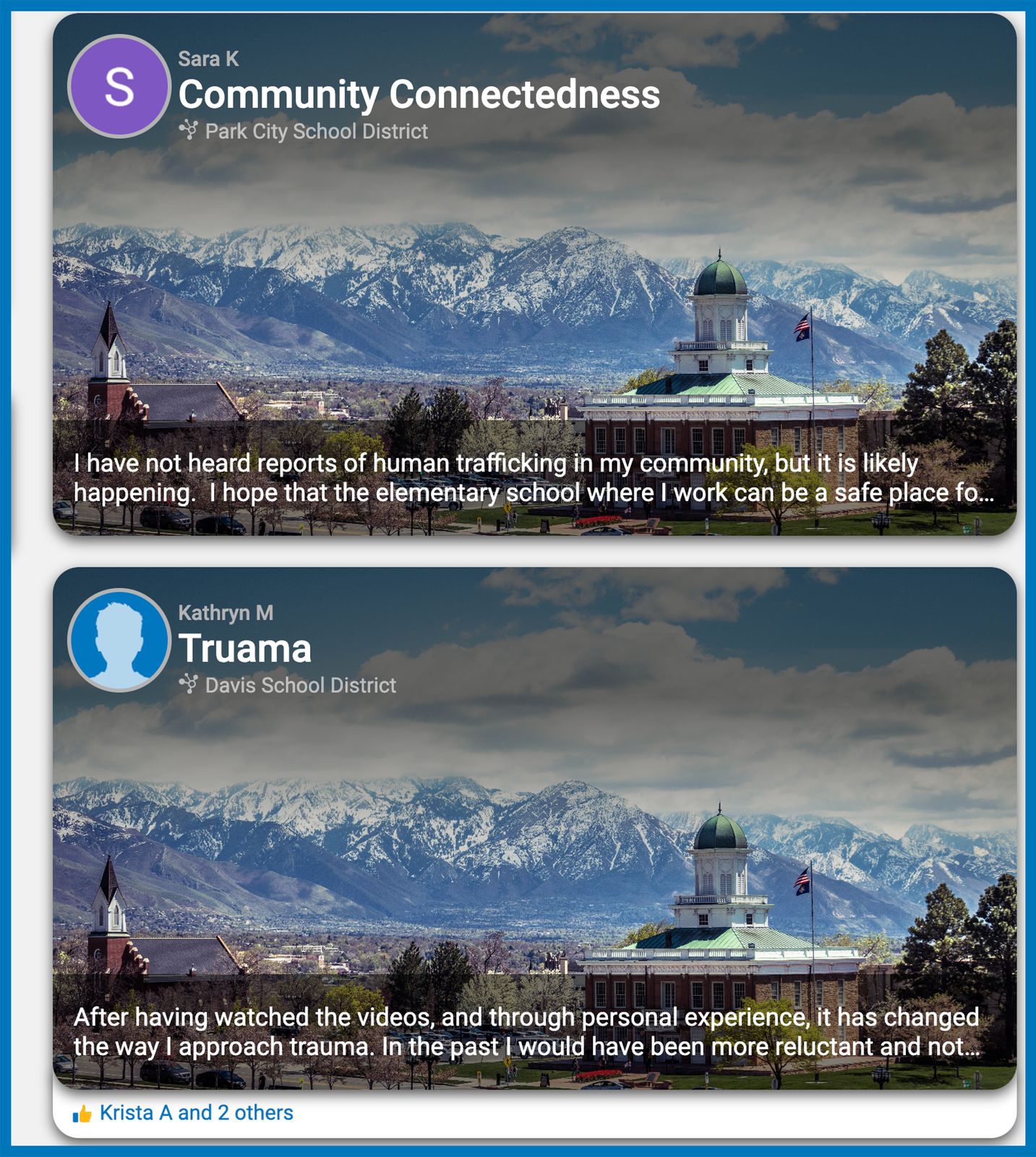
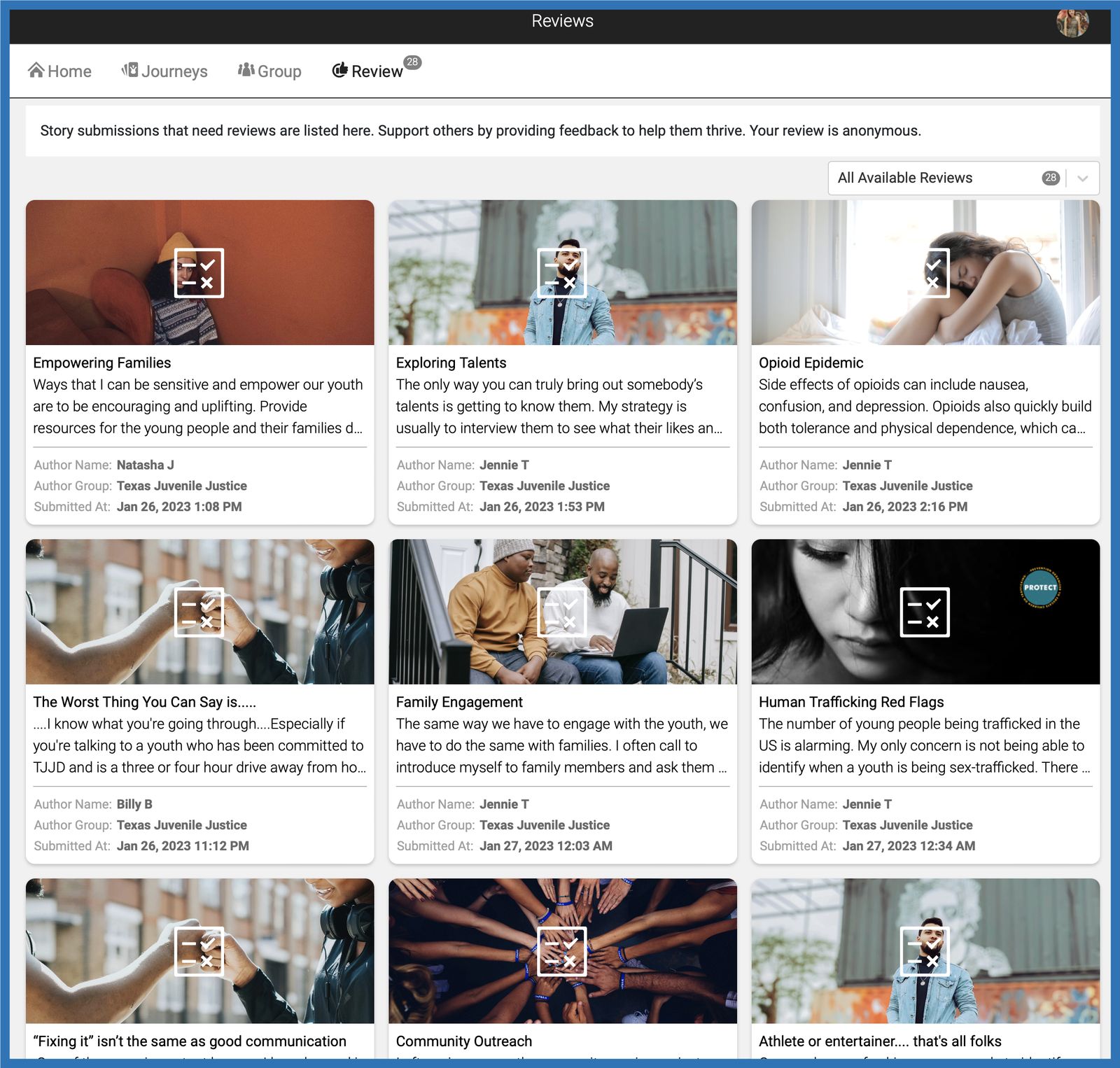
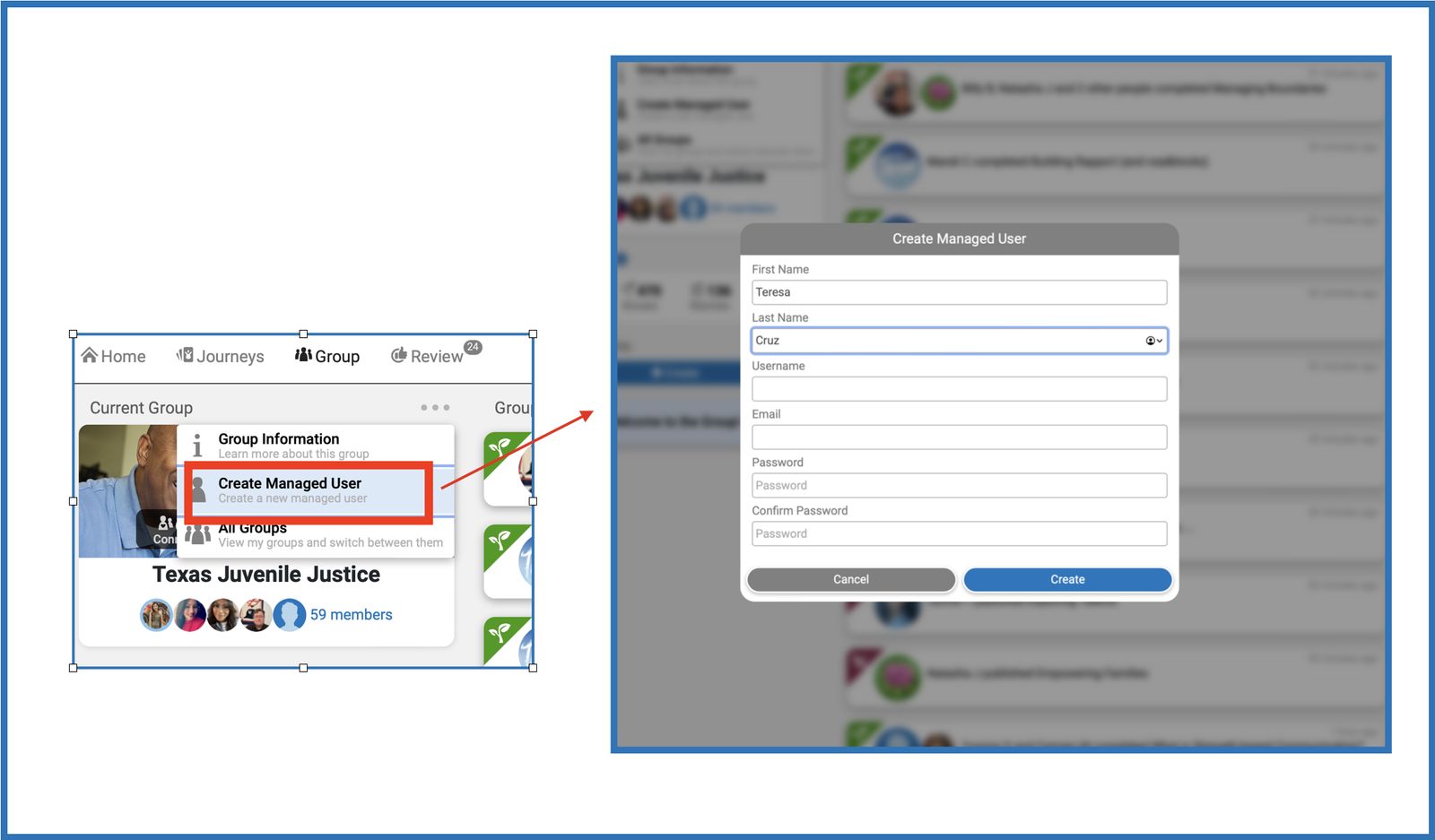
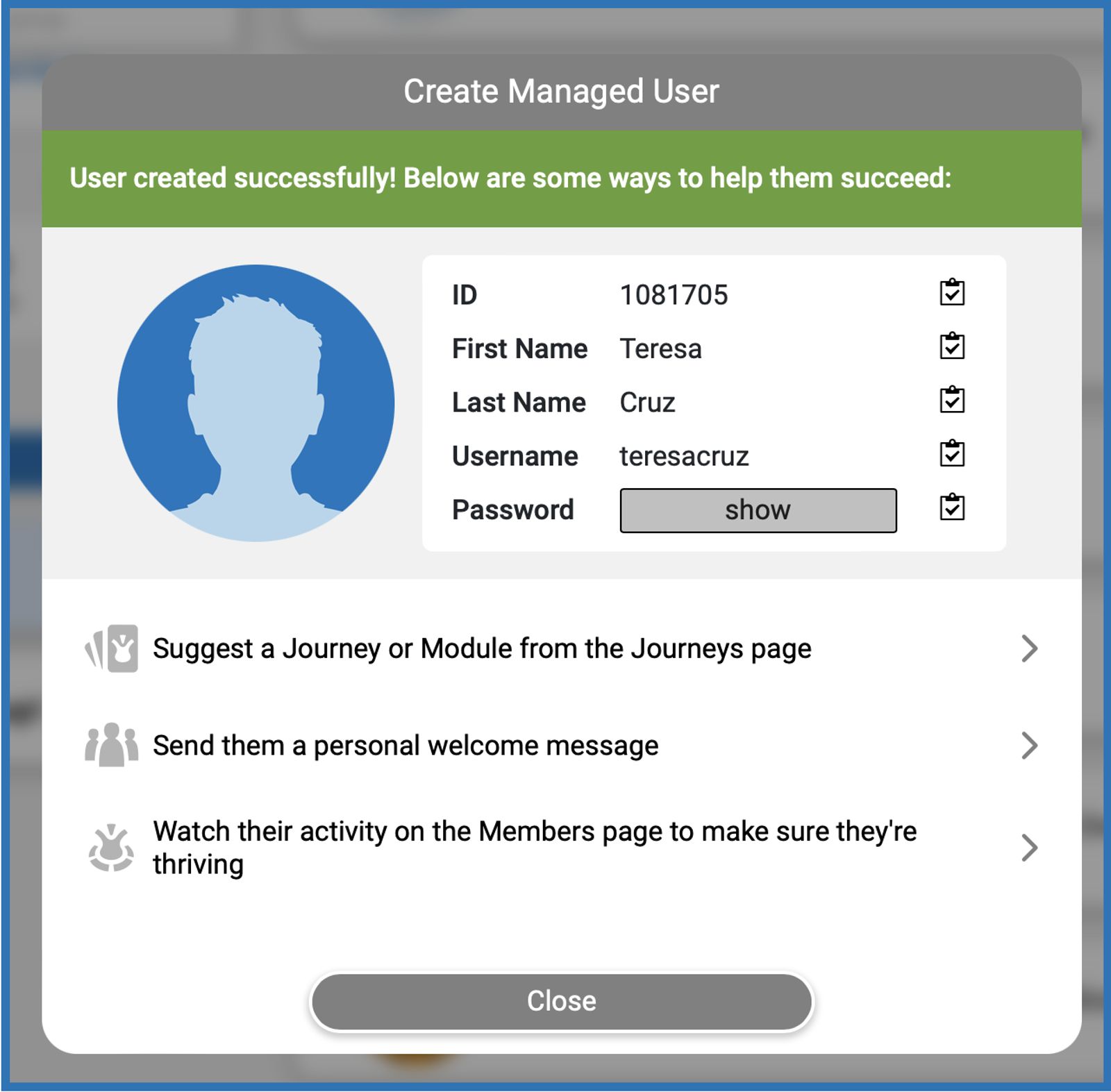
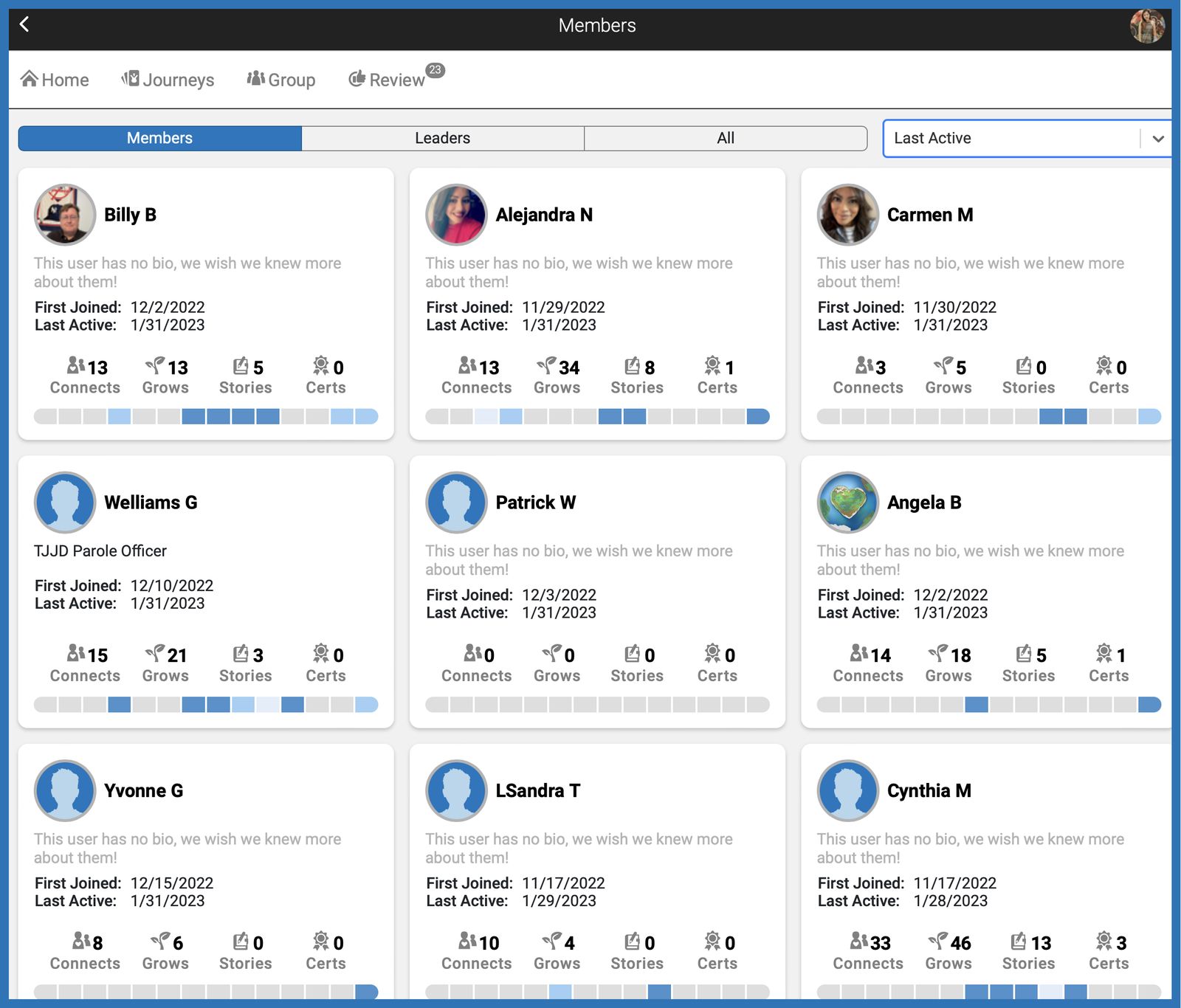
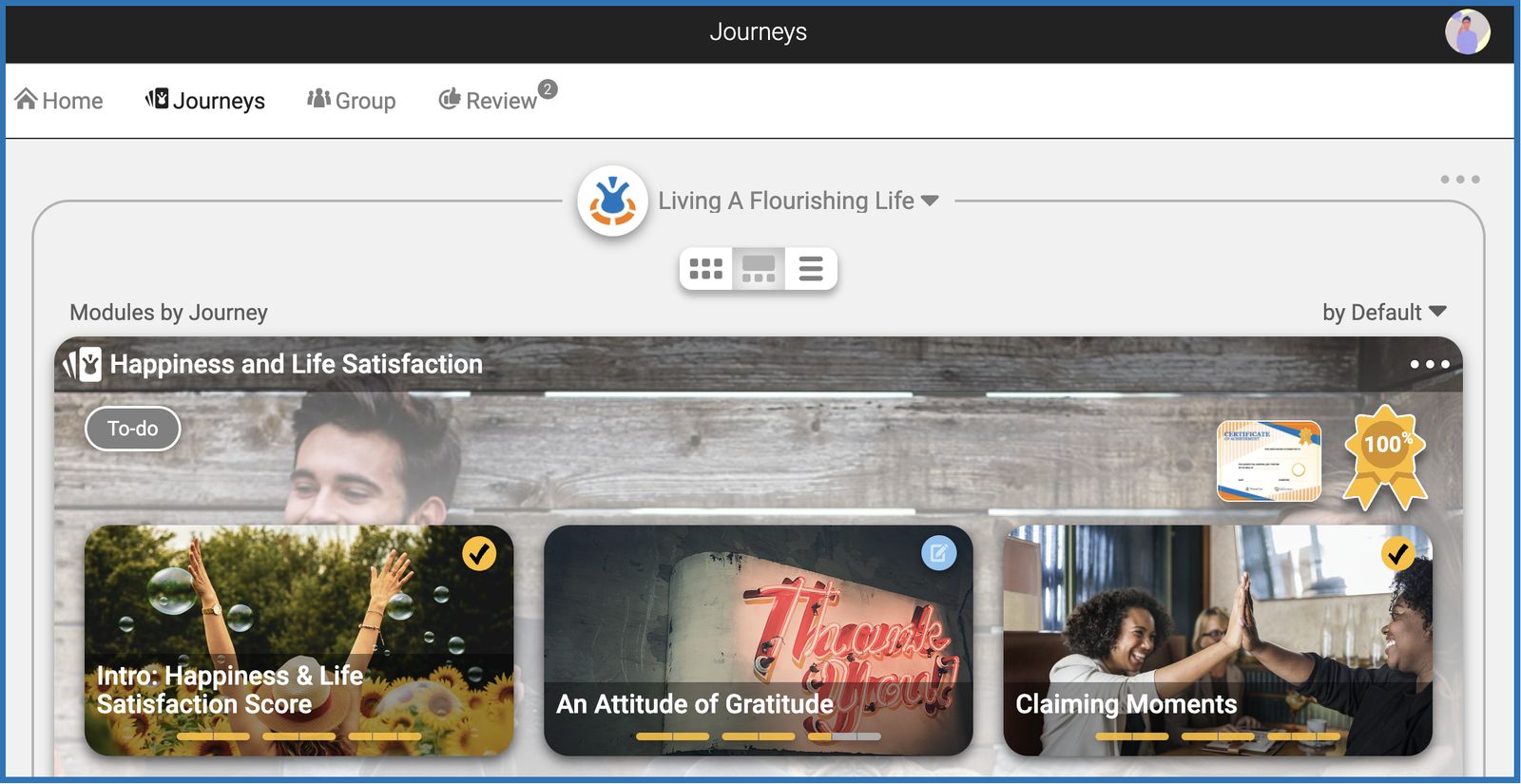
We’ve officially achieved SOC 2 Readiness in partnership with Vanta, marking a major milestone in strengthening our security, operations, and internal controls, especially given the sensitive nature of our data and our commitment to care for those our partners serve. This reflects significant technical and operational investments to ensure we proactively manage security risks and protect your data. Our Trust Center now includes:
Product Security and Data & Privacy controls in place, addressing all high-risk security or privacy threats identified
These controls are part of our ongoing security enhancements and continuous monitoring efforts, which also incorporate HIPAA-aligned safeguards and NIST-related controls in areas where additional security requirements apply. Through continuous monitoring with Vanta, we regularly test, validate, and improve our controls as part of an active audit and review process—ensuring security remains strong as our platform evolves and helping you rely on our systems with confidence today and as we grow.
Smarter Story Reviews
AI Detection for Story Submissions You’ll now see a label on each story that flags if it was likely written by AI, a real person, or a mix of both. This helps you guide learners toward authentic reflection and stories while honoring their voices. (See FAQ: How do I check if a learner’s story was AI-generated?)
Copied Story Detection Our new plagiarism scan checks if a story was copied from another learner — including across other groups in your community or even NPC stories. You’ll see match results and can review the original source.
Smarter Audio Recording on Mobile
Using the Notes recorder from your phone? We’ve added some protections:
The app now prevents auto-lock while recording to make sure nothing gets cut off.
You can still manually lock your phone or use other apps on the phone while recording and the recording will continue safely.
No time limit — speak for as long as you need!
Easier Voice Input for Learners and Leaders
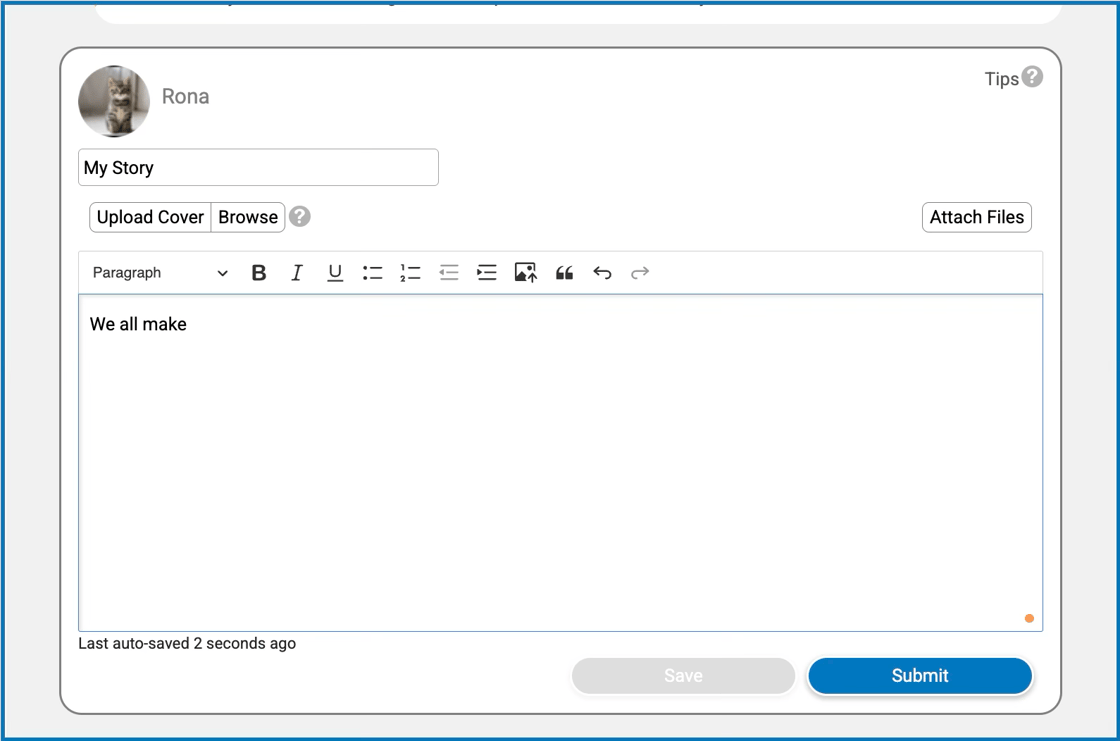
Speech-to-Text on Apply Page Users may now easily compose their stories in the Apply page by speaking them out loud and the Voice Input (microphone button) function will automatically write them down. This reduces barriers for those who prefer talking over typing.
November 2025
More Powerful Way to Work with Notes, Sprout & Files
We’ve made it easier for Champions and coaches to draft high-quality notes, gather insights from uploaded files, and stay focused while working. These improvements are designed to reduce friction, boost clarity, and save time — especially when handling complex case work or reflections.
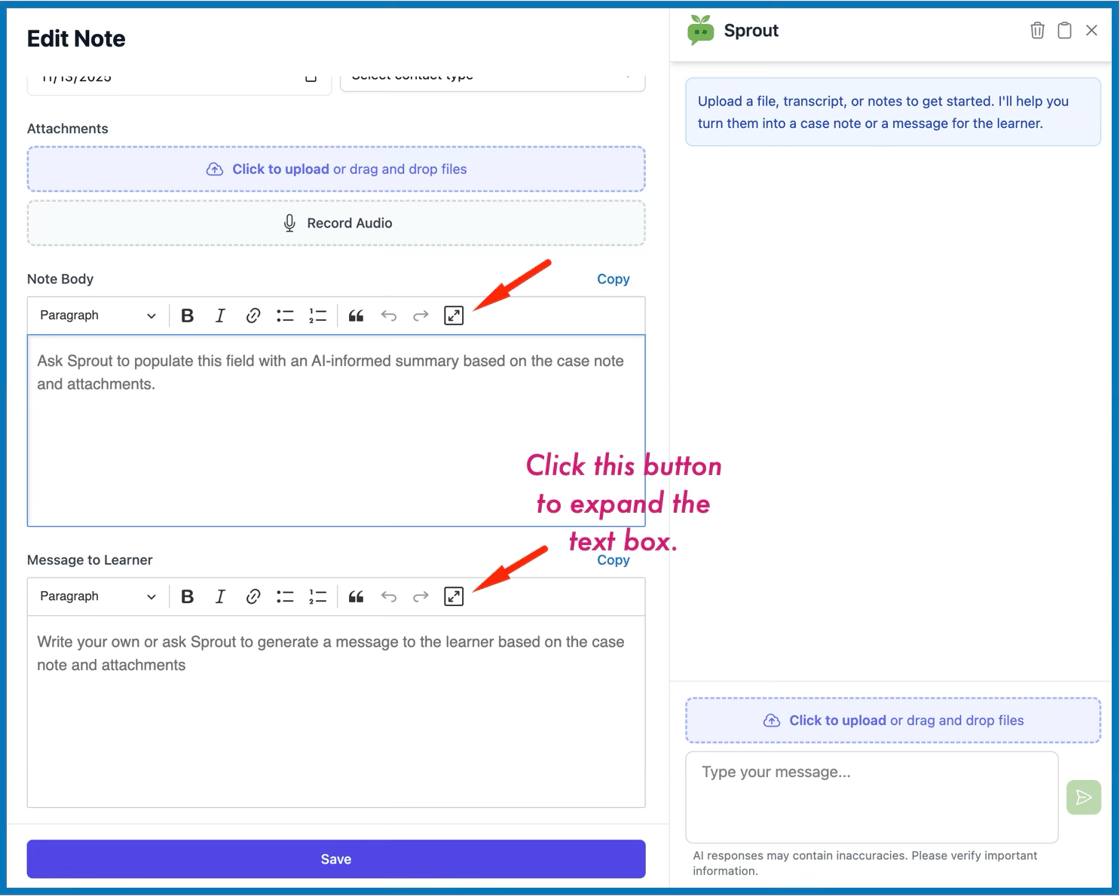
Expanded Notes Panel
The Notes panel can now be maximized to give more room for entering long-form content in the Body and Message to Learner fields. This also temporarily hides Sprout to reduce distractions.
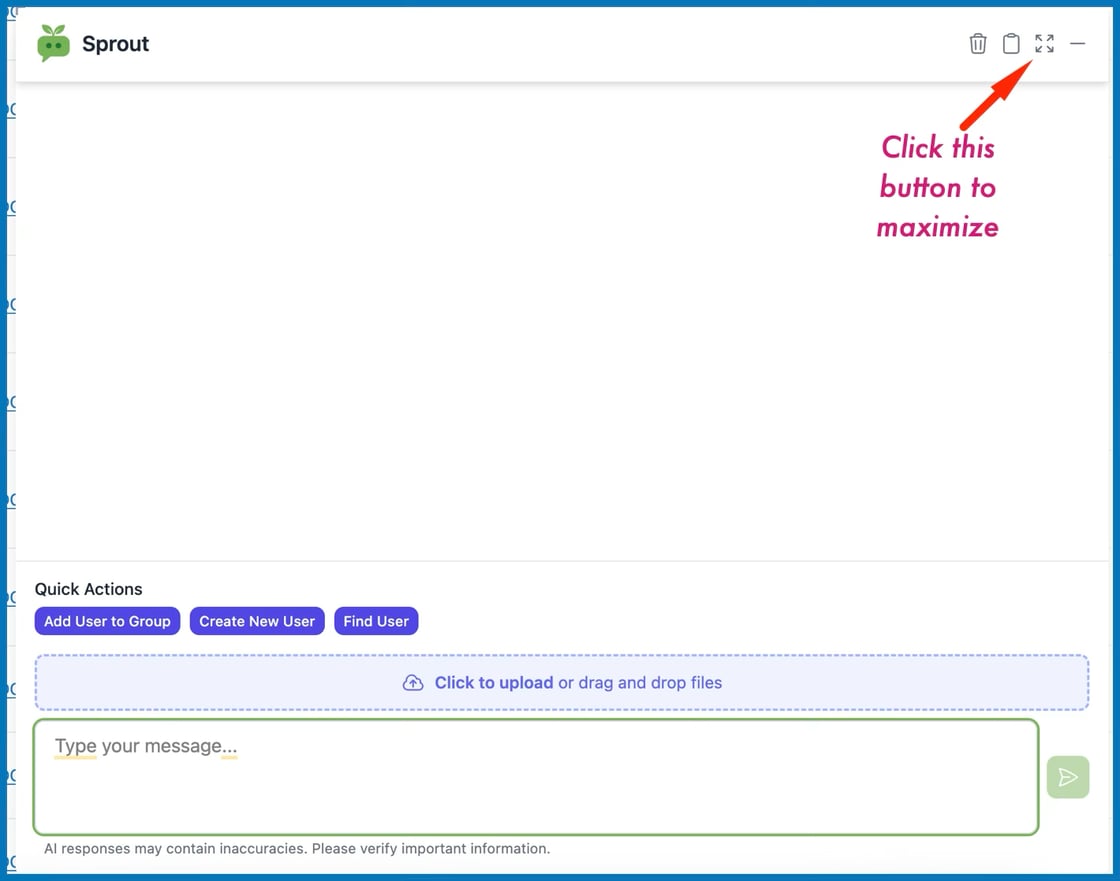
Expanded Sprout View
The Sprout chat panel can now be expanded independently on desktop for more comfortable AI interaction.
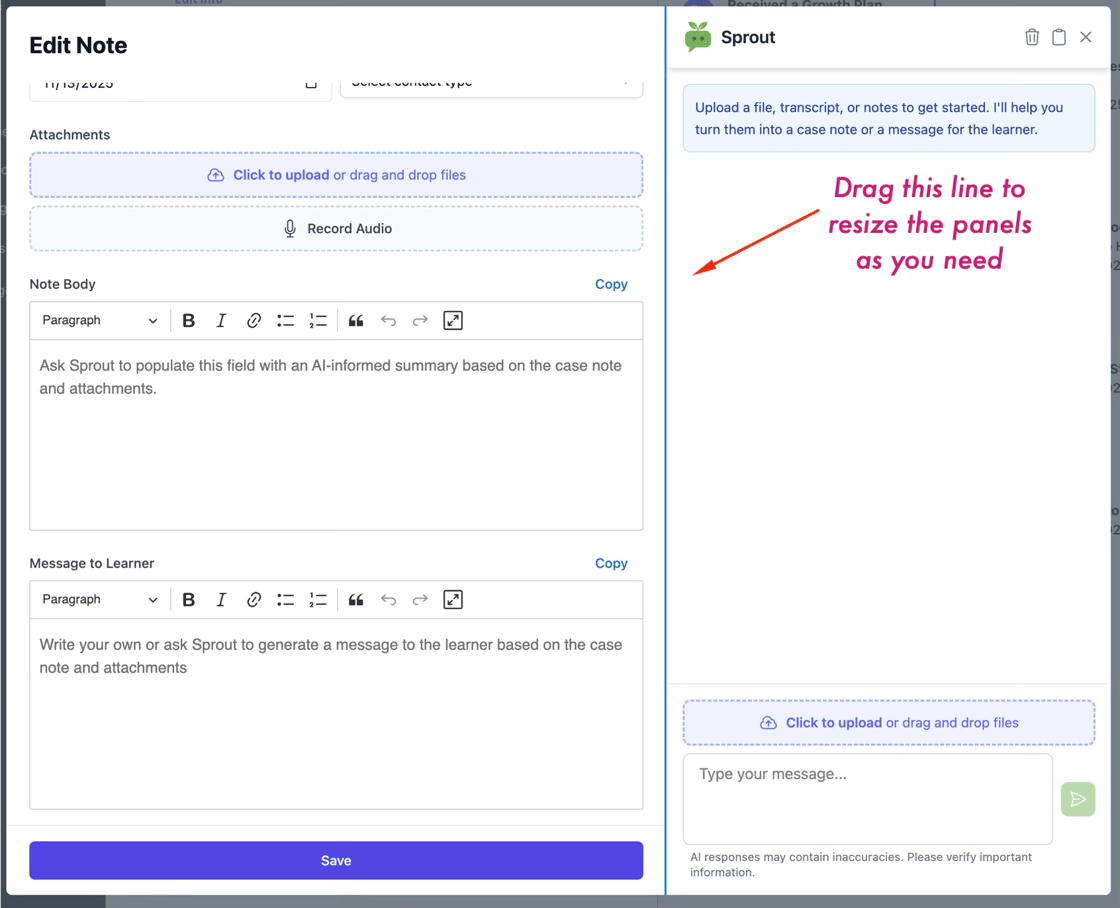
Resizable Panels (Desktop View)
Both Sprout and Notes panels can now be manually resized by dragging the vertical divider, allowing champions to set up their ideal workspace layout.
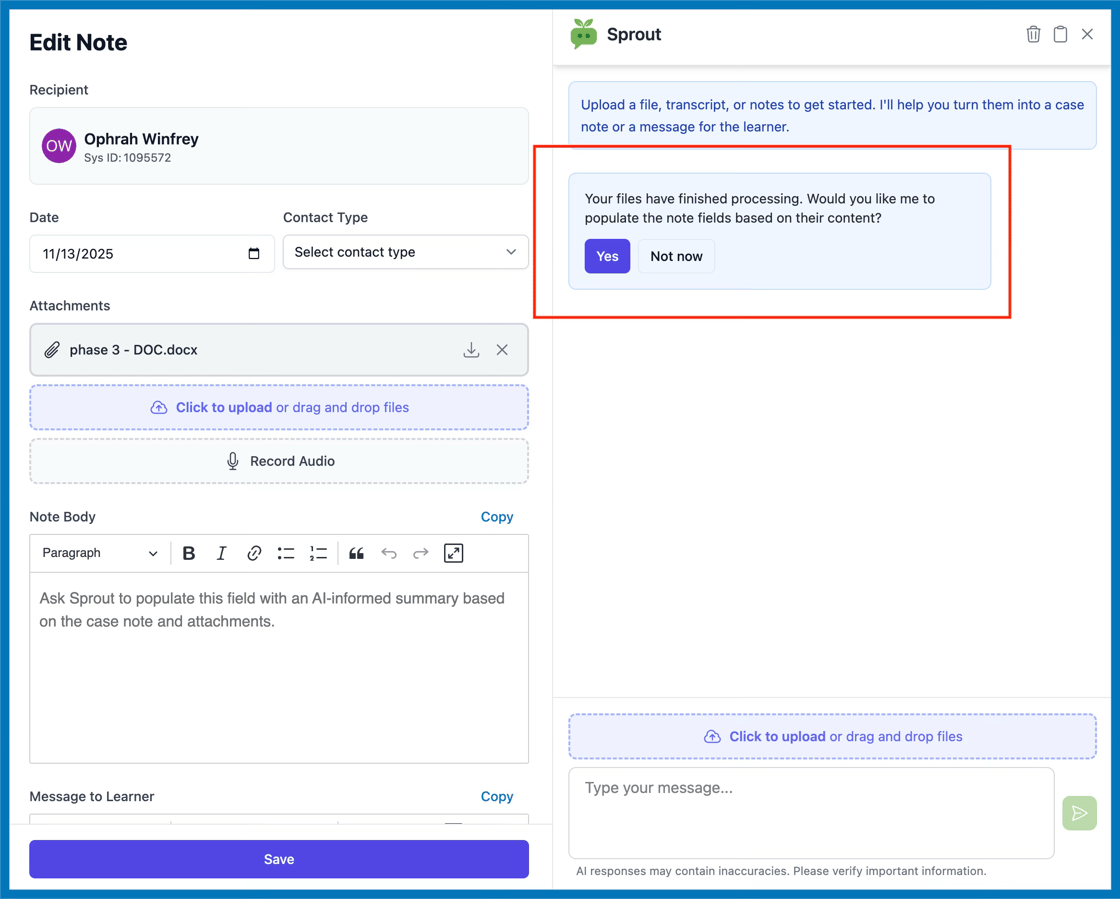
Smarter File Handling in Notes
When uploading files to Notes, Sprout now automatically detects when uploads are complete and proactively offers to update the note using insights from the uploaded content.
More Supported File Types
Sprout and Notes now support a broader range of file formats, including: .txt, .docx, .xlsx, .pptx, .rtf, .odt
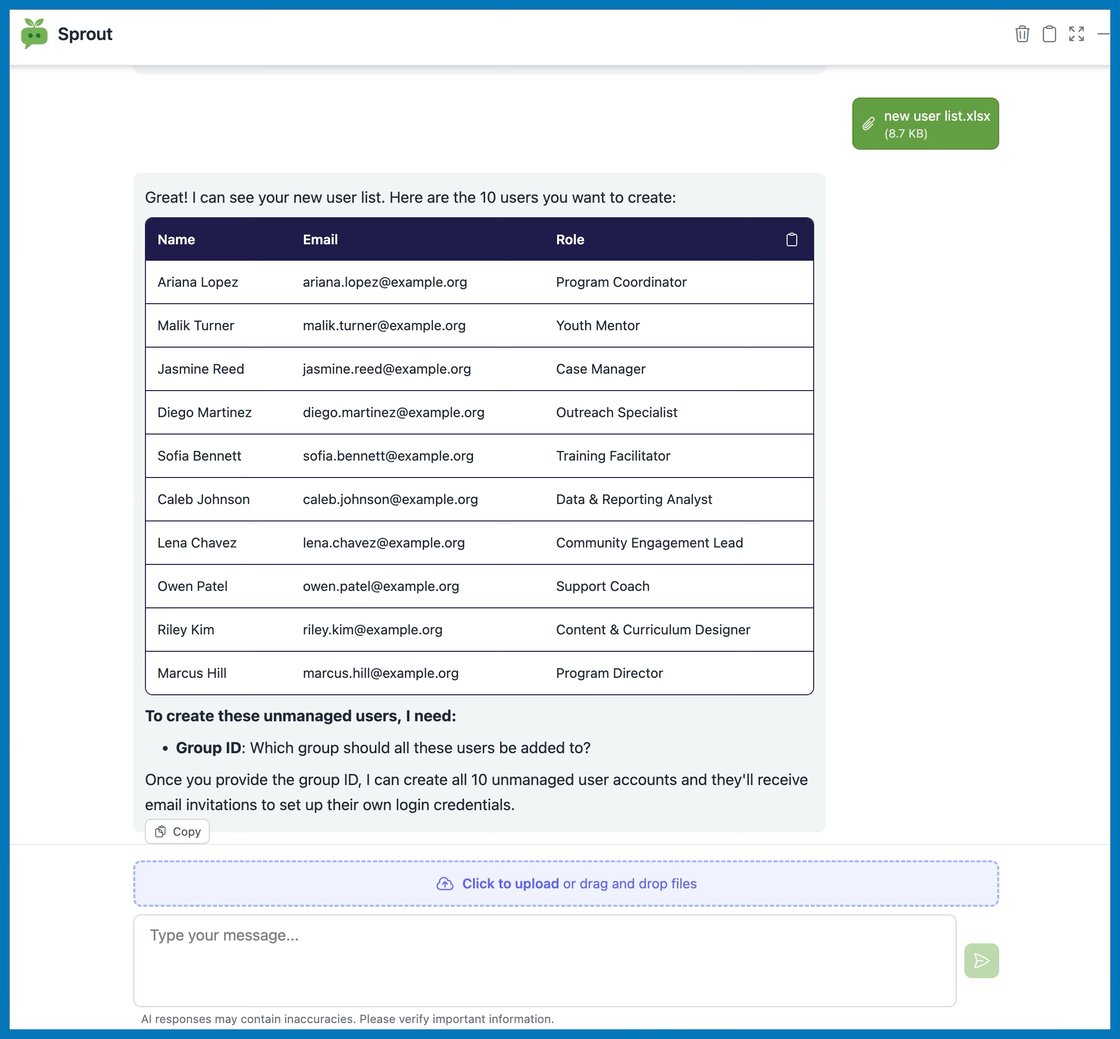
Since Excel files are now supported this also makes it possible to do a batch request when creating new user accounts.
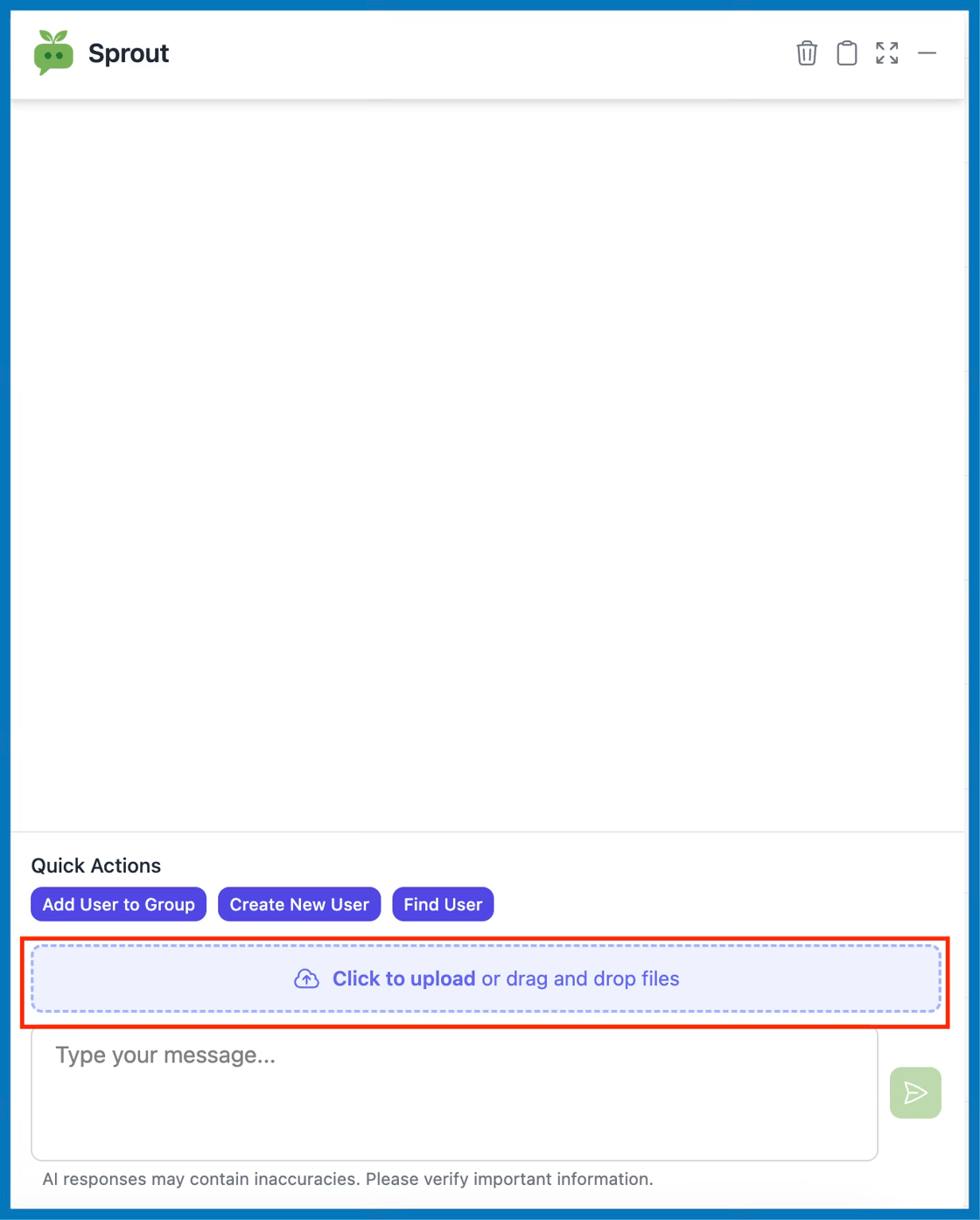
Direct Upload to Sprout Chat
Files can now be uploaded directly into the Sprout chat window. Sprout will immediately process and incorporate them into its response.
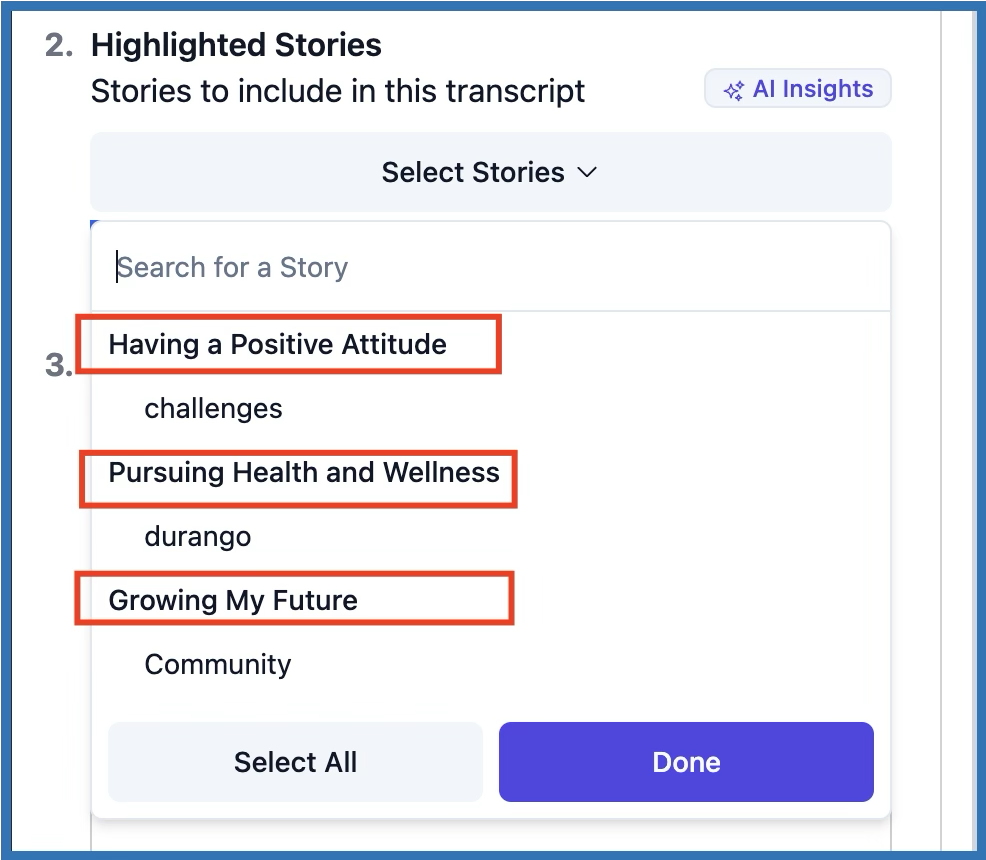
Organized Story Highlights in Transition Plans
When building a Transition Plan, story highlights are now grouped by the certificate they were submitted under. This makes it easier to reflect key achievements and align story selections with learning goals.
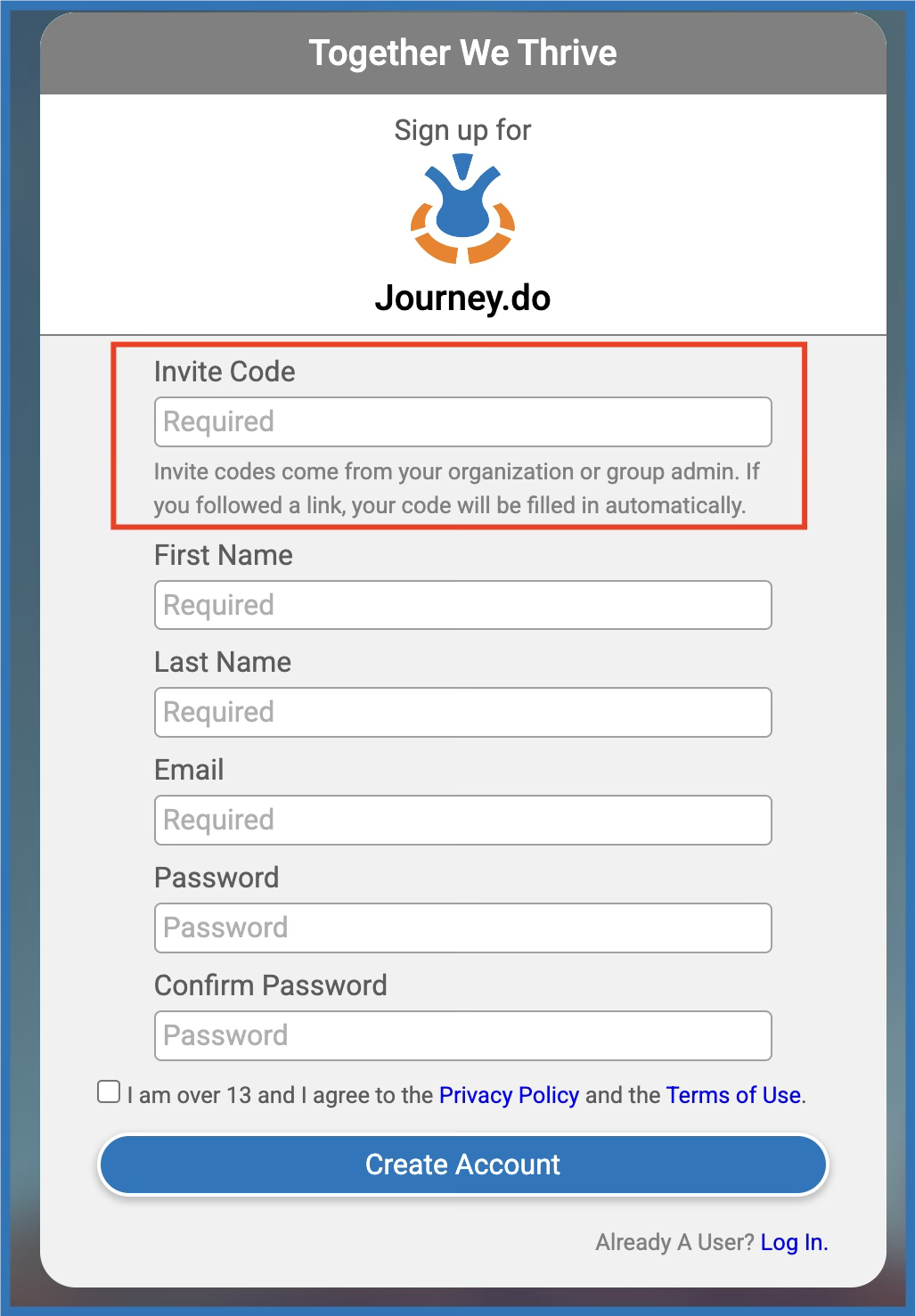
Invite-Only Signups Now Enforced
A valid Invite Code is now required to complete the new user sign-up form — both for email and Google account forms. This change helps prevent unintentional or unauthorized account creation and ensures better onboarding flow for learners and facilitators.
October 2025
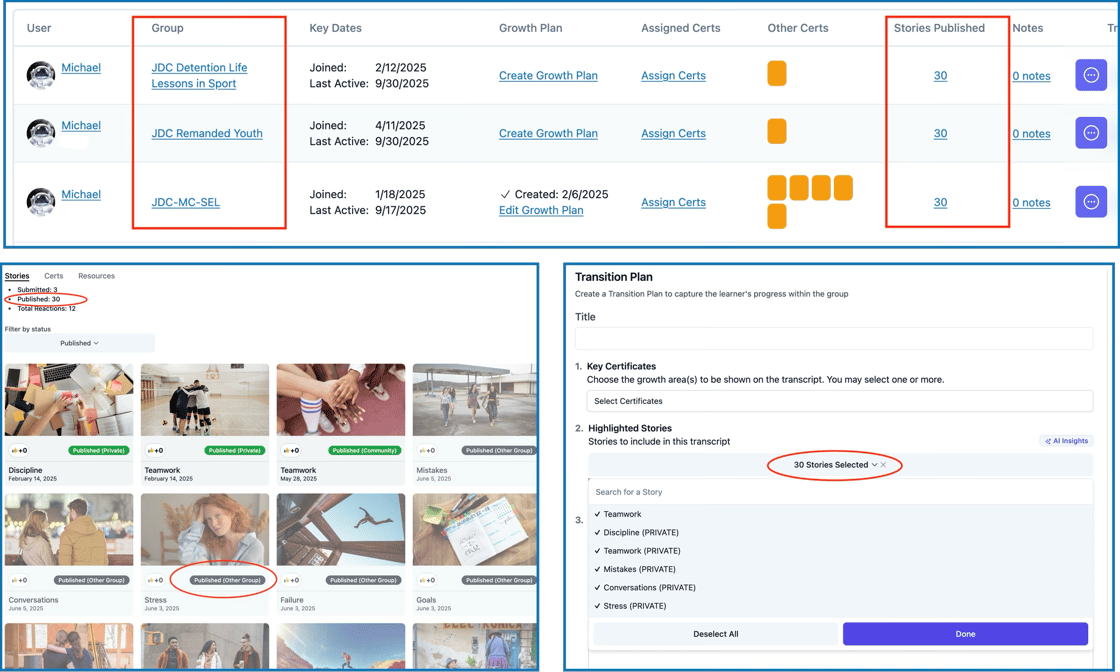
Published Stories: More Transparent Tracking
You can now see all published stories by a learner across groups within the same community.
The count in the User Table now reflects the total across all groups.
Story cards in the User Profile will be tagged as “Published (Other Group)” if outside the current group.
In Transition Plans, you can include any story from the user’s full history.
✅ This ensures you have a complete view of a learner’s growth and narrative—regardless of where it was published.
Multiple AI-Supported Check-In Forms
Need weekly check-ins, monthly reviews, or other recurring reflections? You can now create multiple types of AI-powered activities, tailored to your group’s needs.
Results are viewable in the dashboard
Share links just like surveys or intake
Fully customizable prompts
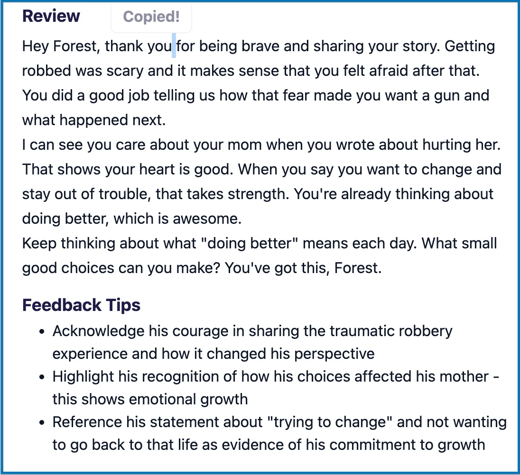
Simplified AI Reviewer Feedback
AI story reviews now use Grade 4 reading level—simpler, clearer, and more accessible for all learners.
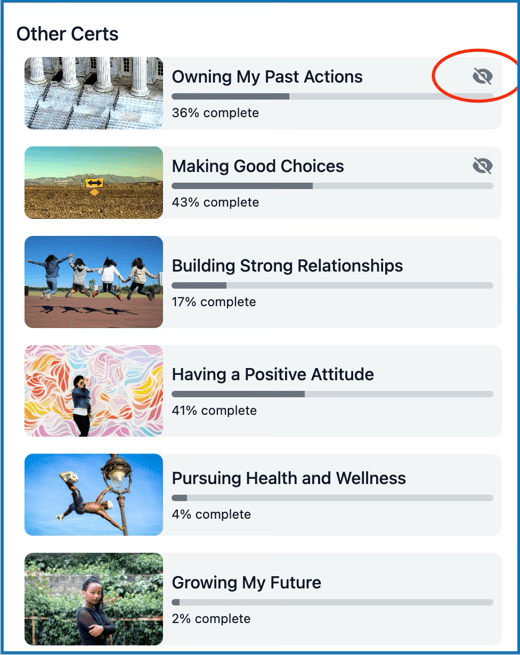
Certs That Were Made Inactive Still Show Progress
If a learner made progress on a cert before it was set as inactive, group leaders will still be able to view it (with an “invisible” icon to indicate it’s hidden from the learner).
Better Cert Tracking for Archived Users
Certificates with progress or completion now remain visible even when the user is archived.
Certs progress are visible in both the Users table and User Profile page.
Completed certs remain downloadable.
Reassignment of certs is automatic when the user is unarchived.
WCAG Accessibility Enhancements
We've adjusted fonts sizes and color contrasts across the Learner App to improve readability, making it easier to navigate and meet WCAG guidelines.
New Address Field for User Profiles
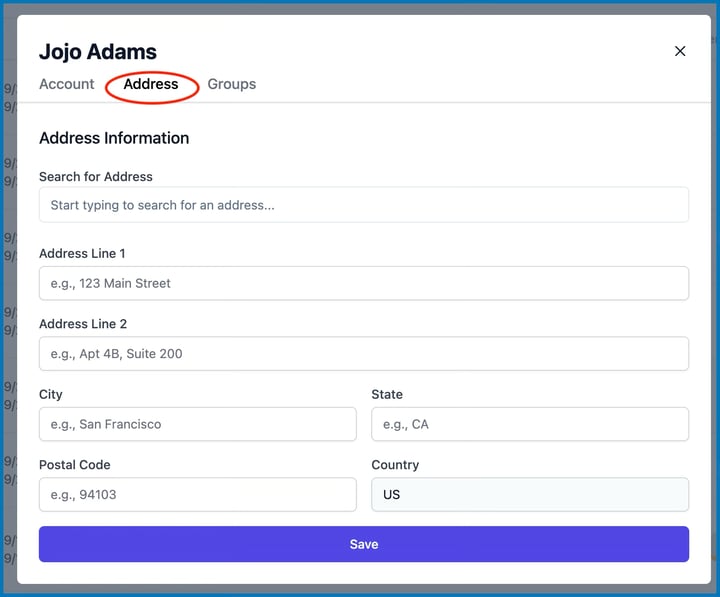
You can now store a member’s address in their profile—complete with a map link for quick location access.
Upload a Profile Photo
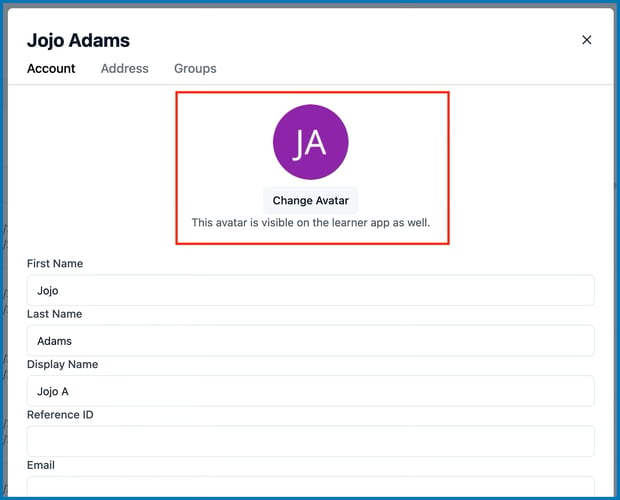
Make learner profiles more personal and recognizable with the new Change Avatar feature, available right from the Champion Dashboard.
September 2025
Record Audio Directly in Notes
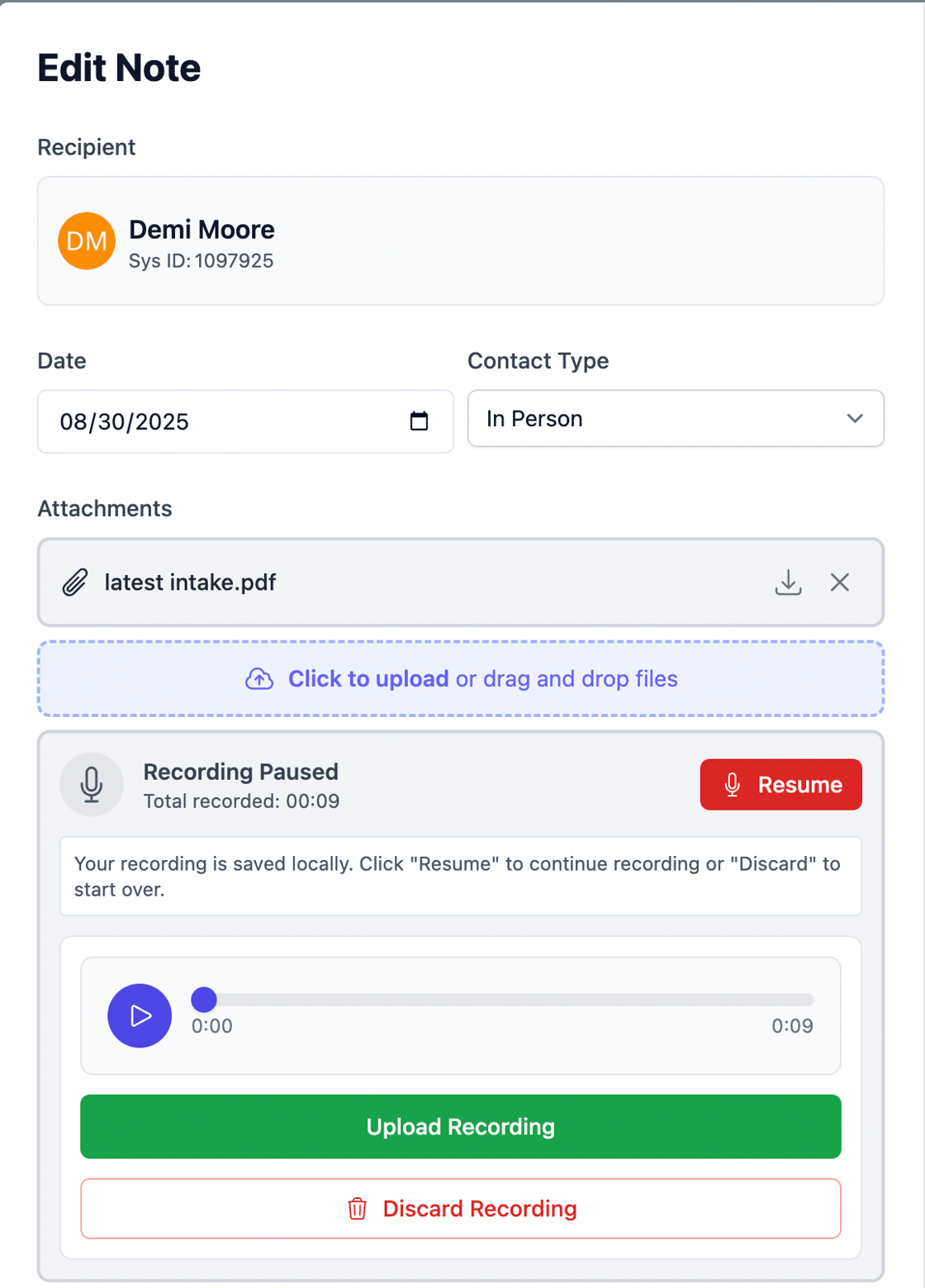
No more switching apps! You can now record conversations or upload recordings directly inside Notes—perfect for check-ins, interviews, and on-the-go reflections. ✅ Pause, Resume, Playback recordings ✅ Directly upload and auto-generate a transcript ✅ Recordings are saved locally and can continue recording even when your internet drops!
Simplified Certs Tracking and Download
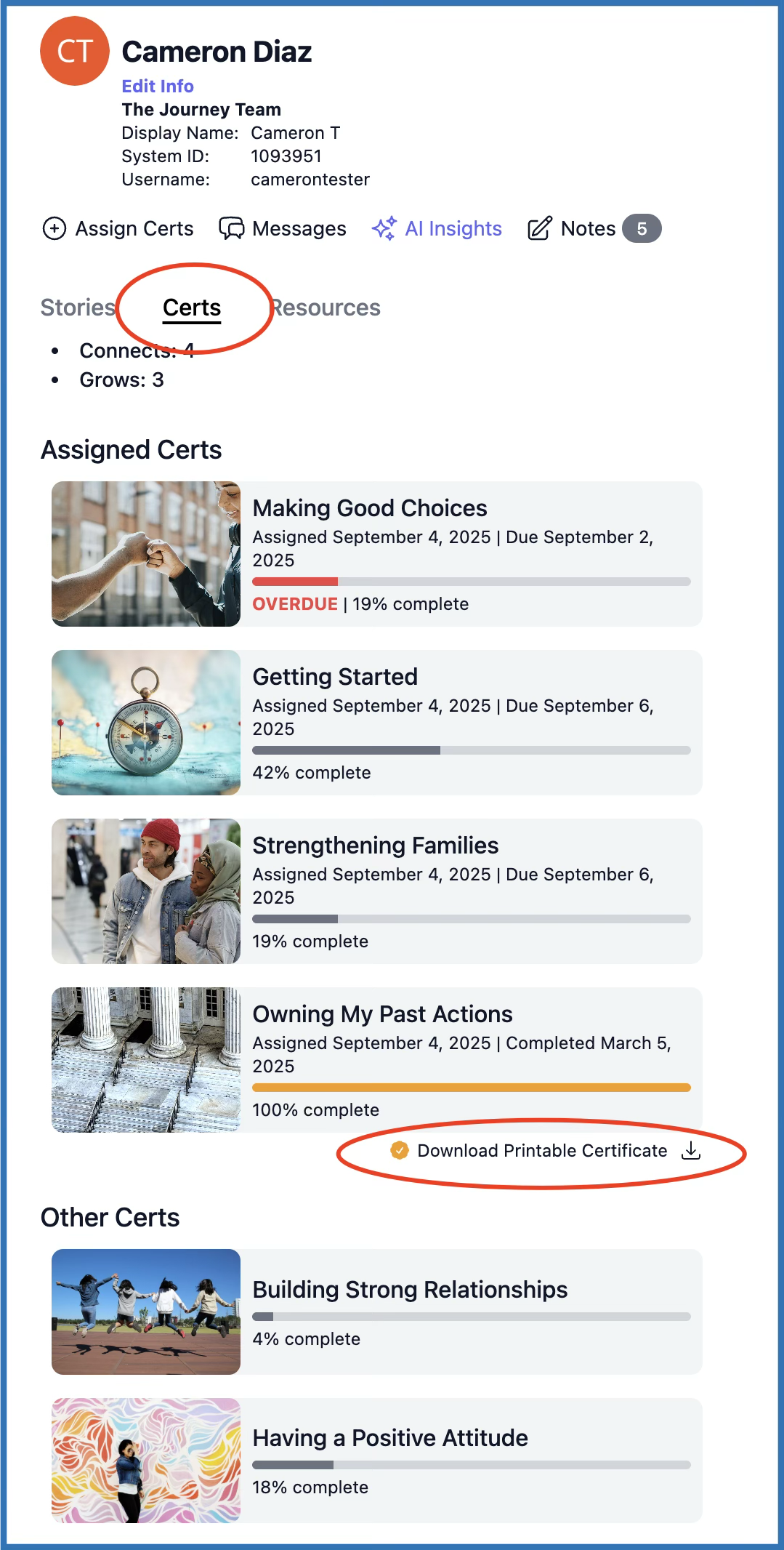
You can now view your members' progress and download completed certificates from the same place, straight from the User Profile - Certs section. No need to jump to the Resources section. Just tap the download button next to each completed cert (100% progress only).
Autosave for Stories
Stories are now automatically saved every few seconds, reducing the risk of losing story progress due to intermittent connection or device crashing.
August 2025
Growth Plan Updates
Plan Versioning for Growth & Transition Plans
Editing a published plan now automatically creates a new version, while older versions remain visible but read-only.
Key things to know:
A dropdown appears above the plan title showing all versions
Older versions stay accessible but can’t be edited
Prevents duplicate entries in the Plans list
If you want a completely separate plan, you can still start from scratch.
Add Sub-Activities to Your Plans
You can now break down larger goals into smaller, trackable steps using sub-activities inside the Additional Goals and Activities section.
Each sub-activity includes a description, optional due date, and completion marker — perfect for clarifying expectations.
Cleaner, More Intuitive Layout
The Growth Plan now follows a more logical flow — with “Additional Goals & Activities” moved right after “Key Certificates.”
This helps Champions and learners stay aligned on the most important parts of a plan.
Notes Just Got More Powerful
Download Files Directly from Notes
No more digging for attachments! Download any uploaded file directly with one click — all from inside the note.
❌ Delete Files in Notes
You can now easily remove an attachment before saving a note using the new “X” icon.
Enhancements to Notes
Upload Multiple Files
You can now upload multiple files at once when building a Growth Plan. This makes it easier to provide additional context and resources for AI-assisted plan generation.
Leverage learner insights directly in your planning process by including Notes, such as intakes, past session summaries, or other relevant information, within the Growth Plan Builder.
Quick Steps in Building AI-Generated Plans with Multiple Files and Notes:
In the Champion Dashboard, go to the Plans tab or click "Create Growth Plan" link to go to the plan builder:
Add Files: Upload one or more files by clicking the blue button or drag and drop the files into the box.
Include Notes: Select the button under Include Notes to view all notes created for the learner.
Additional Context: Provide additional instructions or any other data for the AI to consider when generating the plan.
(Optional) Select 'Save as Note' to retain all attached files as a new note.
Click Build Growth Plan with AI to start generating the plan.
July 2025
Smarter Certificate Selector Tool
You’ll now see a dropdown menu next to each certificate when assigning them to learners, with three visibility settings:
Inactive – Learners won’t see this certificate at all
Available – Learners can see it, but it's not required
Assigned – Just like before, required and may have a due date
Assigned certificates continue to function the same way — learners must complete them, and deadlines still apply where set.
This new visibility logic also applies when you’re creating Growth and Transition Plans.
This means learners only see what matters right now — making their experience clearer and more focused.
❗️Changing the certificate selection from this tool will immediately reflect on the learner's side and to new plans but not to those that were previously published.
Unified Certificate Selector in Plans
We’ve enhanced the certificate selection interface when building Growth or Transition Plans — and it now matches what you see when assigning certificates directly.
Here’s what’s new:
Choose whether each certificate is Assigned, Available, or Inactive
✅ To include a certificate in the plan, simply:
Check “Include in plan” box
Set it to Assigned (required) or Available (optional)
Inactive certificates will remain hidden and cannot be included
Enhanced Printable Plan Layout
The printable version of each plan now separates certificates into Required and Optional — helping everyone stay aligned on expectations and next steps.
❗️Changes made to the certs selection will only reflect on the learner's side upon publishing the plan.
Quick & Easy Invite Resends
You can now resend an invite link directly from the user's profile on the Users page in your Champion Dashboard.
On the Edit window, just click "Resend Invite Link"
Choose to send to their email or phone number.
A secure "Welcome to Journey.do" email or SMS is sent with a single Sign In button to let them into the app where they will immediately be asked to set up a new password.
This helps your team respond quickly when learners forget their login or lose access.
March 2025
User-scoped Progress
Automatic Progress Syncing: If you belong to multiple groups that share the same modules and/or certificates, your earned credits (from reacting to stories, completing grows, and publishing stories) will now automatically reflect across all relevant groups—no need to repeat the same activities!
Seamless Group Transitions: If you complete certificates, modules, and activities in one group and later move or are added to another, your completed progress will be reflected in the new group automatically, eliminating the need for manual transfers.
Story Publishing Improvements
Stories accepted and published in one group will automatically appear as the same in other groups within the same community.
Author will still have control to revoke the story if they want to revise or submit a new version.
If groups are in different communities (e.g., one detention group and one probation group), author will still receive credit for publishing the story, but it will remain visible only in the original group. Author can choose to resubmit or create a new one.
Easy Access to Parent-Level Groups and Subpages
Group Leaders and Managers now have a clearer and more efficient way to navigate between groups, organizations, and affiliations.
In the Groups tab of the Champion app, a breadcrumb trail above the group name will display the hierarchy: Affiliation > Organization > Group.
On every group card, there is now a dropdown menu to access the members page, settings, and invites page.
February 2025
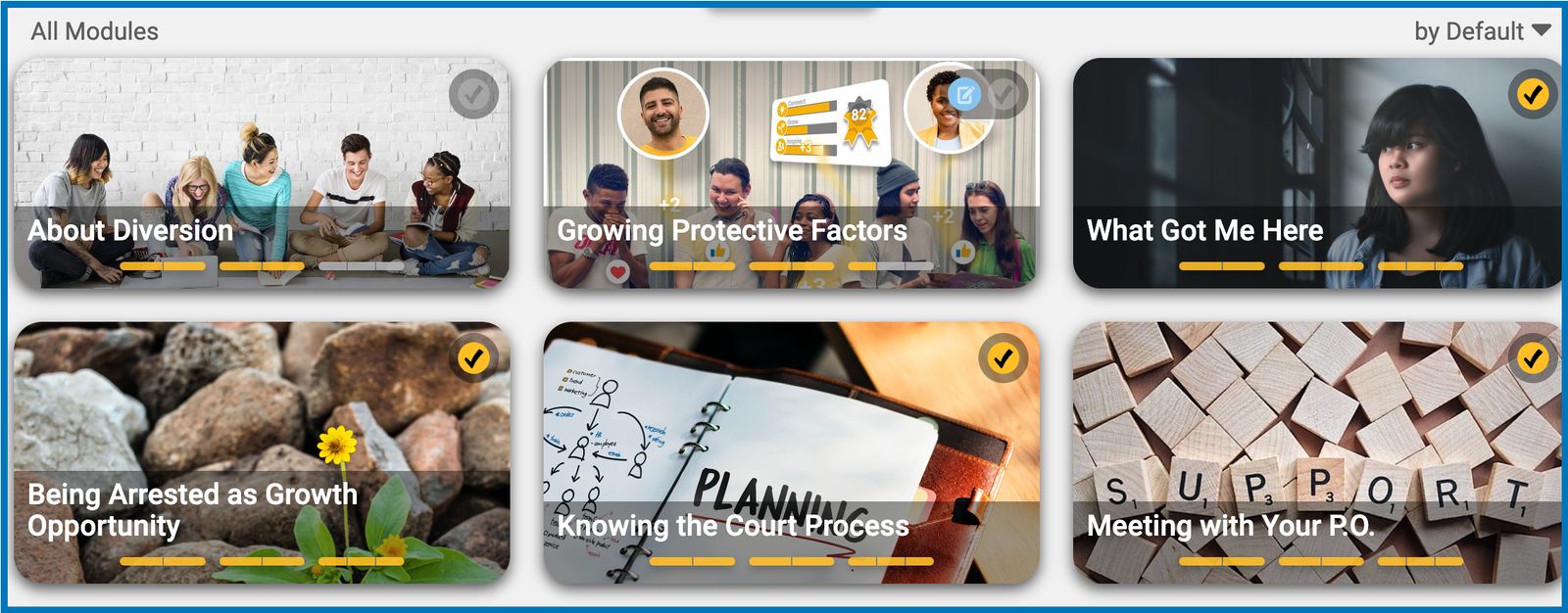
Introducing Module Progress Indicators in Certificates!
We’ve added a new feature to make it easier to track users' progress toward earning certificates.
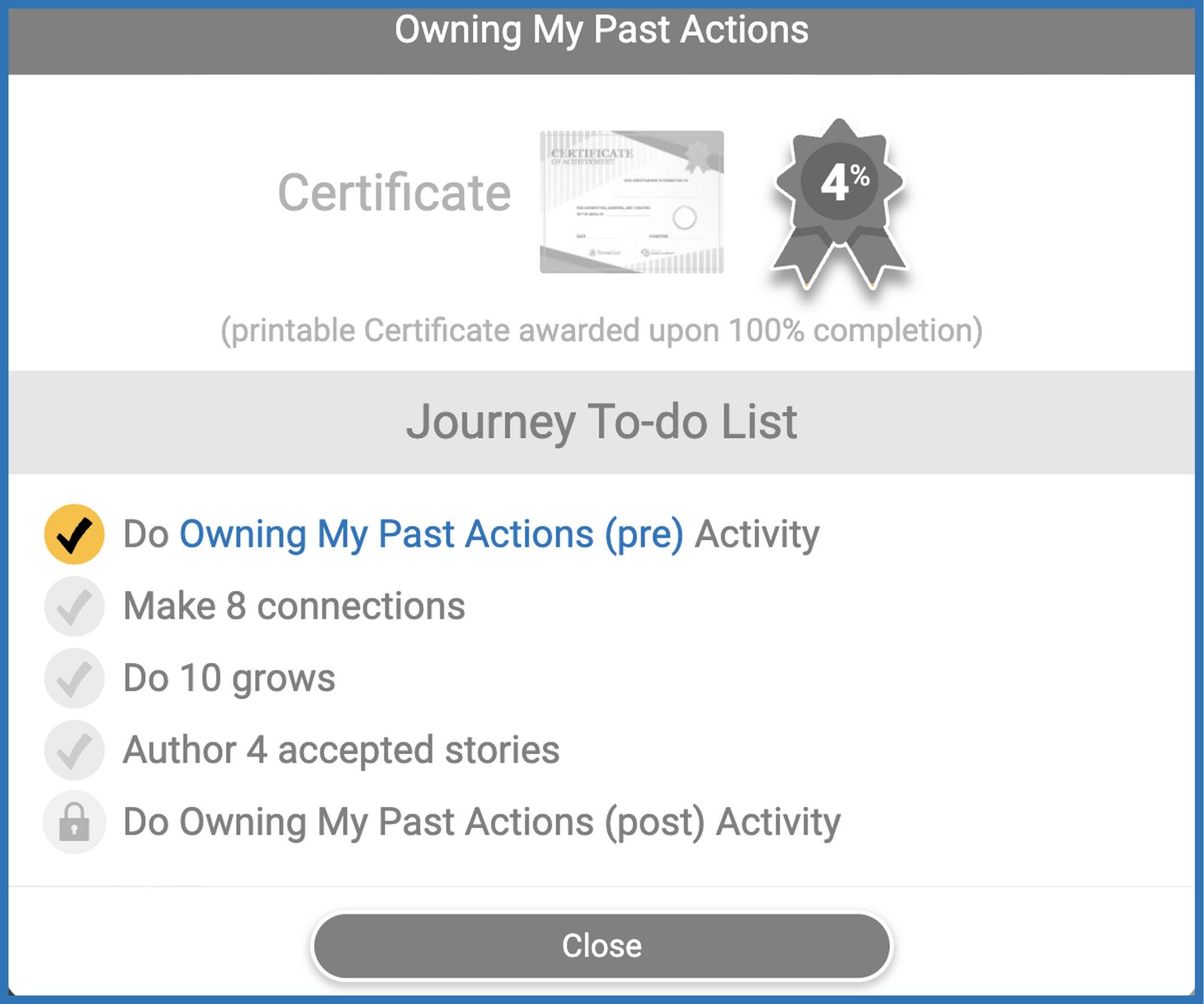
In every Certificate To-Do list, you’ll now see the titles of all modules included in the certificate. You can click on any module title to go directly to that module's page.
Next to each title, you’ll find three progress bars:
Left bar: Tracks the required "Connects" with other stories.
Middle bar: Indicates your completion of the "Grow Activity."
Right bar: Represents your published "Story"
The bars will turn yellow as you complete each activity. When all three bars for a module turn yellow, it will be marked as completed and automatically checked off your to-do list.
Dynamic Module Activity Button
We’ve made enhancements to the module navigation button to help make the module completion flow more intuitive and efficient.
At the bottom of any page within a module (Connect, Grow, or Apply), you’ll see the same module card displaying your current progress and the blue button. But this time, the button label automatically updates to guide you through the next required activity in the module. Here's how it works. It will show:
"Connect to Module Stories": When it's time to explore stories.
"Do Module Activities": When grows need to be completed.
"Author Your Story": When it’s time to create your story.
"Waiting for Story Review": When your story is under review.
"Revise Your Story": When your story was returned and need to make changes.
Once all requirements are complete, the button reverts to its default label: "View Module."
Send Survey Links with Ease
Champions can now effortlessly send pre-survey and post-survey links to all users, regardless of their status in the group (active or archived).
Here’s how it works:
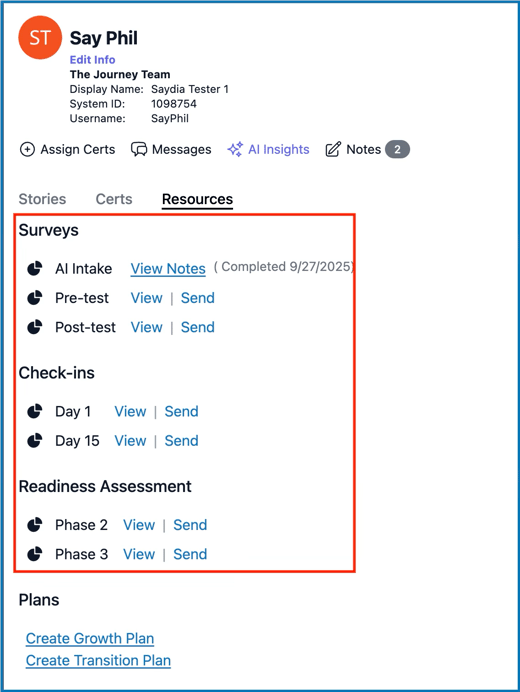
In the Champion app, navigate to the Users tab and select a user profile.
Go to the Resources tab, where you’ll find options for Pre-test and/or Post-test surveys.
Use the "View" and "Send" links to access and share the survey.
Surveys can be sent via email or text message, and recipients do not need to log in to the app to complete them.
January 2025
Simple Changes Around the Champion Dashboard
On the Champion app, the "People" tab has been renamed to "Users".
On the same page, you will see a new "Action" menu button which gives you the options to either:
Add User to Group - search for an existing user to add to the groups, or
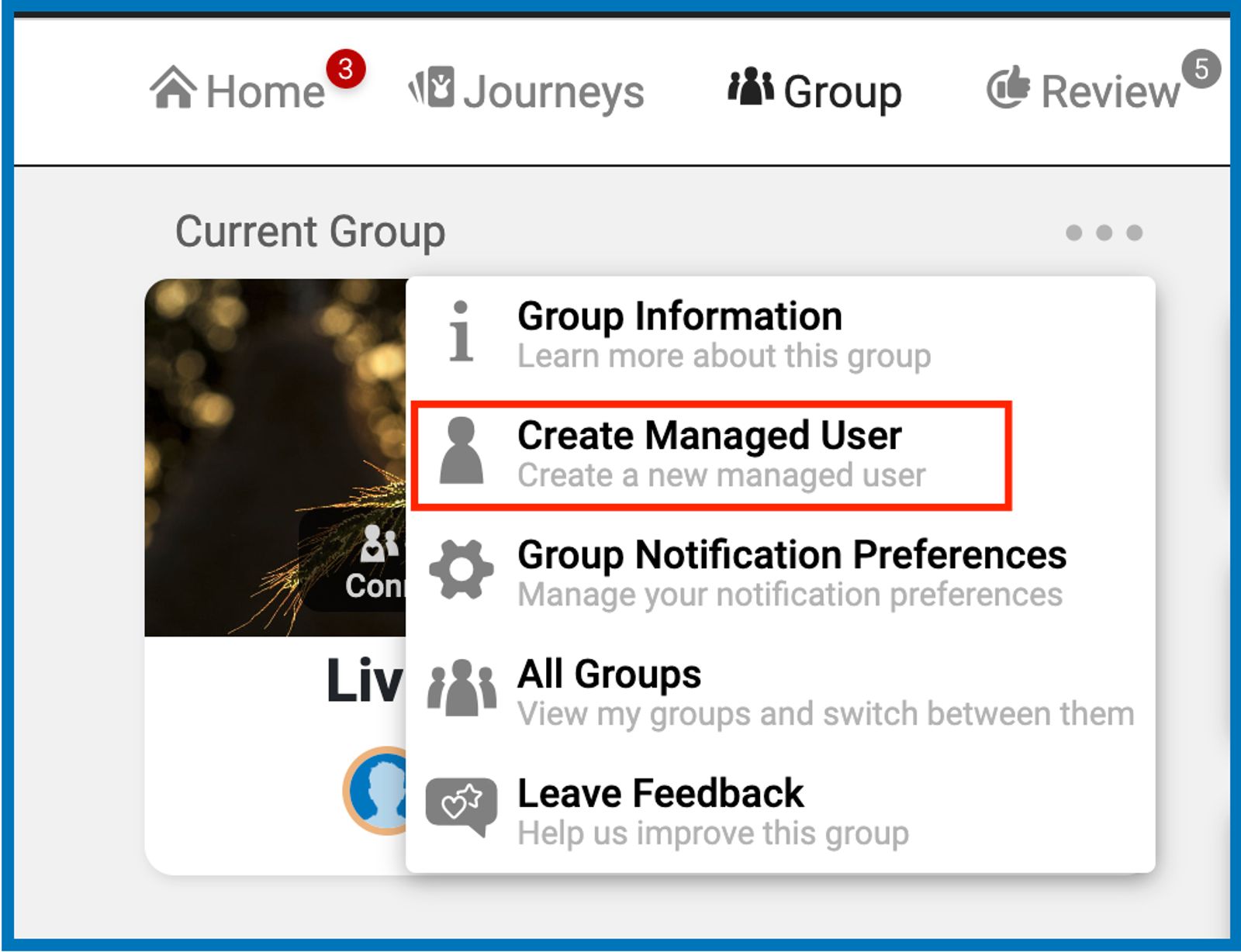
Create New User - create new account for members or leaders.
Improved User-Group Management Interface
A redesigned Edit User window now features:
Account Tab: Displays registered user data and login details.
Groups Tab: Enables leaders and managers to view and manage user group memberships, roles, and join dates.
A dedicated tab for the Authenticator Code for users with 2FA is enabled.
Better User Filtering and Status Visibility
Active and archived users can now be filtered, with archived entries highlighted in yellow for easy identification.
Archived dates are now displayed for better historical tracking.
Displaying Multiple Reviewers in a Submission
Champions and Reviewers can now see when another reviewer is also looking at the same story submission.
Certs Status Tags and Color-coding
When certs are assigned, they are tagged and color-coded as follows:
48+ hours away from due date: Assigned (in blue). + due date
Less than 48 hours from due date: Due Soon (in orange) + due date
Past the due date: Overdue (in red) + due date
Completed: Completed (in yellow) + completion date
December 2024
Home Page Enhancements
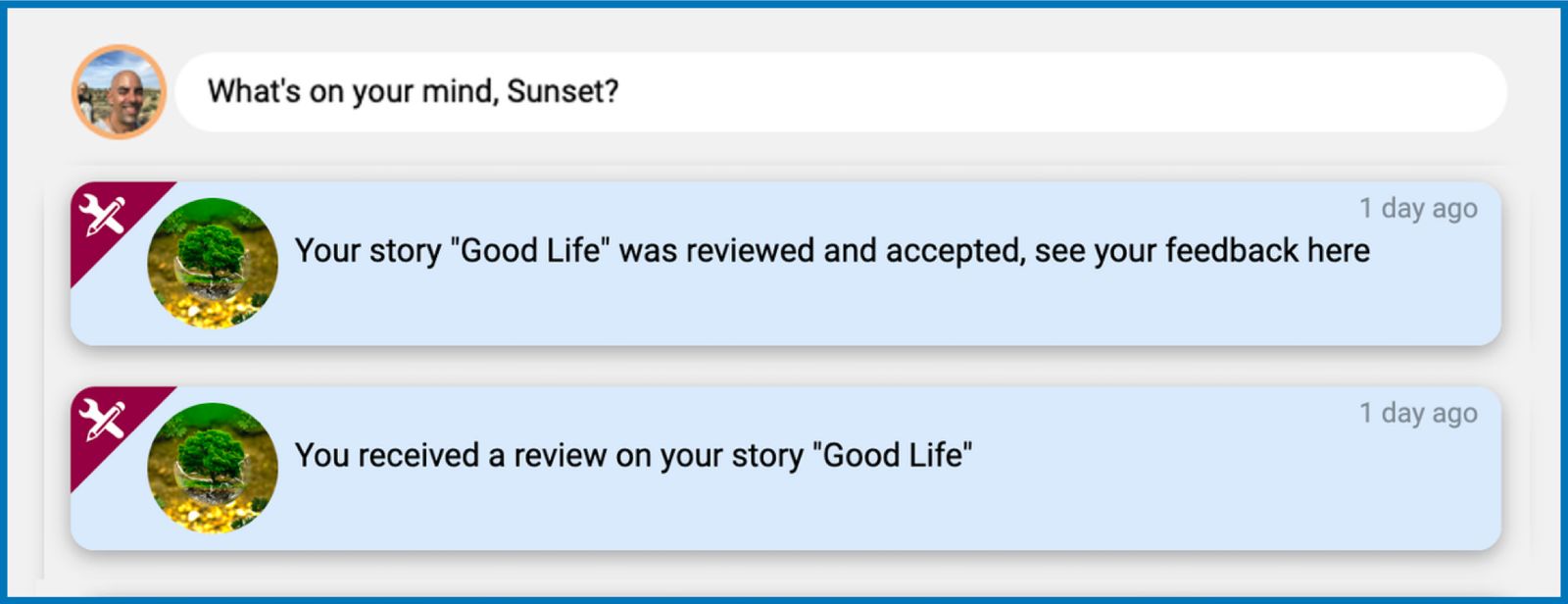
Personalized Notifications: The “Recent Activity” section is now “My Notifications,” showcasing your two most recent activities with a personal touch.
My Certificates Section: Replaces “Suggested Modules” with a view of up to two certificates, highlighting your progress and assigned certs. A congratulatory note will appear after completing at least one assigned certificate.
Simplified Certificate Navigation: The closed-certificate card now shows only the next required task for easy access, linking the user directly to the activity page.
Certificates Page
The “Modules” tab is now renamed “Certificates.”
The open-certificate card highlights the "To-do List" and the "Next Task" buttons.
Cert criteria are now centered on completing modules rather than separate criteria for connects, grows, and stories.
Group Page Updates
The ability to create Posts has been moved from the Home page to the Group page.
All published posts within the group can now be viewed by using the "Post Published" filter.
The section for group stats has been removed for non-leaders.
Review Page Removal
Story reviews will now be conducted exclusively through the Champion app, streamlining this process for group leaders and reviewers.
Refined Group Stats
“Grows Completed” count is reintroduced to the group stats overview.
Stats now reflect only non-leader activities, ensuring accuracy and clarity.
Active User count is now based on the first login instead of activity engagement for better tracking.
October 2024
Navigation Changes Around the Learner App
The Journeys tab has been renamed to "Modules". It still displays all Modules available within each Certificate.
There are now easier navigations within the Module, as you experience the Connect, Grow, and Apply flow.
The "Back" button takes you back to the page you came from.
The "View Module" button takes you to the Connect tab if viewing a specific story, Grow tab if doing a grow activity, and Apply tab if writing a story.
The "View Certificate" button takes you to the full certificate view.
We also linked the certificate name on the module's cover image.
New Alerts Icon
We added a 🔔 bell icon to indicate new alerts and notifications. This replaces the old "View Notifications" button in the Learner app.
Default Profile Image
Profiles without an avatar or their own display photo now have their initials on a random-colored background as their default profile photo.
August 2024
Create New User and Send Invite Flow
We enhanced our existing feature in creating a new user account by adding the following sub-features:
Access to Learner app or Champion Dashboard: When creating a new user account, leaders and managers can now choose to give the user an access to either Learner app for members or Champion Dashboard for leaders and managers.
Adding to Multiple Groups: Each new user may now be added to more than one group at a time by selecting multiple groups on the dropdown.
Non-managed and Managed Users: Under the Learner app section, user accounts may be created as either regular user or managed user. If you wish to make it a managed user, check the box for "Manage this user's account information". Otherwise, leave it unchecked.
Leader and Manager Accounts: Under the Champion Dashboard section, you can choose to create an account for a Leader or a Manager and select the group(s) they will be in.
Send an Invite: Conveniently send and resend an invite to the new user via email or text message which contains their unique sign-in link to the learner or champion app.
Create Invite Links
Group Leaders and Managers can now create invite links for their groups within the Champion Dashboard app.
Within the group details page, we added an "Invites" section which displays all the invite codes that were created for the group with each invite code containing the list of users who redeemed the invite.
To create a new invite code, click on the New Invite Code button. Choose to create a random code or customize one. An expiration date may be set as well as a limit to the number of redemptions allowed.
Send Messages from Champion Dashboard
In the Champion Dashboard left navigation menu, you will see a new tab for "Messages" which allows you to navigate to the Messages section in the Learner app to view previous messages and create new ones.
You can also directly message a member by going to their User Profile > Messages section.
July 2024
New Search Filters in the Plans Tab
To make searching for plans more efficient, we added new search options and filters in the plans tab. You can now search and filter the results by the member's name, plan creator's name, or plan type (growth or transition).
To edit a plan, you may now click directly on the plan title to make changes.
Showing Certs Progress on Assigned Certs
Easily track your members' completion progress on both of their assigned and unassigned certs by going to the People tab > Member's Profile > Certs section.
Enhancements within the User Profile Page
When viewing your member's profile, the profile page now showcases all available identifying data of the member (name, username, email address, reference ID, system ID, and group name).
The Edit Info link was also added below the member's name for easier navigation.
Member's Post-Survey Result is also now accessible by going to the Resources section within the profile page.
Set User's Role Upon Adding to Group
Group Managers can now set a member as either a Leader or Manager when adding that person to a group.
Note that for non-managers, the checkboxes for roles are only shown with the Member role being checked by default but Leader and Manager roles are grayed out.
Manage Group Details & Settings
From the Groups tab, group Leaders can now click on a specific group to access the details and settings of the group. You can do this by clicking on the group card!
Manage Existing Members within the Group Details page, similar to how you do in the People tab but the list is now scoped to the group that you selected.
Adjust Settings such as parent group, assigned library, and permission to basic features like commenting, posting to feed, and messaging.
Note: Only leaders with Manager rights can make changes to the settings in this section.
Add Person to the Group by clicking on the Add Person button. Search for a person's profile using either the name, username, user id, or reference id and easily add to the group.
New Layout of Highlighted Stories in Transition Plans
Highlighted Stories are now laid out better on the document with no unnecessary spaces between each story helping us save on paper prints!
Transfer Members and Their Progress
This feature can now be accessed through the Champion app's People Tab > Member Profile > Group detail section. Conveniently move your member from one group to another without losing their earned credits, previous progress, and stories.
Managing Roles and Permissions
We changed the way roles and permissions work in groups where each person may now have a different role in every group they are in, which would also determine the network of groups they would have access to as well as permissions/restrictions that they would have in those groups.
The current set of roles are:
Manager: highest role and has access to most features and capabilities in the Champion app.
Leader: directly facilitates activities within their groups and right vary depending on the parent groups they are in.
Member: can only access groups they are a member in with basic permissions and some restrictions may also be applied.
Managers and Leaders may access this feature in the People tab > Edit section > Permissions tab.
Auto-save your review!
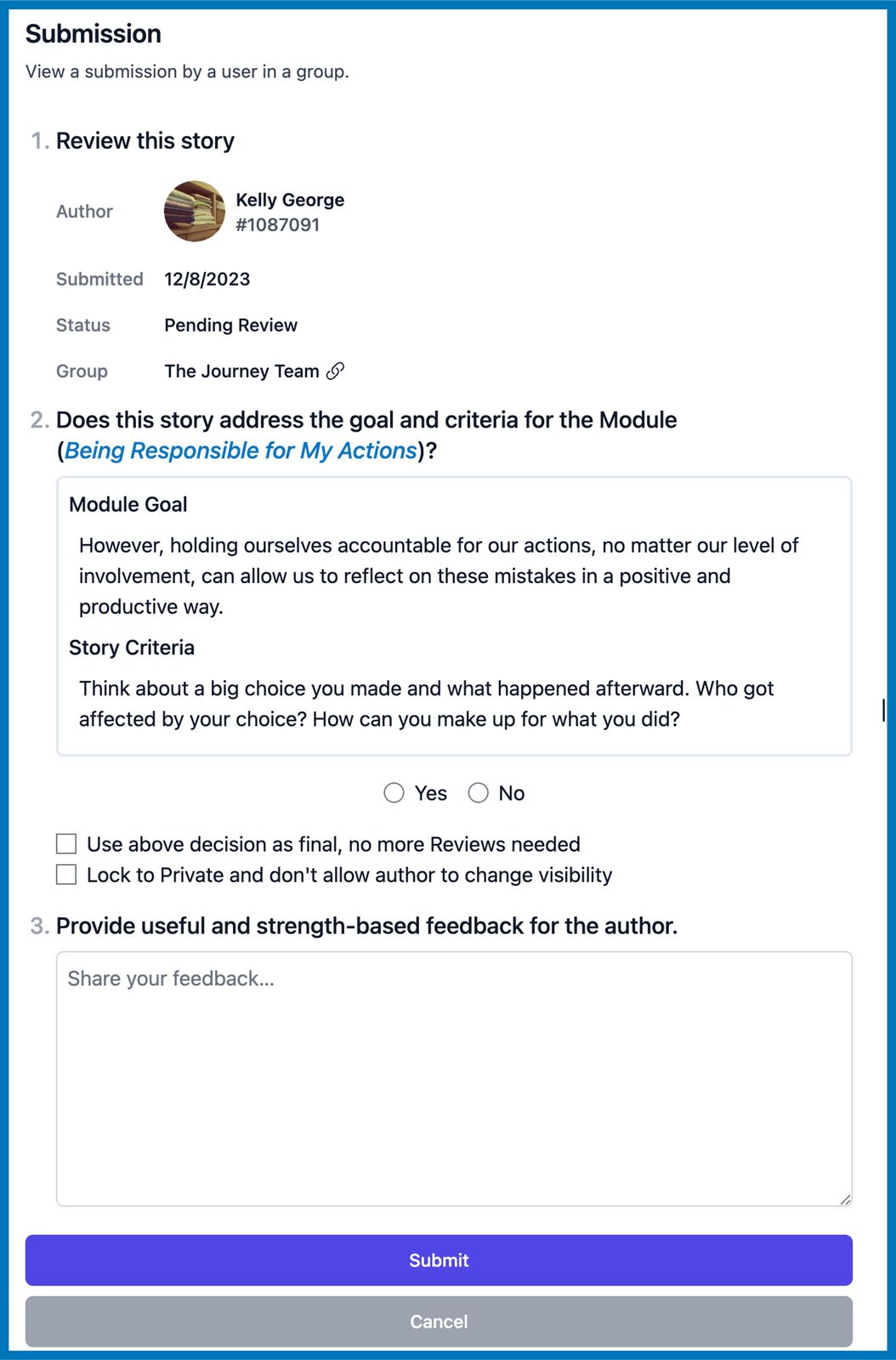
When reviewing stories from the Champion app, your feedback is now being saved automatically reducing any chances of losing them. It will also now require you to select either a Yes or No before the review can be submitted.
June 2024
New Confirmation Checkboxes When Submitting Stories
When submitting their stories, members are now required to check the two checkboxes to acknowledge that: (1) The story meets the module goal and story criteria, and (2) The story is their own and was not copied from anyone or AI.
Improved Tables in the Champion app with the use of a Sticky Action Button
We fixed some UI-related issues around the columns in the People tab and Plans tab and made the 'Action' button stick when scrolling the pages vertically. This makes the Edit menu more accessible without having to scroll all the way to the right side of the table, especially when on small-screen devices.
Ability to Add Self Upon Creating a New Group
When creating a new group, the group creators may now choose to add themselves to the group by checking the box for “Join this group after creation”.
Multiple Story Events on the Member Timeline
When a member submits and gets multiple stories accepted in a day, all story events are now going to show up on the member’s timeline.
May 2024
Create a New User Account
From the Champion app > People tab, facilitators can now click on the 'New Person' button at the upper-right corner of the page to create a new account for members.
On the Create New Account form, the group where the member will be added must be selected from the dropdown. The rest of the form must be filled with the member's data and account password.
We added a new checkbox for "Require password change upon login" which prompts the member to set a new password on the first successful login to the site.
New Navigation Tabs under Stories
To provide clarity in terms of the number of overdue stories, due soon, and pending, we added new tabs with corresponding colored number badges under Stories on the left navigation menu in the Champion app.
View a Member's History of Their Journey
In a Member's Profile you can view a detailed timeline with key events related to their activities within the app.
The timeline will reflect when they joined the group, each time they connect to stories, complete their grows, modules, and gain certs.
Additionally, it tracks a receipt of story submissions and approvals, growth and transition plans, and any communications from a group facilitator.
Improved Group Overview
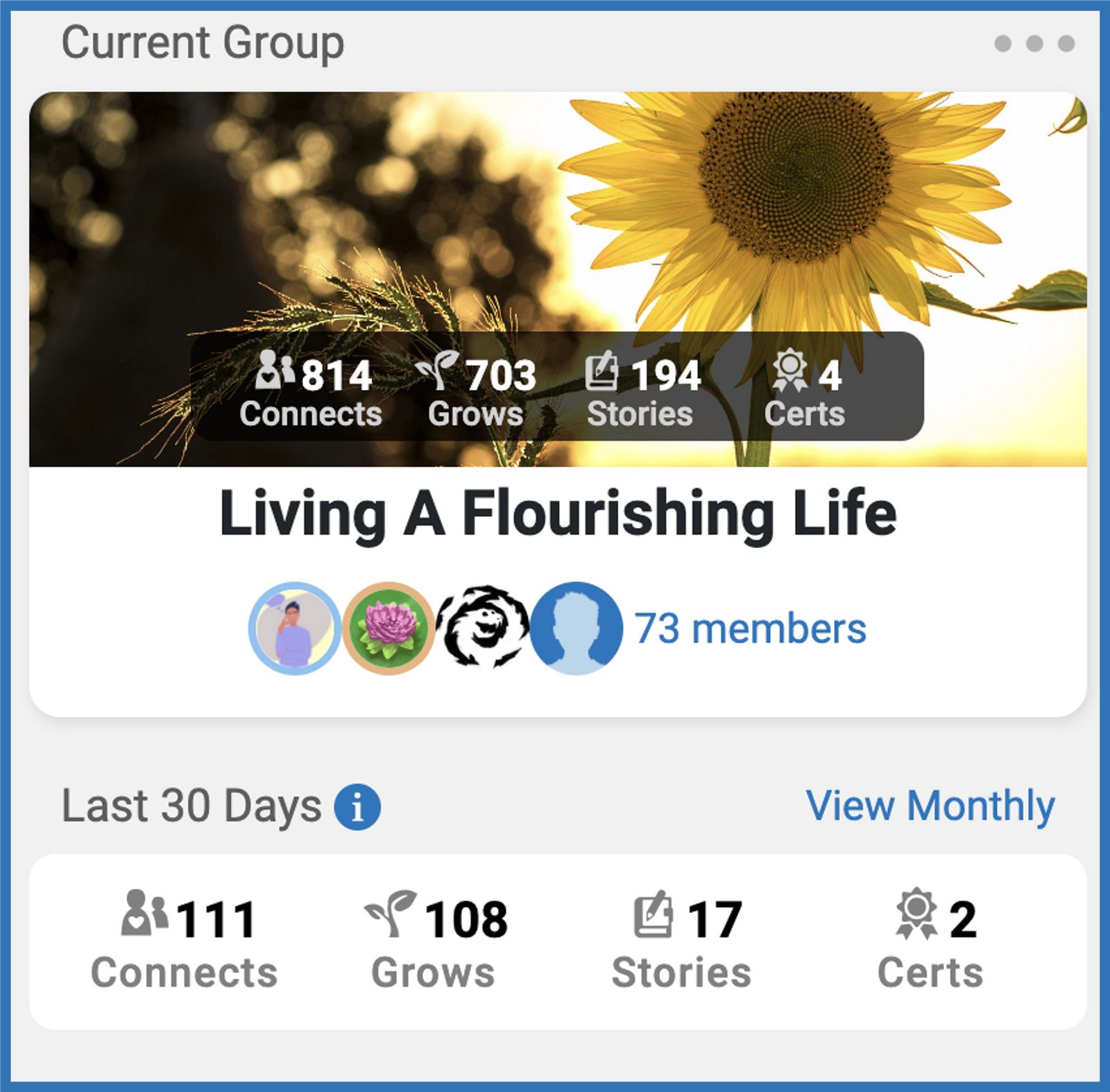
Group Cards have a new look with additional data on the group's activities spread over a 4-week heat map.
Each activity will reflect trends based on the past 30 days of data.
Critical metrics, such as members with overdue certificates, total overdue certificates, and pending story reviews, will also surface.
Language Updates to Transcripts
"Transcripts" has been renamed to "Plans"
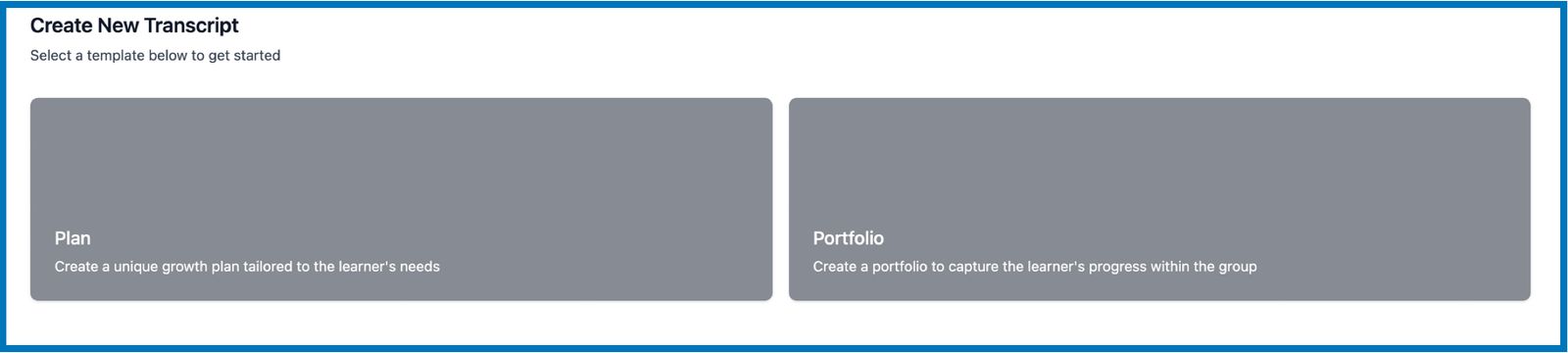
There are the two available templates (same as always) renamed as "Growth Plan" and "Transition Plan"
Growth Plans are used during the intake with a member.
Transition Plans are used during the outtake process with a member.
Note - Additionally, "Submissions" has been renamed to "Stories"
April 2024
View certificate progress for each member
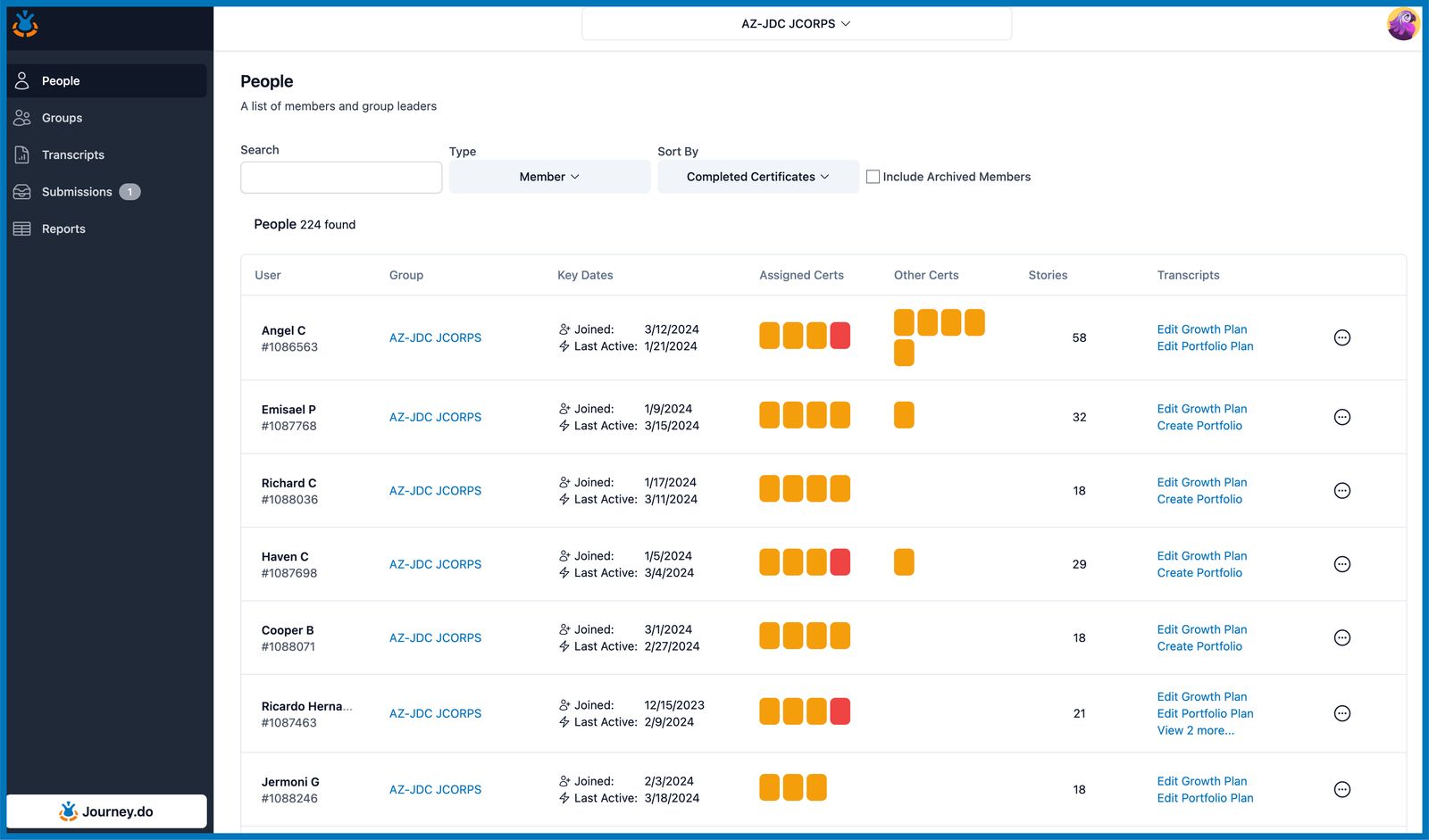
On the People tab, you can see overall cert progress on the assigned certs and other certs columns. Click on the indicator icons to see the specific progress score.
Direct links to assign certs and create transcripts
On the People tab, you can access direct links to assign certificates, create a growth plan and portfolio for easier access.
Create new groups
On the Groups tab, you can create a new group by clicking the 'create group' button top right. This will prompt you to fill out the group details for your members.
Private stories available in Portfolio
When creating portfolios, members’ private stories may now be included in the Story Highlights. Stories are tagged as “Private” on the story selector to distinguish them from the public ones.
People Tab
On the People tab users will be able to click into the Member’s profile, Groups, Stories, and Transcript assets (Growth Plan, Portfolio) from the dashboard.
Member Profiles
By clicking into a Members name from the People tab, users can view Member details, stories they have published, certs assigned and completed, and resources (pre/post survey results, growth plans, portfolios, and certificates) all in one location.
Groups Tab
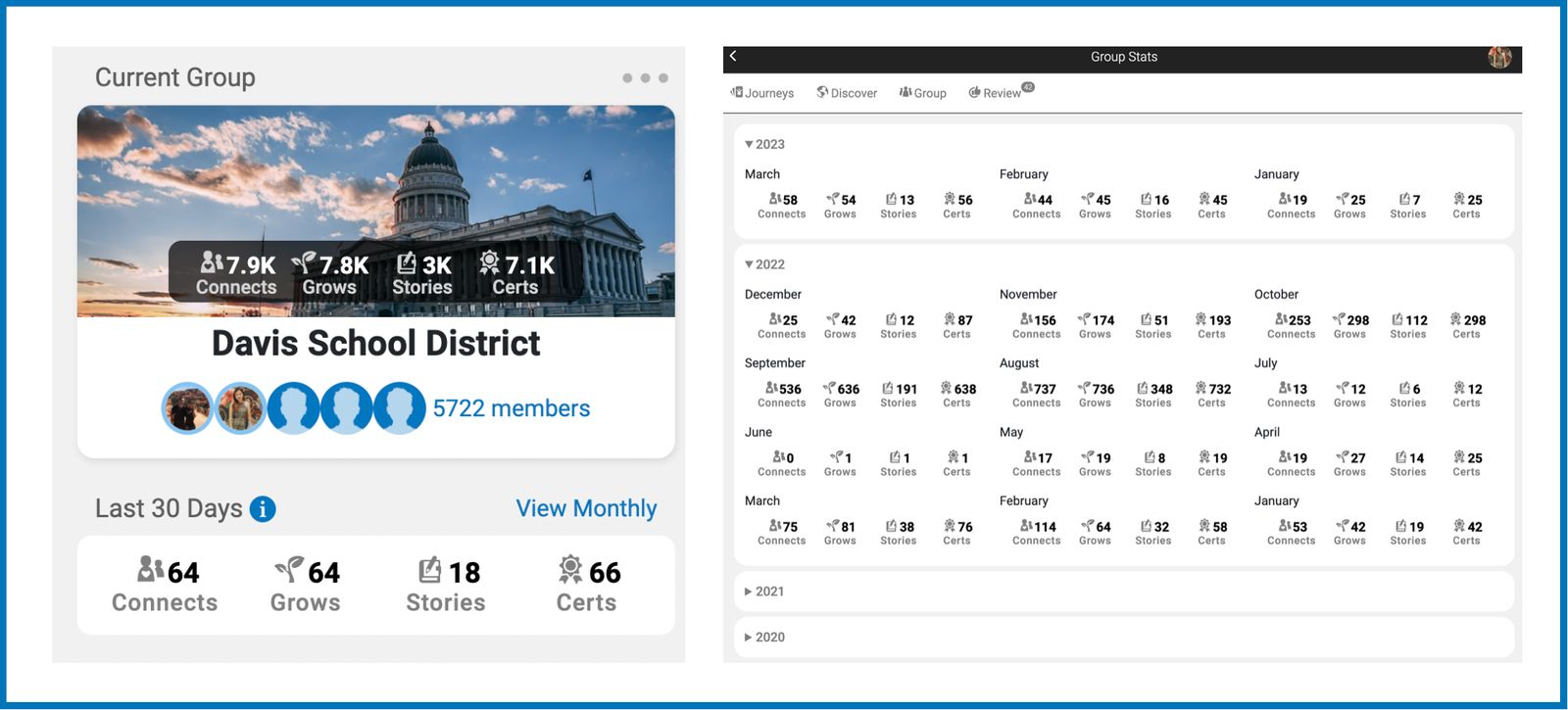
Users will see overview analytics across all the Groups they have permission to see. This data includes total users joined, active users, certs completed, stories published, and transcripts shared (portfolios completed). All data can be reviewed last 30 days, 90 days and All Time.
AI Beta Feature
Context: Our AI creates insights just for our customers. We designed it to quickly delete to keep things safe. We hope they help make coaching even better. This feature is in Beta! This means we are still learning how to optimize this feature and sometimes AI responses can be inappropriate or not truthful. We want to make sure Account success and product supports that they know they're a good match before sharing. It's all about keeping guidance safe and impactful.
Users will see a “AI Insights in the Profile of each member”
Clicking this button will show a summary of the Stories this user has submitted. this summary will include an overview, celebrations, challenges and actions to take.
March 2024
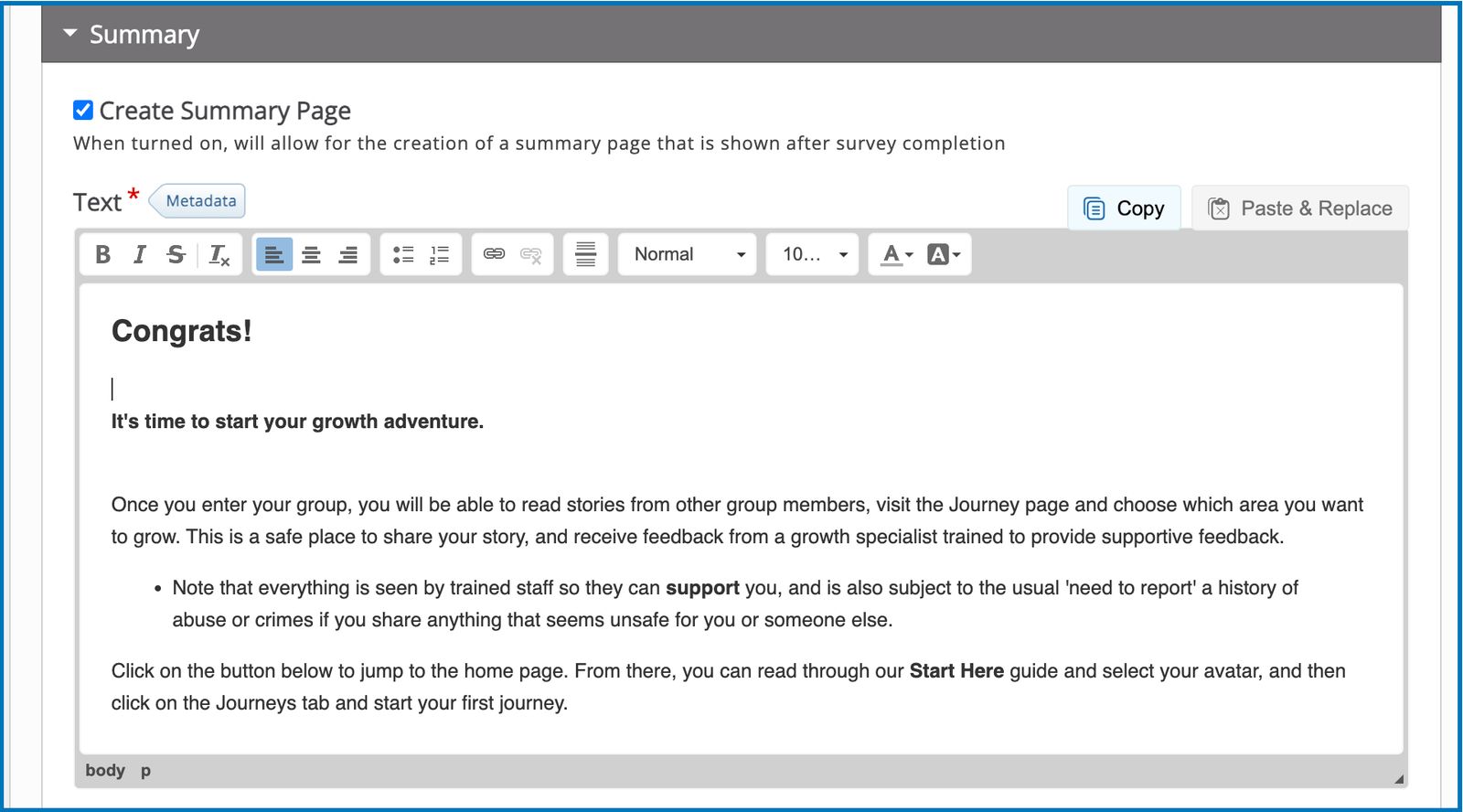
Likert Summary Page
When building Likerts for survey type activities, designers now have the option to add a Summary Page under the Create a Summary section.
Managing Members via the New People Tab
The Home tab has been replaced with a new People Tab. This dedicated space showcases group members' info, their assigned certificates with specific color references to completed ones and overdue, number of published stories, and links to create or edit transcripts, all in one place.
Create/Edit Growth Plan and Portfolio links are made available on the People tab to make it more convenient for Champions to create plans and portfolios for specific members.
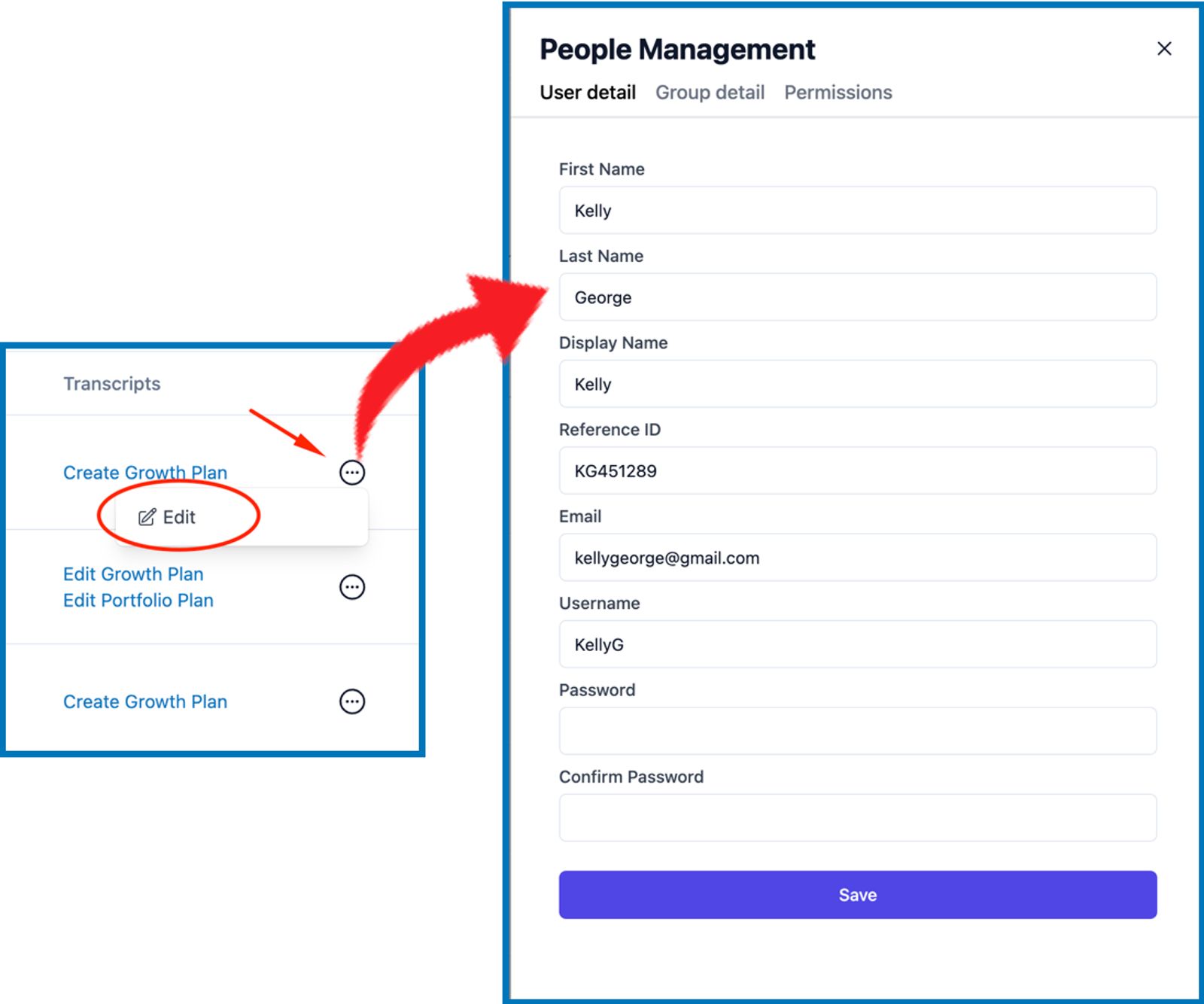
Champions can now quickly access and update user details, group assignments, and permissions by just clicking on the Edit button.
Submissions Tab Revamped
We have redesigned the Submissions tab by dividing it into two sub-tabs:
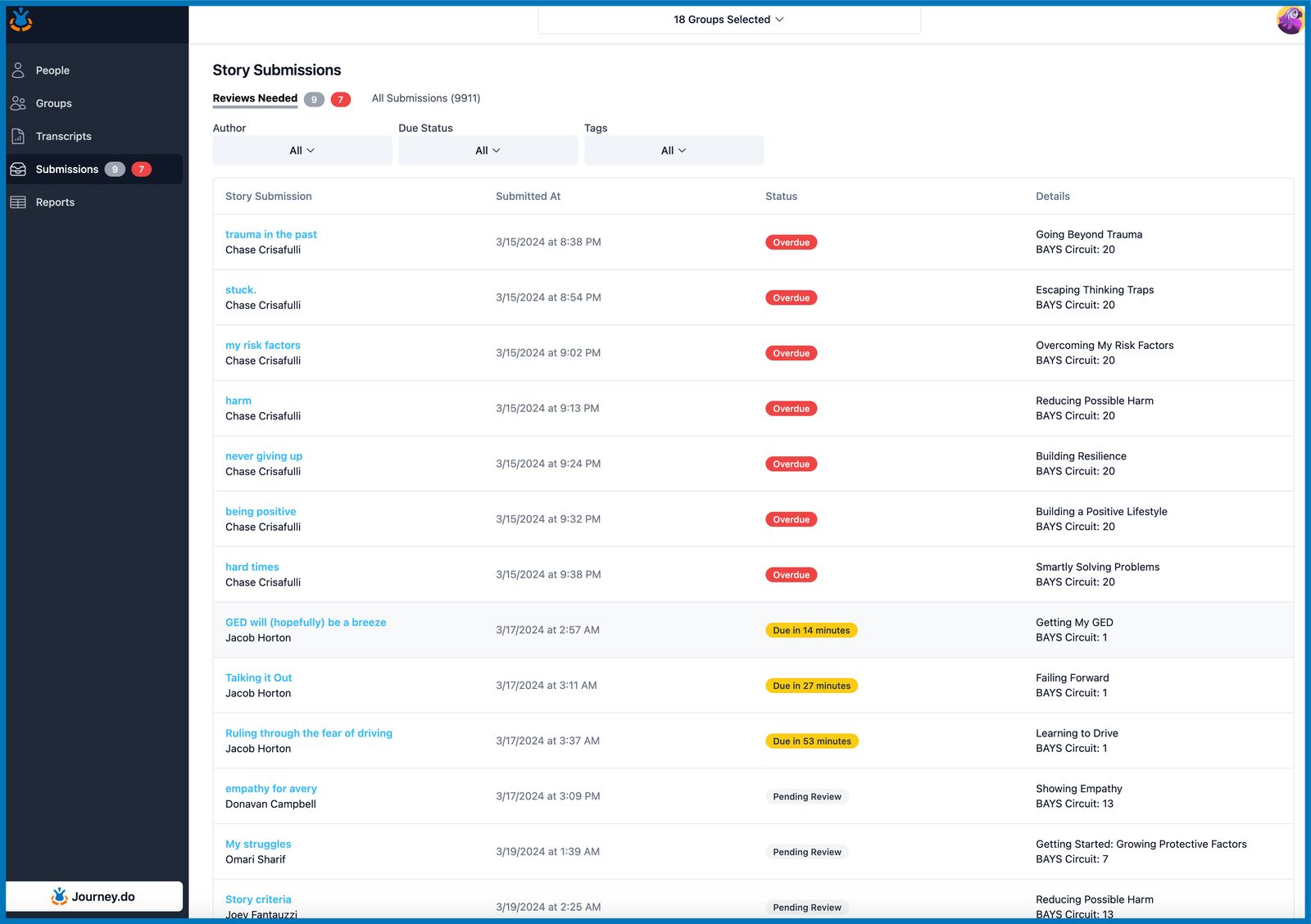
Reviews Needed sub-tab prioritizes stories awaiting feedback. Filters have been added to help quickly identify stories that are overdue, due soon, or pending.
All Submissions sub-tab provides a comprehensive view of all stories submitted and each of their status.
Displaying author’s reactions and comments on reviewer’s feedback
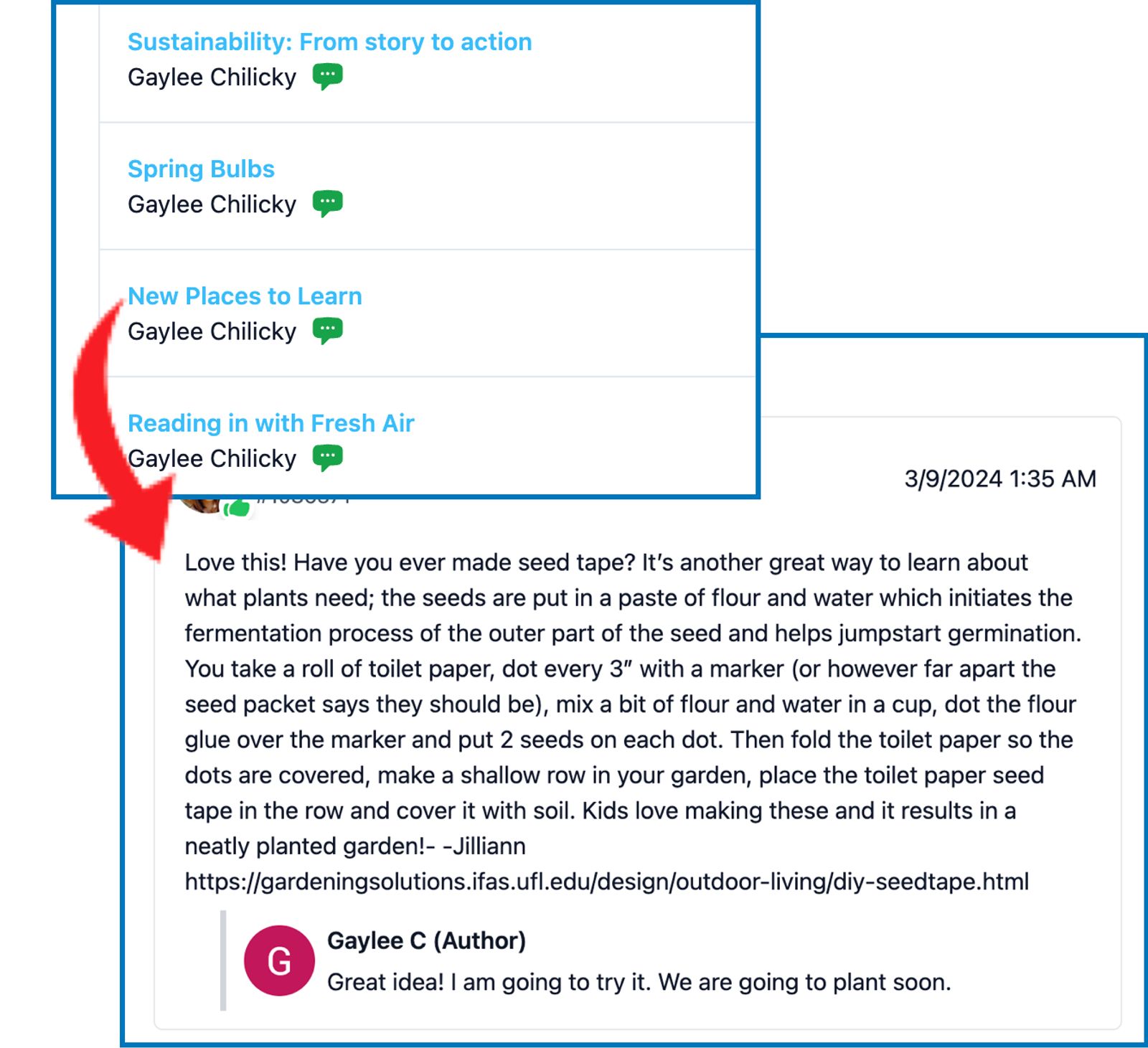
Story submission reviews that have received a reaction and/or comment from the story author are marked with the green chat bubble icon beside the name of the author. The actual reaction or comment can be viewed upon opening the submission by clicking on the title in blue.
Story Tagging
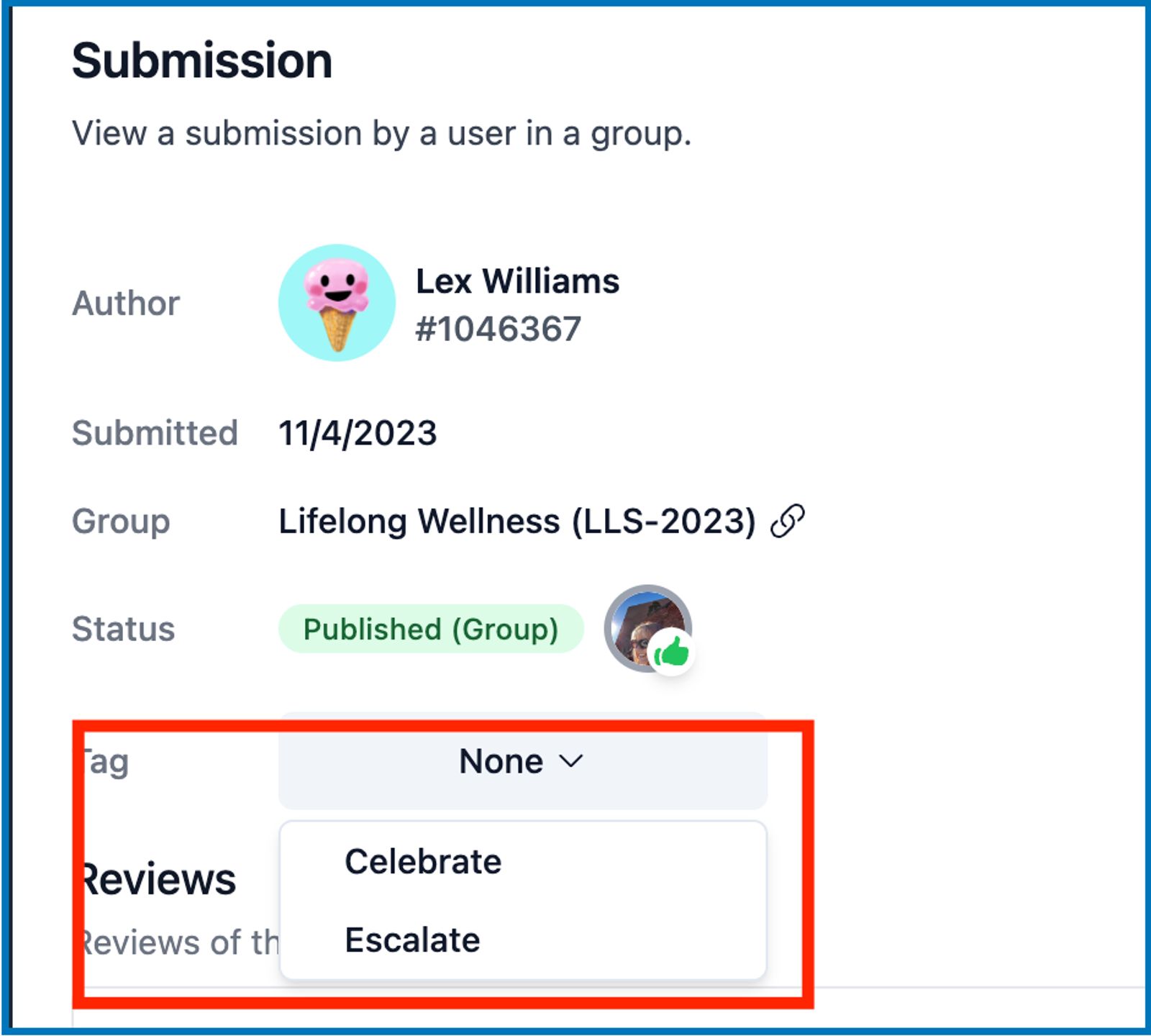
When reviewing story submissions, reviewers are now able to add tags to stories as they deem fit. Available tags at this time are "Celebrate" and "Escalate".
Submissions with tags may also be sorted accordingly on both Needs Review and All Submission sub-tabs.
Mark All Notifications as Read
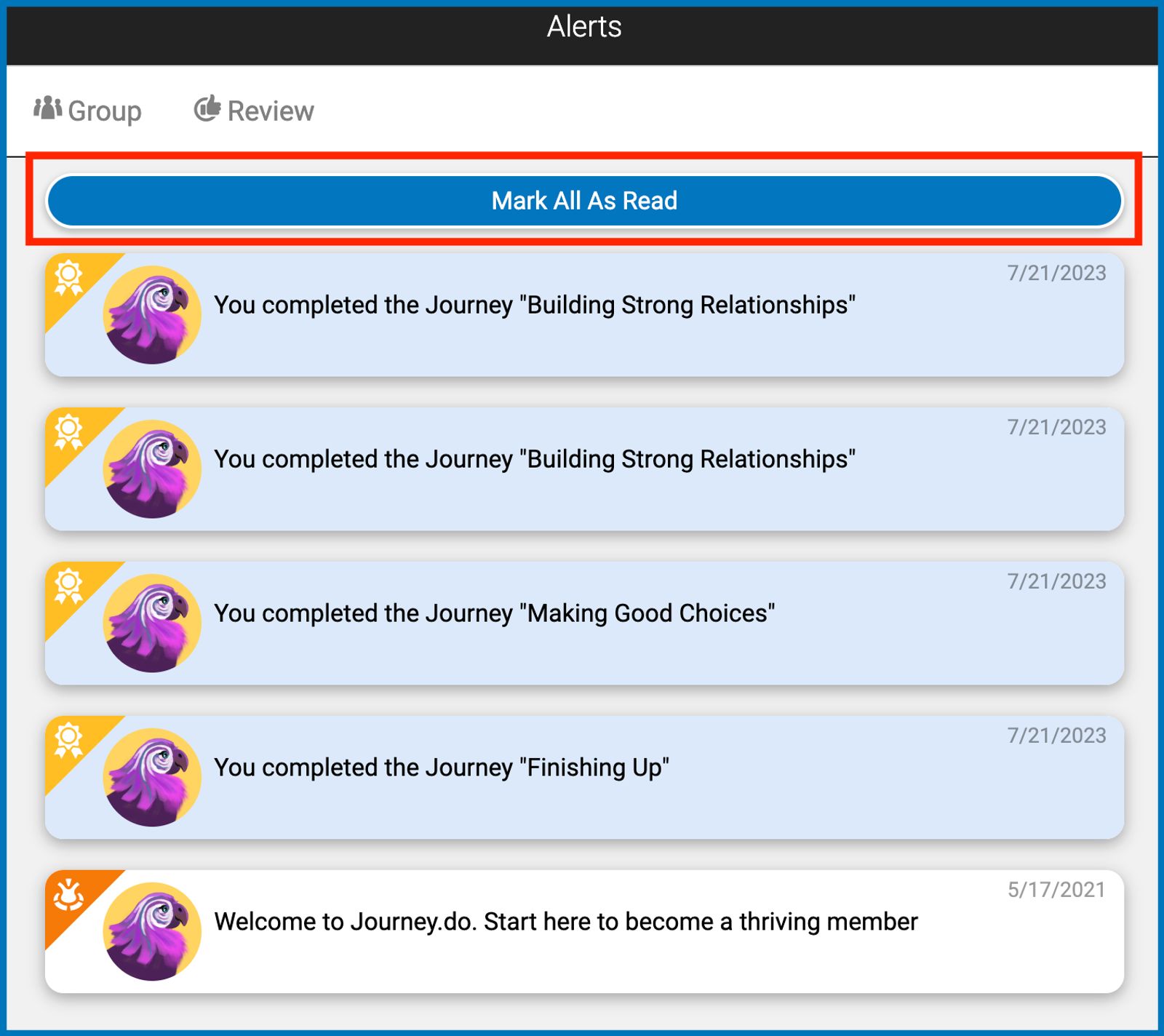
In Journey.do > Home tab > View Notifications page, we added a “Mark All as Read” button at the top to make it easier to clear off unread notifications count.
On the Home Feed, the 2 most recent unread notifications shall stay on display at the top until such notifications are read.
UI Changes in Transcript Editor
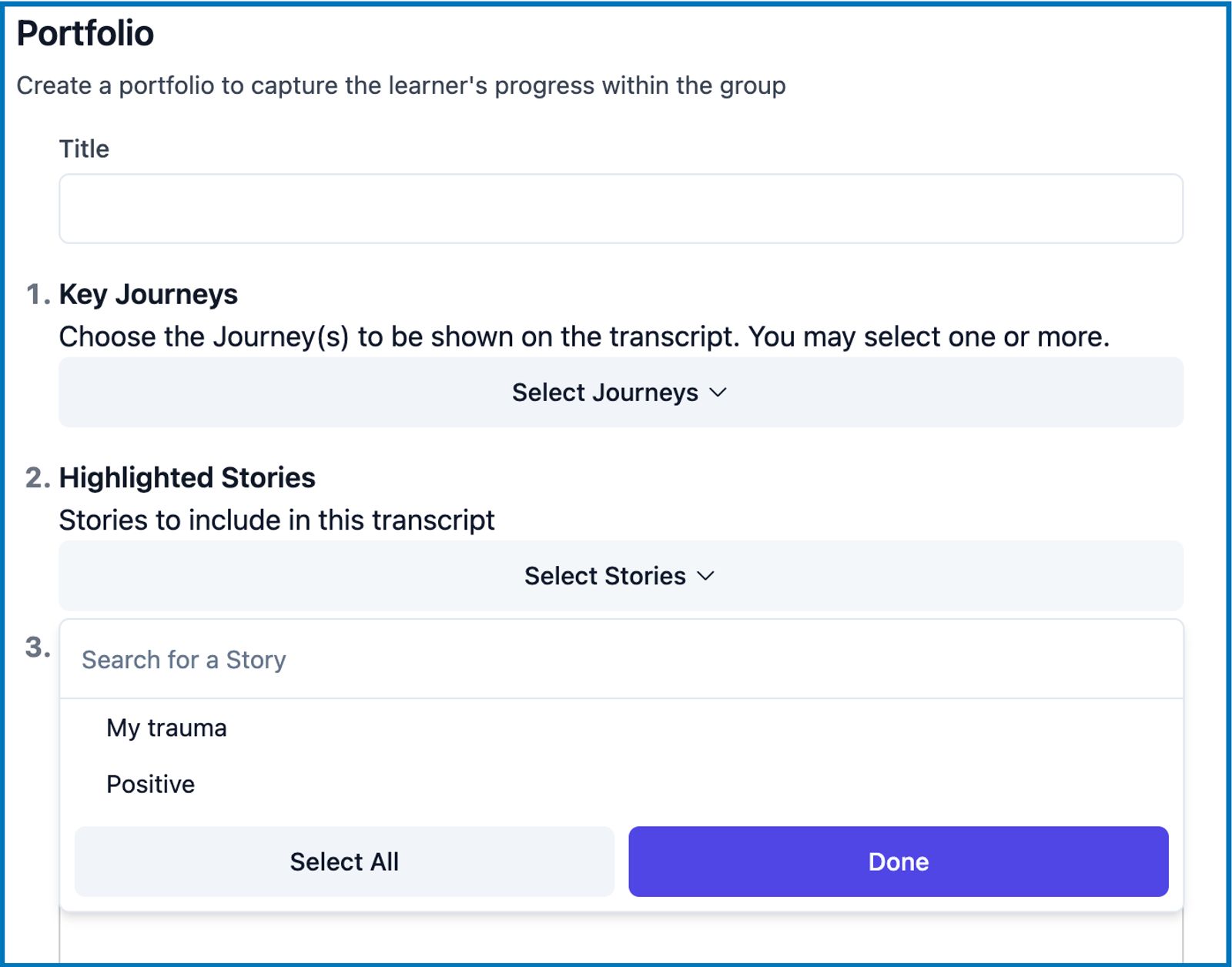
In Portfolio template editor, the section to choose the Highlighted Stories has been moved up to #2 right below the Key Journeys.
February 2024
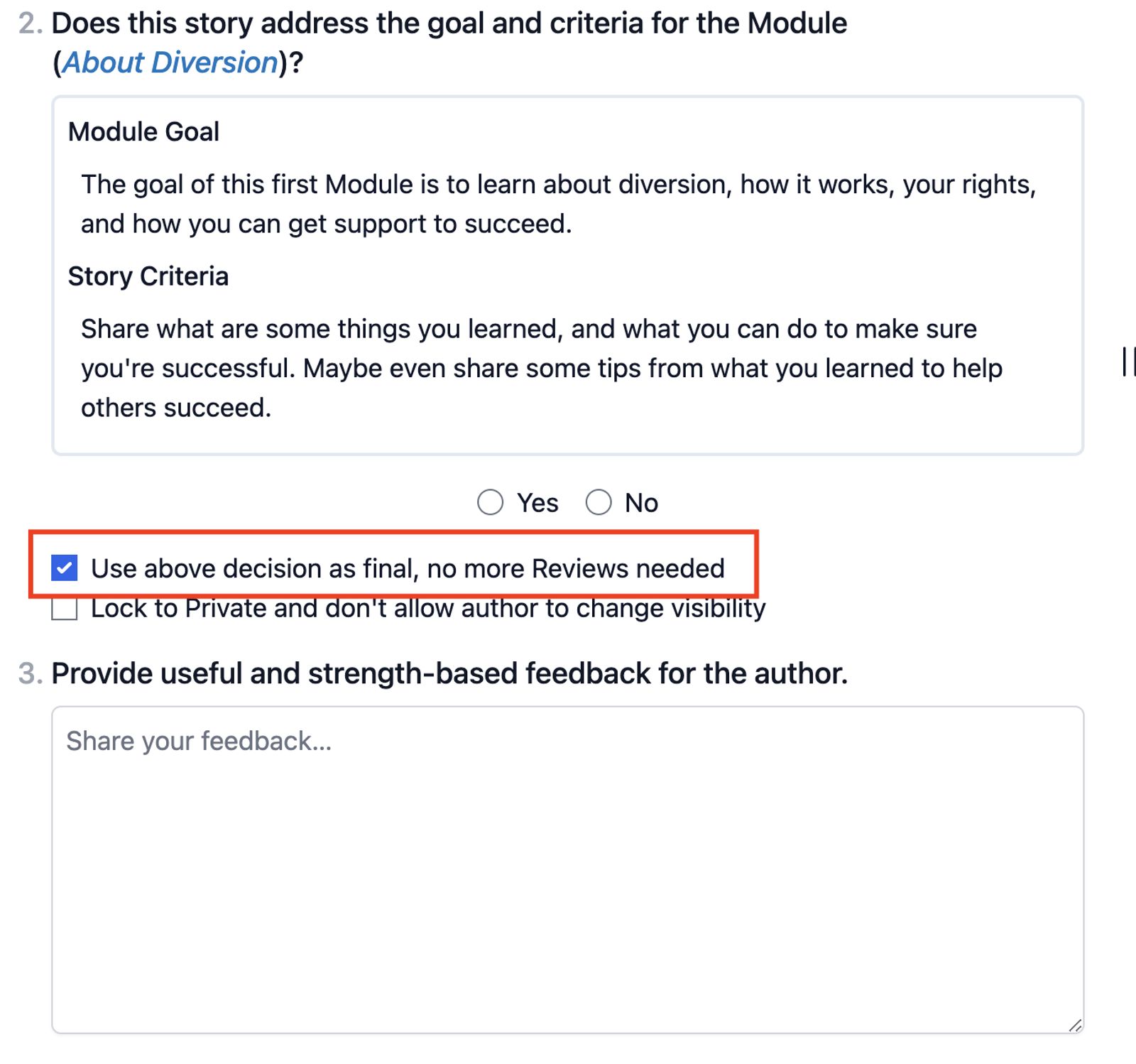
Single Review Requirement for Stories
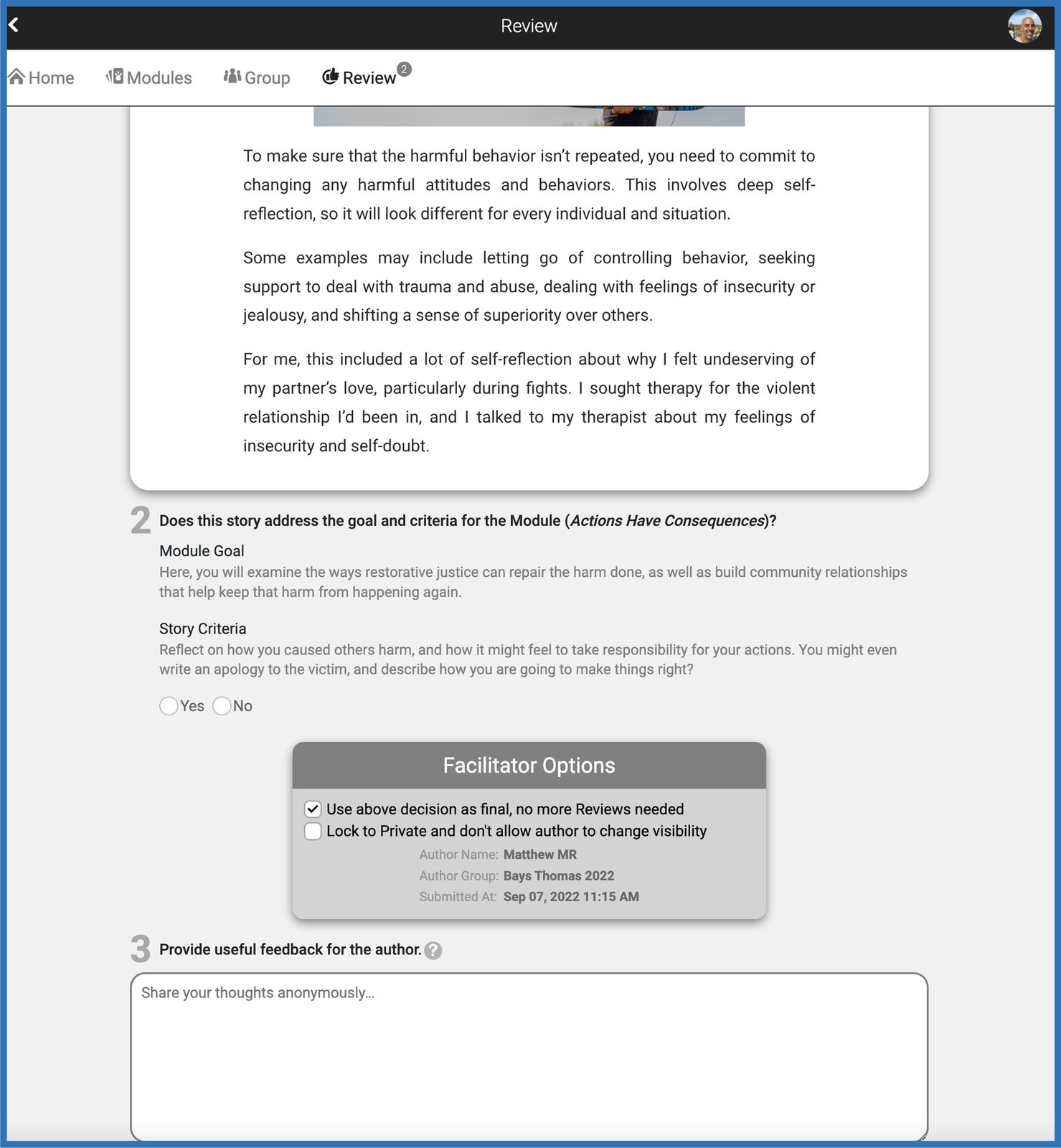
When reviewing stories in the Champion Dashboard, the box for “Use above decision as final, no more Reviews needed.” is now checked by default to prevent reviewers from unintentionally requiring a second review for approved stories.
In cases when a second review is necessary, the box may still be unchecked.
Bug Fixes:
Download error when downloading an H5P Report in the Champion Dashboard.
Error when reporting a published story.
Save Loading error in Interactive Book (h5p)
Back-end System Upgrades:
Move from CJS to ESM
Remix plug-in upgrade
Directly connect Codespaces to OpenVPN endpoints
Late January 2024
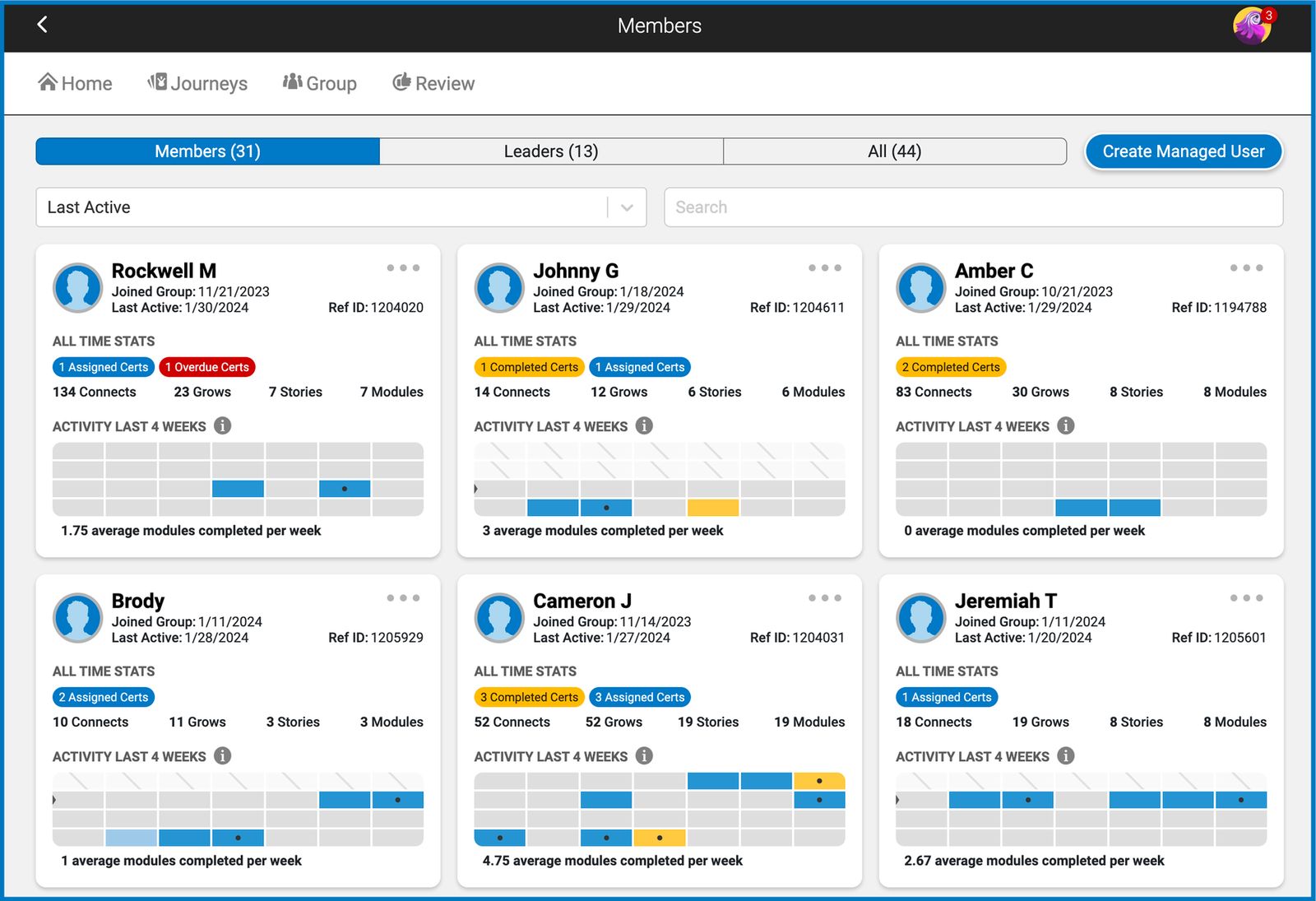
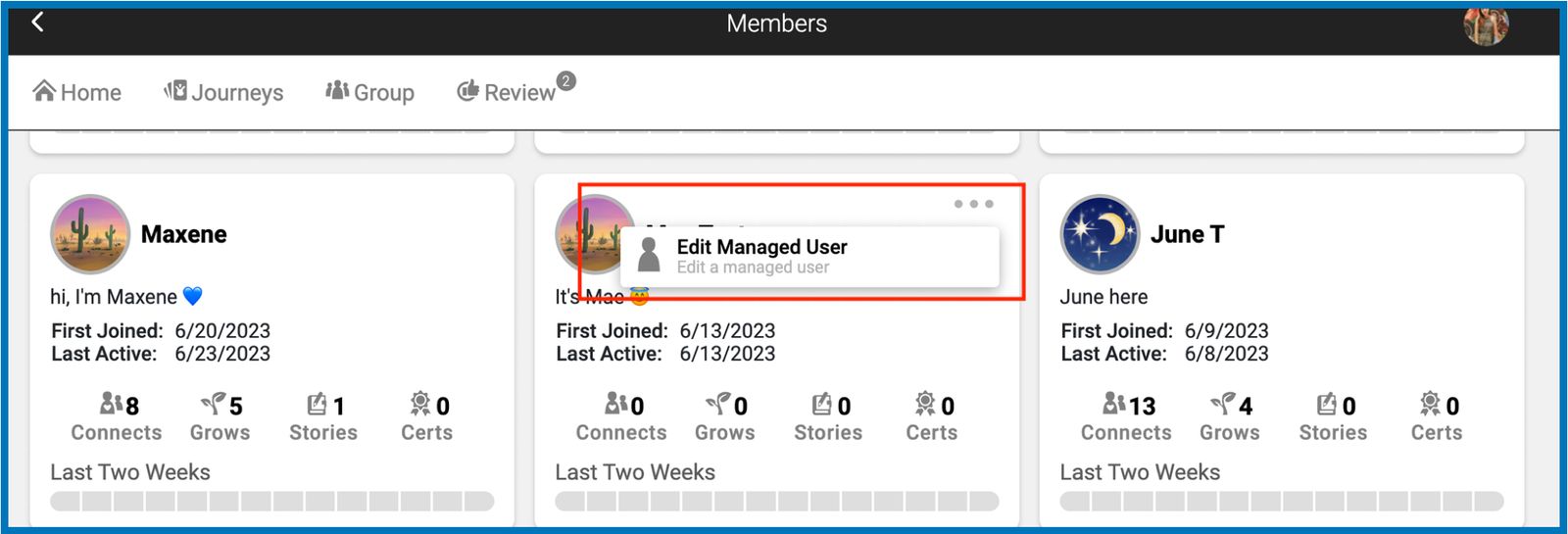
Enhanced Member Profile Card and Heatmap
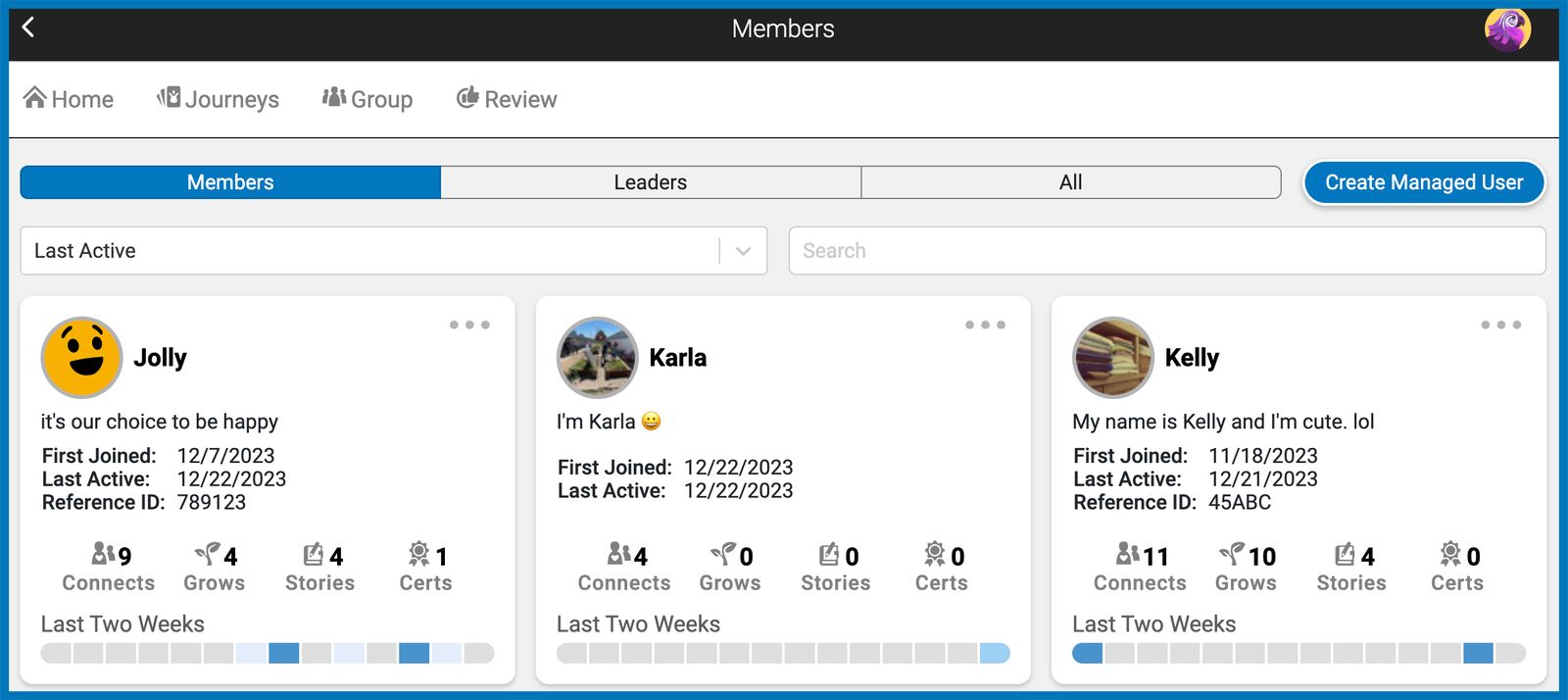
There are notable changes to the design and layout of our existing member’s profile cards to enhance usability and focus on key user actions and information.
The use of space is optimized with more content visible without the need for scrolling to improve user engagement and make it easier to assess member information at a glance.
Essential statistics like "Connects," "Grows," and "Stories" are immediately visible, making it easier for champions to prioritize and digest information.
This can be advantageous for quickly conveying information without overwhelming the user with text.
The activity tracking on the heatmap has been refined to track progress more intuitively.
The presentation of certifications (Certs) is more pronounced with "Completed Certs," "Assigned Certs," and "Overdue Certs” tags to motivate members to engage more in their personal development goals.
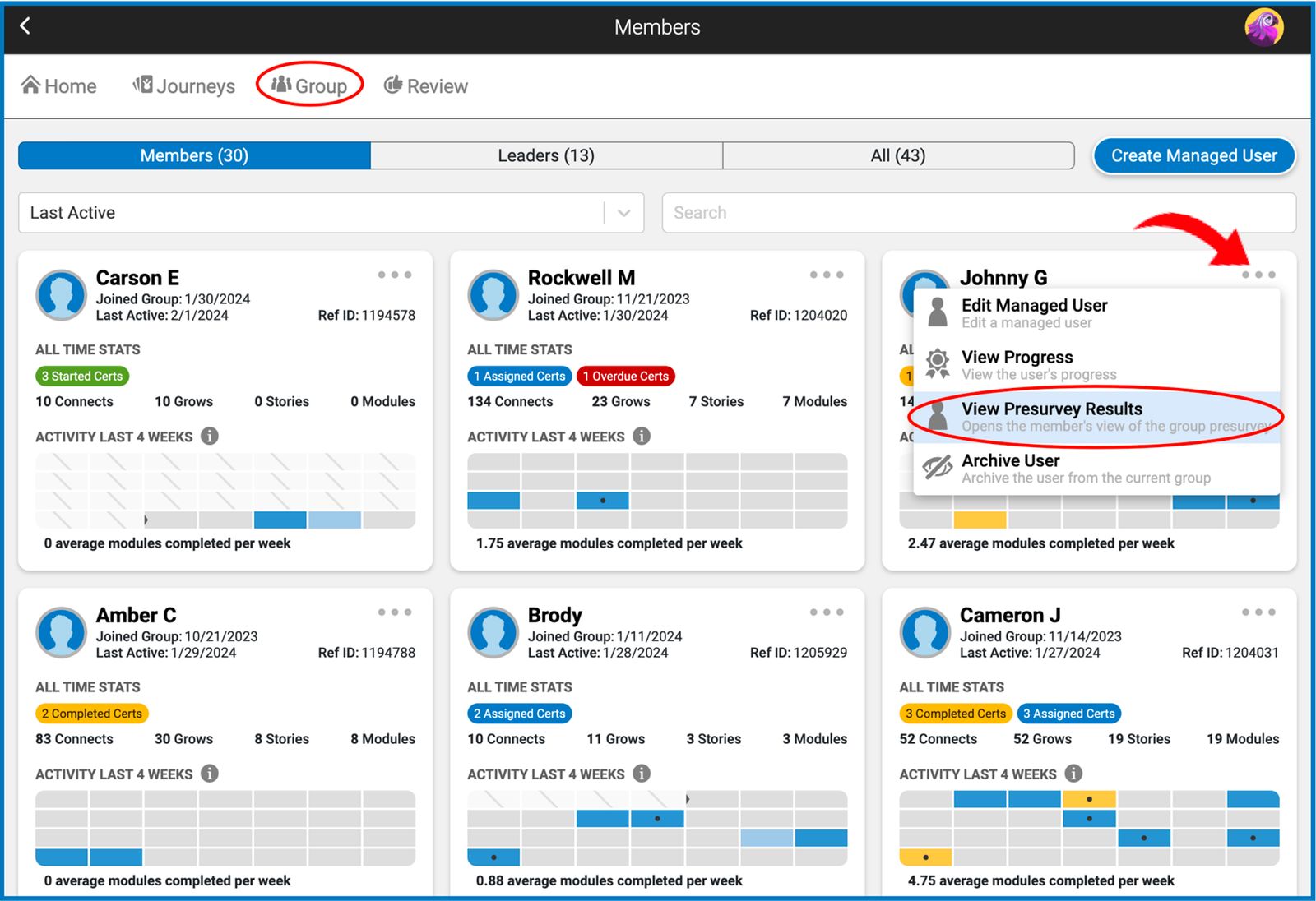
Effortless Access to Member Pre-survey Insights
Group champions can now directly access individual pre-survey responses from the Member’s Page, streamlining the process of understanding each member’s unique strengths and development opportunities. This feature is instrumental for tailoring personalized growth journeys and constructing effective growth plans.
The feature showcases a view of the member’s survey graph results and answers to any reflection questions. (Note: This feature is only available in groups where a pre-survey is set.)
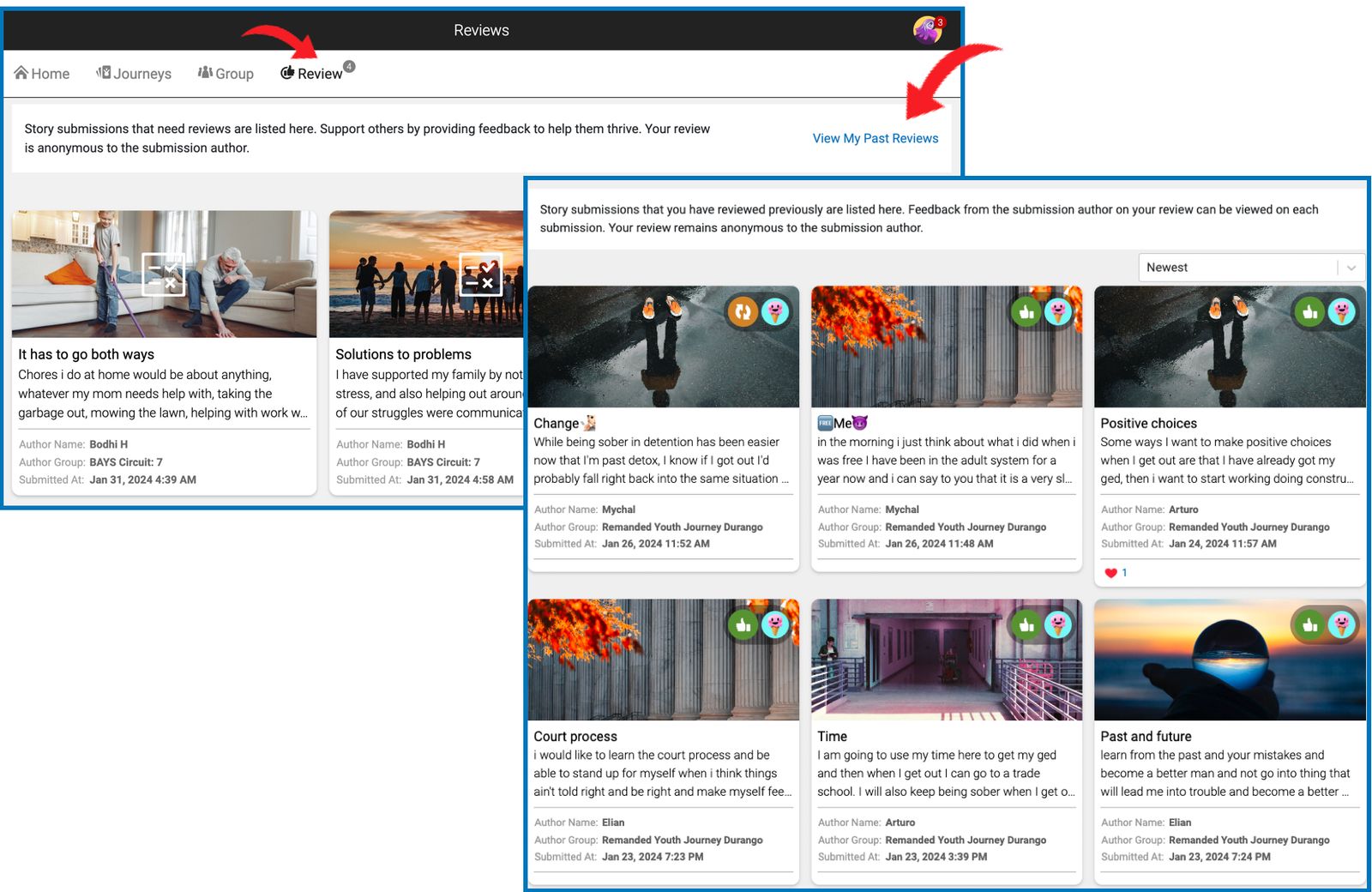
View Past Reviews
Accessing historical reviews is now simpler for reviewers and group champions. A new "View My Past Reviews" feature has been integrated into the Review page, providing a repository of previous story evaluations.
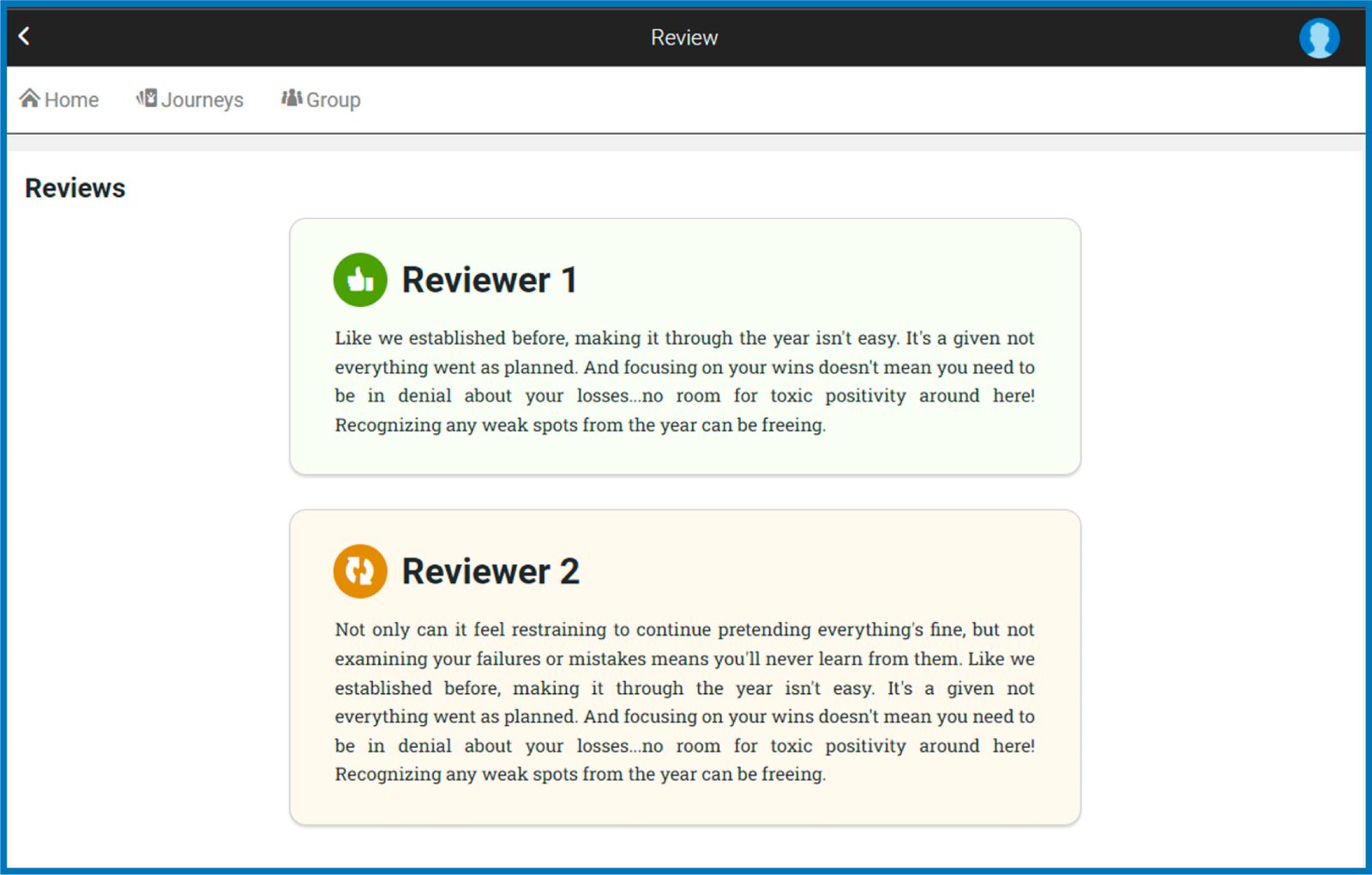
Each submission card highlights the review outcome with a green thumbs-up for accepted stories or a yellow return icon for returned submissions. Clicking on a submission card reveals the feedback provided, along with the author's response or comments, if available.
This enhancement is designed to empower champions and reviewers to refine their feedback techniques, fostering a culture of constructive, strength-focused communication.
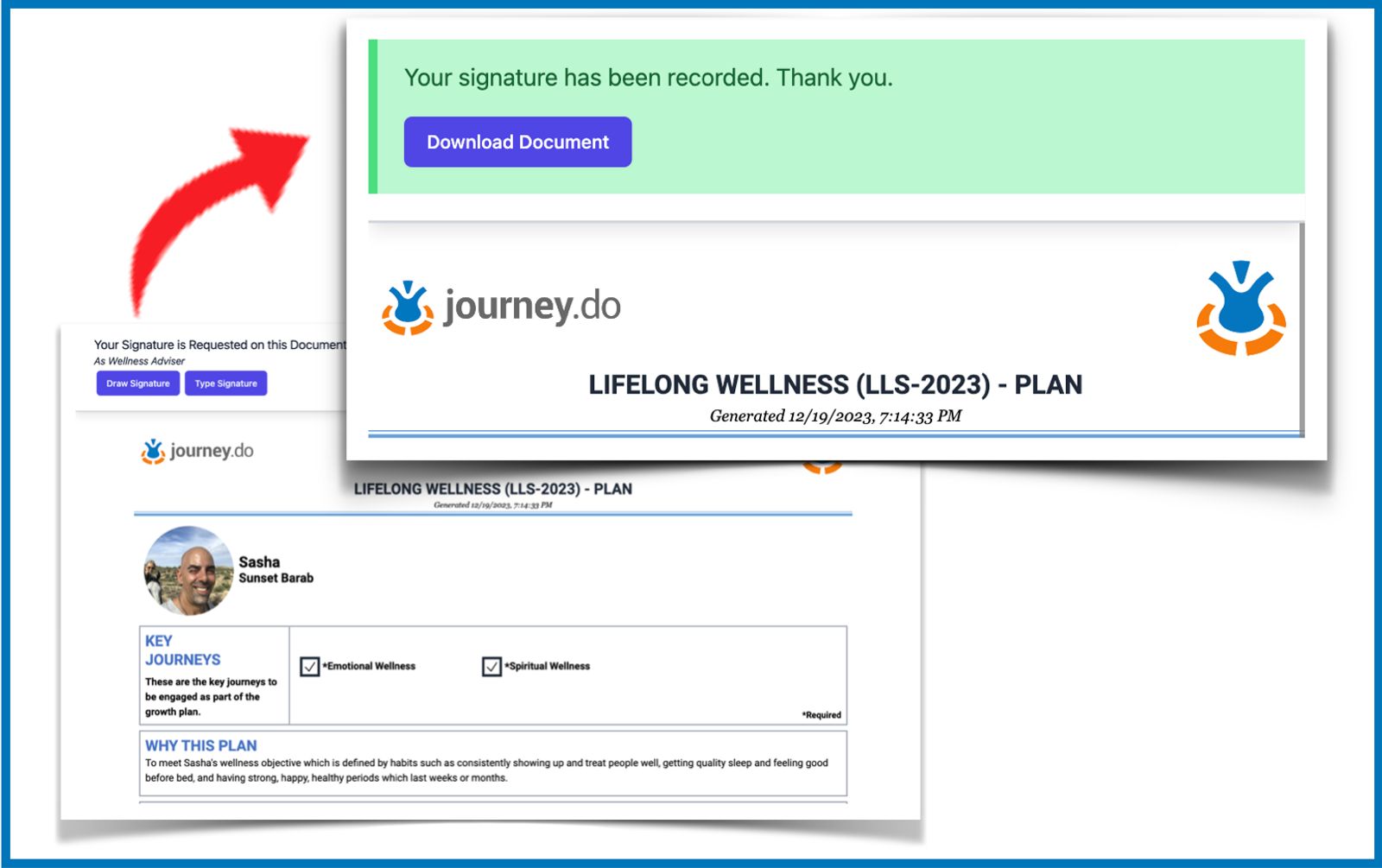
Enhanced Transcript Sharing and Signature Request via SMS
Transcripts can now be conveniently sent and shared via text message. Apart from the “Send to email” option, group champions may now also send the link via SMS to parents, guardians, mentors, officers, and other parties involved in the member’s growth plan.
Key Updates:
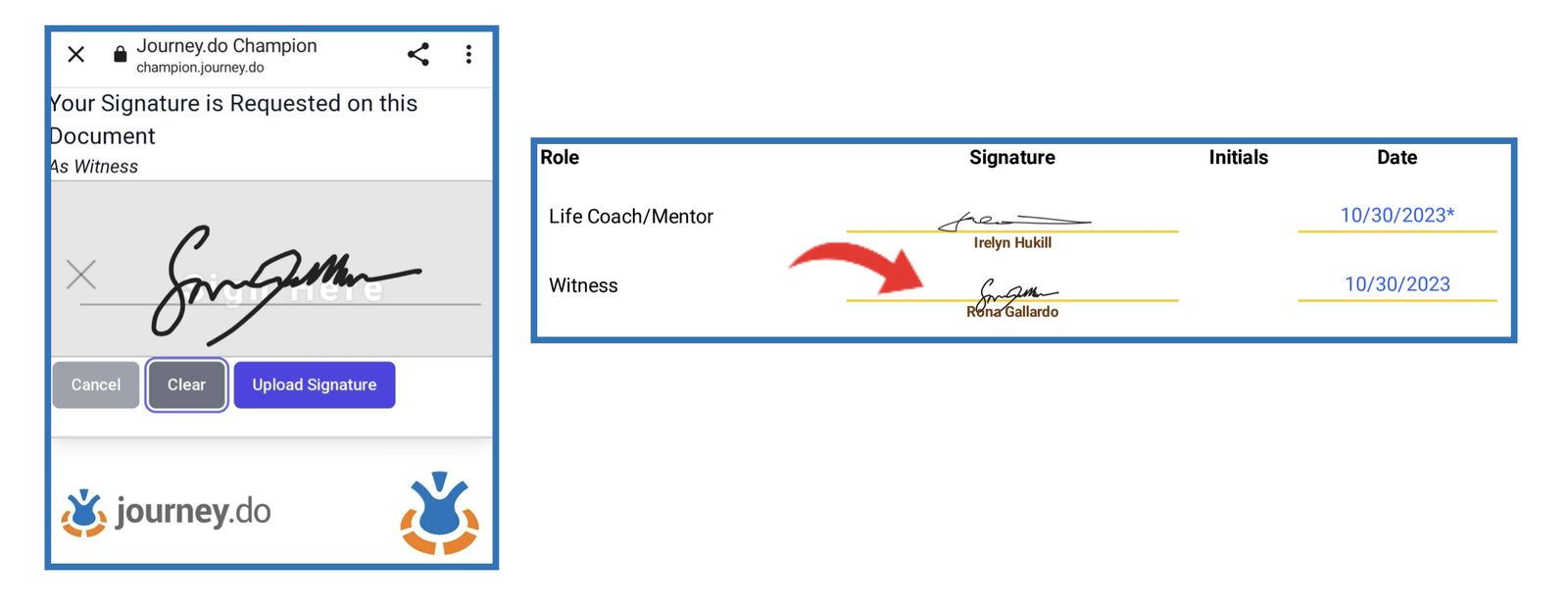
Easy Signature Process: Recipients receive a text message with a direct link to the transcript. They can readily provide their approval or consent by uploading their signature or entering their initials directly from their mobile phone. This streamlined process enhances the user experience by simplifying the signature collection.
Automatic Transcript Update: After the signature is uploaded, the original transcript is automatically updated to include the recipient’s role, name, and signature. This ensures that all necessary documentation is kept up-to-date and accurate.
Downloadable Updated Copies: Users can download a copy of the updated transcript directly to their mobile device, offering immediate access to the finalized document.
Item Counts on Search Tables in Champion Dashboard
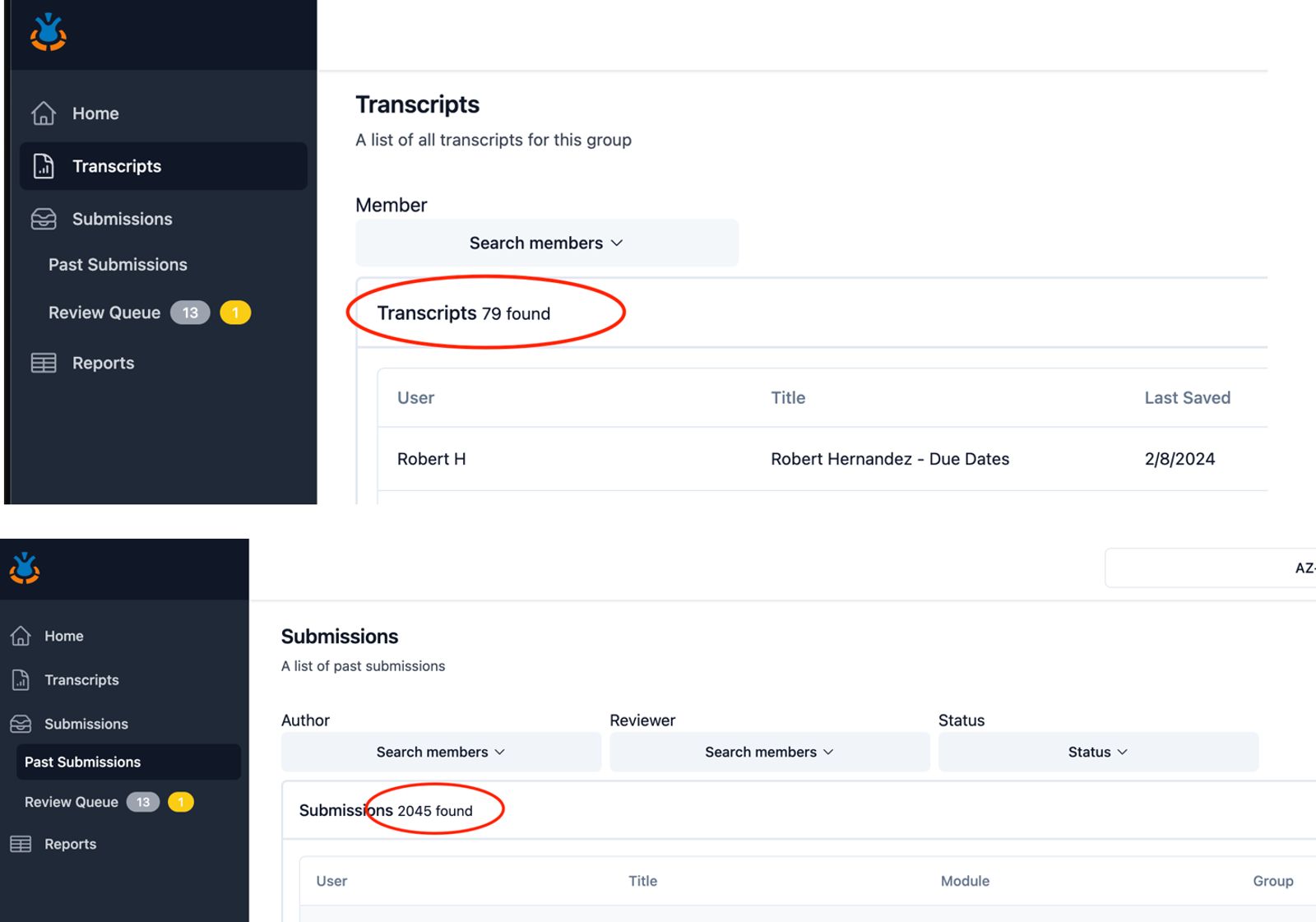
When browsing through different pages in the Champion Dashboard such as Transcripts, Past Submissions, Review Queue, group champions will now see the total count of items displayed on the table. The same thing happens when searching for a specific entity, the total count of returned results is automatically shown.
Mid-January 2024
Support your members' growth and achievements
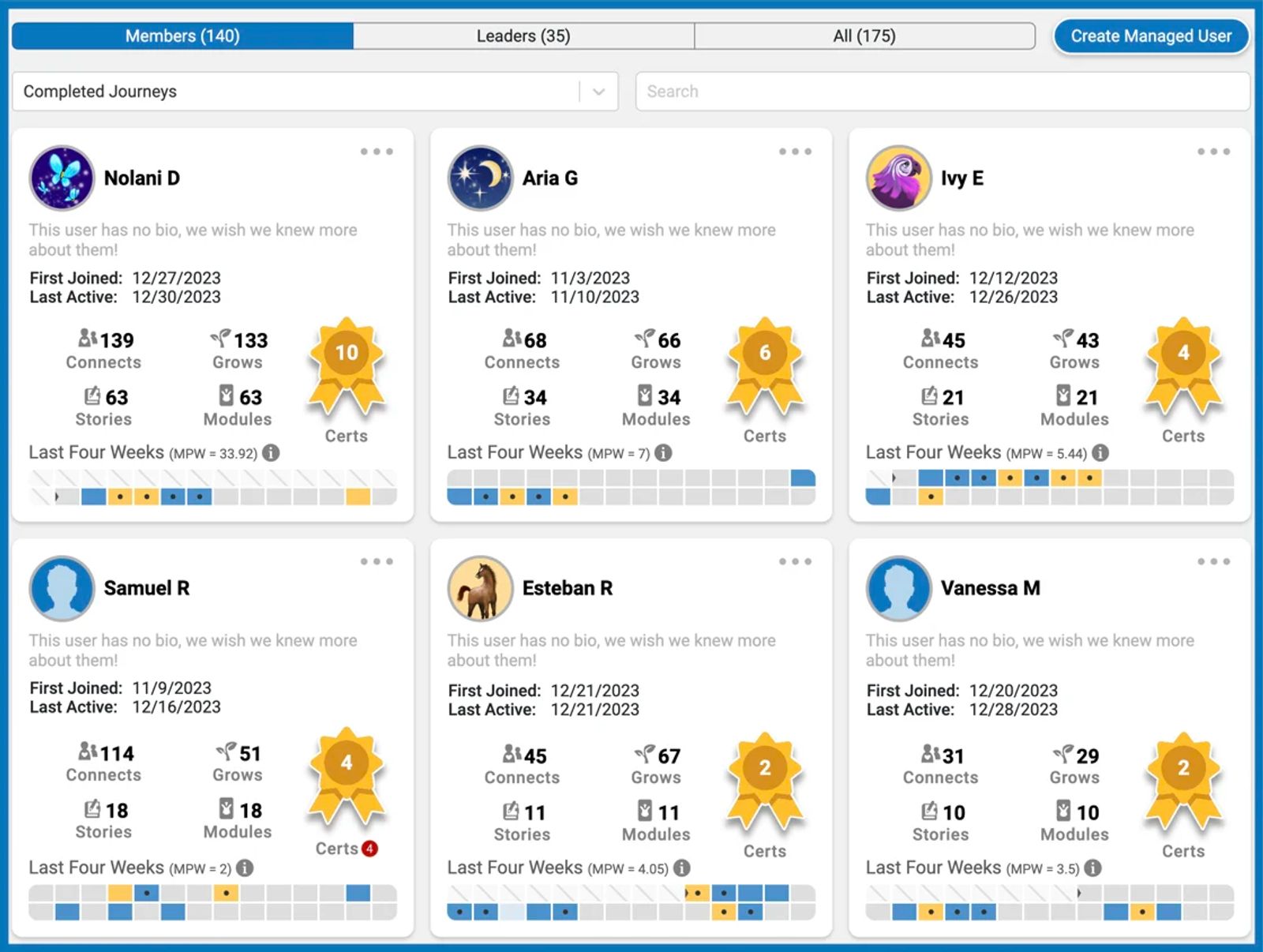
Extended Heatmap Coverage: On the Group Page when you click on members, you can now view member activities over the last four weeks on the member cards! This expanded view will help you get a better understanding of each member's journey over a 28-day period.
New Addition to Member Cards: Along with existing metrics like Connects, Grows, Stories, and Certs, we've now added a tally of completed modules right on the member's card.
Weekly Progress Insights: To give you a clearer picture of a member's learning velocity, we've introduced a new metric: MPW (Modules per Week). This will be displayed on the member's card, offering a quick glance at their completion rate.
Enhanced Heatmap Visualization: Our heatmap now comes with more detailed visual cues:
Different shades of blue indicate the volume of daily activities.
A dot marks completed modules.
Earned certificates turn a tile yellow.
Overdue journeys are highlighted with a small red circle beside Certs.
Improved Sorting Options: We've added new categories on the members' page for better organization. These include Completed Journeys, Recently Completed Journeys, and Overdue Certificates. This will help you sort and prioritize member activities with ease.
If you want to see who is behind on assigned Certs, sort by Overdue Certs or if you want to view who completed journeys this week, sort by Recently Completed Journeys.
Easier ways to track and understand your group's dynamics
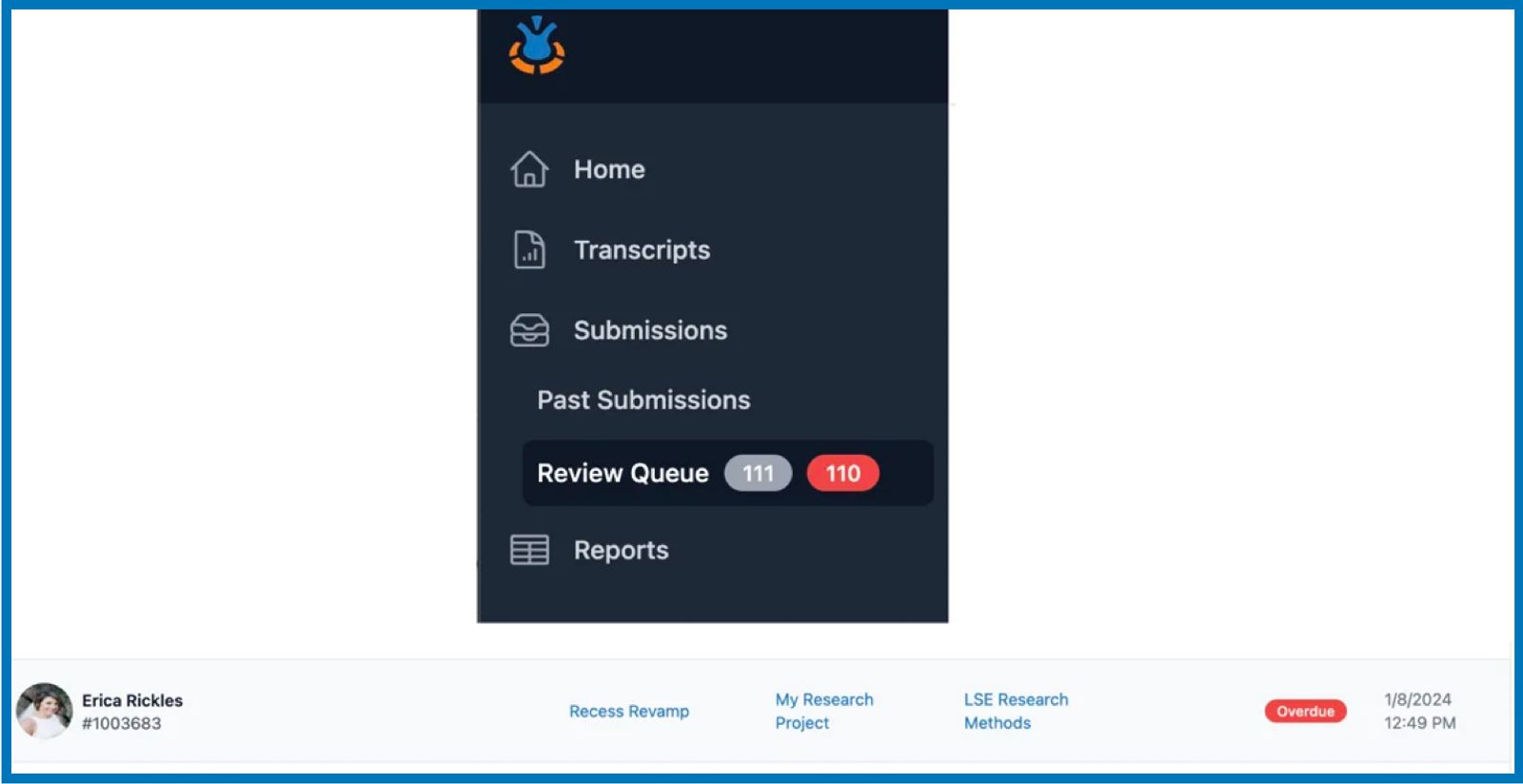
Pending-Review and Overdue Submissions: The Review Queue on the Champion Dashboard features a gray number badge, indicating the total count of stories awaiting review from the groups selected in the dropdown menu. Additionally, if any submissions exceed the 48-hour turnaround time, a red number badge will appear alongside the gray one. Submissions that are overdue will be marked as "Overdue" in the Review Queue table. Those within the 36 to 48-hour window will display a "Due in # hours" tag in yellow, facilitating easier identification
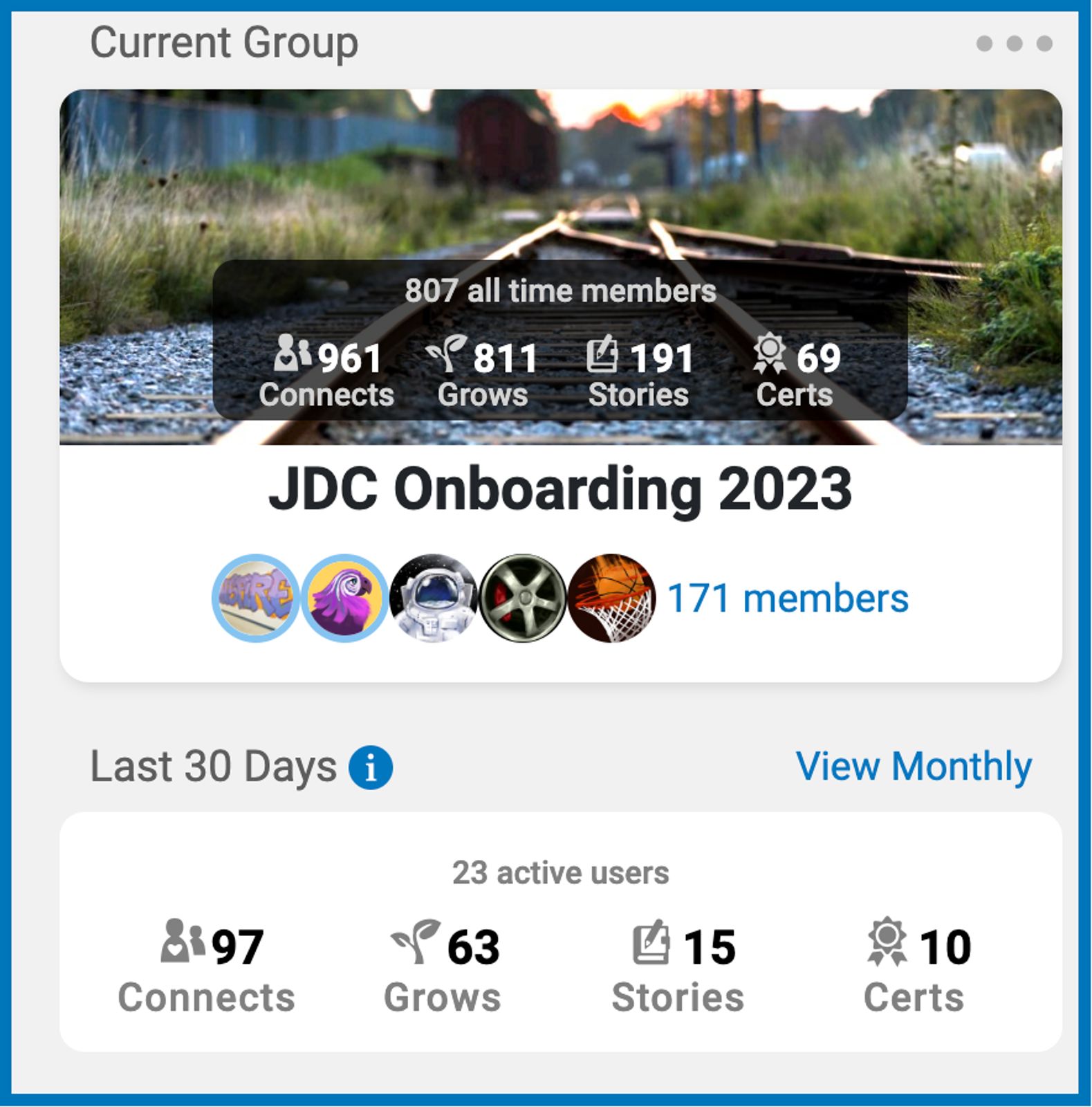
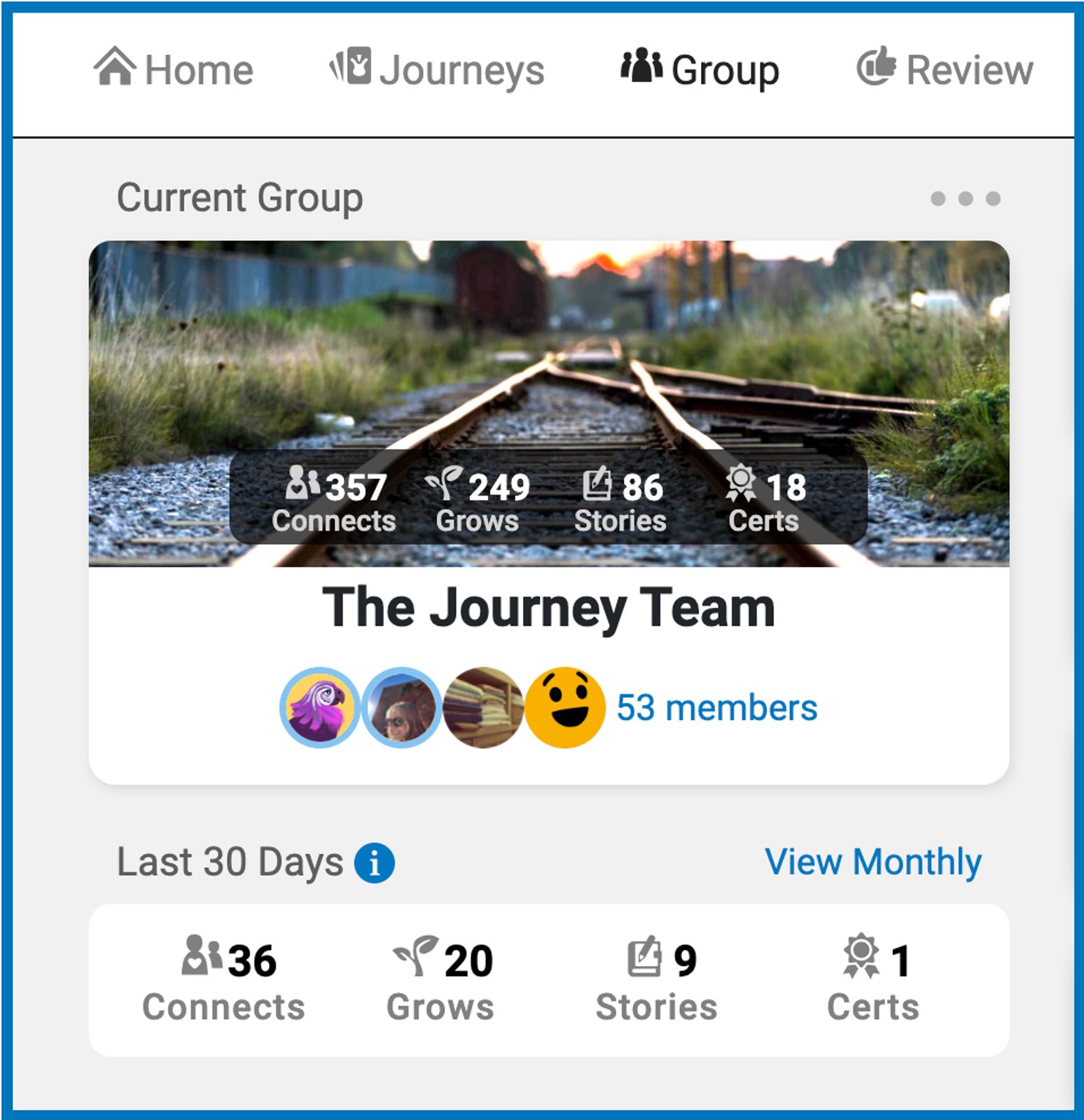
All-Time Member Count: On the Group Page, you'll now see a prominently displayed count of 'all-time members'. This includes both active and archived members but not group leaders, conveniently located above the group name for easy reference.
Current Group Members. The xx members listed now ONLY includes group members and not leaders making clear how many non-archived members are currently in the group.
Active Users. Active refers to anyone in the group who made progress, and this includes both members and leaders if they did any activity. This tells you how many of the individuals in the group were active over the last 30 days or if you look at monthly reports, it shows how many users each month contributed to the group counts.
Refined Monthly Insights: We've updated the monthly and last 30-day sections to specifically show the number of active members during those periods. This allows for a clearer understanding of current engagement levels in your group.
Clearer Members Page: When you visit the Members Page, you'll notice an improved layout. We've separated the columns to distinctly show the count of active members and group leaders. This distinction will help in better managing and recognizing the roles within your group.
New Notification Features for Group Champions
Enhanced Engagement Tracking: Group champions will now be promptly informed of interactions with their feedback.
Email & In-App Alerts: Whenever a story author responds or reacts to feedback on their submitted stories, group champions will receive both an email and an in-app notification.
Changes to the Story Review Page:
The layout of story reviews on mobile view has been refined for a more seamless experience.
Authors now have direct access to the module link on the review page, allowing swift adjustments based on received feedback.
December 2023
Interactive Feedback Engagement
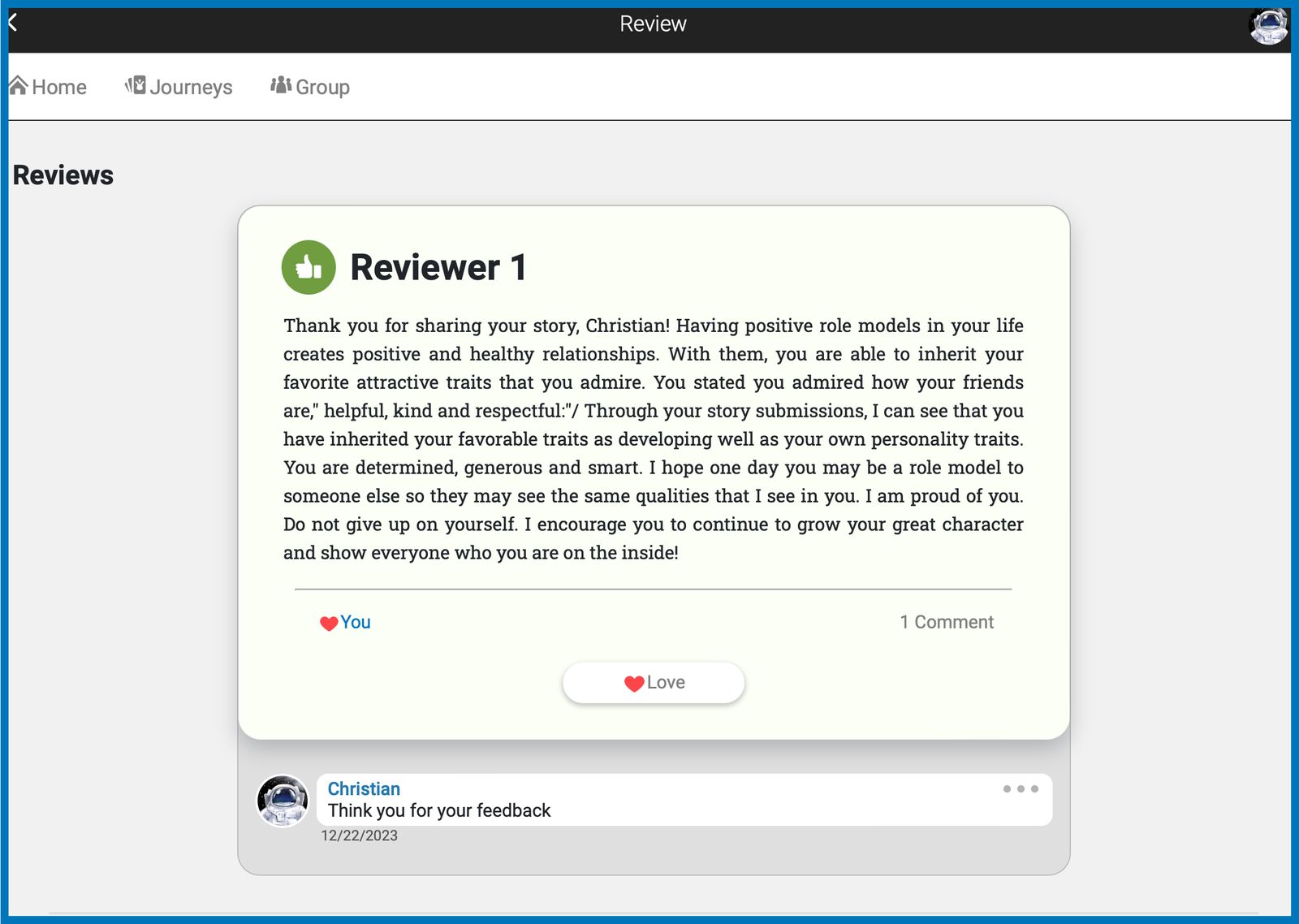
We are excited to announce a new layer of interaction for our story-sharing platform—authors can now respond directly to reviews! This enhancement is designed to foster a more engaging and appreciative community. Here's what's new:
React to Reviews: Story authors can now express their feelings about a review with a simple click, using the heart icon to 'Love' a review.
Dialogue with Reviewers: Open a conversation by commenting on a review. Whether it's a word of thanks or a deeper discussion on the feedback, authors can now connect more personally with their audience.
Controlled Interactions: To maintain the integrity of the platform, authors are limited to one comment per review, which they can edit or delete as needed. For group administrators, there's the flexibility to enable or disable comments per group.
This update supports our commitment to provide meaningful interactions within our community.
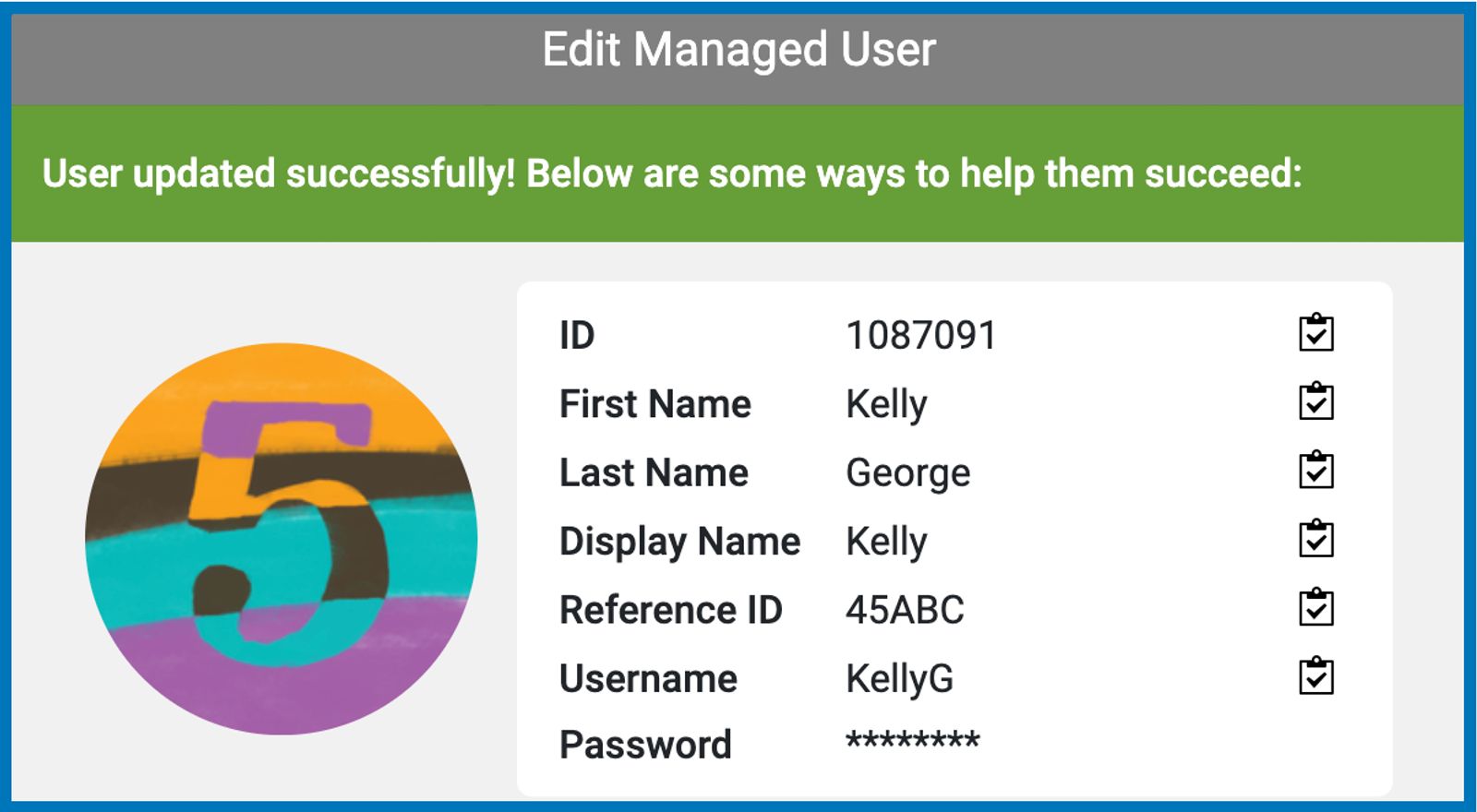
Passwords for Managed Users Are No Longer Visible
In our ongoing commitment to strengthen security and protect user privacy, we have implemented an important update in the process of editing user information for managed accounts. The user's password will no longer be displayed during the editing process. Instead, the password field will be masked and represented by asterisks (****).
Visual Tweaks to the Review Page on the Dashboard
The review interface within the dashboard has been updated for clarity and neutrality.
The "View More Details" link will now only appear if there is an existing review. For initial reviews, this link will be hidden to maintain a clean interface.
When applicable, a single previous review can be accessed via the link “View 1 previous review.”
To promote unbiased reviewing, both 'Yes' and 'No' options are unselected by default, requiring a conscious choice from the reviewer.
Various Changes to the Journeys Page Layout
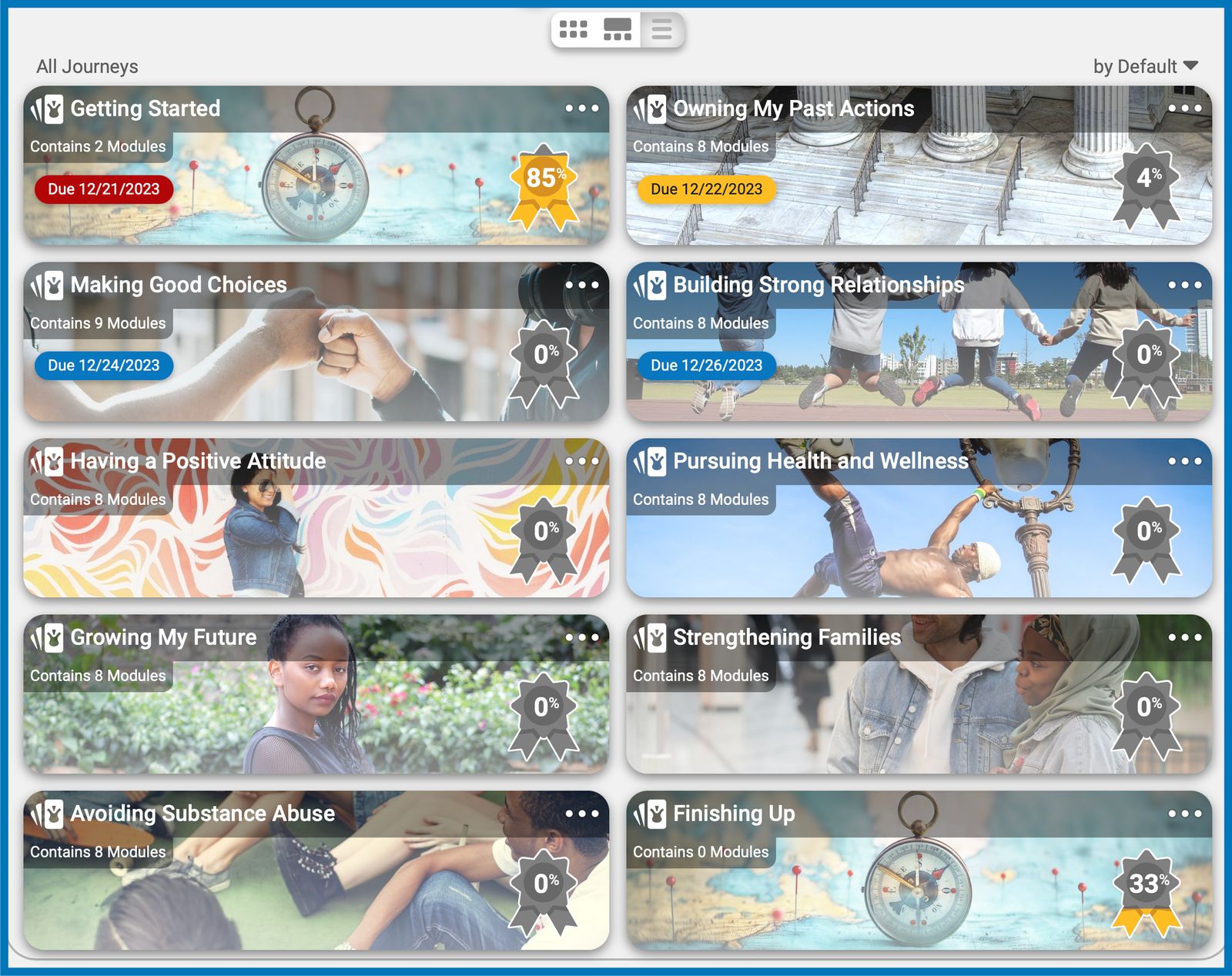
Assigned journeys are no longer displayed twice on the Journeys page to prevent confusion. The default view will show all journeys that are accessible to the member with the assigned journeys at the top beginning with the nearest due date. All completed journeys will be moved to the end of the list.
Each journey card on the default view will no longer show the To-do button and in its place, the number of modules included in that journey is displayed.
Exception: This change only applies to groups with multiple journeys. For single-journey groups, the default view remains the same where the modules are displayed.
Search Bar on Members Page
Group champions may now use the search function on the Members page to easily look for their members using the member’s name, username, journey user ID, or reference ID.
Ability to Delete Own Account
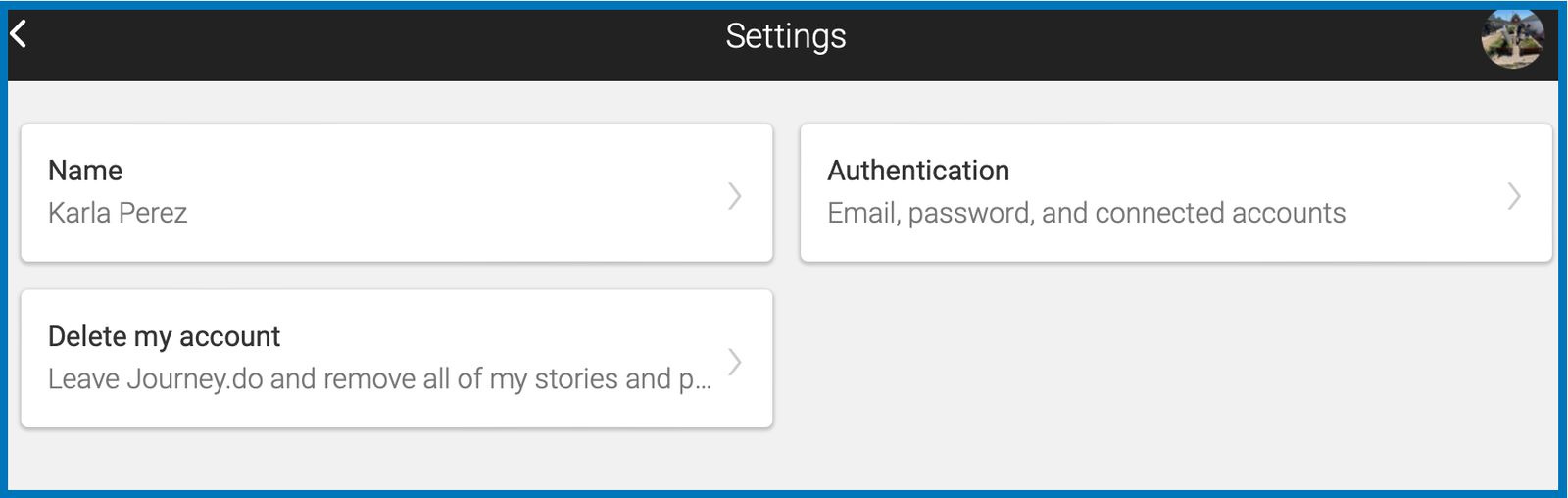
Non-managed members now have the ability to delete their journey.do account by going into their Profile Settings > Delete my account. Account deletion means that all of the member’s data along with any activity progress and credits earned within journey.do will be erased.
Group Stats to Include Transferred Member Credits
When a member is transferred from one group to another, the overall activity statistics of the new group will now include all earned credits of the transferred member. Meanwhile, the former group will not lose any of the activity counts even after the member transfer.
End of November 2023
Check marks on Completed Modules
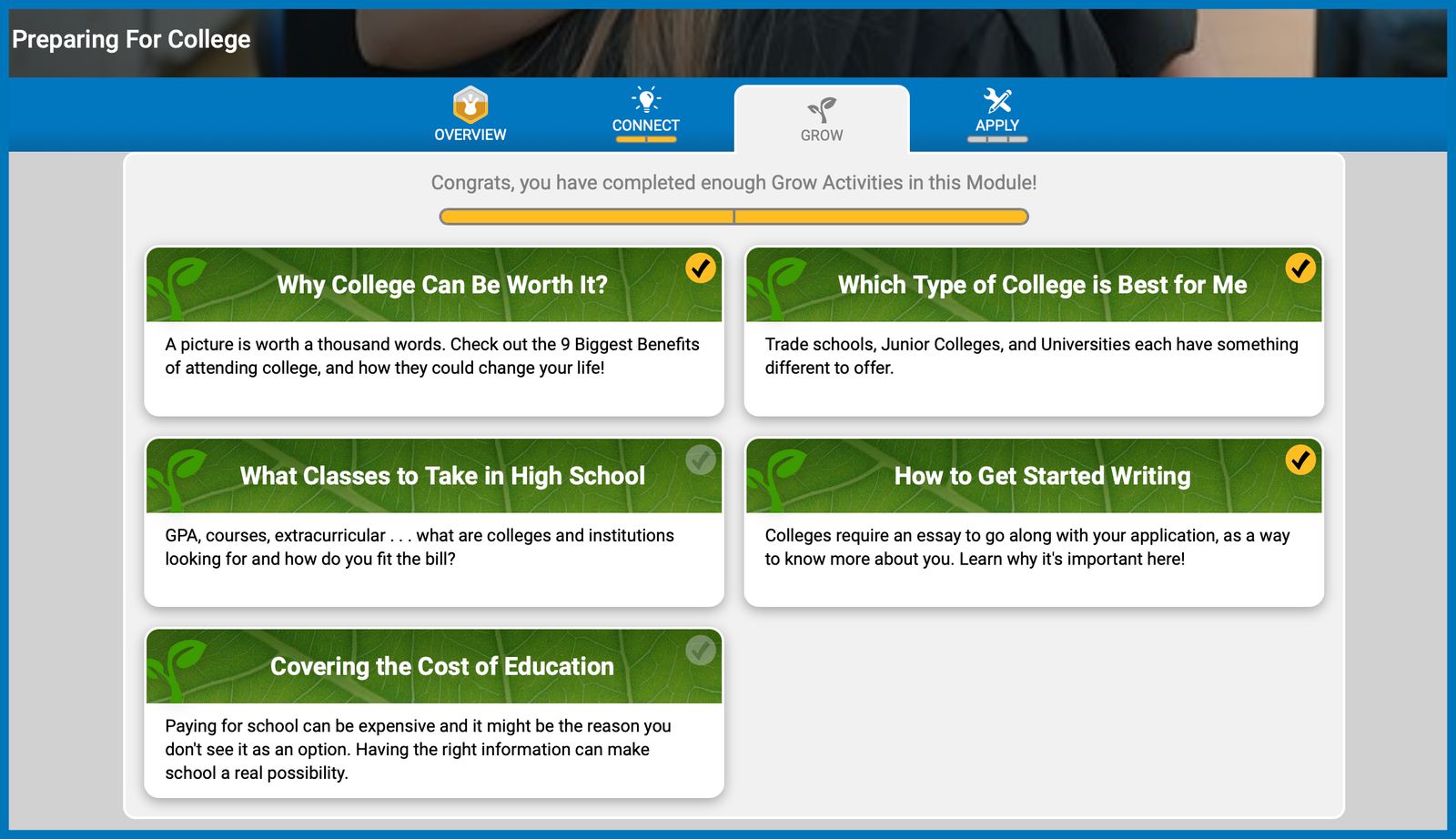
Each module card will display a dull check mark to represent the status of the modules. When the member completes a module, the check mark will turn to yellow indicating that the module was completed.
View Member Progress
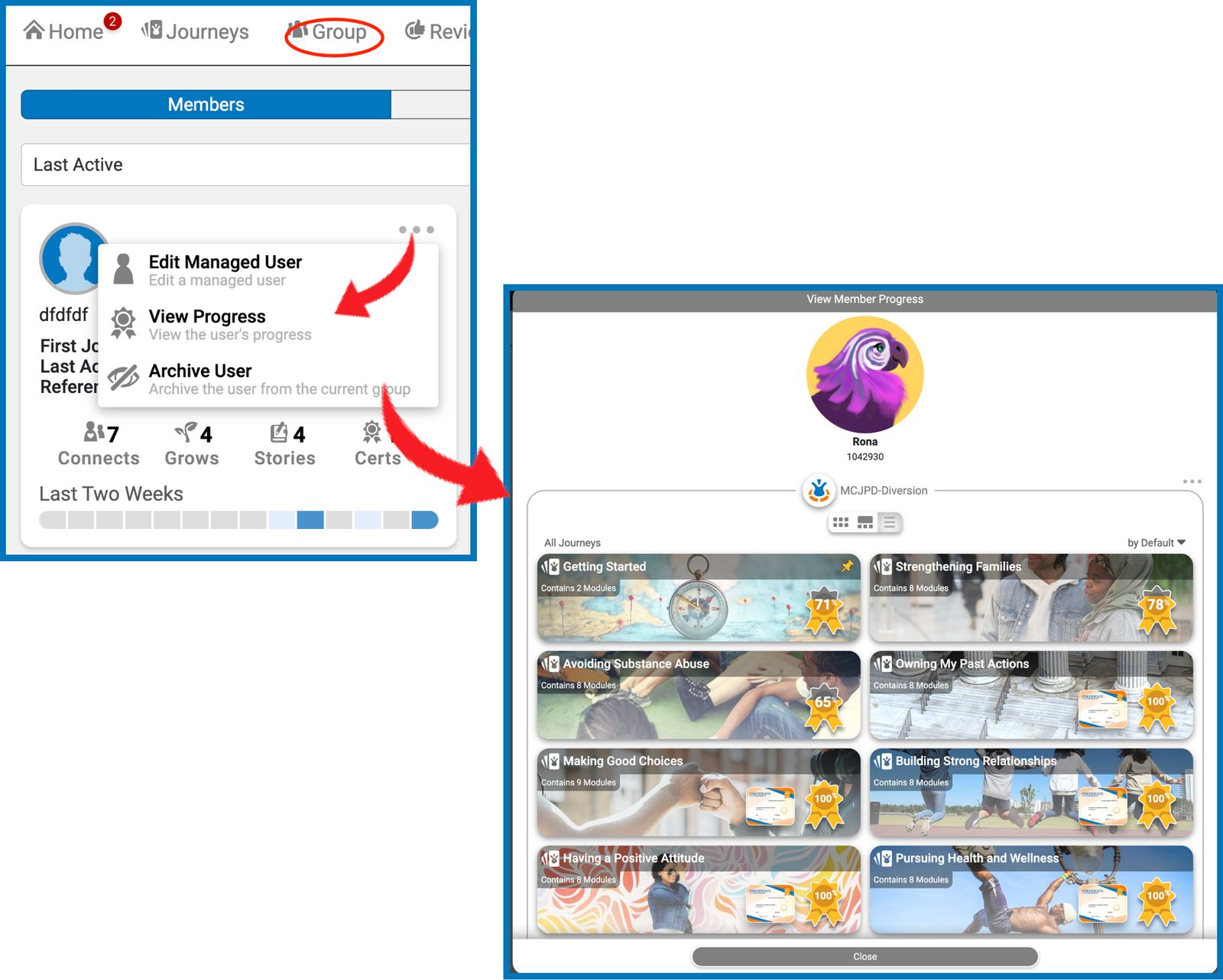
Group champions are now able to take a look at their members’ Journey page to see their journey and certificate completion progress. By going to the Group tab > Members List > Click on the 3-dot menu on the name card of the selected member > click View Progress.
Transfer of Activity Progress on Member’s Heatmaps
When members are transferred from one group to another, their individual heatmaps are no longer reset to zero. Instead, the heatmaps now reflect all activity credits that the members have acquired from the previous group upon transfer to the new group.
Downloadable Signed Transcript
Recipients of transcripts or documents to be signed may now easily download their own copy after uploading their signatures as we have added the Download Document button directly to the digital copy of the transcript.
Group Cards Arrangement in Dashboard Overview
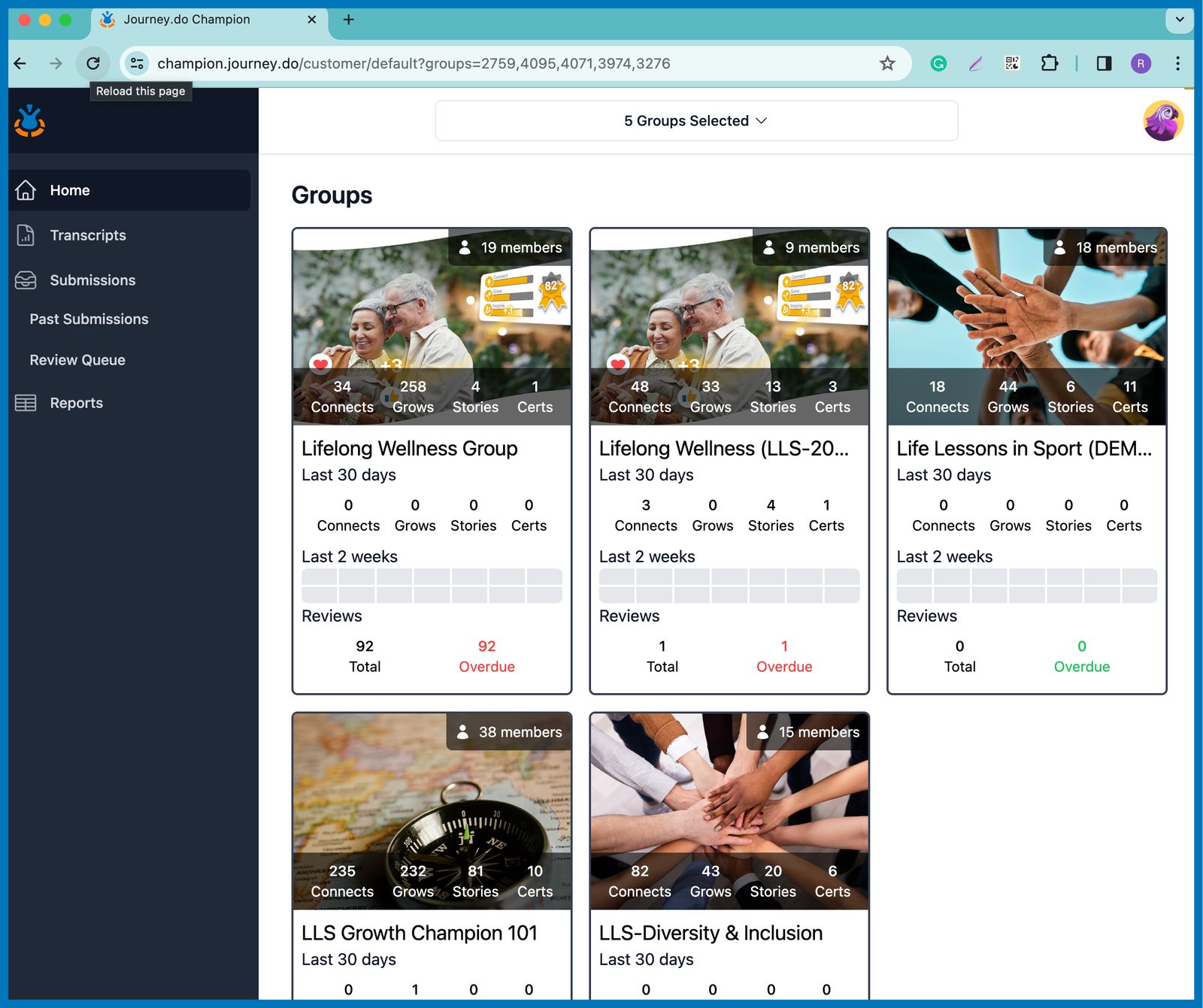
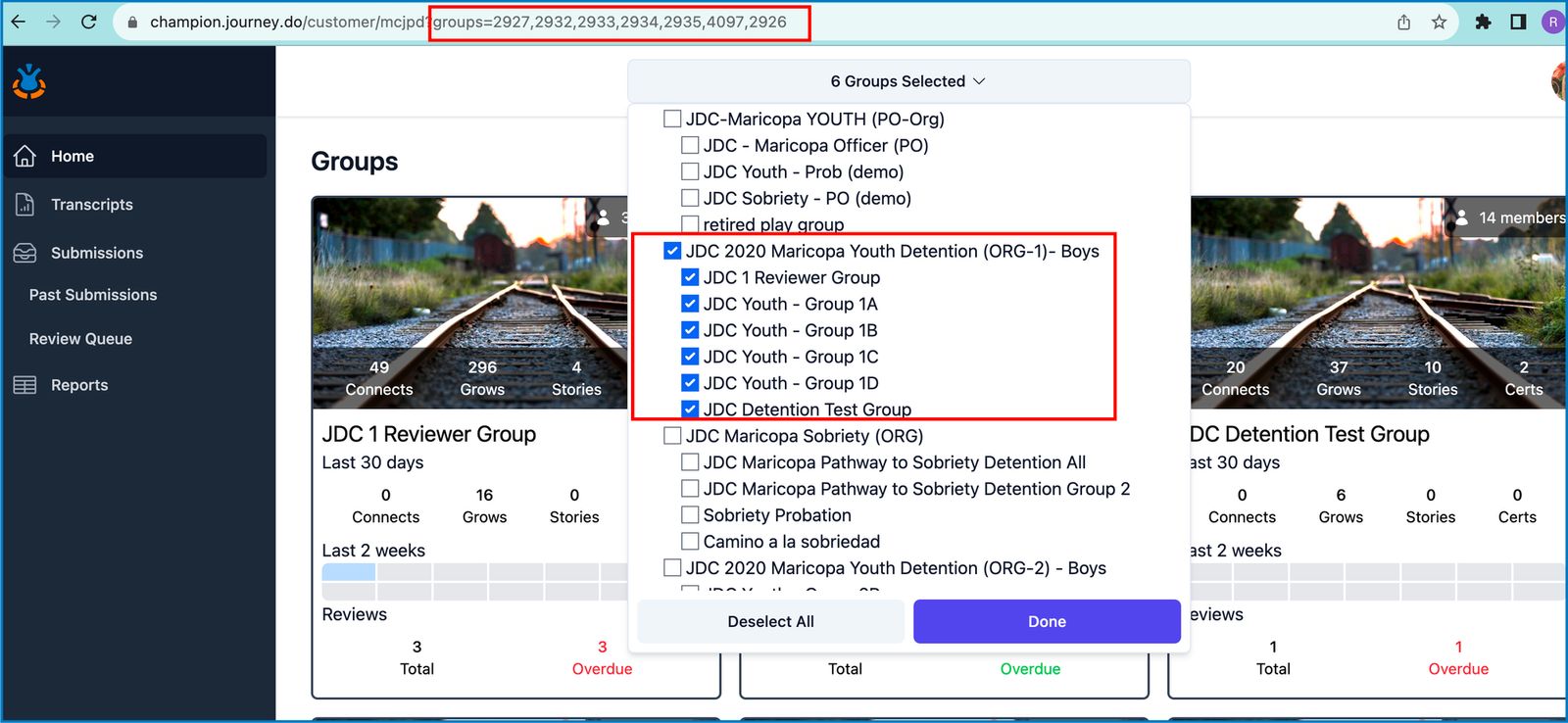
The order of the groups cards in dashboard overview can now be easily arranged and customized to your preference by adding the group ID’s to the URL. Similarly, the set URL can be saved and used again to bring up the same group overview result.
������ Things We Fixed:
When creating a new growth plan for the same member, journey assignments from the previously published plan are automatically carried over to the new plan.
Removed cards for non-groups or organizations from the group overview page in Champion Dashboard so only cards for groups will be displayed.
When downloading Story Report, it is now possible to select multiple journeys from different libraries to collect the data from different groups.
Server error when generating an H5P report for some groups.
Mid-November 2023
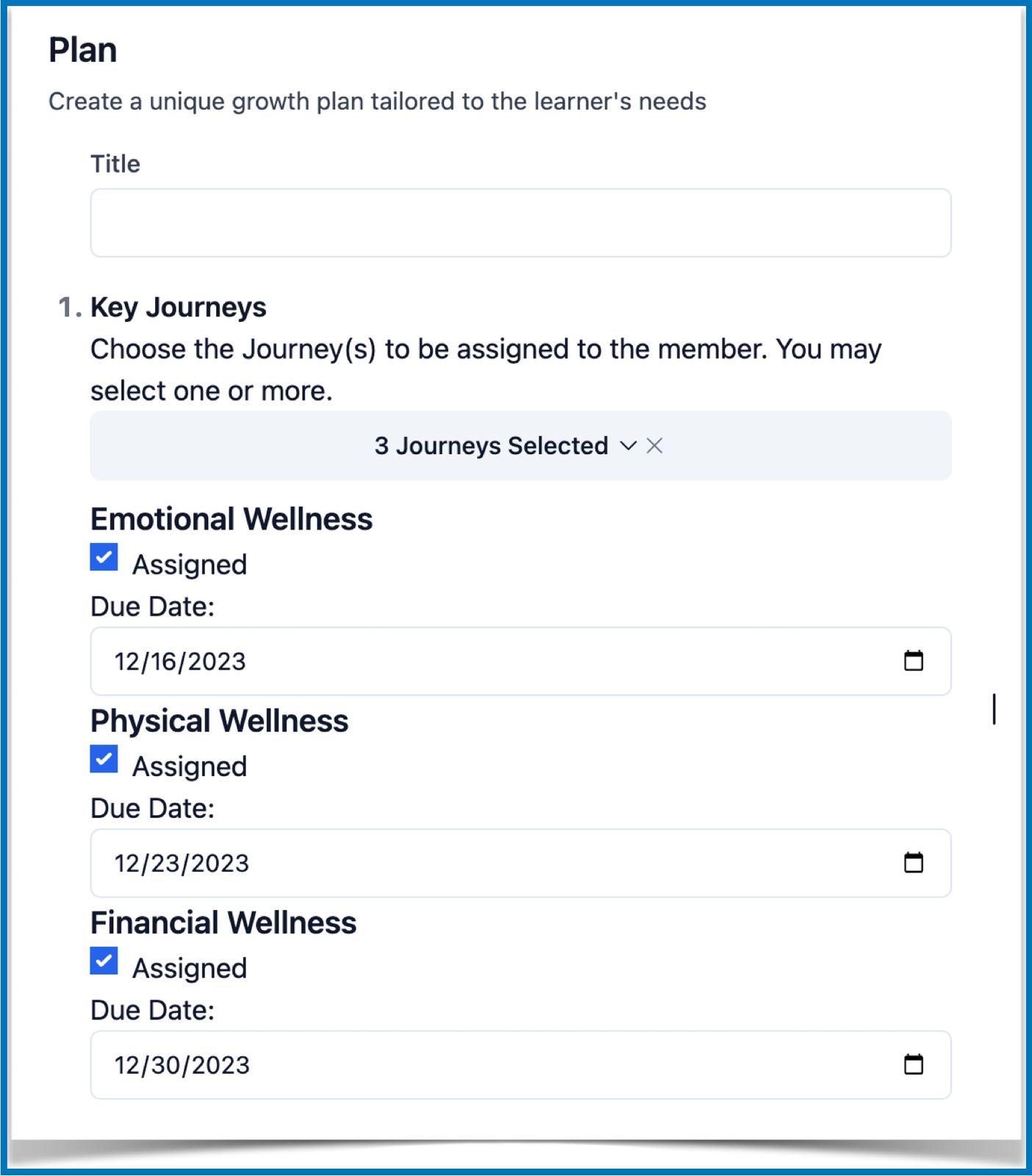
Journey Assignments and Due Dates
Designing Growth Plans is one of the first and necessary steps in beginning a Journey! Until now, members haven't had a way to know which Journeys to work on without looking at their published transcripts.
With the journey assignment feature, group champions can:
assign and set a due date for the Journeys within Champion Dashboard > Transcript > Plan.
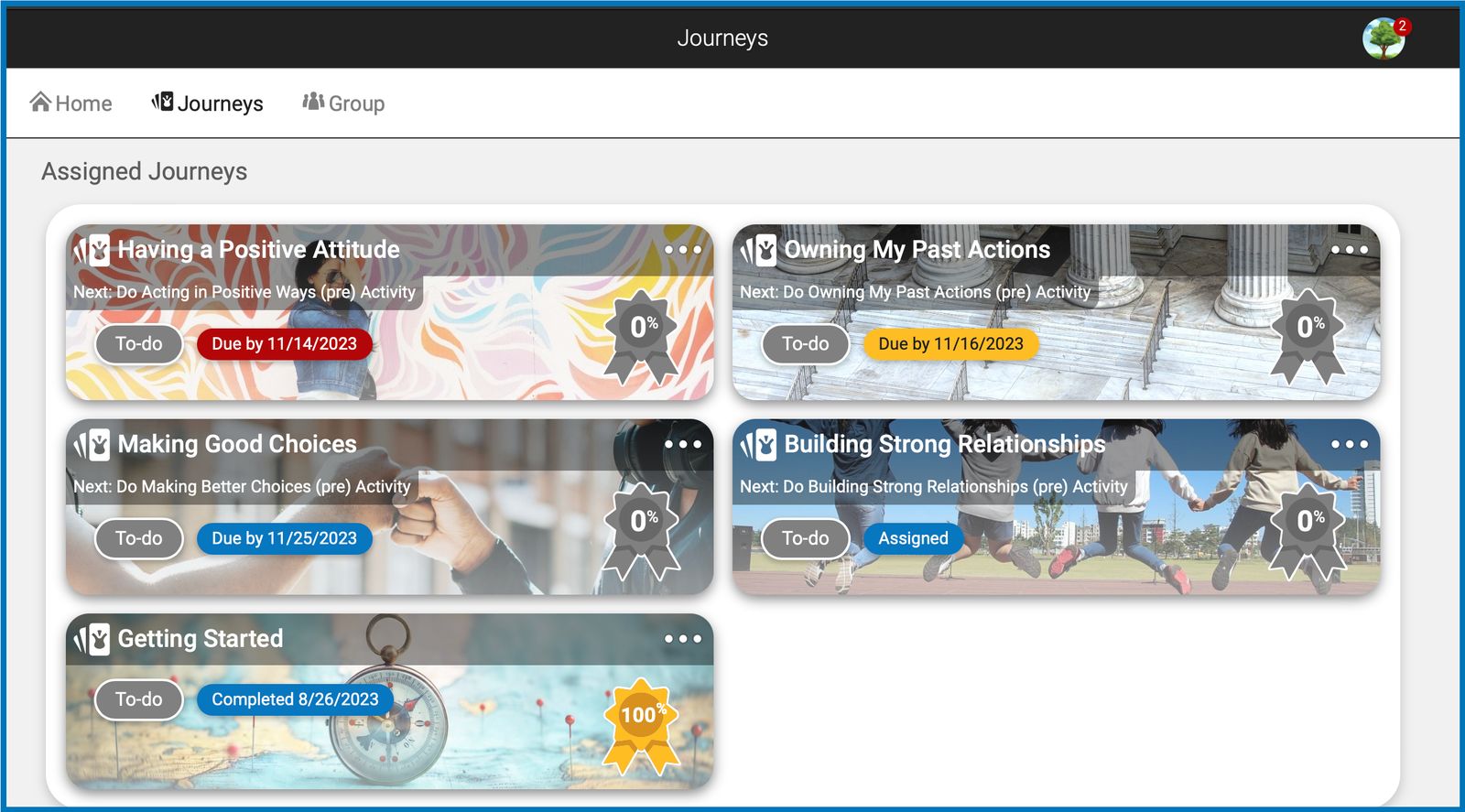
make these journeys appear as assigned on the member’s journey page
Members with assigned journeys will see the following:
All assigned Journeys at the top of the Journey page.
Journey cards are sorted, starting from the nearest date.
Dates beyond 48 hours will show in blue. It will turn yellow once it falls within 48 hours or less, and red once it is past the due date.
If the assigned Journey has no due date, the cards will only be tagged as “Assigned”.
Once an assigned Journey has been completed, it will be marked as "Completed + [date]".
Review Received Notification on Feed
Whenever a member receives a review to their story submissions, a notification will be displayed and stay at the top of their home feed until such review is read.
Better Layout for Story Reviews
We redesigned our existing layout for story reviews with bolder background and bigger space to effectively highlight every feedback to stories submitted.
We also fixed the date format for when the story is returned and revoked.
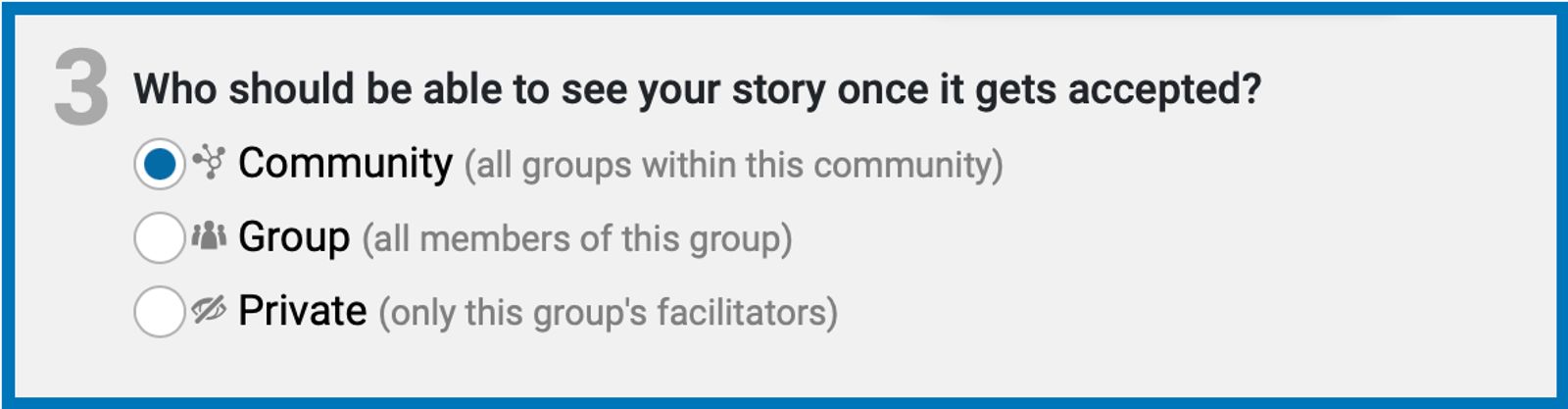
Story Visibility Descriptions
We added some text descriptions to the story visibility options in order to clearly define the difference between the three and to aid our members in choosing their desired audience for their stories.
Things We Fixed:
Members will only receive a credit on an accepted story on the 2nd review when 2 reviews are required.
We fixed the scroll issue on long story submissions in Review Queue and Past Submission pages in Champion Dashboard.
Name search in Review Queue and Past Submission pages in Champion Dashboard is no longer getting cut-off on mobile view.
Enhanced view of Review Queue to show multiple story submissions when multiple groups are selected on the group selector.
Library dropdown in Reports page no longer shows duplicate library names.
User Story report to download data
Various issues around group selectors in all reports subpages
Mid to Late October 2023
Shortcut to Champion Dashboard
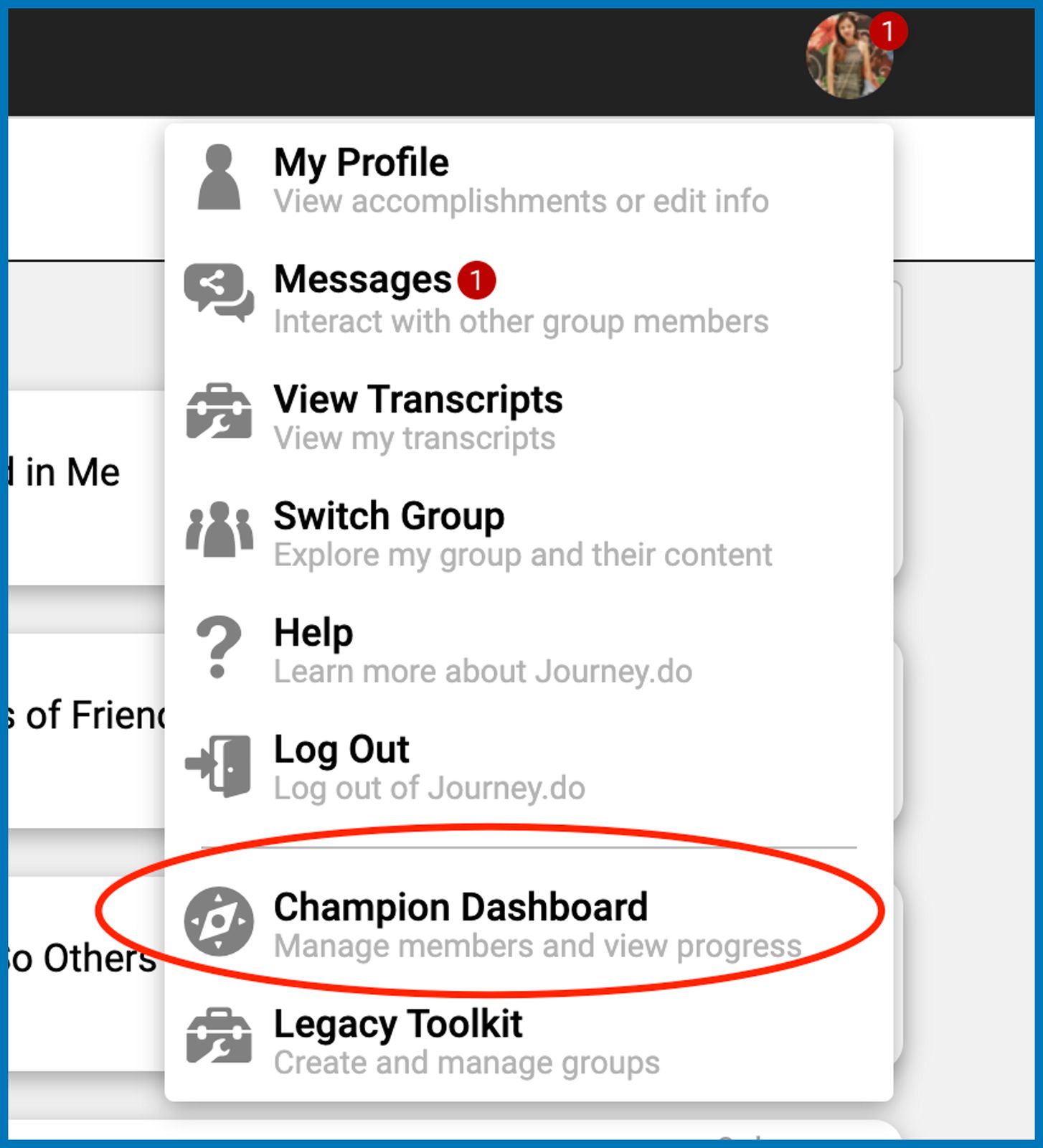
Group leaders will now see an added option on the menu under their profile photo that will take them directly to the Champion Dashboard page to gain access to all the groups within their organizations, transcripts, story submissions, and reports.
Better Visual Representation of Likert Graphs
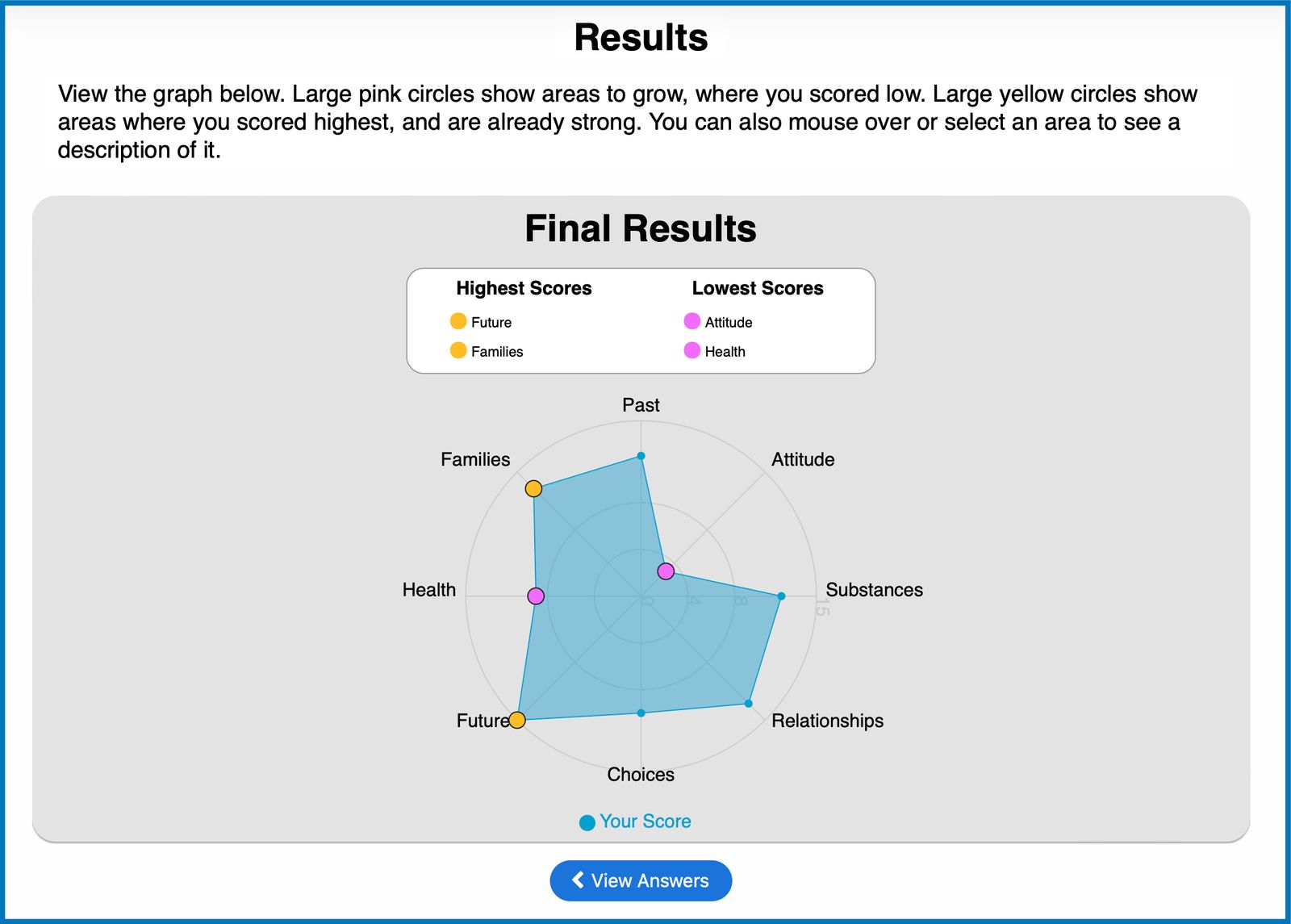
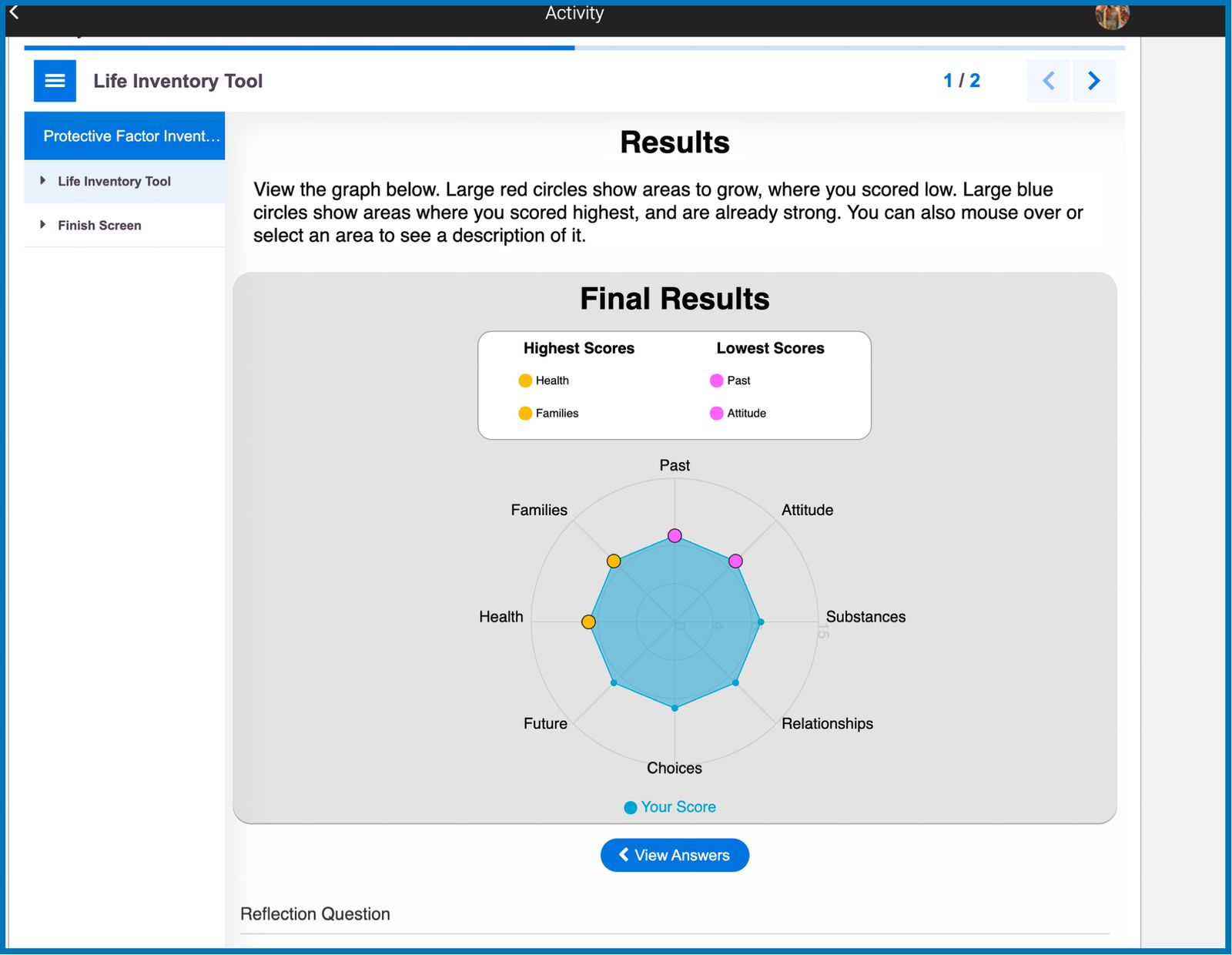
Scores on our Likert Survey Results are now presented by bigger dots in two new colors that are more colorblind-friendly. The highest scores are in golden yellow while the lowest scores are in purple. The categories where the member scored the highest and lowest are also displayed right above the graph for a clearer representation of the results.
Email Notification When Transcript is Signed
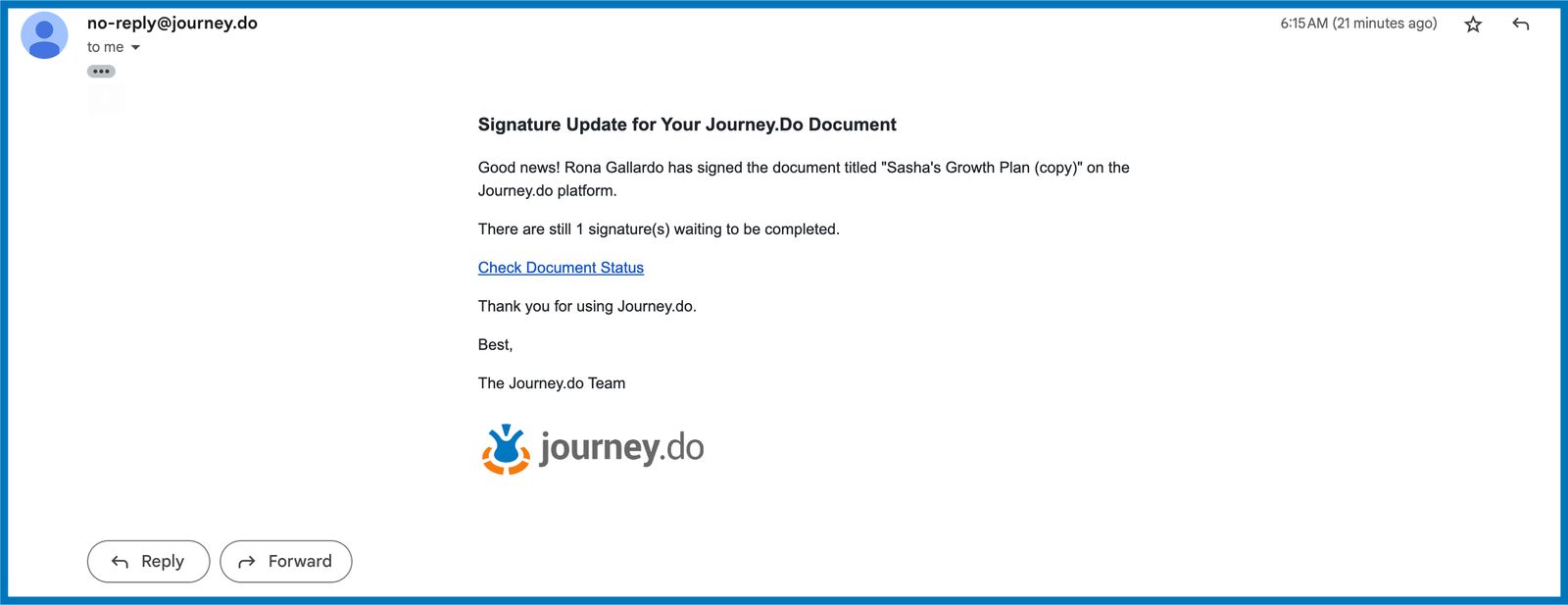
Group Champions who created any type of transcript for their members with signatures required will now receive an email each time that the document is signed by the requested parties until all required signatures are uploaded. The email also contains the link to view the updated document in the transcript editor page.
Convert Plan to Portfolio
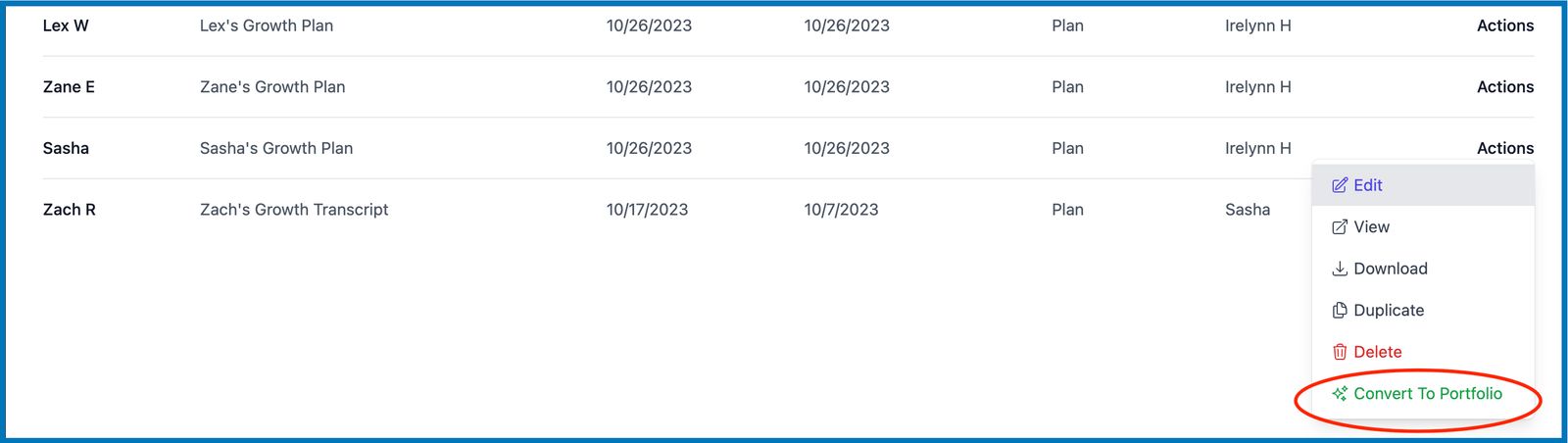
Growth Plans may now be converted to Portfolios from the ‘Actions’ dropdown on the right-most side of the transcript table. Converting plans to portfolios makes it easier for group facilitators to see the outcome of the member’s progress based on the previously designed growth plans. The converted portfolios will copy the same set of Journeys and any due dates, additional activities and goals, and names on the signatures required (if there’s any) from the growth plan.
Additional Details to Transcripts
Various tiny details were added to polish the transcript feature along with the e-signature collection:
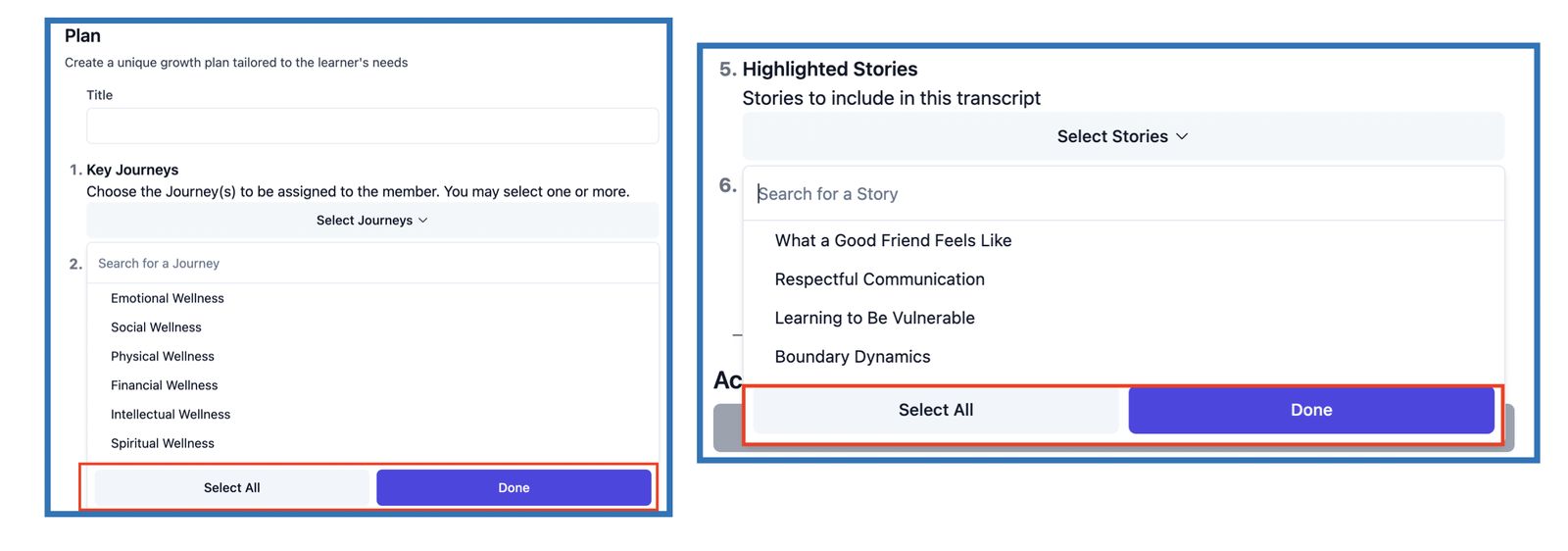
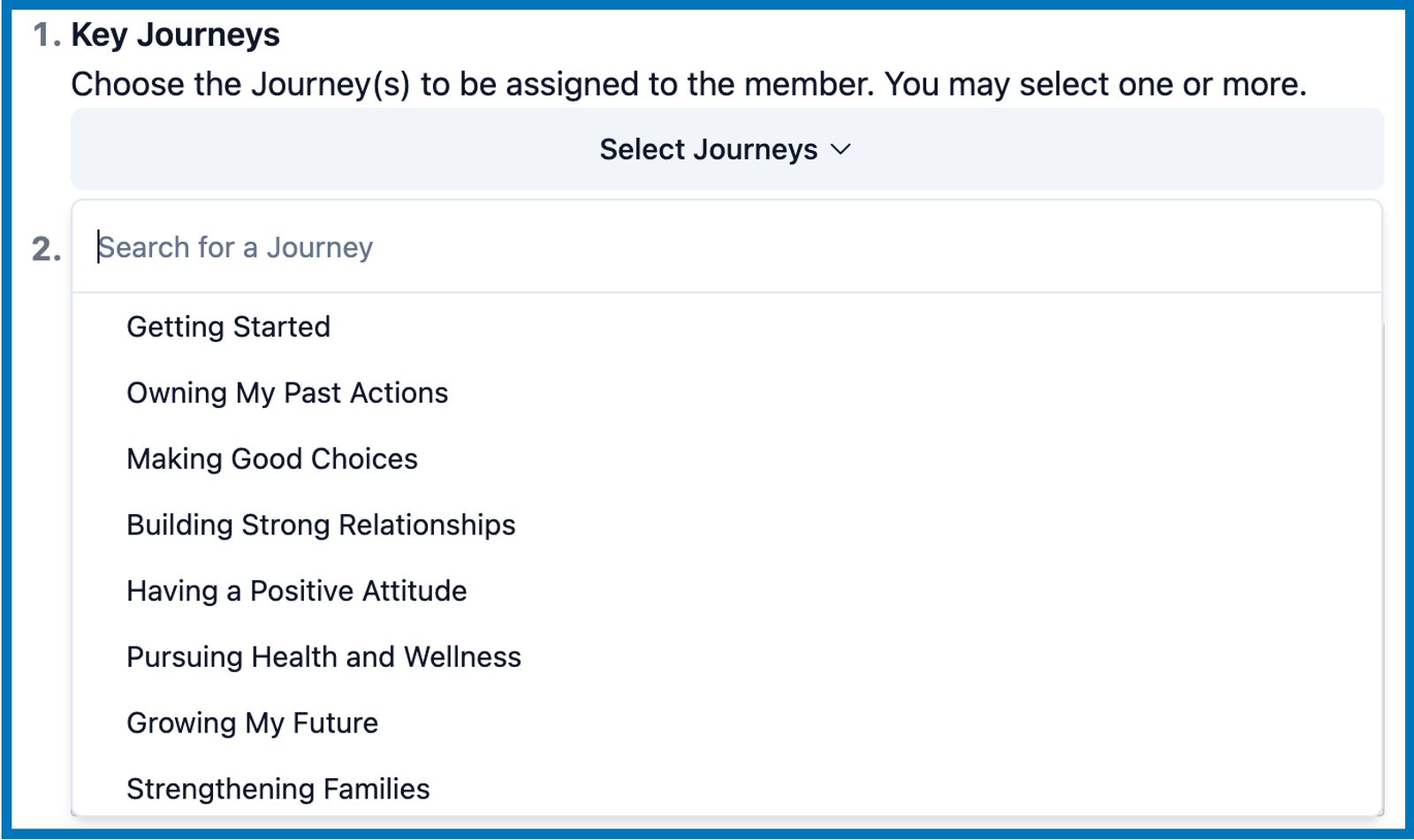
Better dropdown selector for Journeys and Stories
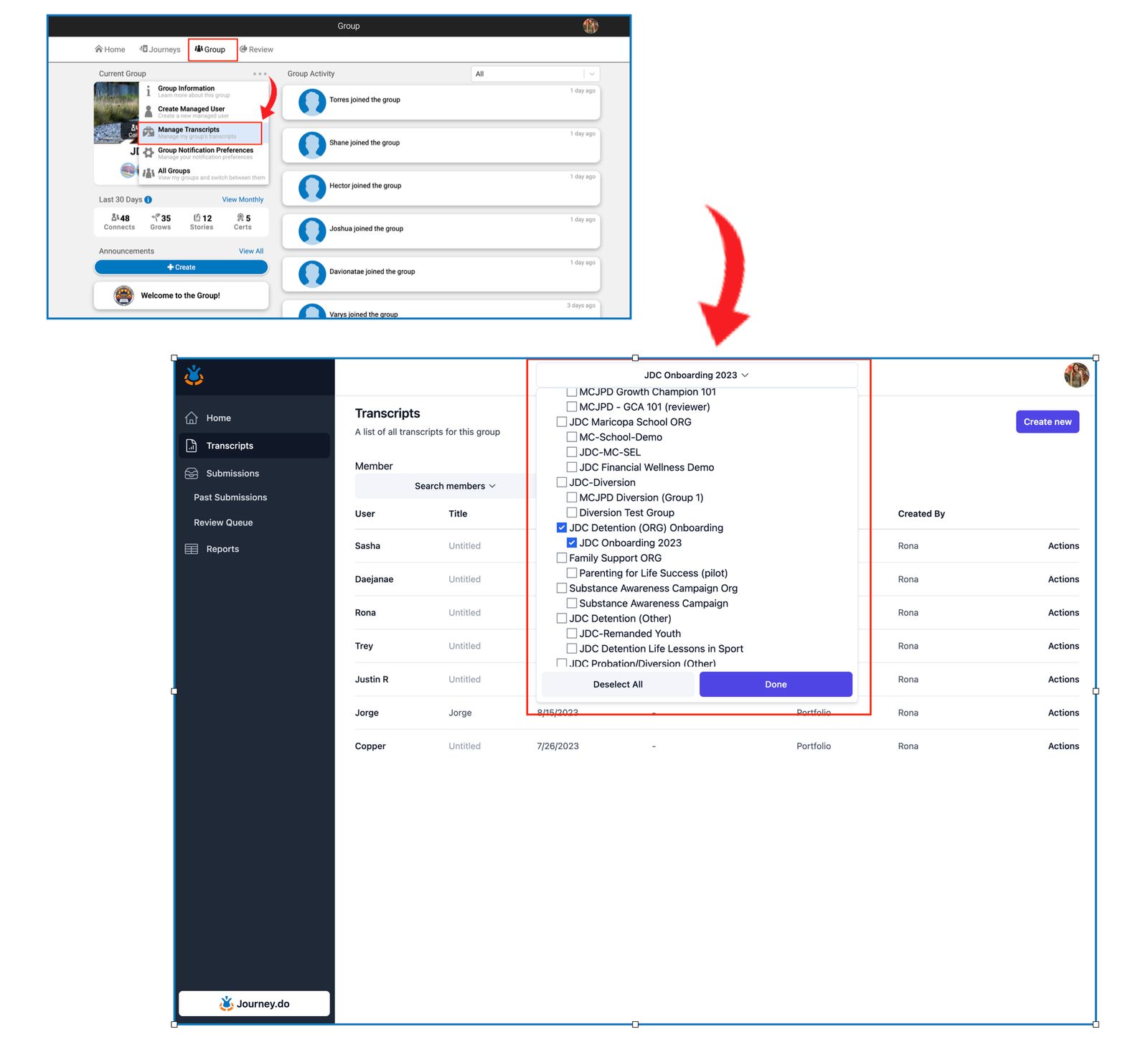
Our new selector for Journeys and Stories in transcripts now have the buttons to Select/Deselect All and Done
Generated Date
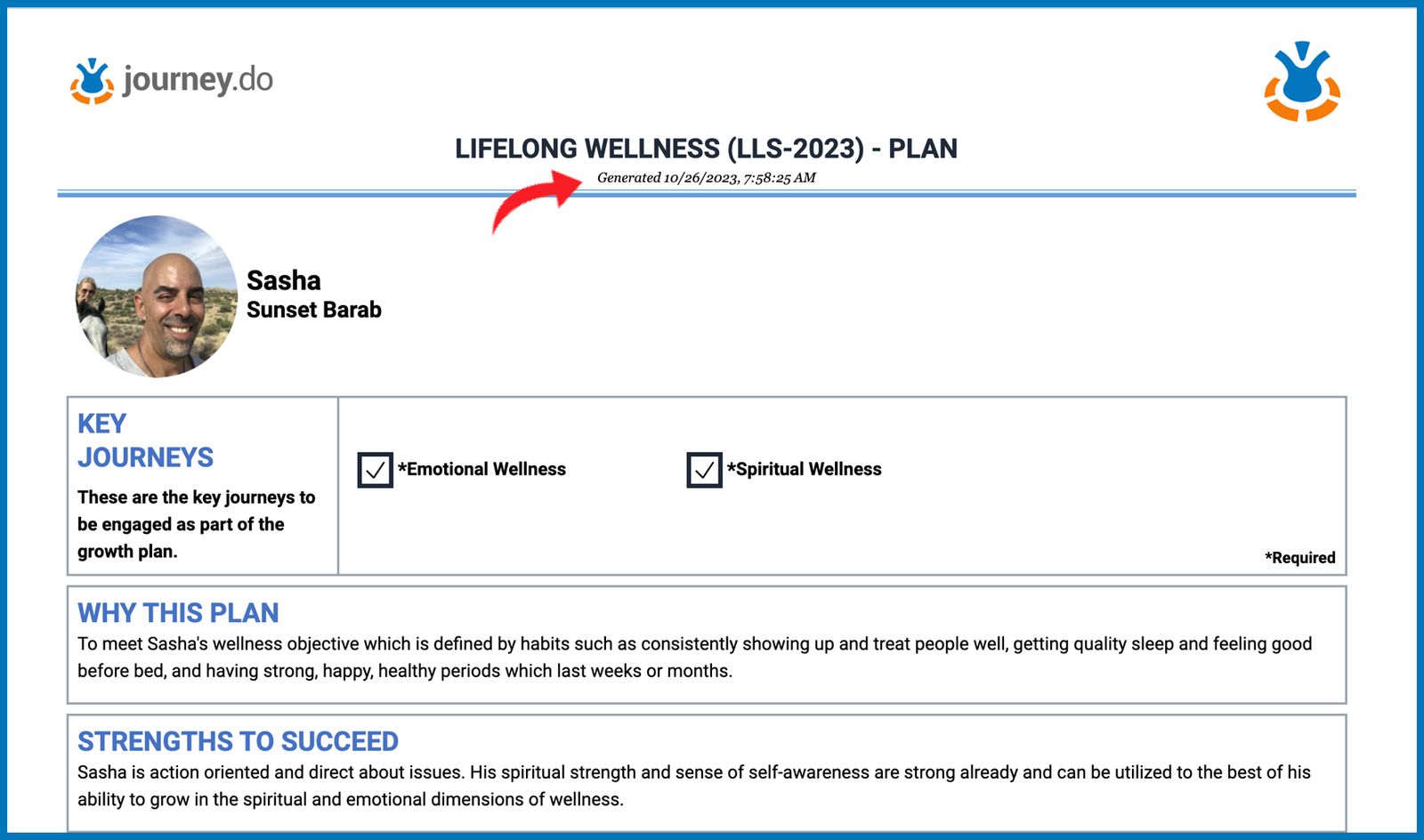
Each time that a transcript is create, saved, and published, the preview displays the date and exact time of when the transcript was generated. This is also shown on the printable version of the actual document to help identify if the transcript is an older or updated version.
Previously Signed Document
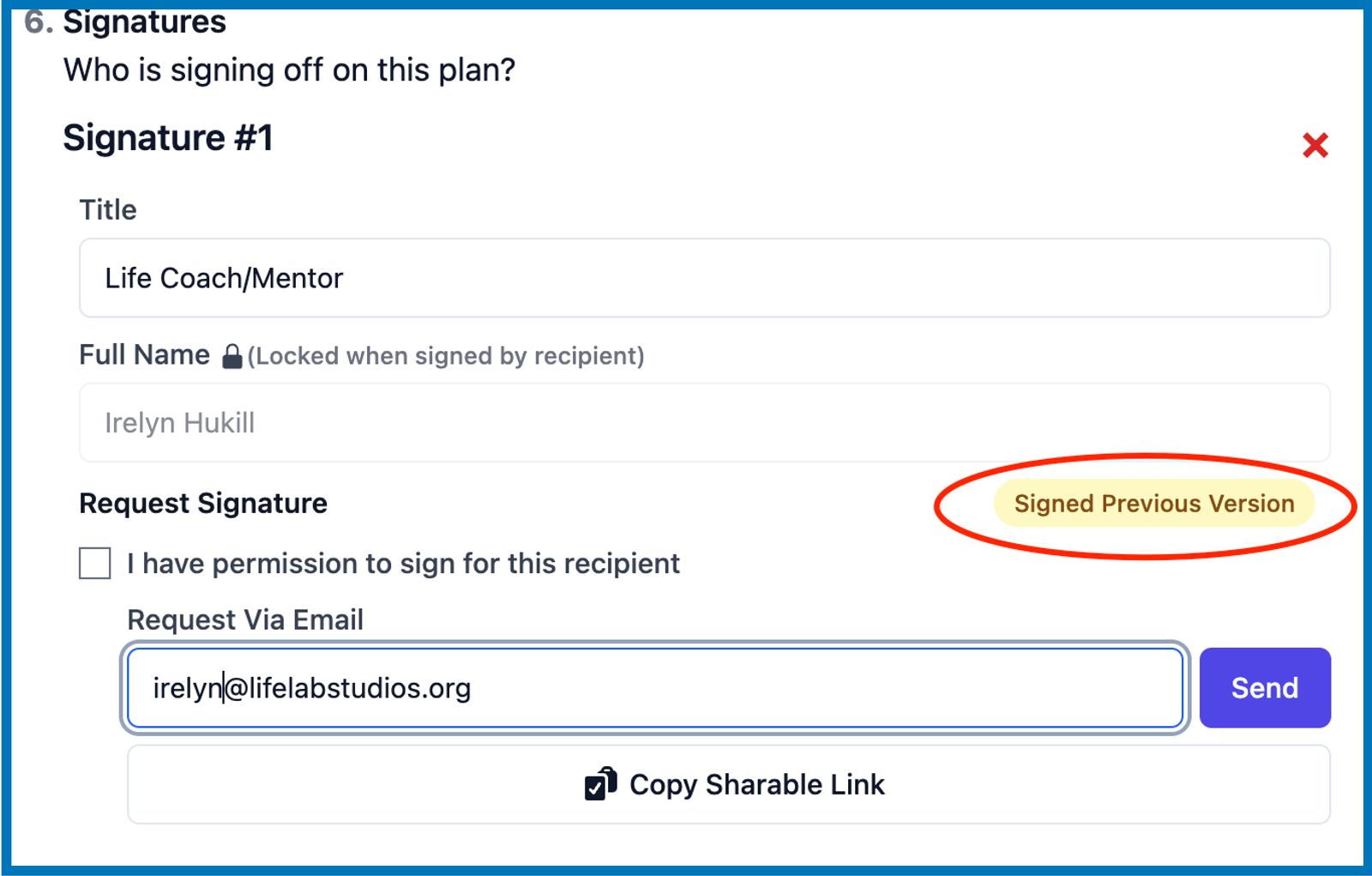
When the transcript is signed and a newer version has been republished, the signature on the original version will be tagged with “Signed Previous Version” to make it clear that the signature was uploaded before any new changes were made to the same document.
Uploading Signature From an Android Device
We fixed the app so that uploaded signatures from an android device looks as good as when uploaded from a desktop.
Fixed Some Bugs Around Group Selector in Dashboard
We were able to fix several different instances of when the group selection in the Champion Dashboard breaks. Group facilitators should no longer encounter issues when selecting multiple groups from the group dropdown filter while navigating to different subpages in the dashboard such as the Home page, Transcripts page, and Story Submissions.
Archive User via Members Page
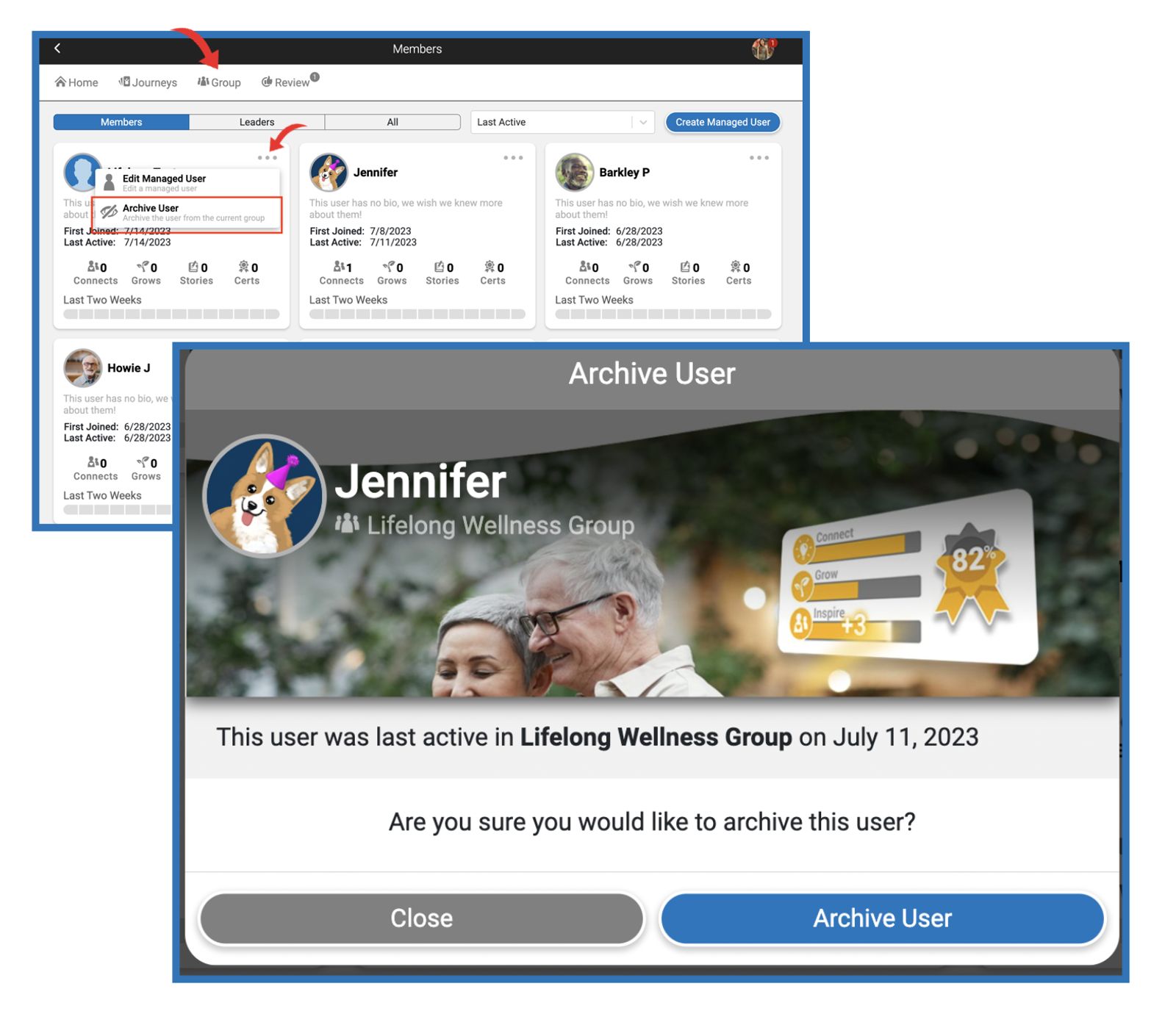
Group managers and facilitators may now archive members of the group via Journey.do by going into the Group tab and clicking on the Members list. On each member profile card, there is a pulldown menu (3-dots) that contains the option to Archive the selected member. Before archiving, group leader will be prompted with a card showing when the user was last active in the group before choosing to continue archiving or not. Once archived, the member’s name will no longer be displayed in the group’s list and member will no longer have access to the group.
Early October 2023
Multi-group Selector in the Dashboard
When visiting the Champion Dashboard page, group managers and facilitators will now see an overhead group filter that contains the list of all Organizations and the groups under each organization in their entire subdomain.
This filter allows them to select a group or multiple groups to conveniently display an overview of the group(s) as they navigate around each of the subpages in the Dashboard.
Checking/unchecking the corresponding box for an Organization will automatically select/deselect the boxes for all the groups under that organization.
The corresponding group IDs of the groups selected will also be displayed on the dashboard URL. Set URL’s can be copied and saved to be used for the same set of selections.
Groups Overview
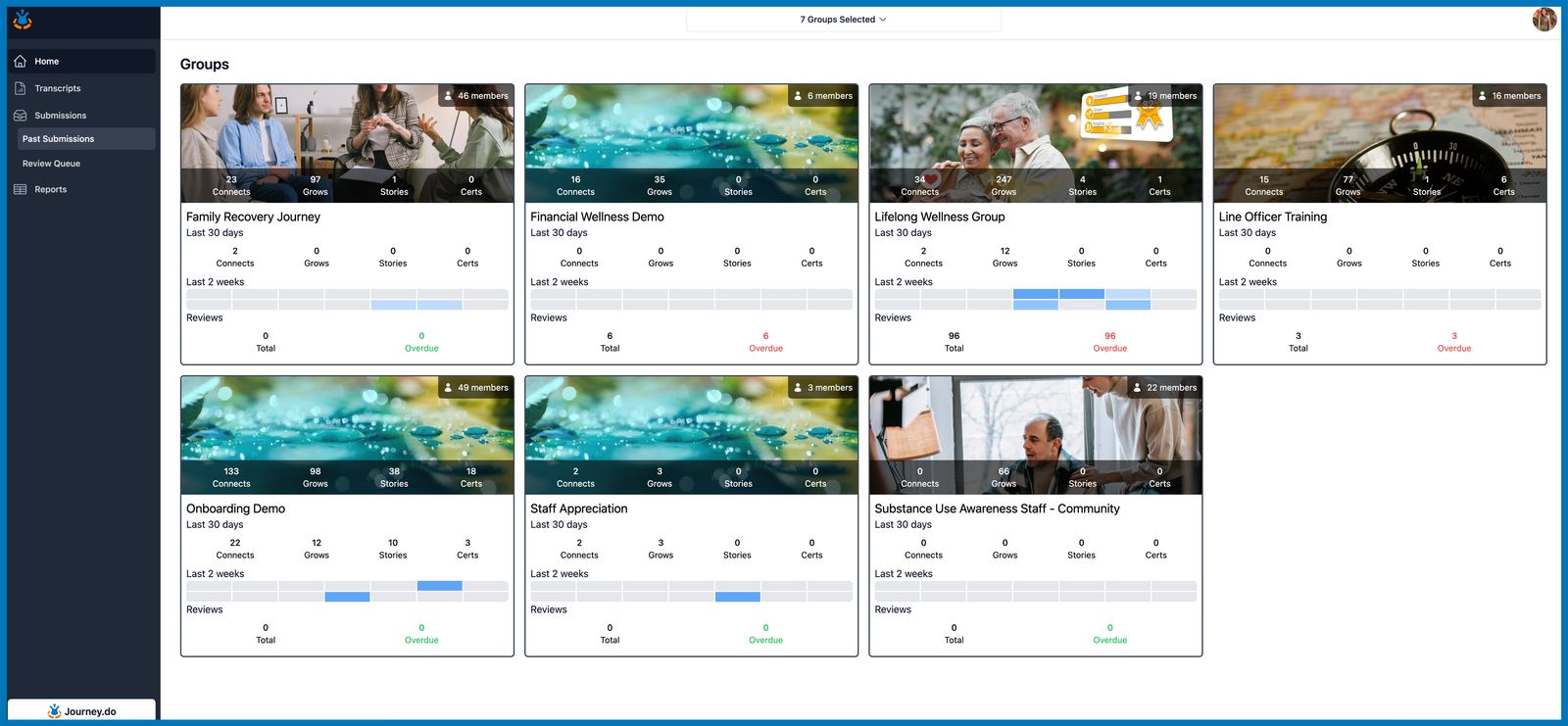
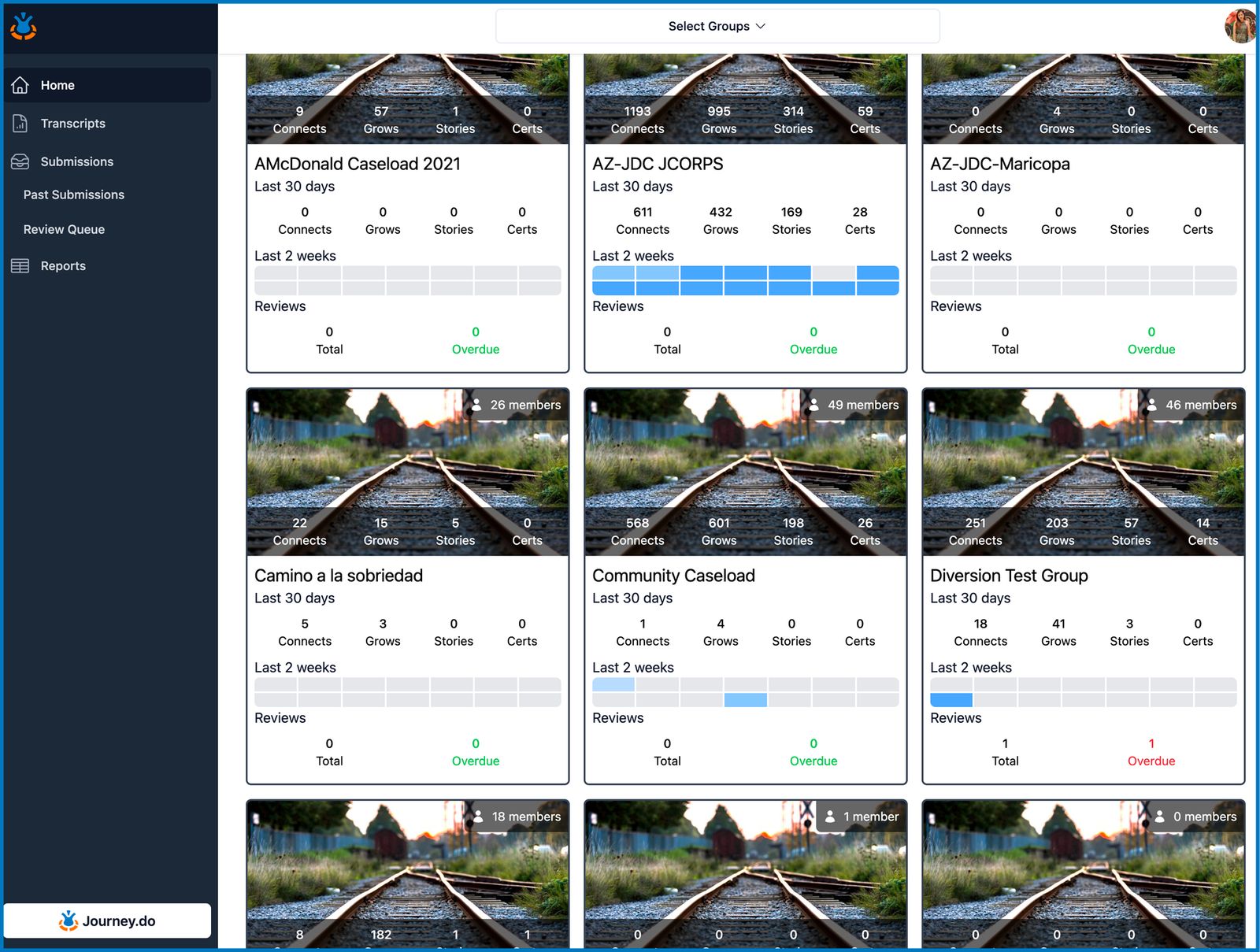
Once groups or organizations are selected on the filter, the Dashboard will display the boxes for all the selected groups, making it possible to get an overview of multiple groups in one place rather than switching from one group to another.
Every group box displays their default cover image, group name, total number of members, overall group activity counts, activity counts over the last 30 days, and over the last 2 weeks which are represented on the heatmaps.
Most importantly, it also shows an overview of the number of stories to be reviewed and the ones that are already past the 48-hr turnaround time. This helps in efficiently managing multiple groups in terms of reviewing stories and monitoring group activities.
When no particular group is selected on the overhead filter, all groups under your subdomain will display by default.
E-Signature Collection in Transcripts
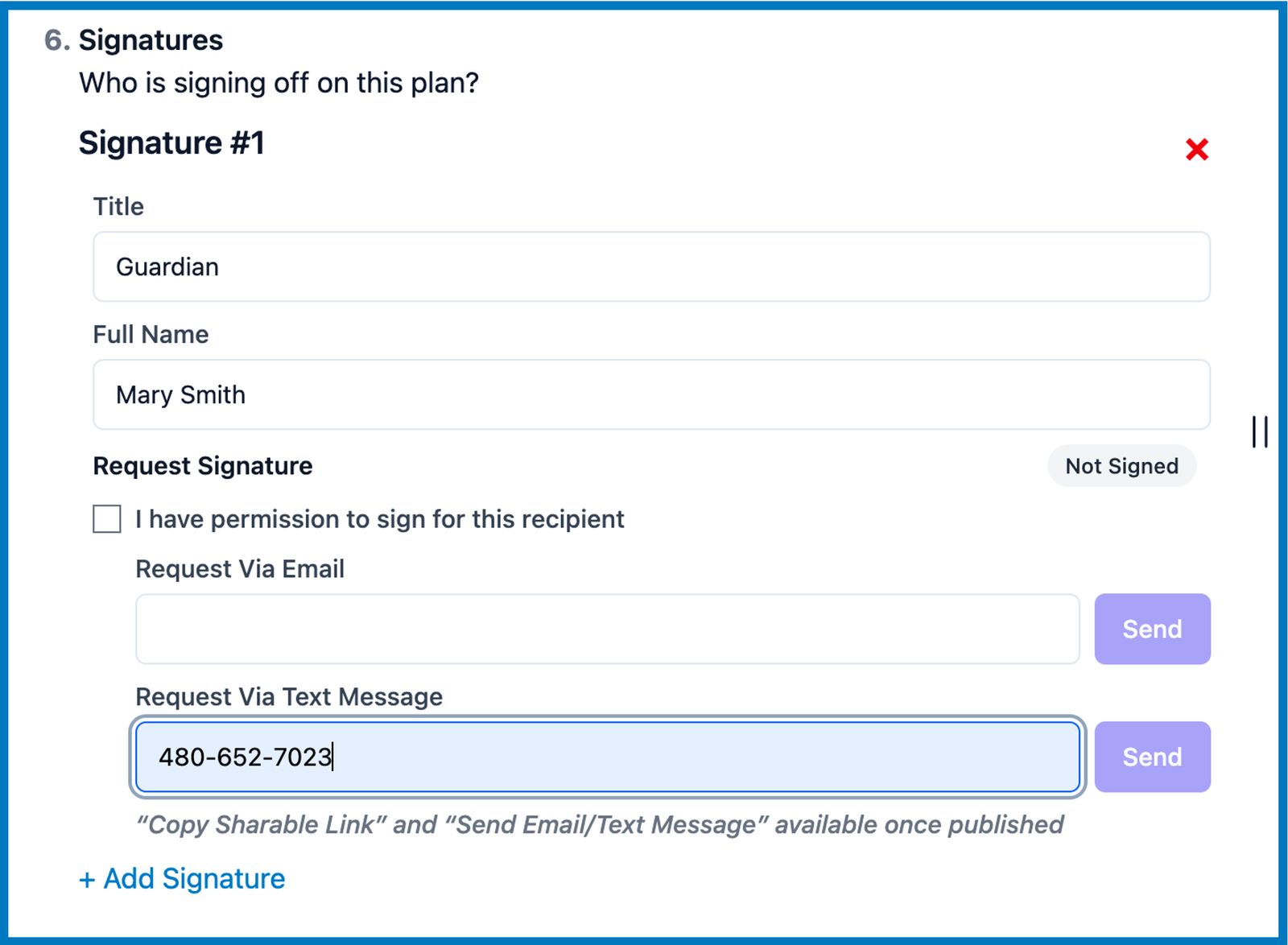
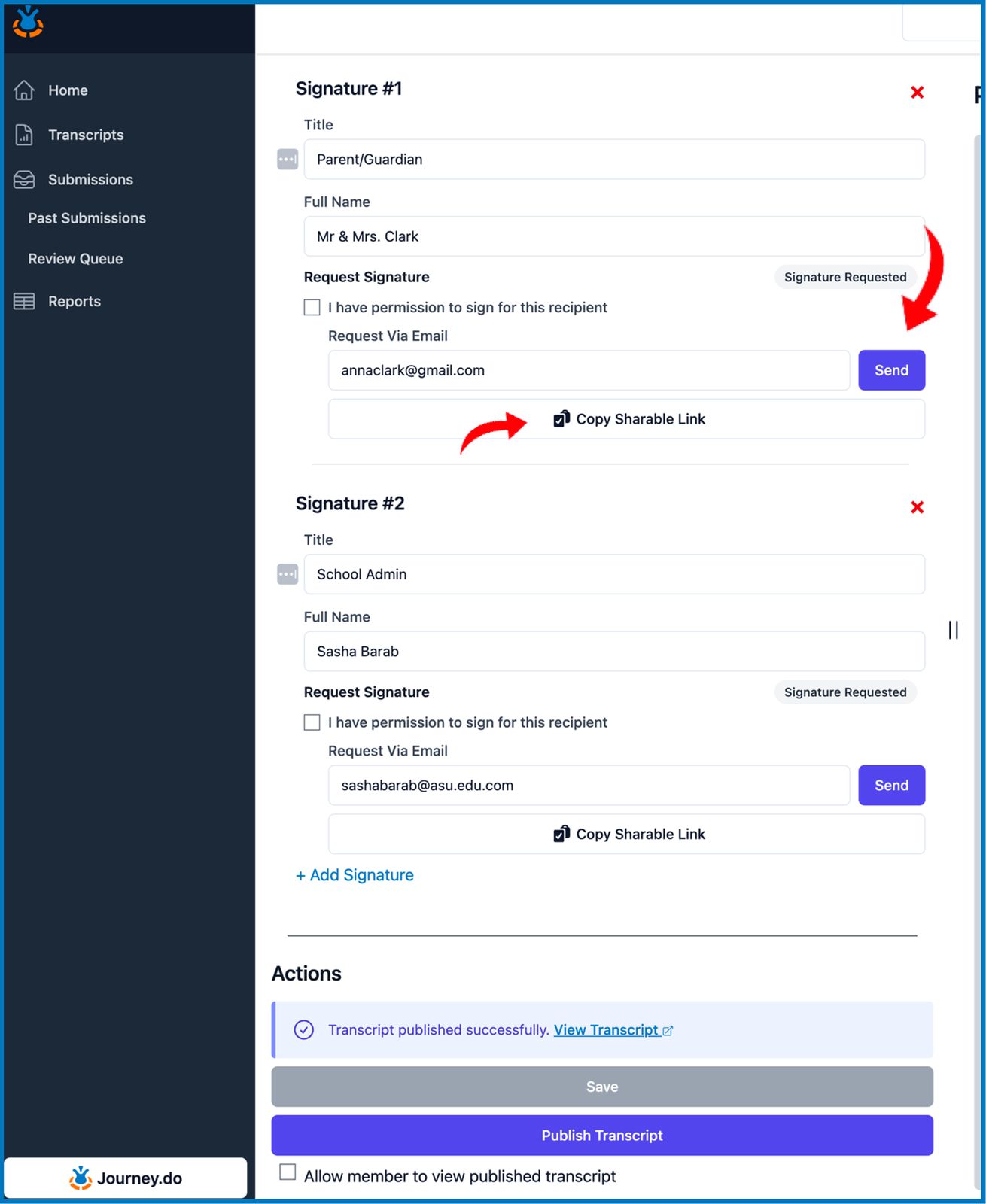
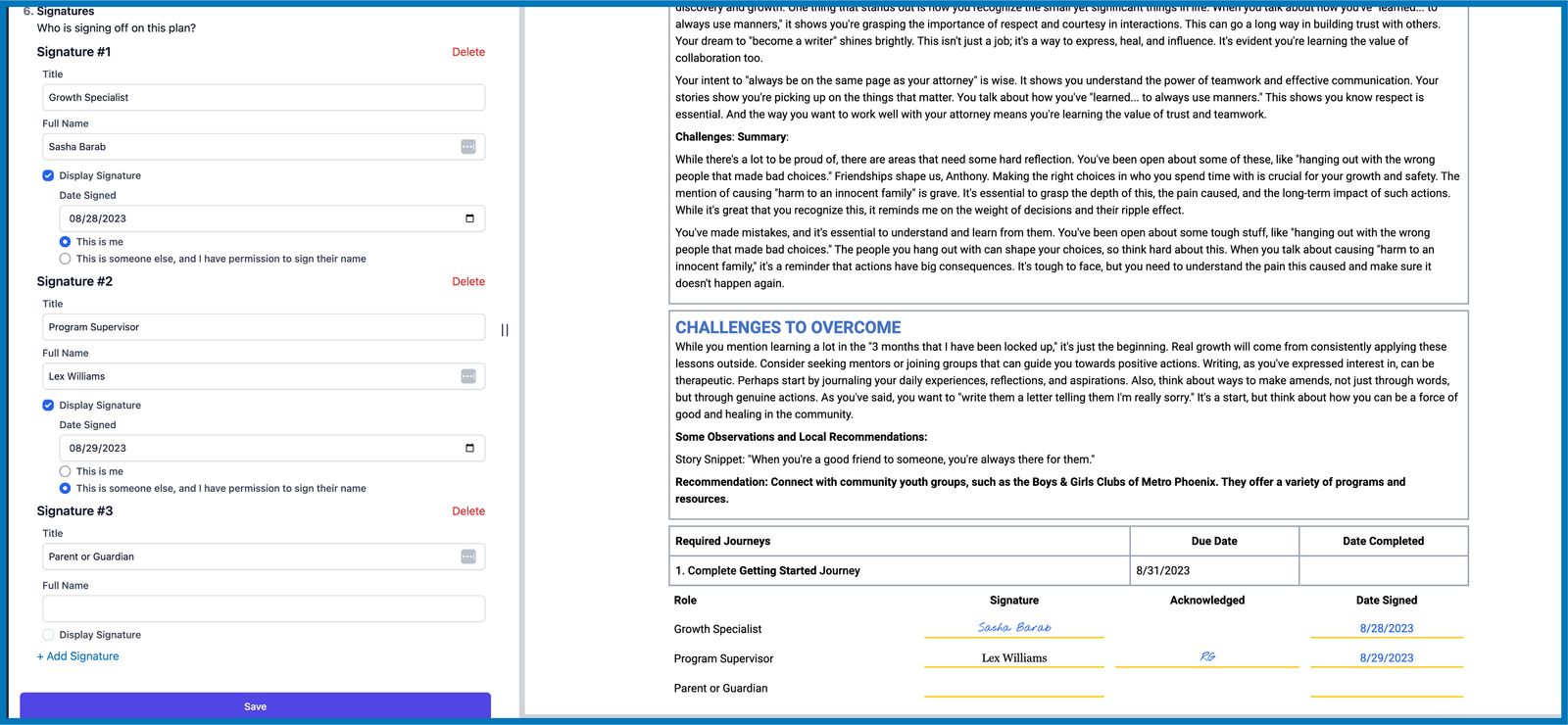
We have further improved our Transcript Signature feature in which we added the ability to request and collect the actual e-signature of the people concerned in the learner’s growth plans and portfolios.
By assigning an email address to every signature required, a link to sign the document will be sent via email and a shareable signature link can be directly copied and opened on any browser.
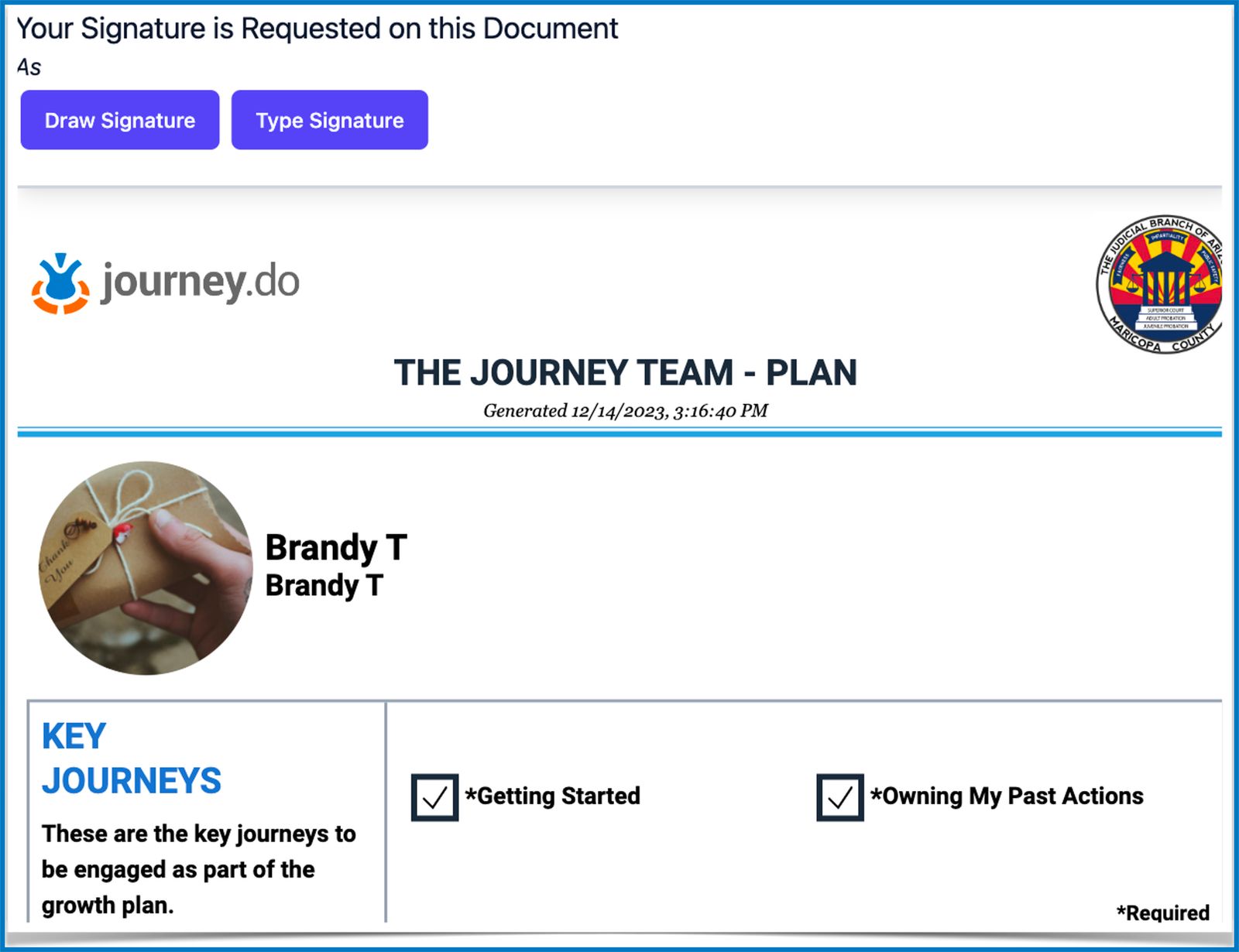
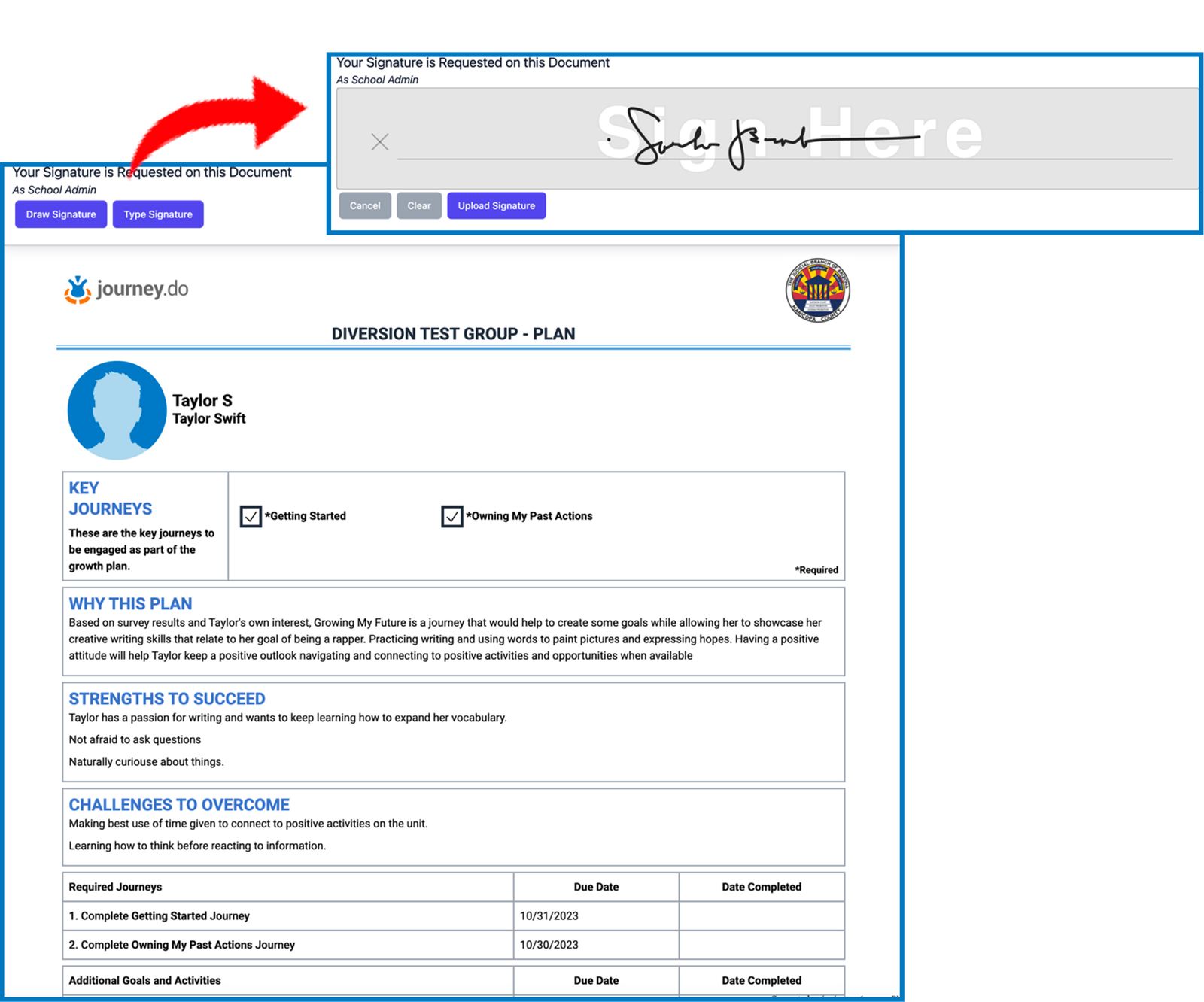
The email recipients can then draw or type-in their signature on the provided ‘Sign Here’ field and upload it.
The document also shows a preview of the growth plan or portfolio that was designed for the learner member so they can review and provide feedback for should they feel the need to prior to signing.
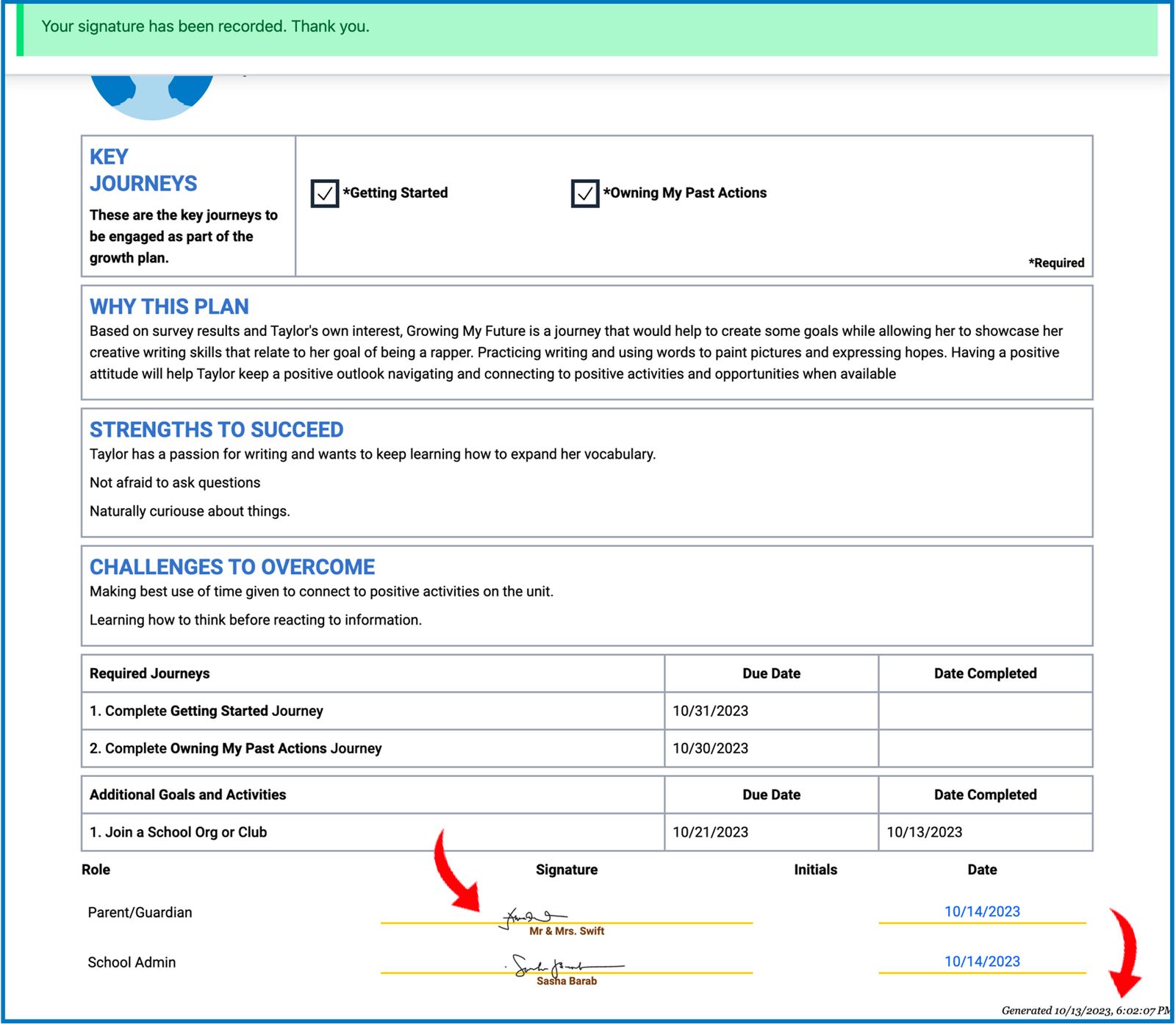
Once the signature is uploaded, the original published copy of the transcript will be immediately updated showing the signatory name, signature, and the date when the document was last generated.
Transferring Users and Their Earned Progress
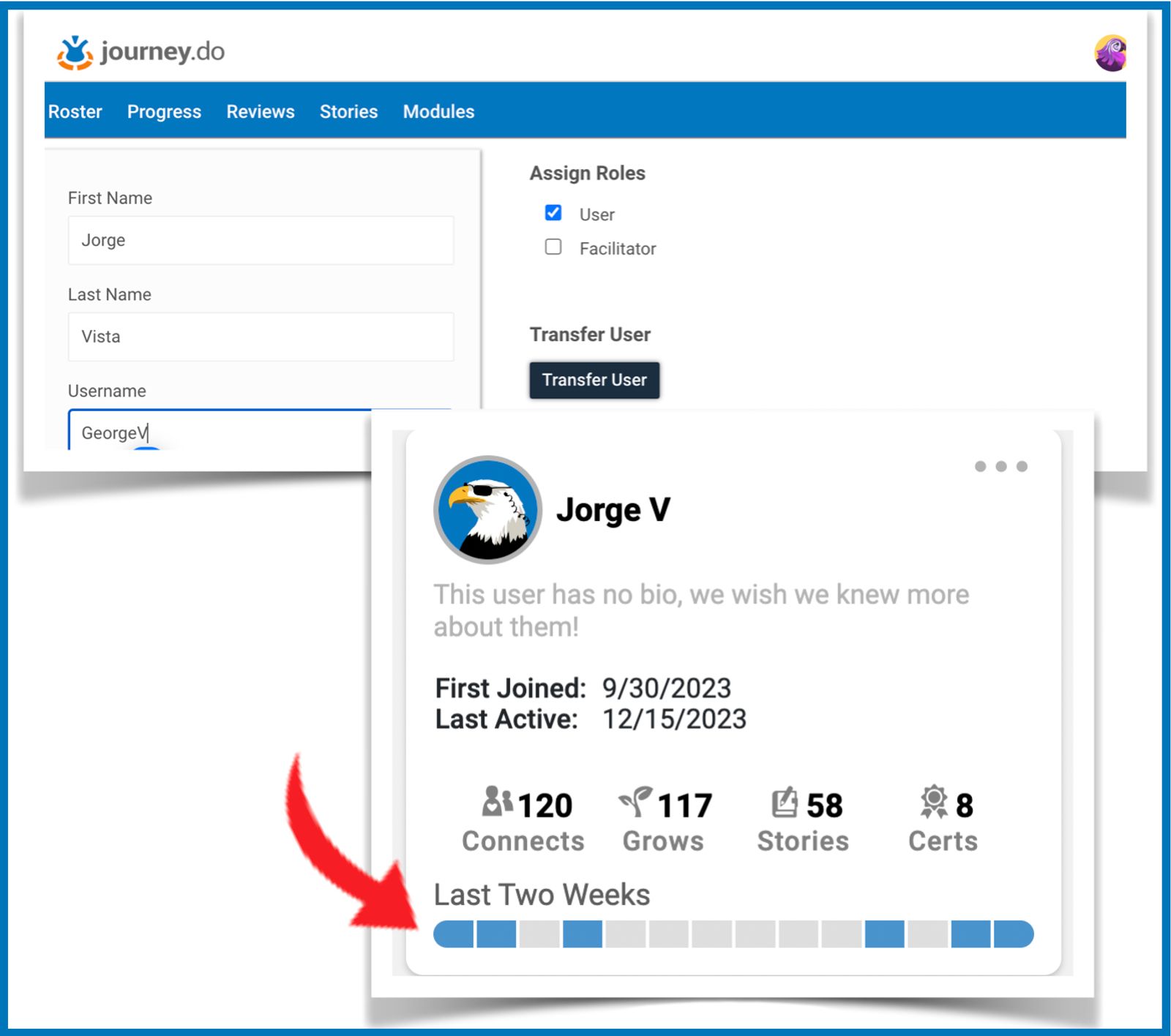
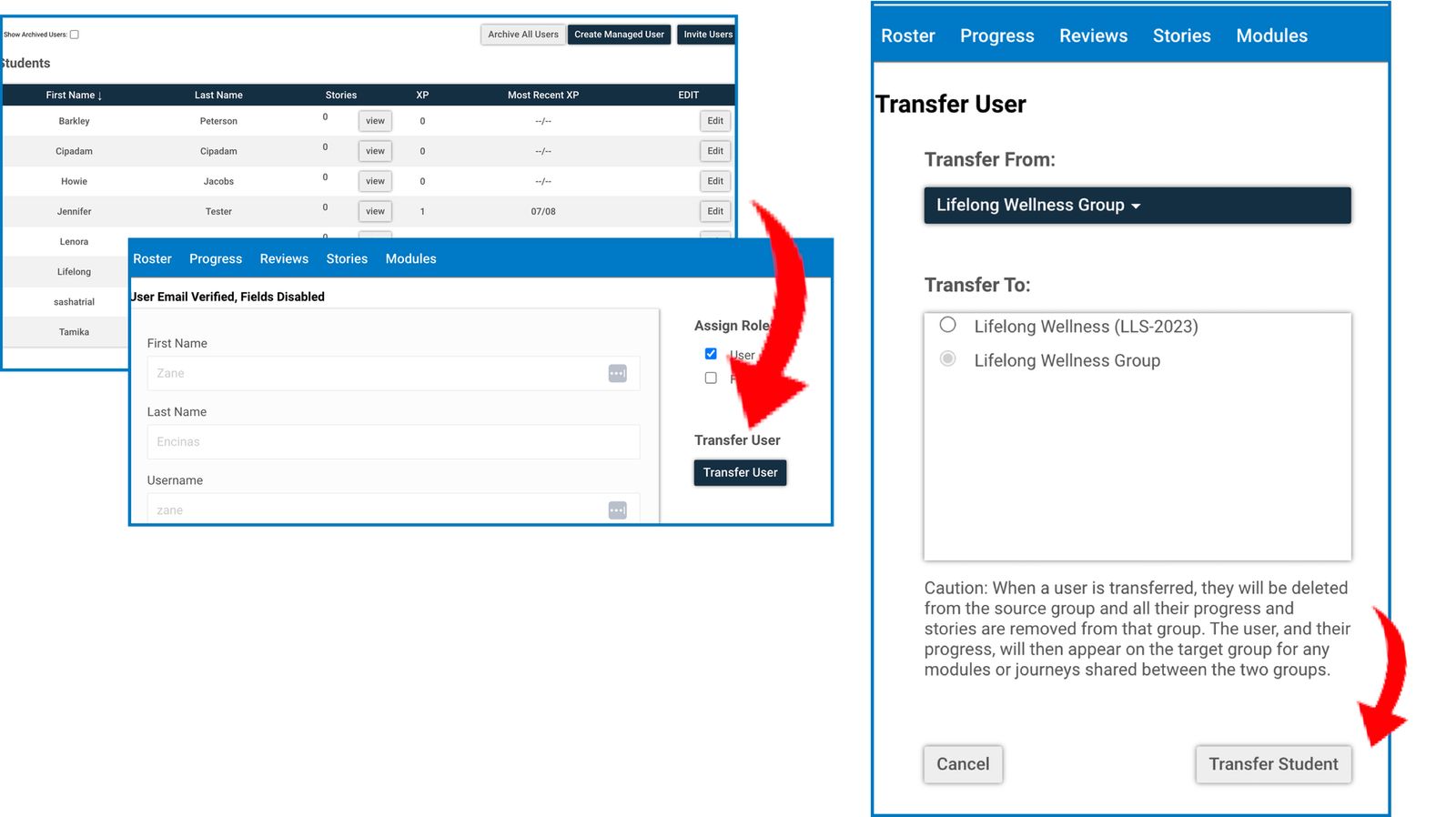
Moving members in between groups has been simplified in the Group Leader Toolkit. Facilitators will now see a Transfer User button when they click on the Edit button across the member’s name on their Roster page.
Note that members can only be transferred to a group that shares the same library with the source group. Upon transfer, any earned activity progress of the member (Connects, Grows, Stories, completed Modules, and Certificates) from the former group will be carried over to the new group. The transferred member will automatically be deleted from the old group, too.
The member will also adopt the active group’s permissions and restrictions on certain features within the journey.do platform. If a member of multiple groups with different settings, the more restrictive setting shall apply.
Mid-September 2023
Generate OTP Code Individually for Every Member
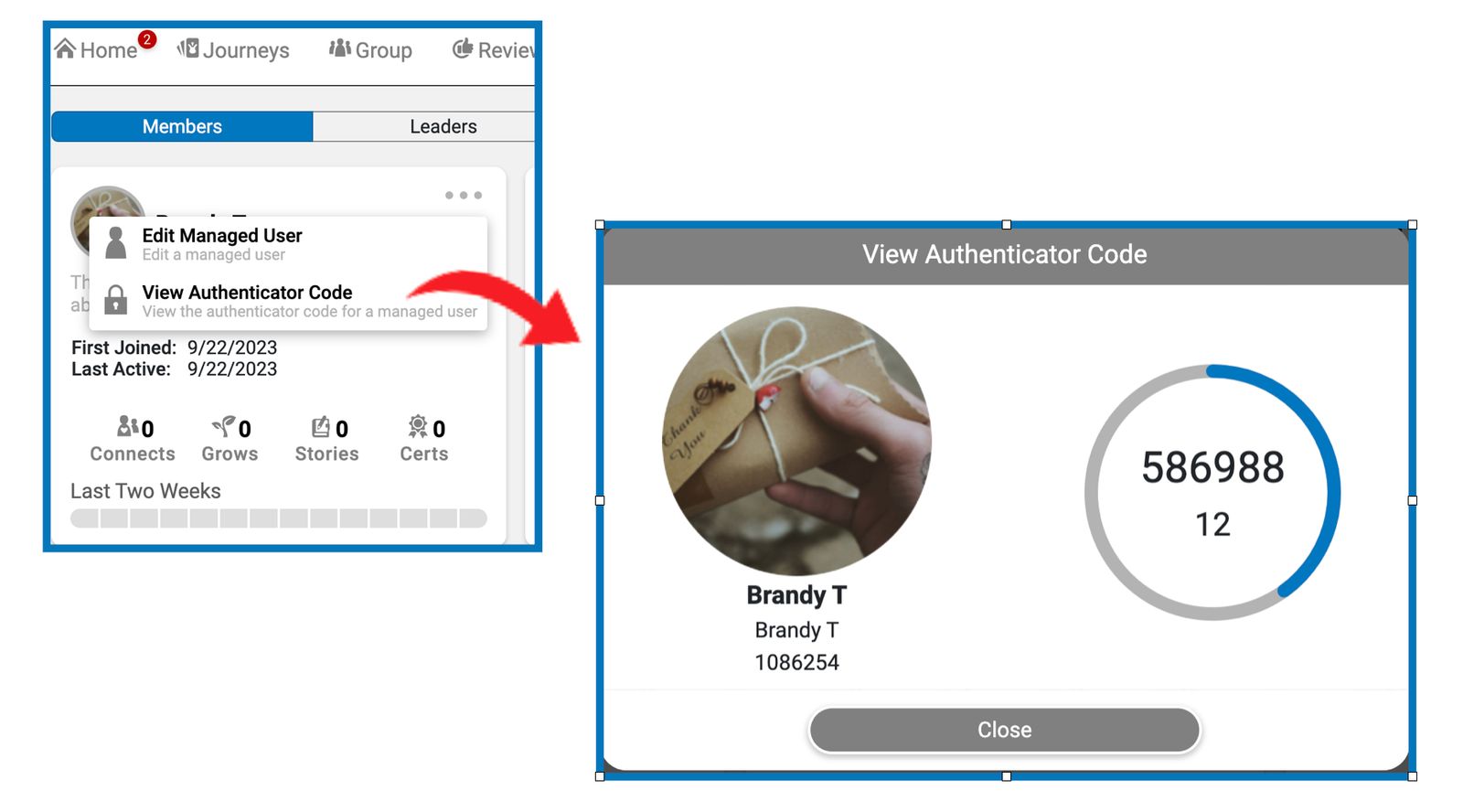
Aside from generating the OTP QR codes for the whole group, group facilitators now have an option to view the OTP code for each member with an active 2FA by simply going to the Group Page - Members list, and clicking on the View Authenticator Code from the pulldown menu on each managed member’s name card. Each code expires after 30 seconds and a new one is generated.
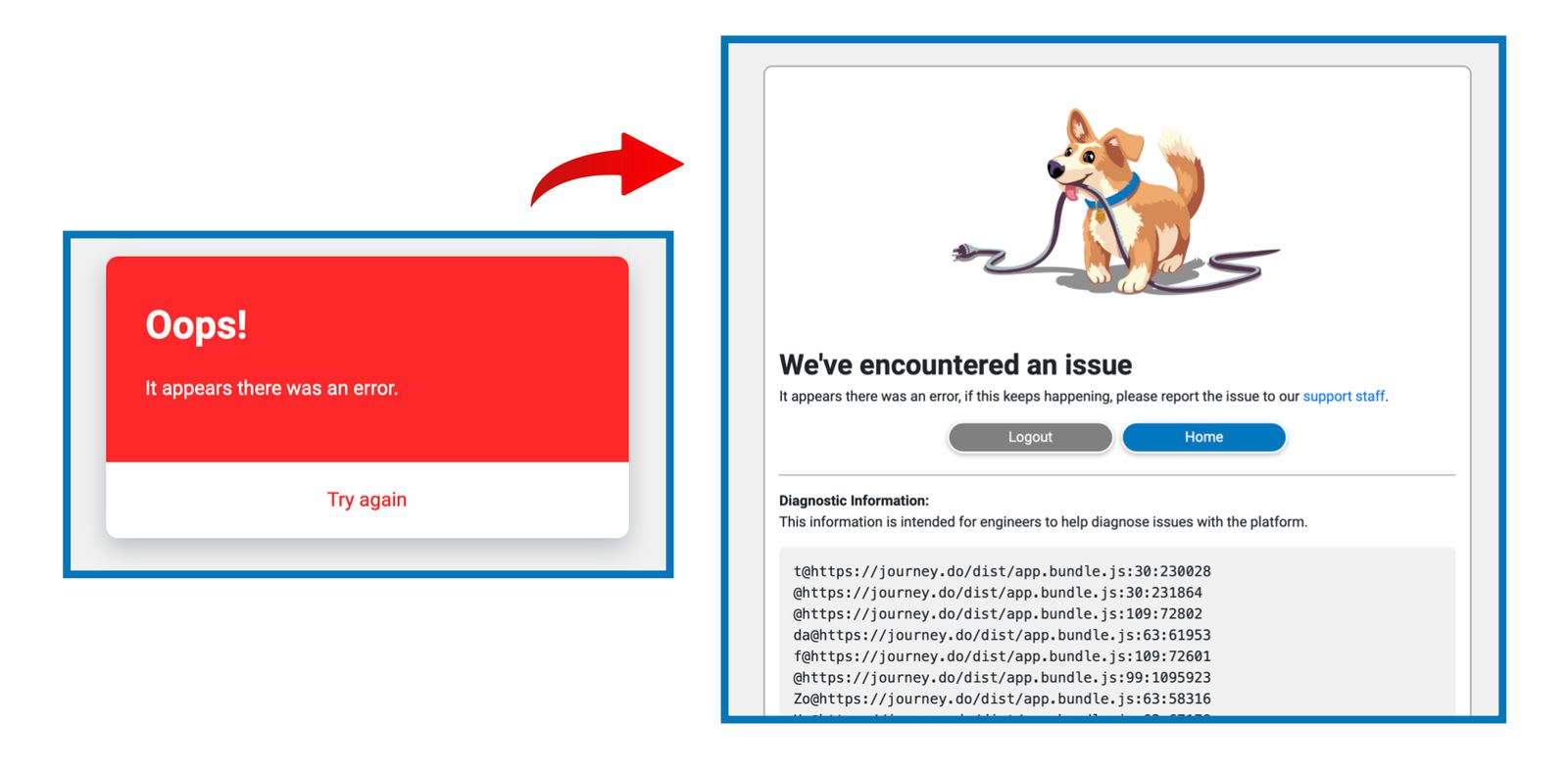
Red Error Card No More
We have had instances where members encounter an error showing a red card with no way to get rid of it or navigate away from the page. We fixed this so that whenever a system error would occur, it will show an error dog instead with the options to either go to the Home page or Logout.
Permissions for Managed Users Adapt to the Group Setting
We recognized the needs for some organizations to be moving managed members from one group to another which requires them to manually change the permissions for the members to match the group’s. Group facilitators will not have to worry about that anymore as we made it so that managed member’s permissions will automatically acquire the permissions or restrictions set for the active group they are in. If member belongs to multiple active groups with varied settings, it will adapt to the least permissive.
Similar Grows in Different Groups Are Automatically Completed
If you are added or switched in between groups that have the same Grows, you will no longer need to repeat the same activity in multiple groups as they are now automatically being checked off and granting credits towards your Module and Certificate scores. This way you will have more time to focus on other growth activities to further your skills and learning.
Early September 2023
Fixed Various Issues with Notification Emails and Group Digests
The missing entries for approved and returned story submissions are now showing again on the digest emails that are sent to group leaders, along with the feedback provided by the reviewer.
Group facilitators should no longer be receiving digest emails that are blank or empty.
Digest emails are now showing the entries for every new member that joined the group.
Reference ID Column on the H5P Report
For groups that use an internal reference ID or numbers for their members, this information is also now showing on the downloaded data for H5P activities.
End of August 2023
Additional Goals and Activities in Transcripts
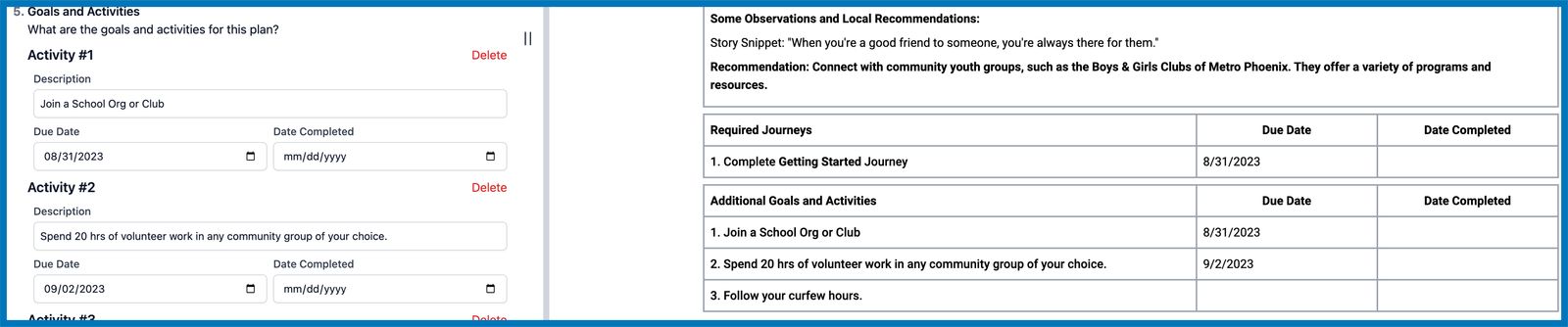
We want every group champion to have more liberty and flexibility when it comes to planning measurable objectives outside of journeys and modules by assigning specific tasks or activities that are necessary to achieve their growth goals for their members. We added the ability for champions or facilitators to add Additional Goals and Activities to their members’ growth plans and portfolios with due date and date completed that can be set accordingly.
Signatures on Transcripts
We recognize the importance of growth plans and journey portfolios in every member’s overall growth experience. Therefore, accountability from every person involved in the member’s progress is just as important. To ensure that each and every growth plan and portfolio is carefully thought-out, executed, and supervised, we added a feature that allows to add names of people concerned, pre-sign it or sign it on their behalf by authorized party.
2FA Link on Group Menu
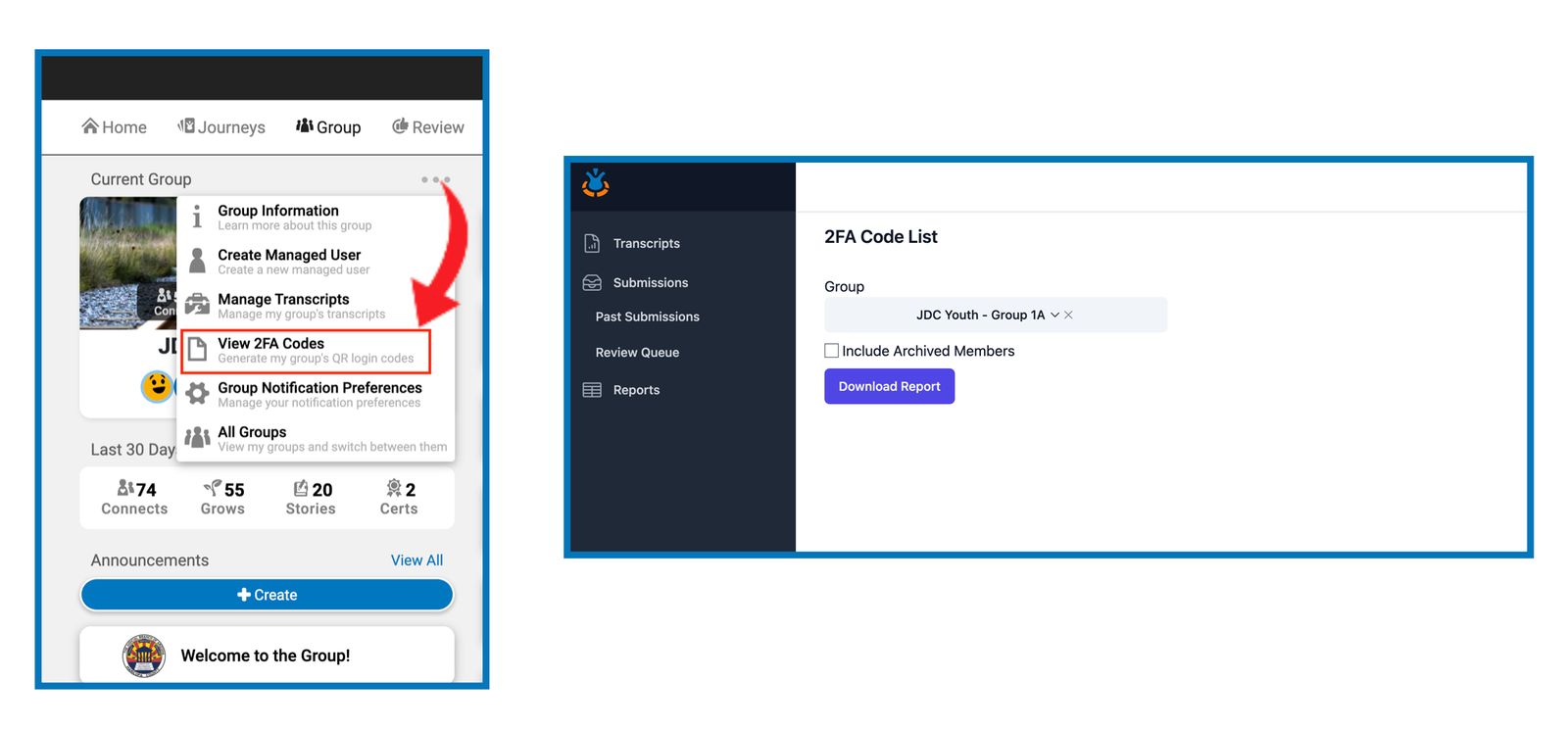
Group Facilitators may now easily download their group’s 2FA QR Code list by going to the Group tab on Journey.do and clicking on the 3-dot pulldown menu right above the group name. We added the the View 2FA Codes to the menu which takes the facilitator directly to the 2FA Download Report page where the qr code list can be downloaded.
Early - Mid August 2023
Group’s Internal Reference ID for Members
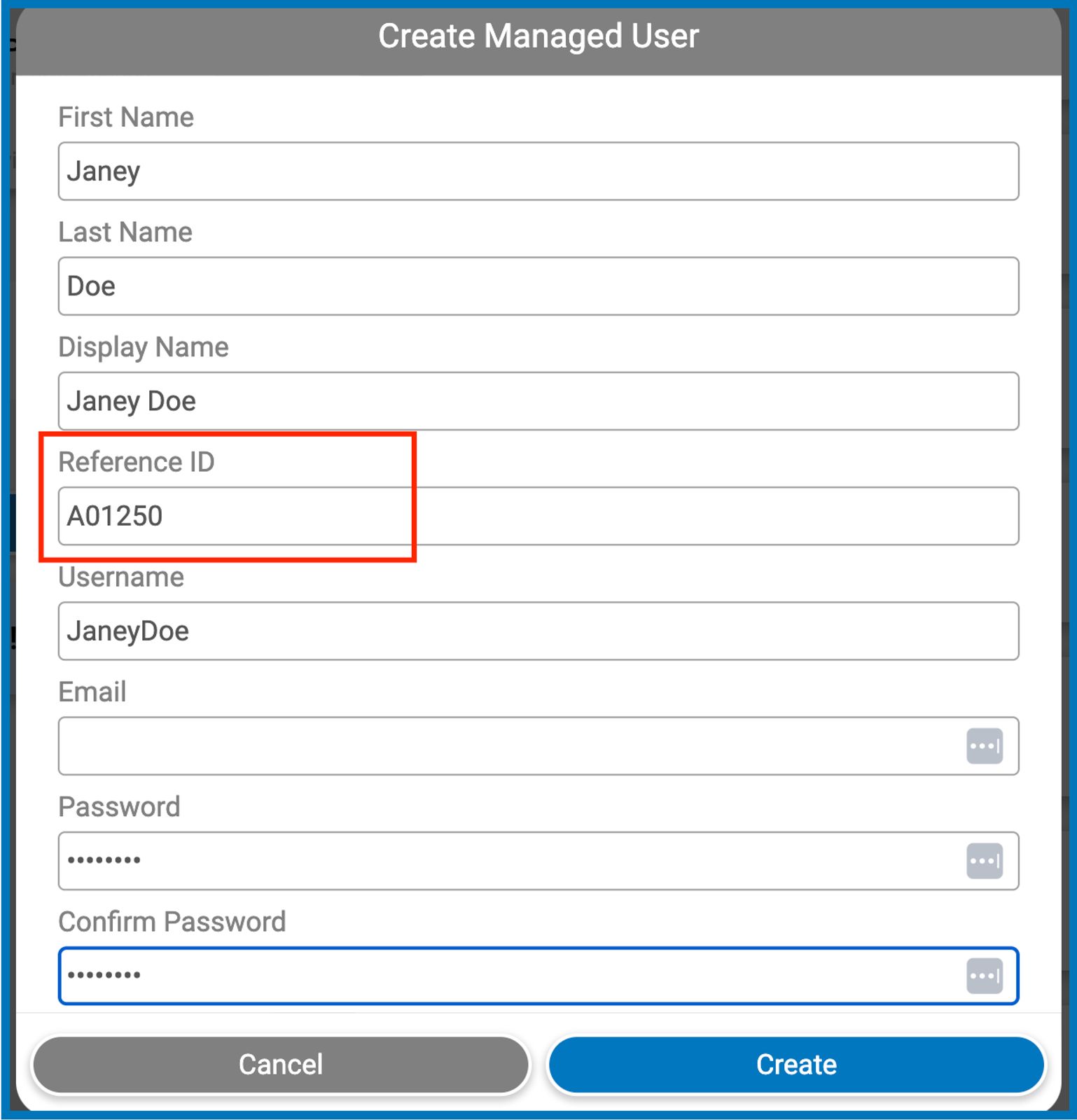
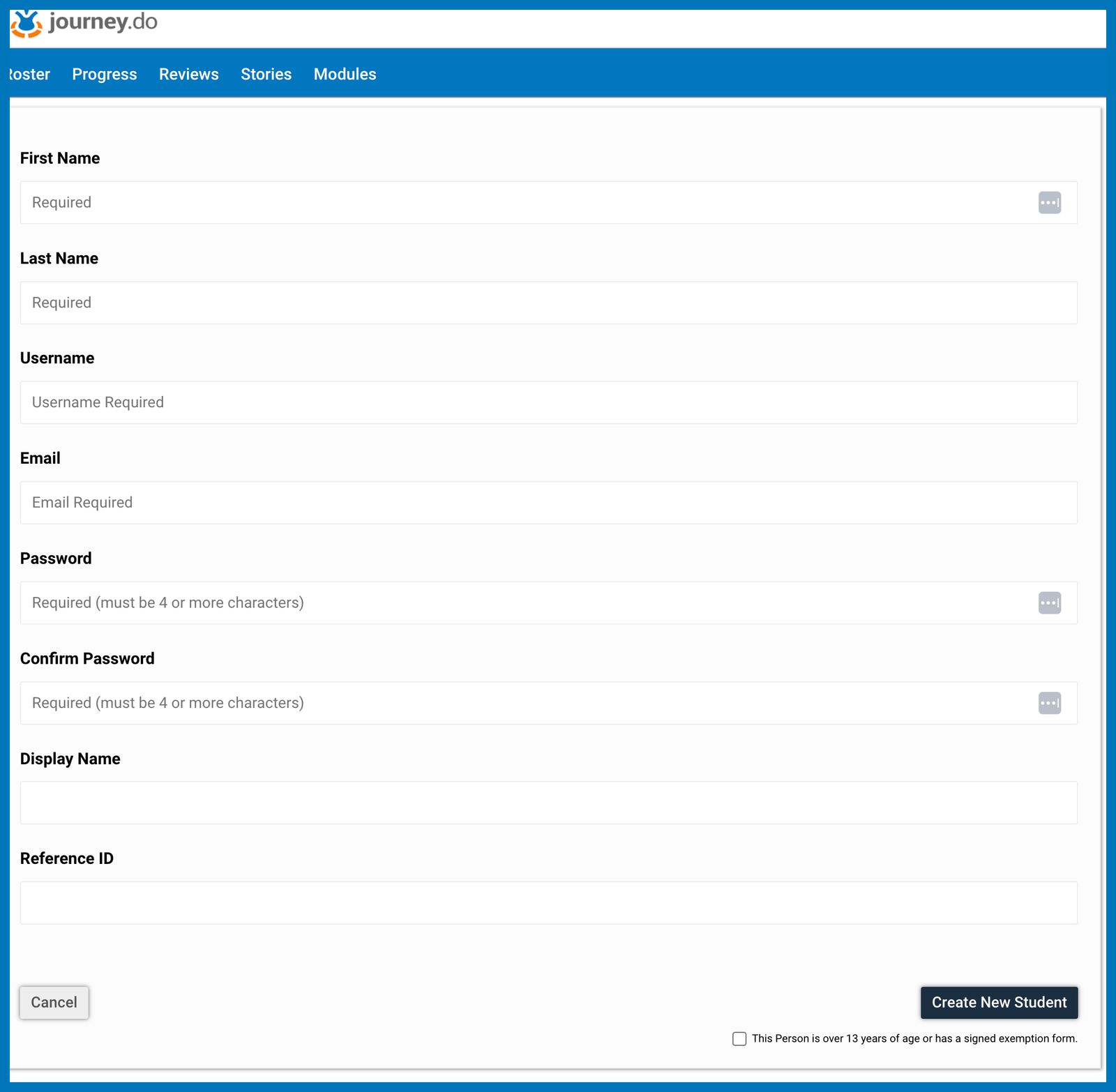
Group Champions may now assign their internal identification code or number to every managed member that they add to the group. This will be labeled as Reference ID and can be added through Journey.do or through the Toolkit. If a reference id is assigned to a member, it will be displayed along with the member’s name on the following place:
Member’s Profile card
Downloadable Transcripts
Rosters Page in Toolkit via Manager’s profile
Downloaded 2FA QR Code Report
Fixed Ability to Create and Edit Managed User in the Toolkit
We resolved the problems around creating and editing managed users in the Toolkit and group facilitators should now be able to add new members or edit the existing ones.
Better Error Prompts When Unable to Create a Managed Member
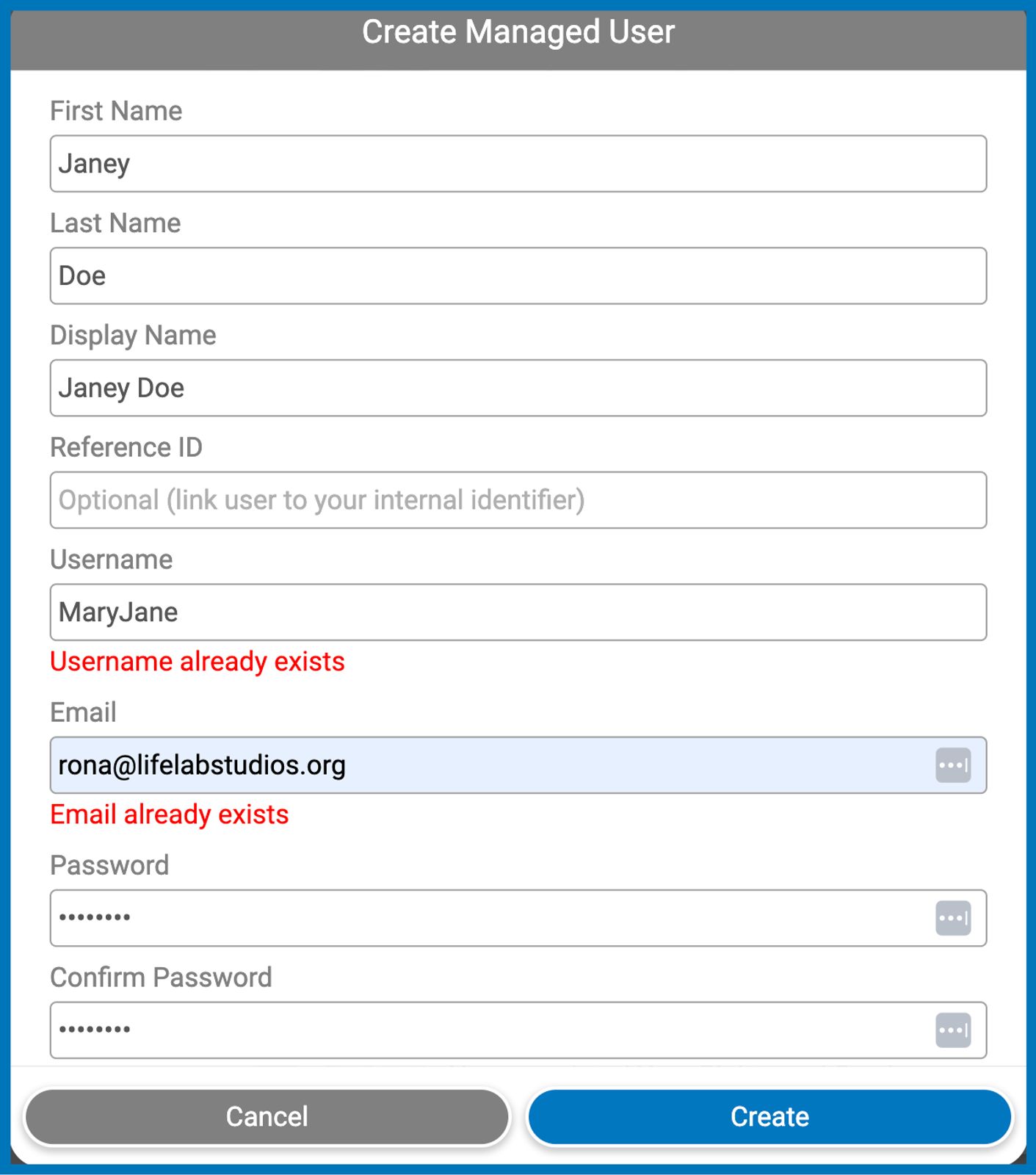
When unable to add a new managed member or edit details of existing ones due to an either an existing similar username or similar email address, Managed User dialog will now display the exact cause of error rather than just showing it as “Failed to Create User”.
Reviews and Story Submissions in Champion Dashboard
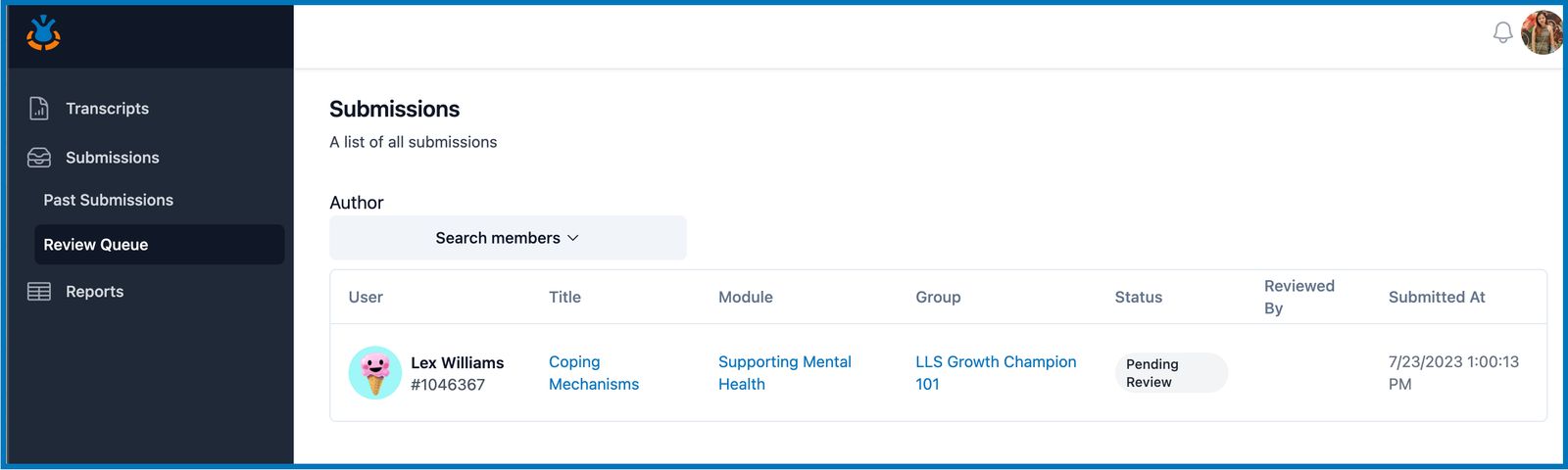
Review Queue
Displays all the story submissions received within the group that have yet to be reviewed. Search submitted stories by name of the author and review the story by clicking on the title. Stories may be published, returned for revision, or sent for a second review depending on whether it met the Module Goals and Story Criteria.
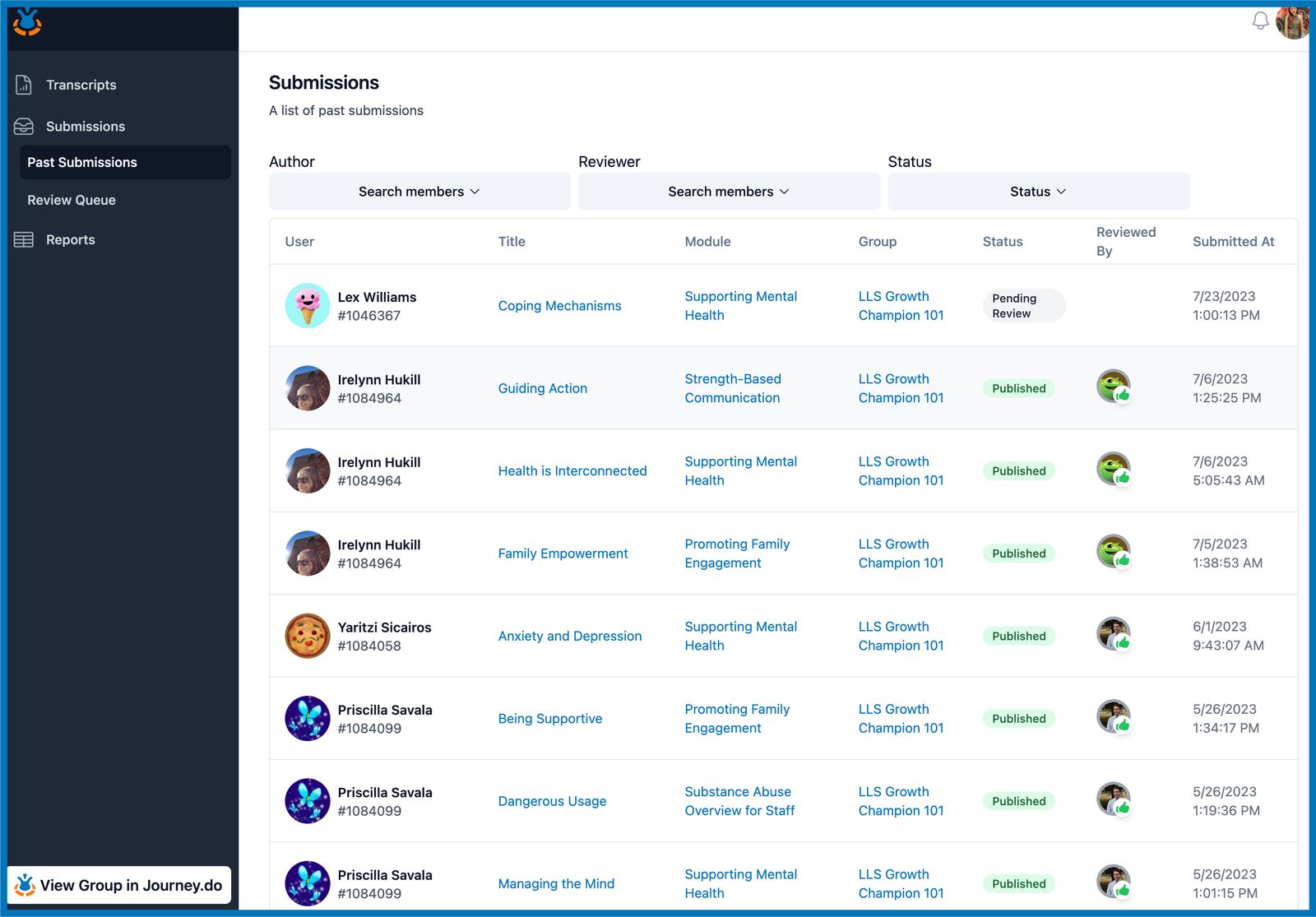
Past Submissions
Displays all the story submissions within the group that have been reviewed. Both published and returned stories will show up on the list along with the name of the reviewers. By clicking on the title of the story, it will display the feedback left by the reviewers for the author.
Reports in Champion Dashboard
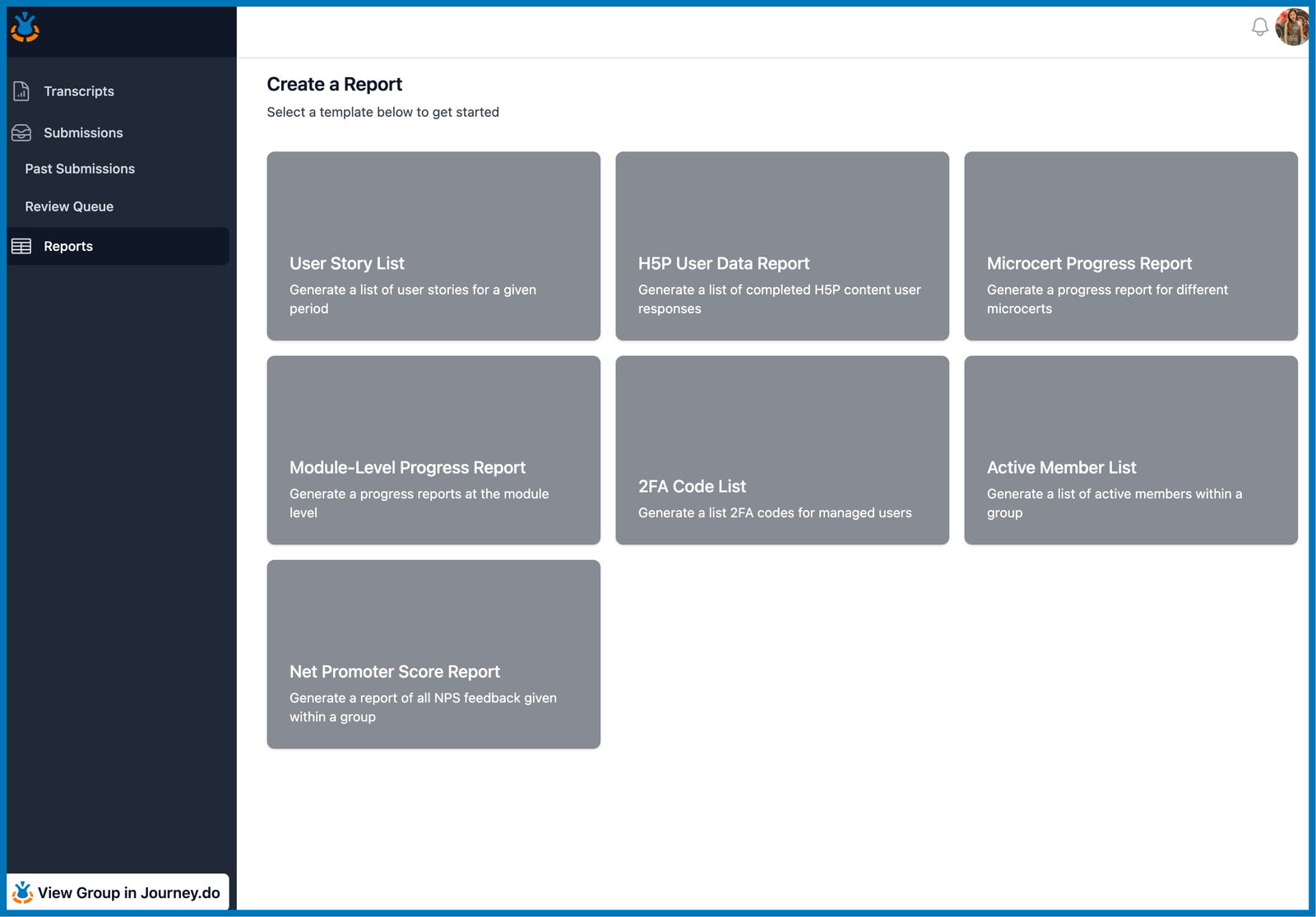
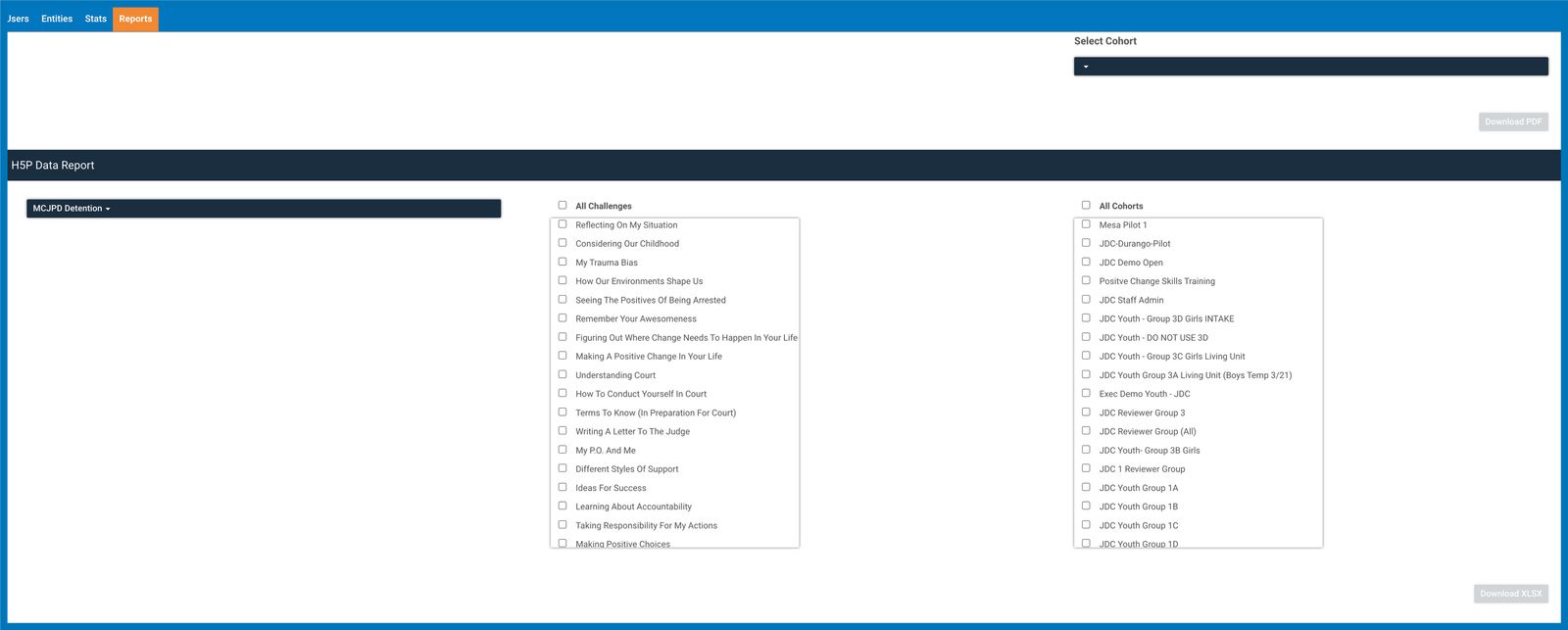
Our Champion Dashboard also now has the Reports in the menu tab. This contains all types of downloadable data reports available for the group, such as: Published Stories, H5P Data, Certificate Completion, Module Completion, 2FA QR Codes, Active Members, and Net Promoter Score Report.
Comment Ability for Facilitators in any Groups
Facilitators in any groups now have the ability to comment on published stories by default, even in groups where the comment feature has been turned off for all members in general.
Updated Guidelines When Locking Stories to Private
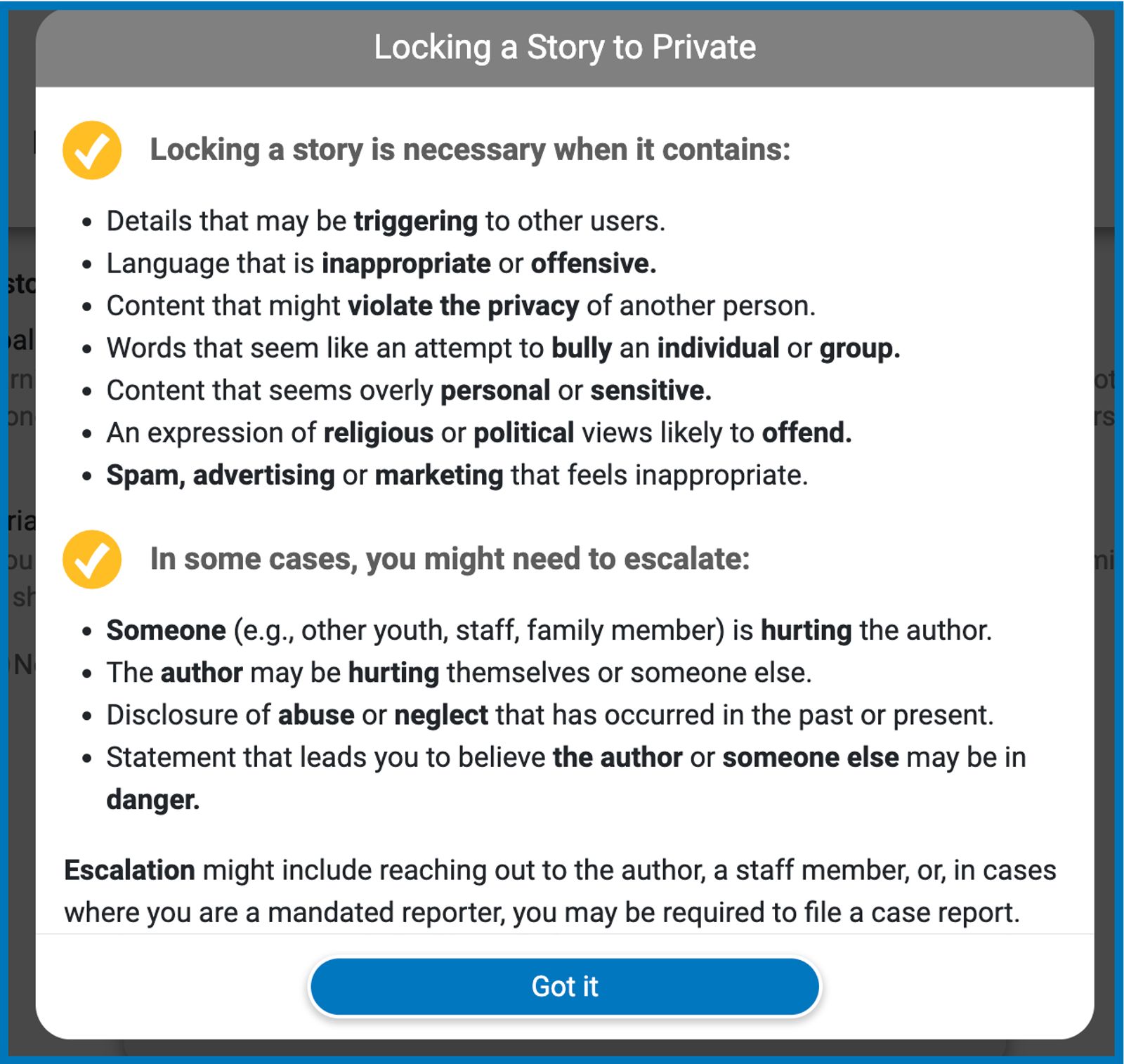
It is crucial for Reviewers and Group Facilitators to know when it is necessary to lock a story to private and when to escalate or report a situation in order to be able to protect both the author and other members in the group.
Better Language and Visibility for Tips in Writing Stories
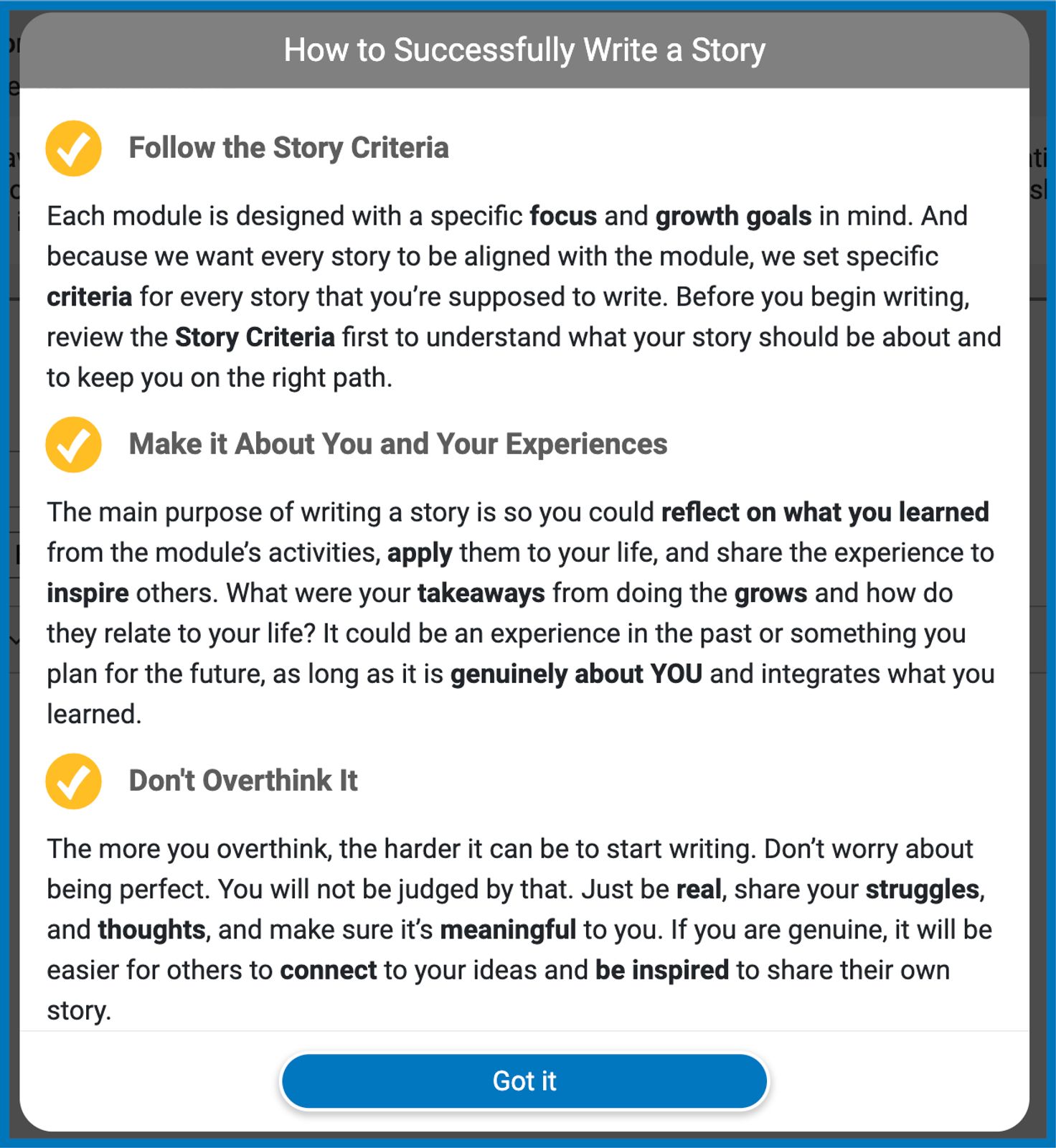
As Member Stories are an essential part of Journey.do, we want to help push every member to come up with their best stories by means of tips are now more visible and more straight-forward to follow.
Emails and Notifications When a Managed User is Added
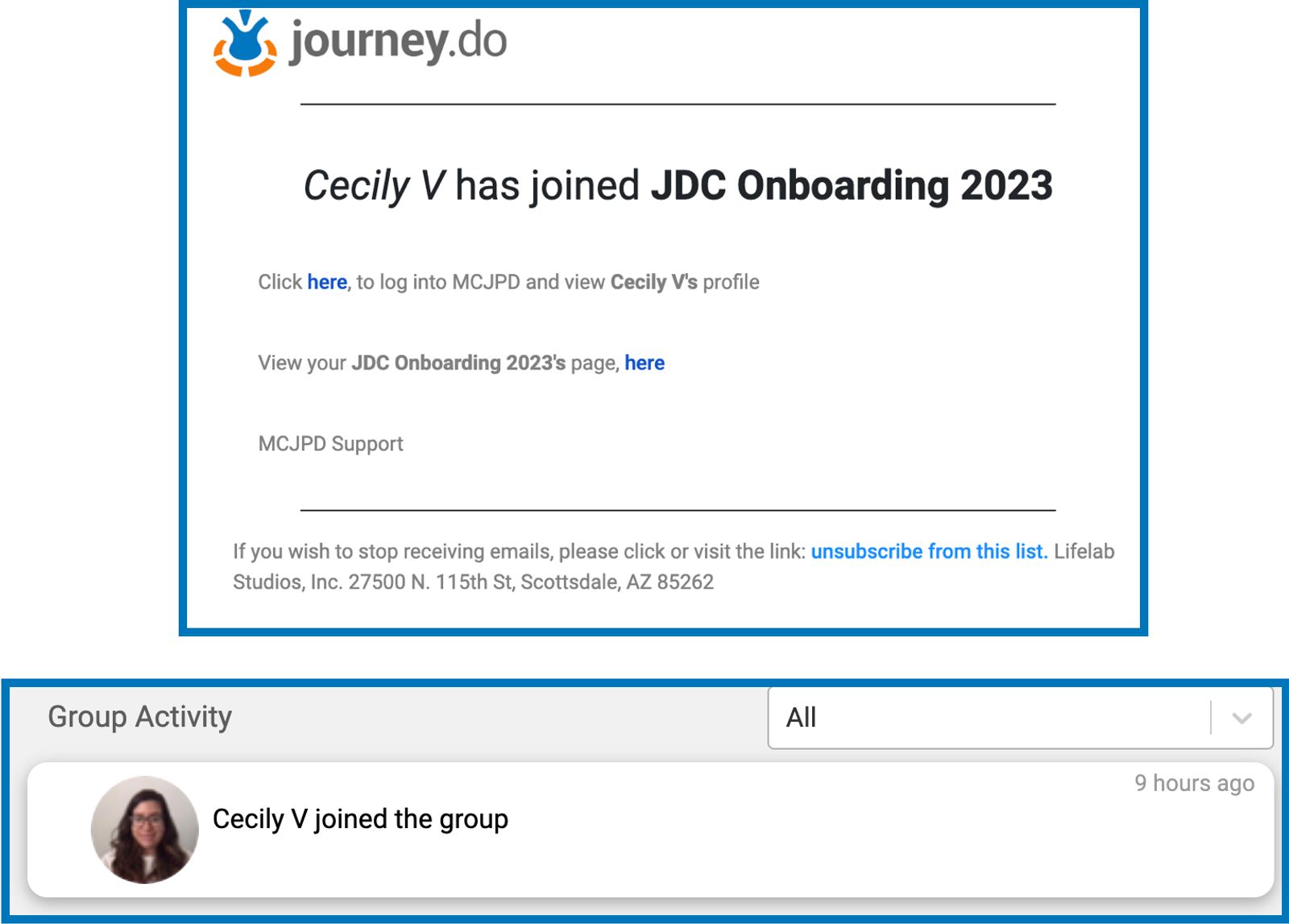
Facilitators can now receive emails each time that a new managed member is added to the group. Name of the new managed member will also be displayed as new member joining on the Group Activity page.
Accurate Certificate Score in Portfolios.
The discrepancy between the Certificate score on journey.do and on the Transcript when an ‘optional’ task is part of the to-do list has already been fixed. Transcript score shall now reflect 100% score even when the optional task was not completed by the member.
Accurate Member Activity Counts and Group Stats
All regular and managed members should now be getting correct credits and activity counts on each of their own Member Profile card for every story connect, grows completed, published story, and completed journeys. All individual activity counts should also be added to the overall group activity stats on the Group page.
End of July 2023
Successfully Stomped Various Bugs Around Certificates
We identified and fixed various issues related to receiving activity credits and Certificate completion in some groups. All users should now be able to complete their specific tasks within journeys and receive an accurate score on their certificate badge.
Better Member Search Filter in Transcripts Page
Saved and Published Transcripts in a group can now be easily filtered by member’s name using our new Search and Dropdown Selector. Conveniently type in the name of the member in the search box or pick from the ones in the dropdown list.
Ability to Edit Managed User Information
To make it more convenient in managing members in groups, Facilitators can now update any managed users information straight from Journey.do’s members page.
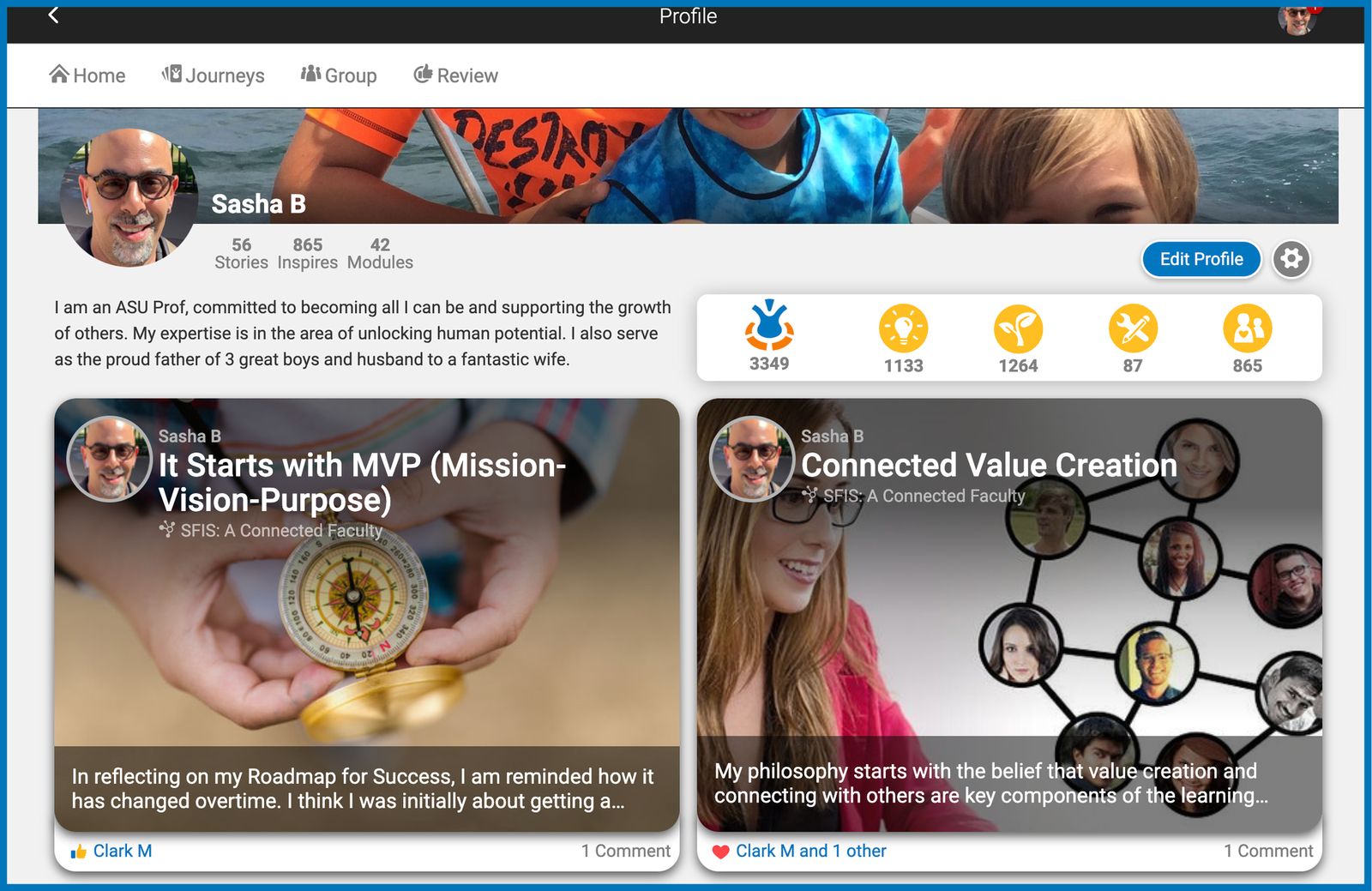
All Your Stories in Profile Page
View all your published and private stories in one place by going to the “My Profile” page right under your displayed profile photo.
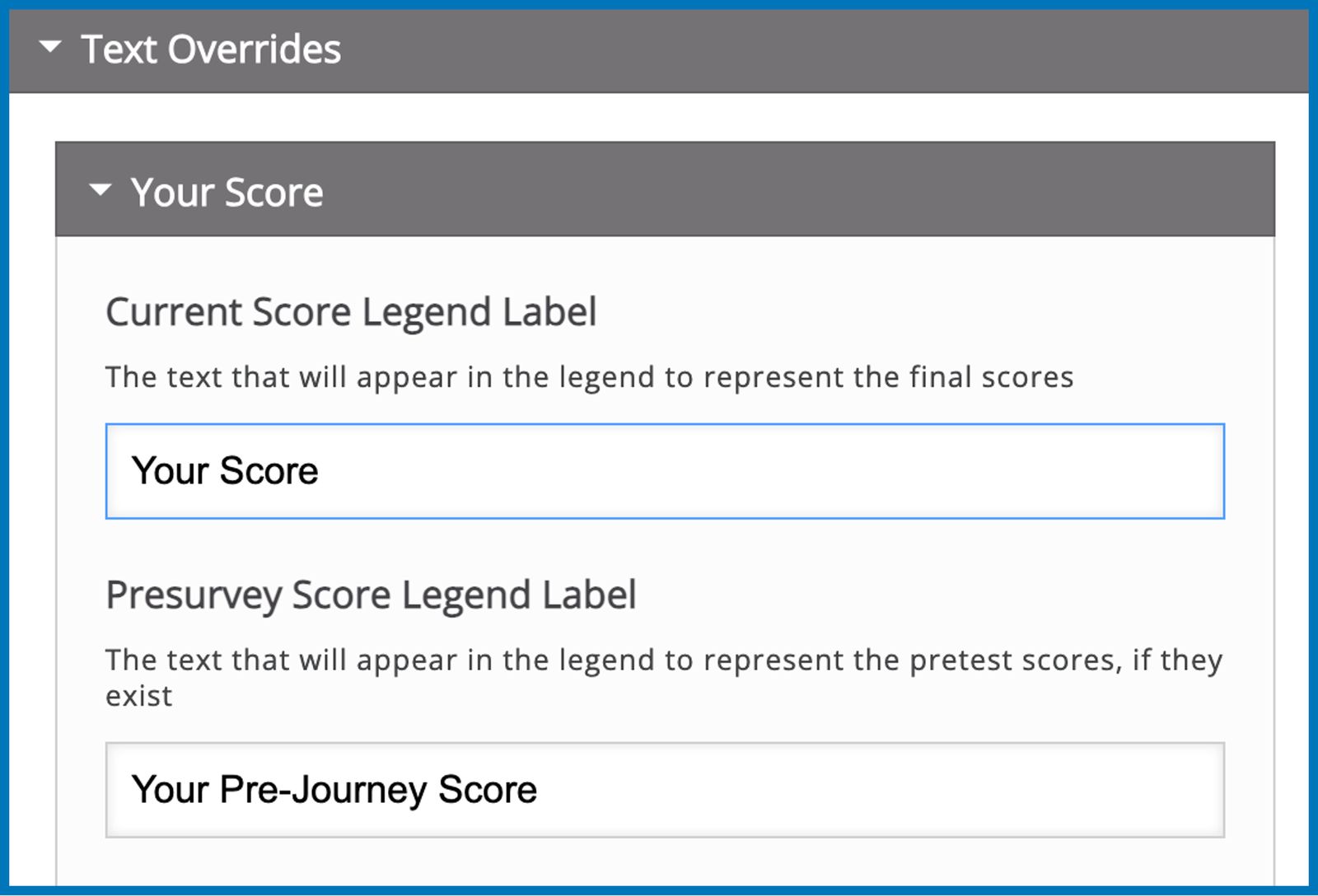
Customizable Labels for Pre-Survey and Post-Survey Scores
When creating data assessments, designers may now set their own labels for pre-survey and post-survey results to make it more fitting for the group rather than just having them as “Pre-survey Score” and “Post-Survey Score”.
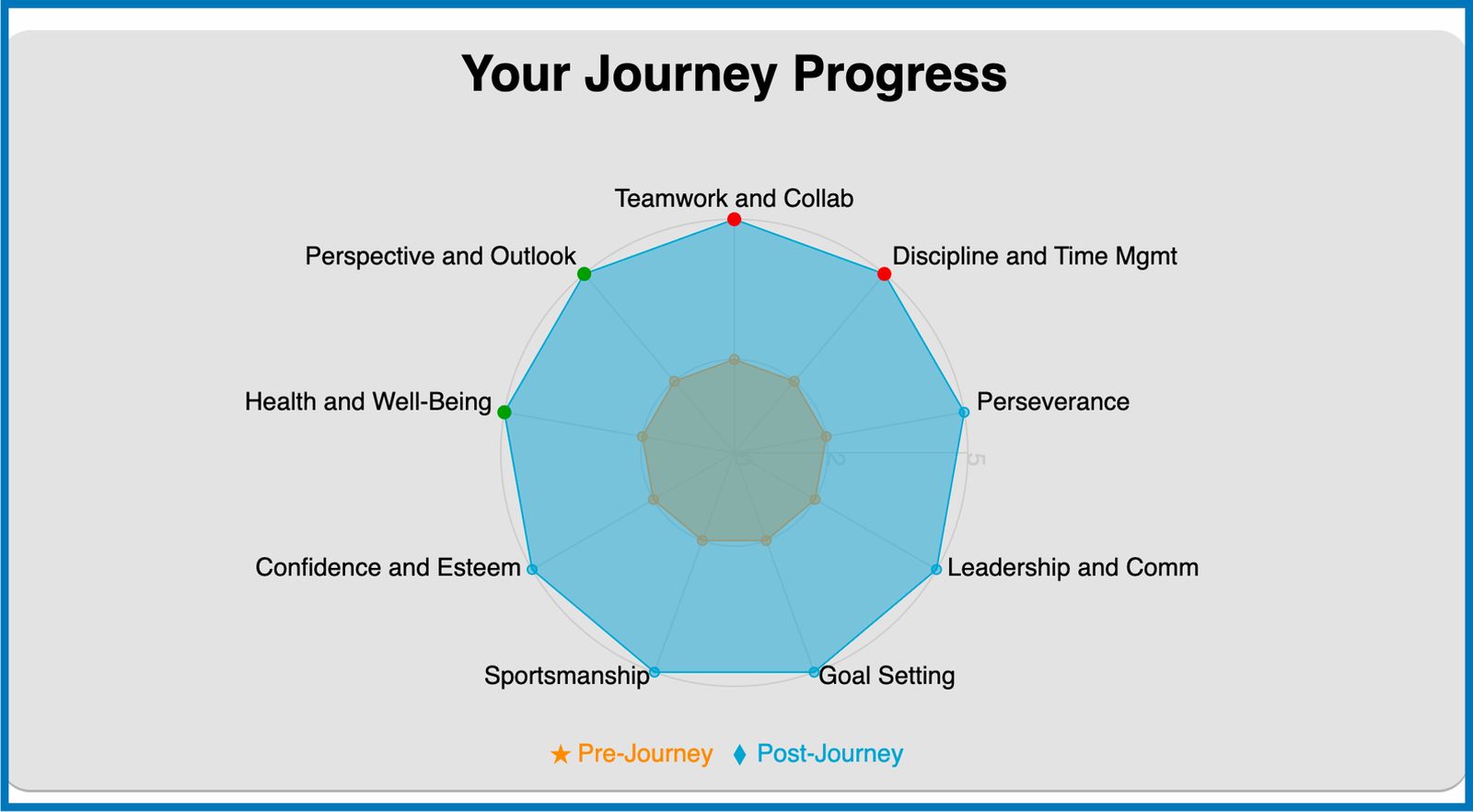
Colored Dot Markings on Survey Graphs
Highest and lowest scores on a survey graph result can now be marked with desired number and color of dots.
Display Archived Users in the Member Search in Transcripts List
Names of members that have been archived in a group but with previously saved or published transcript can still be searched in the Member Dropdown Selector in Transcripts table.
Better Dropdown Selector in Transcripts on Mobile Devices
We updated the dropdown selector for Key Journeys and Stories in Transcripts to help Group Champions in creating Portfolios and Growth Plans conveniently anywhere with their mobile device.
Early July 2023
Disallowed Invalid Characters in Username
To prevent any account and login errors that are due to usernames with invalid formatting and characters, we made changes so that the username field will only accept alphanumeric characters.
Fixed Issues Around Changing Passwords
We identified and fixed number of accounts that were having problems when setting up or changing passwords due to how the accounts were initially set up.
Addressed Latency Issues in Certificates
Members in specific groups may have had experienced delays in seeing their tasks checked off and certificate score to be updated. We have already resolved these issues to ensure that every user will receive correct credits for every accomplished activity real-time.
No More Missing Left Side of the Feed
Some members in some groups might have had a time when they first logged in and the left side of the Home page was missing. Issue has already been addressed and is no longer recurring in any group.
Marking Some Journeys as Unavailable
In cases when there are Journeys that are not available or cannot be accessed by some members in a group, we made it possible to make those journeys display as unavailable or be kept hidden so they don’t blow up the other journeys and certificates.
Dropdown Selection in Free-Response Activity in Surveys
Designers can now make use of a dropdown selector for answers when adding a free-response question at the end of a likert survey activity.
Mid-June 2023
Renamed Some features in Transcripts Page
To clearly distinguish the different templates and their specific uses, we changed the ‘Transcript’ template to ‘Portfolio’ along with other places where the label is being used. The language for the subtext below each template label was also improved to help group champions to identify which template to use.
Better Dropdown Selector for Journeys and Stories in Transcript
We replaced the dropdown selector that we were using for selecting the Key Journeys and Member Stories in our Transcript templates for better functionalities in both desktop and mobile devices. With the new selector, you may now type in on the search box or select and unselect the given values from the dropdown.
Resizable Editor Box in Transcript
Editor spaces in transcripts can now be resized to easily accommodate long texts or paragraphs when writing up growth plans and feedback for your group members.
Saved Answers in Documentation Tool Activities
Worry no more about losing any data or responses in Grows that make use of Documentation Tool for the activity as it now automatically saves your responses before and after they were submitted.
Fixed Issue in Interactive Book Summary Page
Some Interactive Book Summary page shows “no interaction” or “incomplete” despite having completed all activities. Issue has been fixed and it’s now showing “Completed” when applicable.
Continuous Scrolling on the Home Feed Page
Some groups might have experienced an issue when scrolling through their feed and it stops upon reaching the bottom. We fixed it so that you can continuously scroll through the feed without an end as it generates the next set of feed cards or until all cards are shown.
Early June 2023
More Personalized Feed
To provide a more personalized experience, we made several changes to how the content on your home feed will display as determined by the stories you reacted to, modules you visited, activities you completed, and posts that were published, which are also now following a reverse chronological order. Champions will see more stories that need to be reviewed, while members will see more of fellow members' stories that they can connect to. Top Grow and Module cards will be prioritized based on your pinned Journeys and Modules you have engaged with.
More Changes to Transcripts
The existing layout of the transcript page has been improved to make a bigger space for the editor section where it scrolls continuously from the Save section to the Publish section.
A short text will be displayed to indicate when the transcript has been saved but is not published yet. On the Transcripts List, there are now separate columns for the last saved date and last published date.
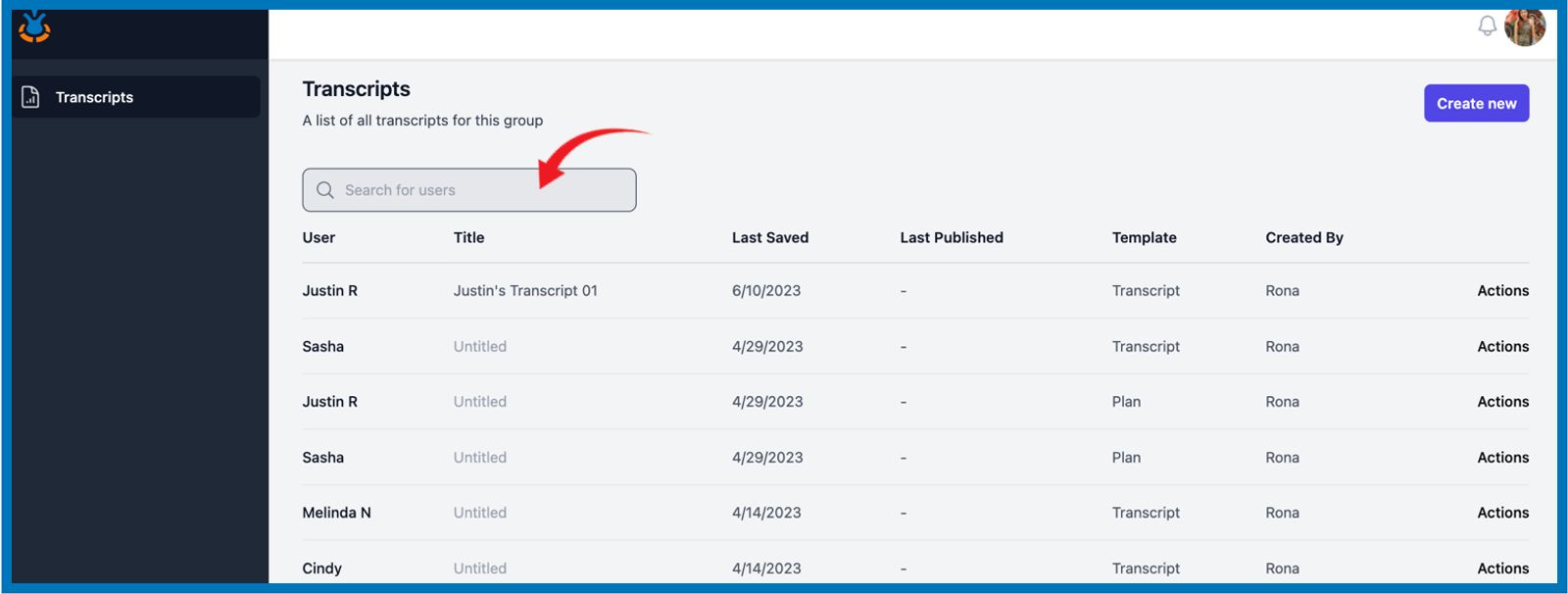
On the Transcripts List page, we added a search bar so champions can conveniently look for all the transcripts that were created for a specific member.
Customizable H5P Reports
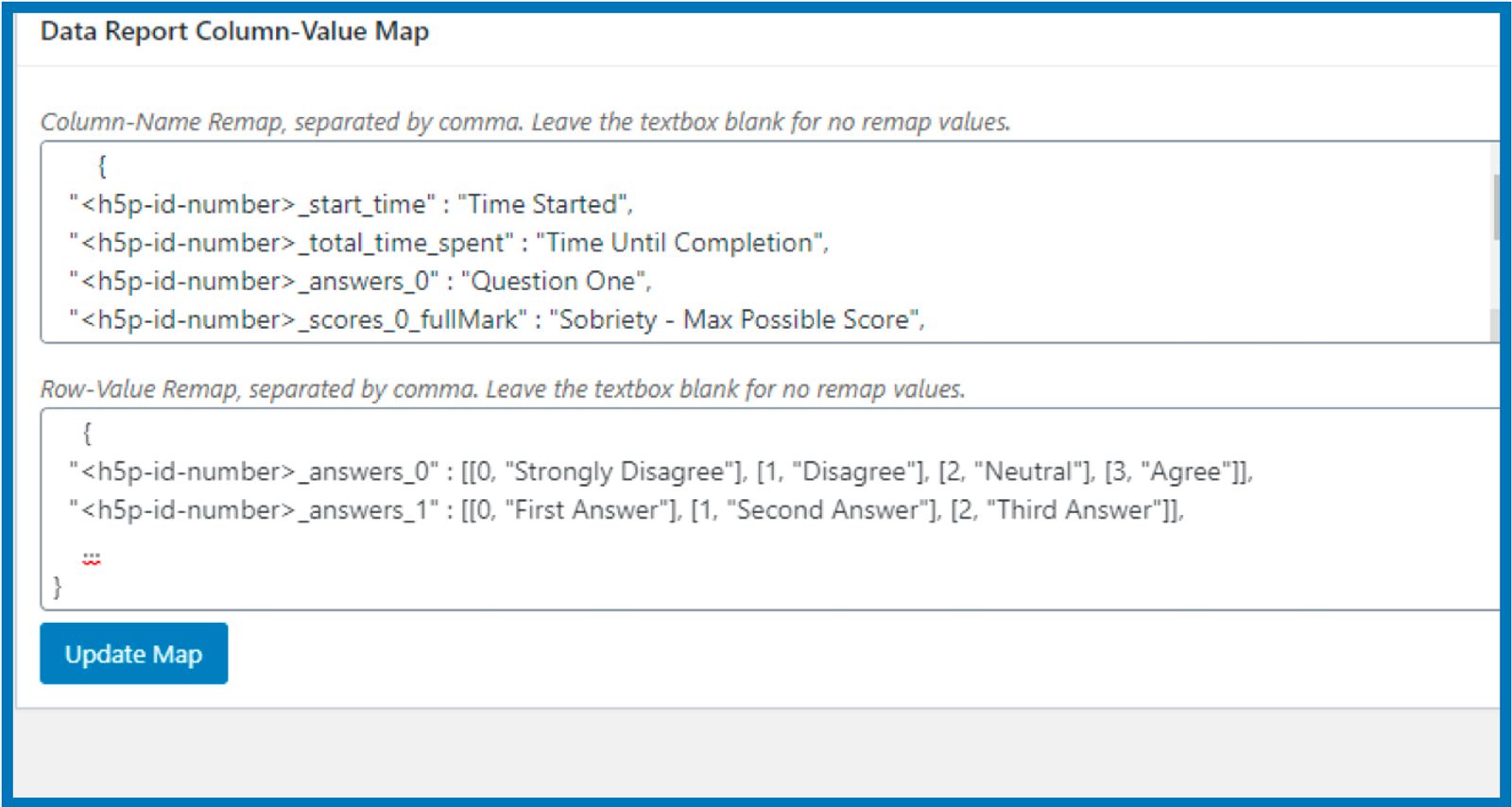
We designed a process to generate H5P Reports with more human-readable data, making it a more useful source of information for group champions to determine the strengths and challenges of every member. On WordPress, where H5P activities are built, we integrated a section for data mapping where designers can designate the columns and rows, questions, and answers that are to be translated into the report file.
Net Promoter Score Reports
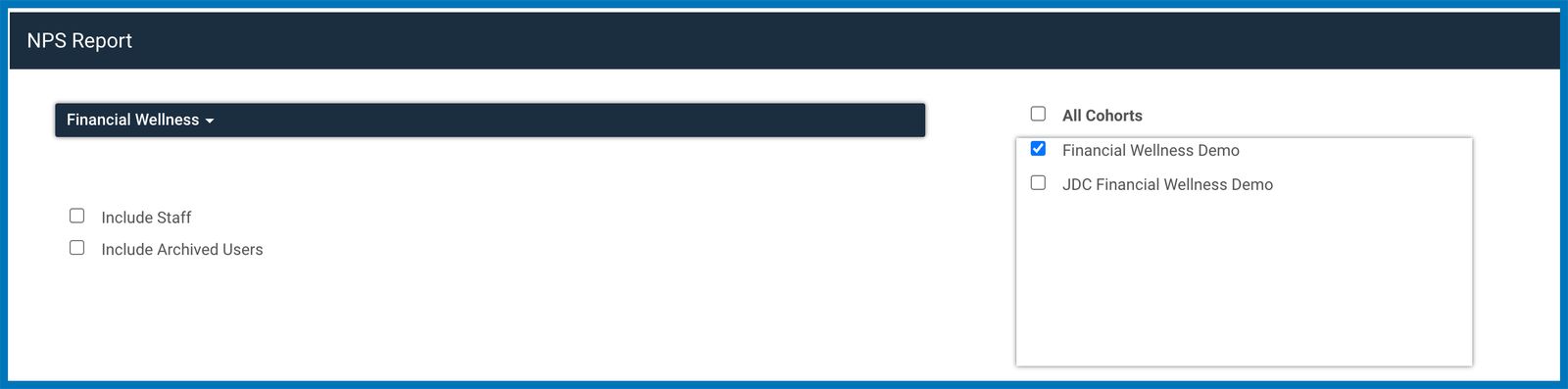
All responses to Net Promoter Survey forms can now be pulled from the group and generated into an Excel file. On the Manager Toolkit page, a section for NPS Report was added where group managers can choose the group that they need the report for. The data from this report, specifically the written feedback, can be a powerful tool in identifying the areas of strengths and improvements across the platform.
May 2023
Additional Features to Transcripts
Member's Ability to View Transcripts
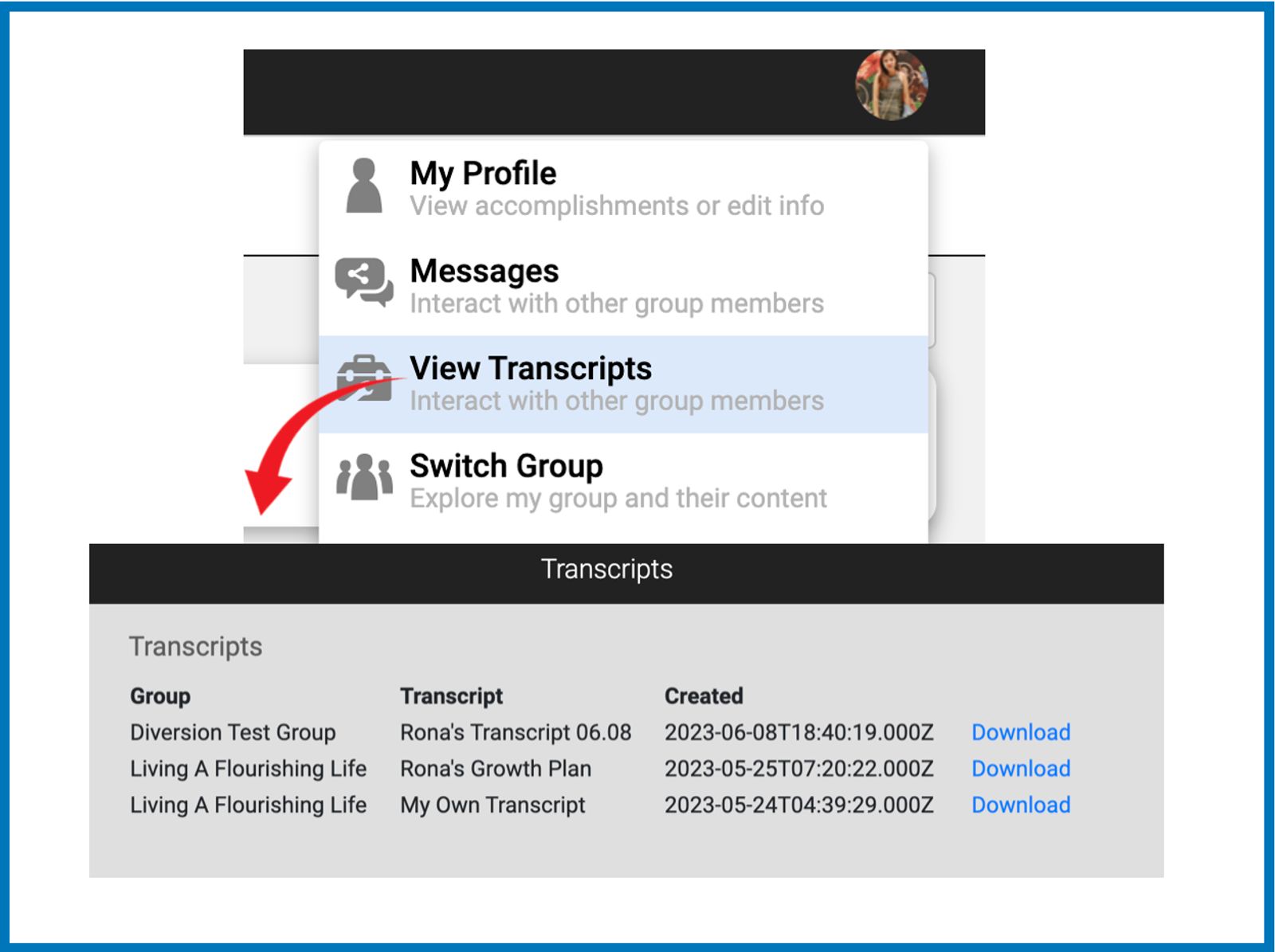
We added a page under your Profile that will house all published transcripts that were created for you so they can be viewed or downloaded anytime.
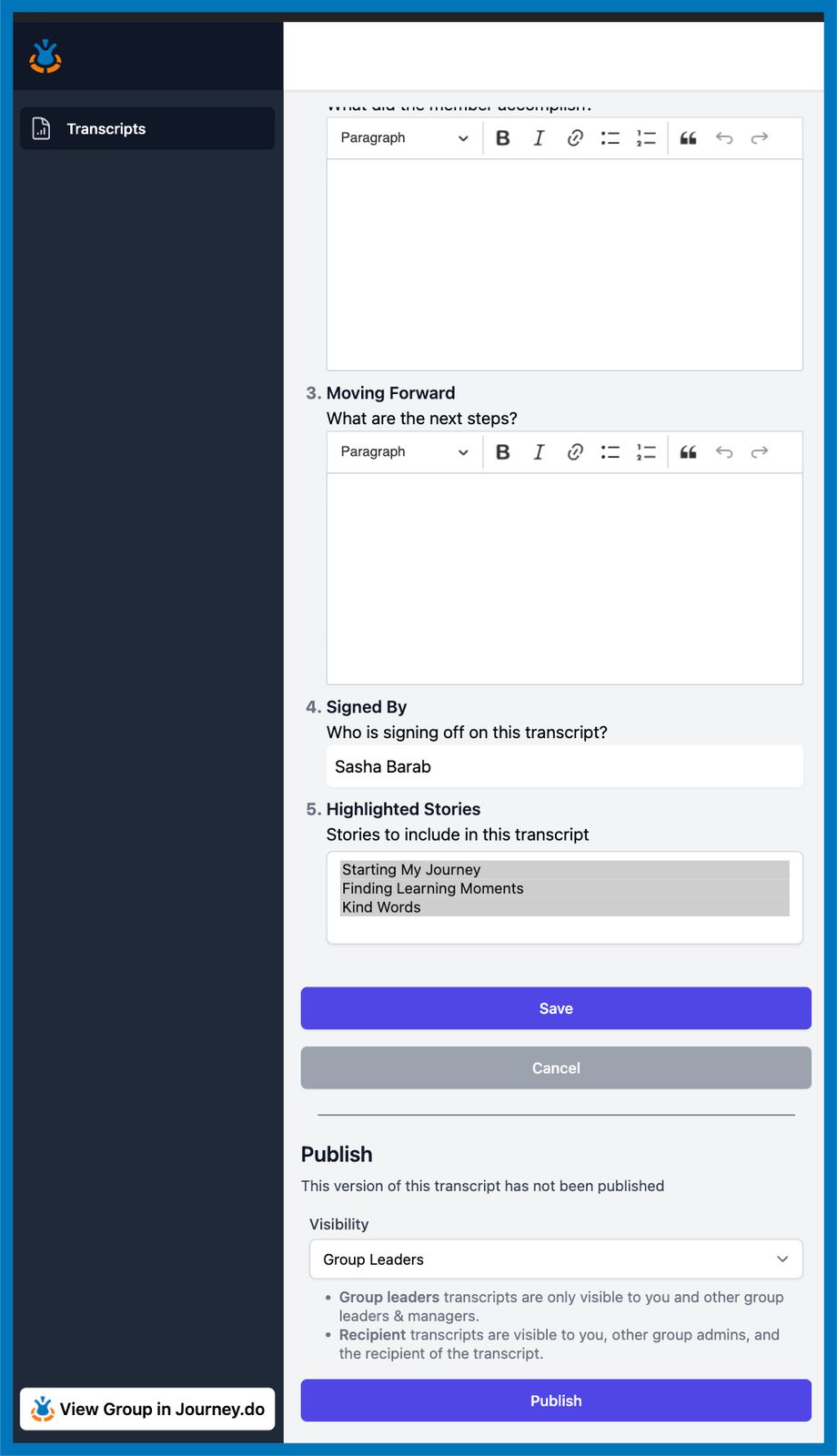
Transcript Audience
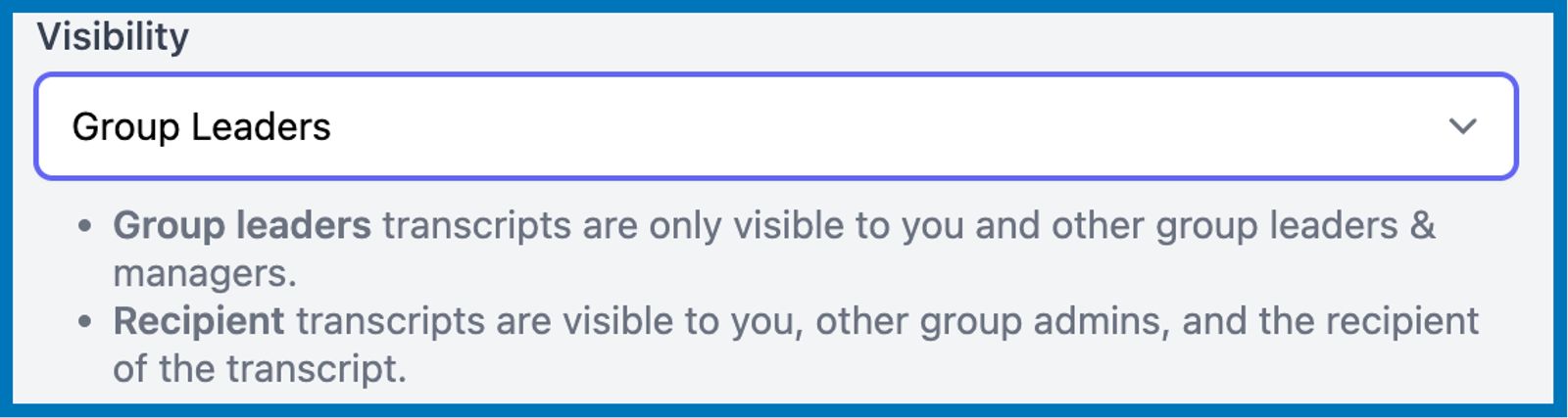
When creating Transcripts, Group Champions can now pick the audience or set the desired visibility for the transcript. It can be set to either 'Group Leaders' or 'Recipient'. The former means that the Transcript can only be accessed by Managers and Facilitators within the group, while the latter means that the Transcript will be shared with the member-learner.
Transcript Notification
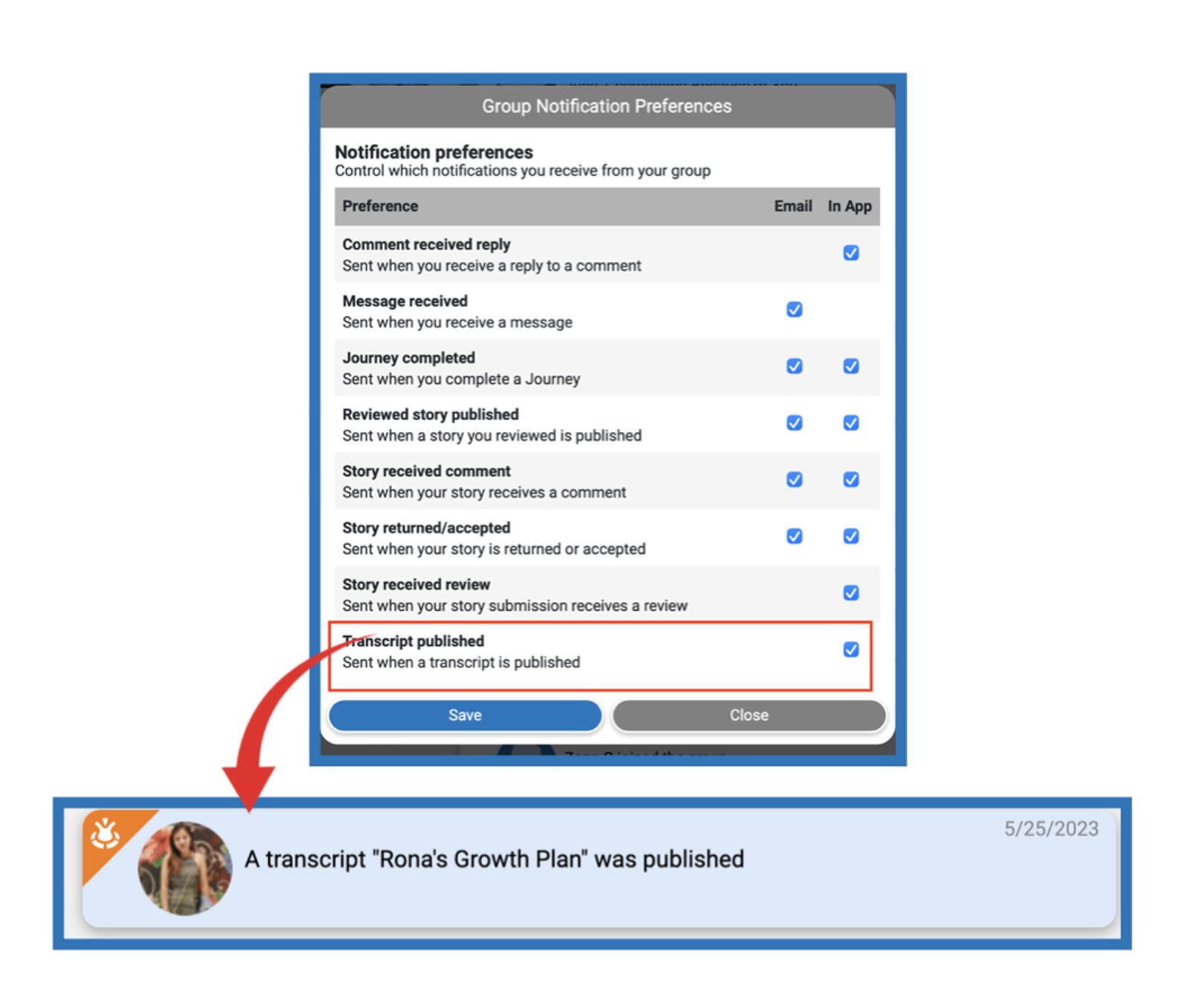
In the Group Notification Preferences, a check box for Published Transcripts was added so you can choose to receive in-app notifications when a transcript is published for you.
Save and Publish Options
Group Champions now have the option to either 'Publish' the transcript so that the intended audience can access it immediately, or just 'Save' and keep any additional changes without publishing it yet. When the transcript is published, the date of the last published date will also be displayed.
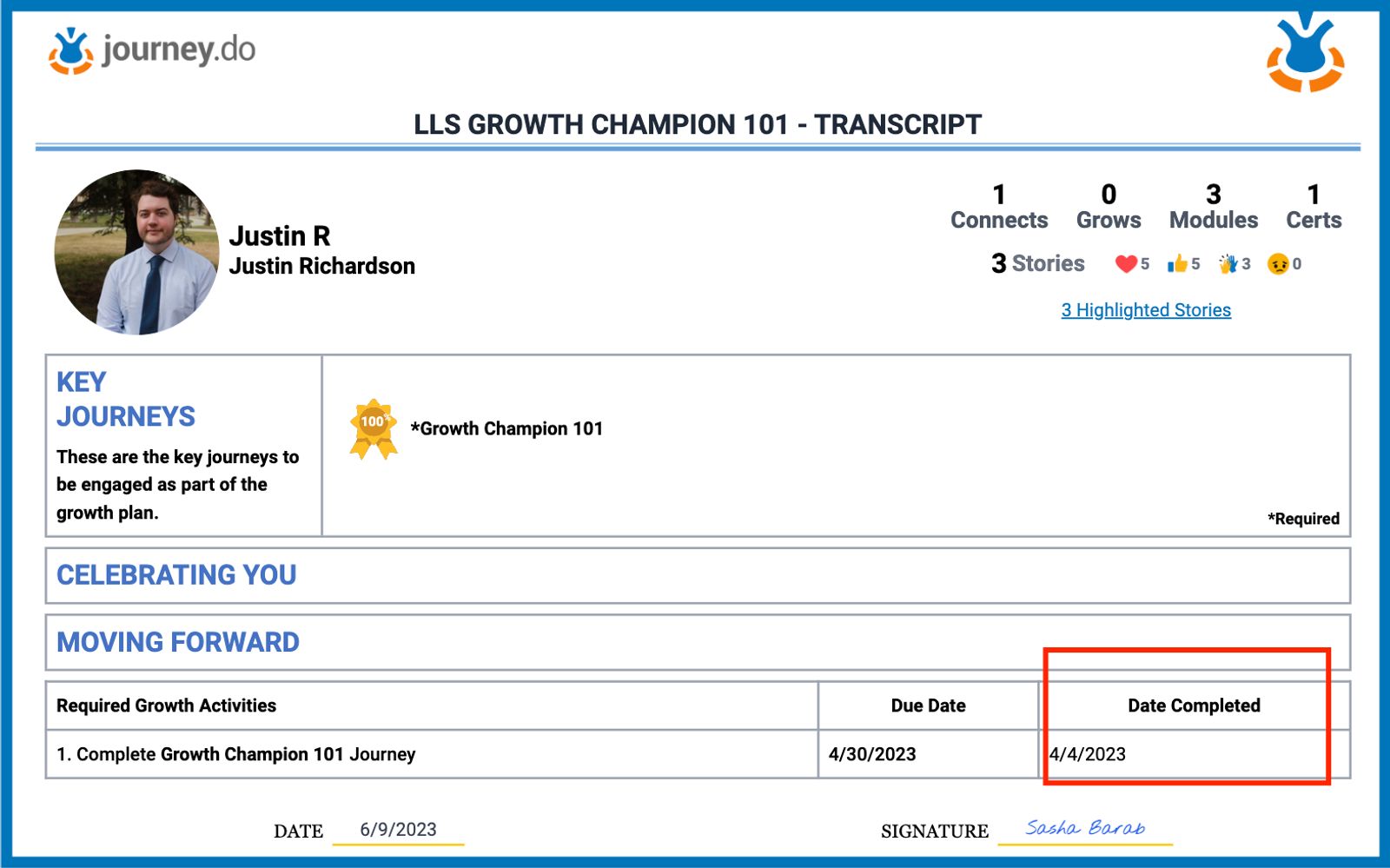
Journey Completion Date
The date when a growth journey was completed is now shown on the transcript.
Transcripts for Archived Users
Transcripts for archived users are now showing their latest and up-to-date progress scores on Certificates, regardless of when they were archived or unarchived in the group.
Members Search and Sorting
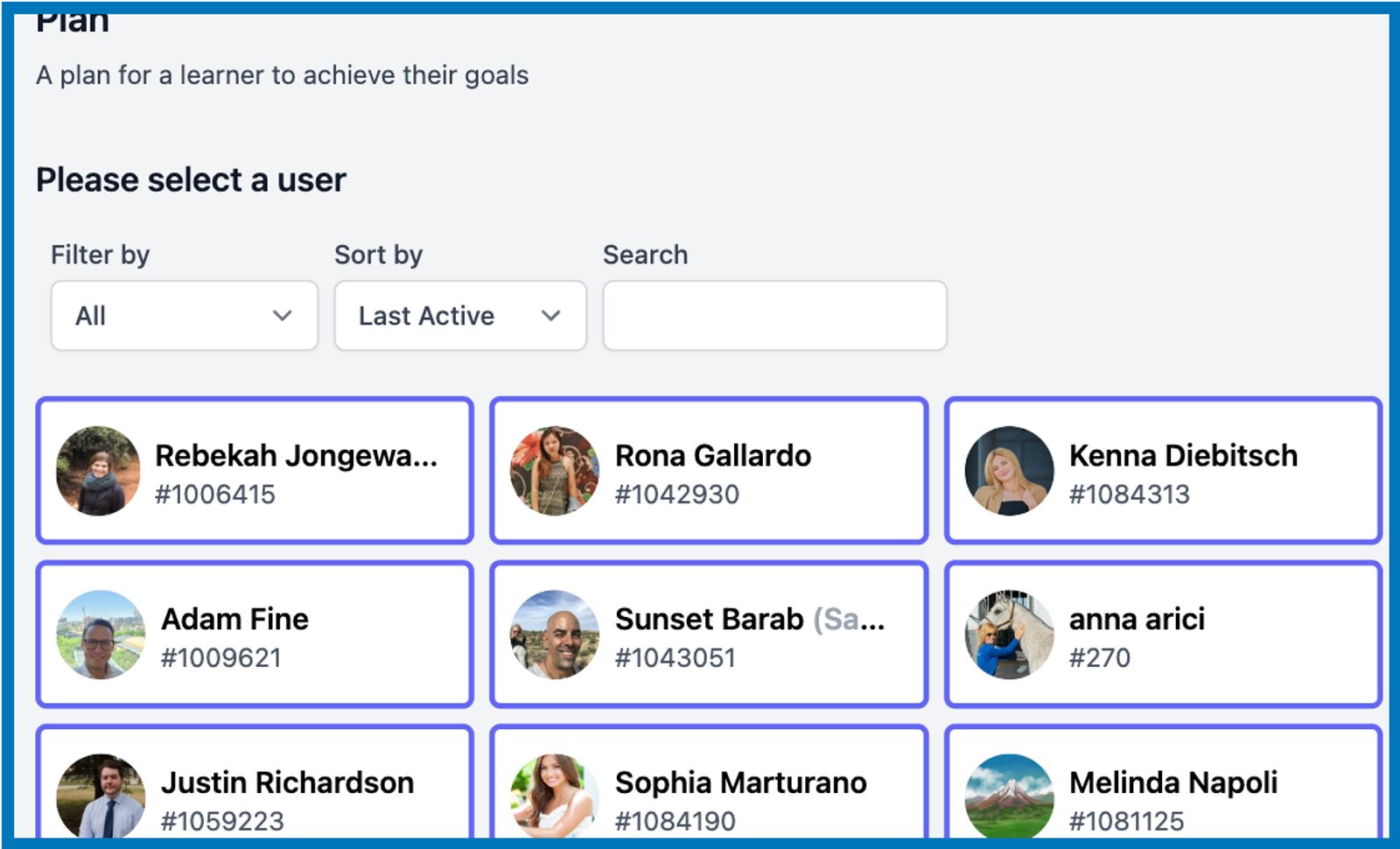
To make it easier to search for members (especially in large groups) when creating a transcript, we added a search bar to the Members list as well as the options to sort them by name, last active, and join date. There are also separate filters for Group Leaders and Members.
April 2023
Podcast Module Introduction
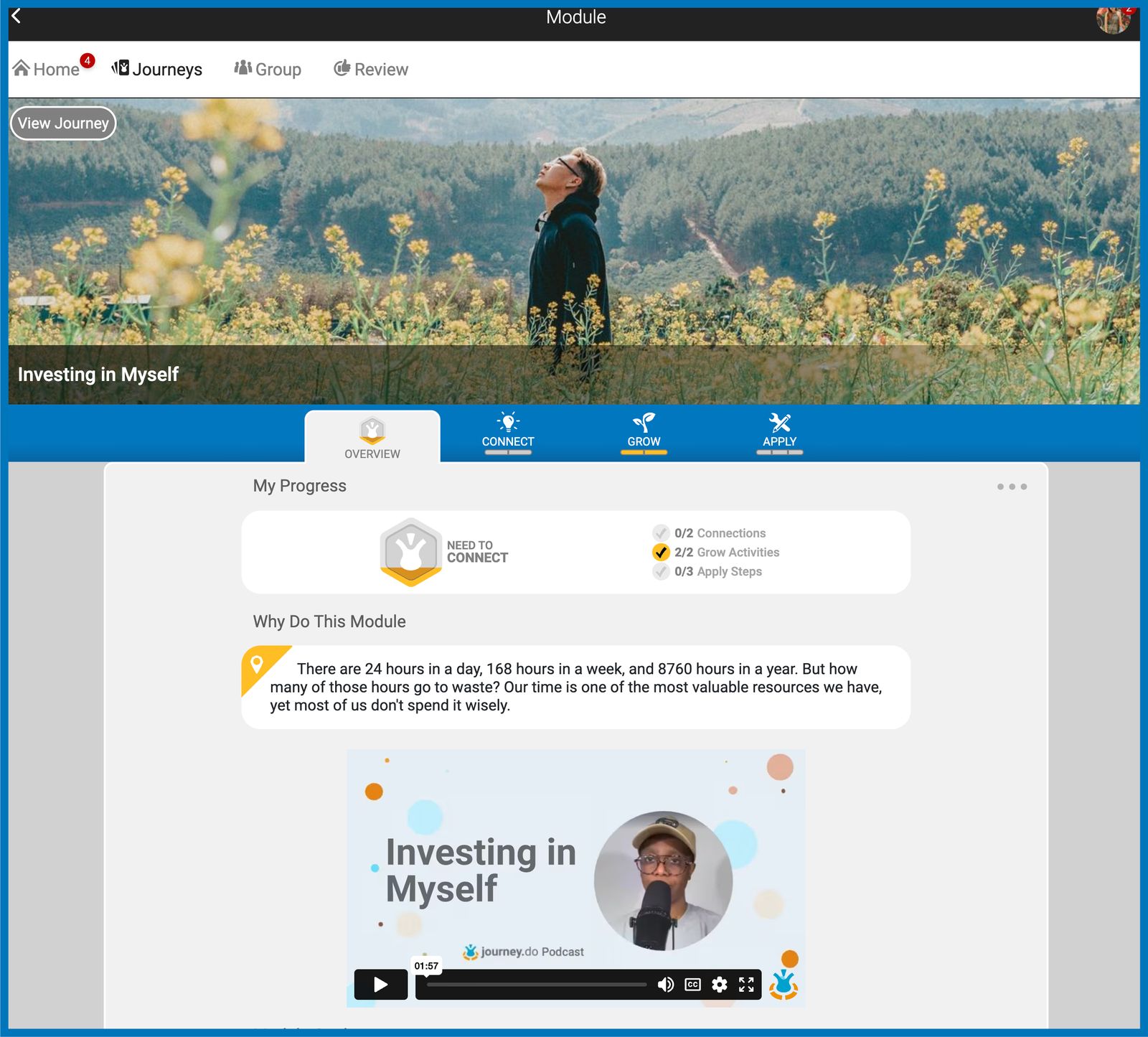
As we continually seek ways to provide more engaging ways to learn, we added an option to use Podcasts as part of our Module’s Overview. Apart from the written module goals, designers or champions can also add an audio recording in video format as an introduction to the content of the module. This aims to support a learning platform where different types of learners (visual and auditory) can all thrive.
Group Transcripts
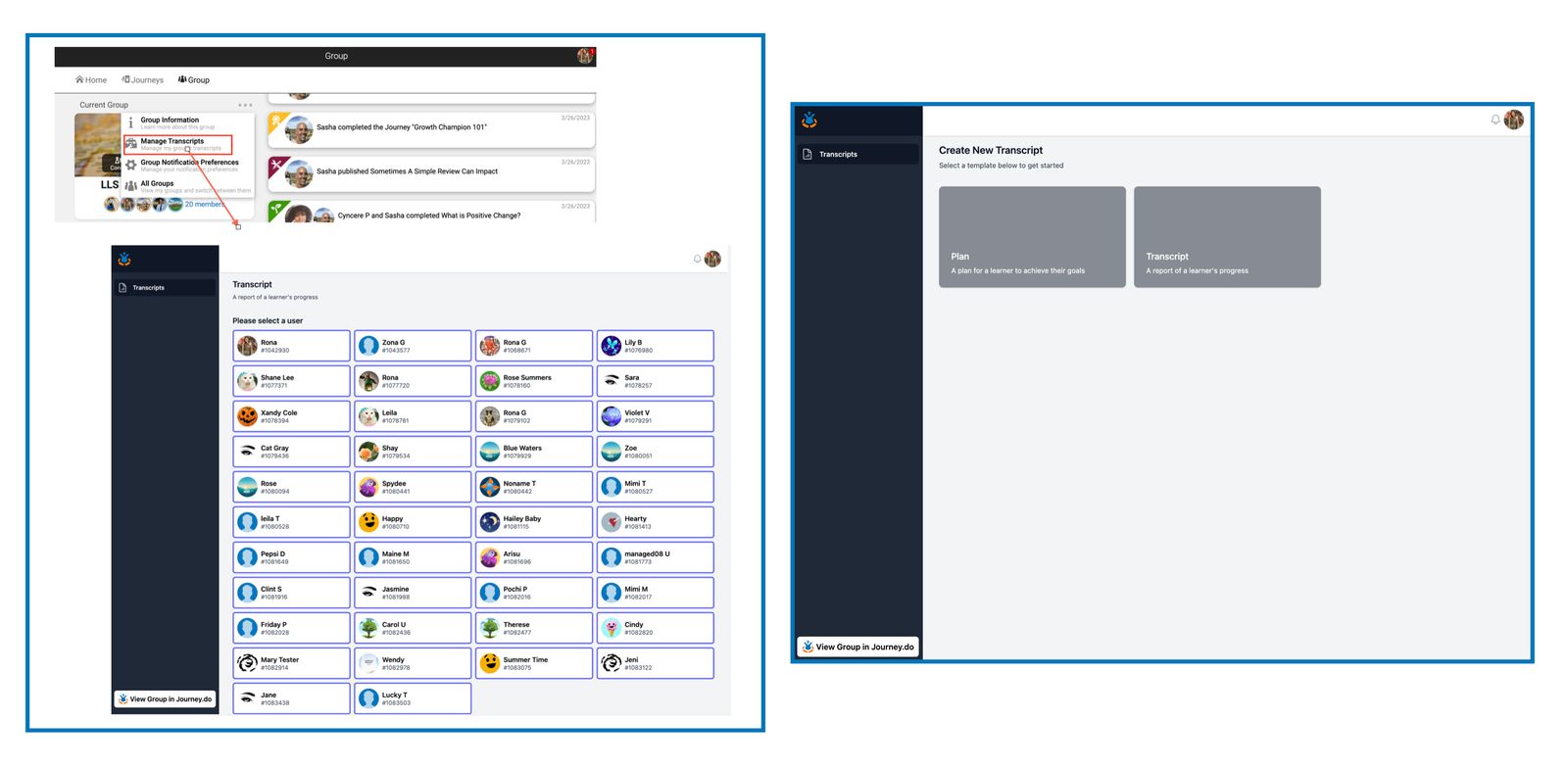
We wanted to build a venue where Champions can easily design a personalized Journey plan for every member that will help them understand and track their goals as they work through their assigned grows and modules. Additionally, Champions can make different versions of Transcripts for different audiences and can also choose specific self-authored stories to highlight and include in the transcript. From the Journey.do Group page, Champions will have the “Manage Transcript” option available where two types of templates can be utilized:
Member’s Plan Template
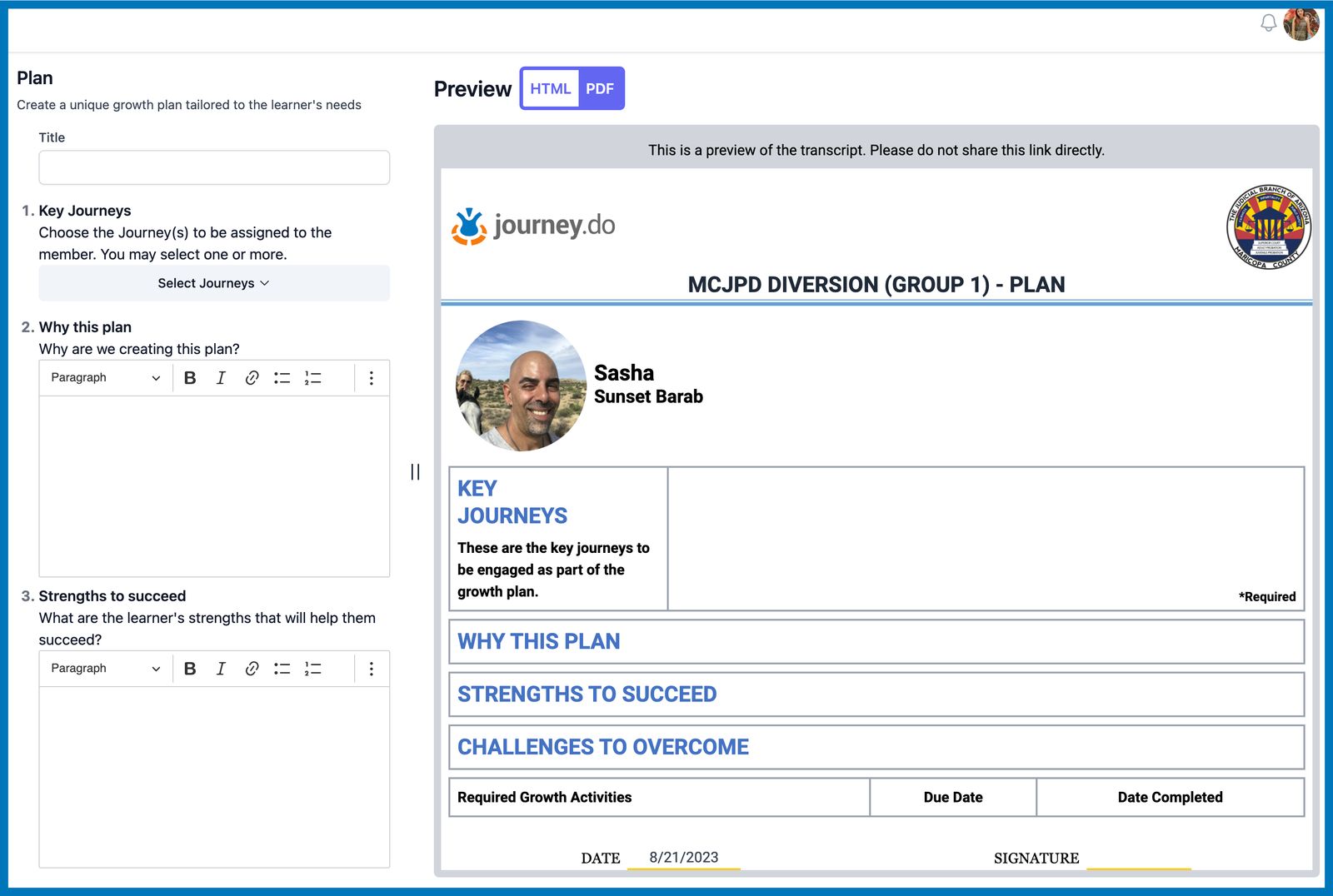
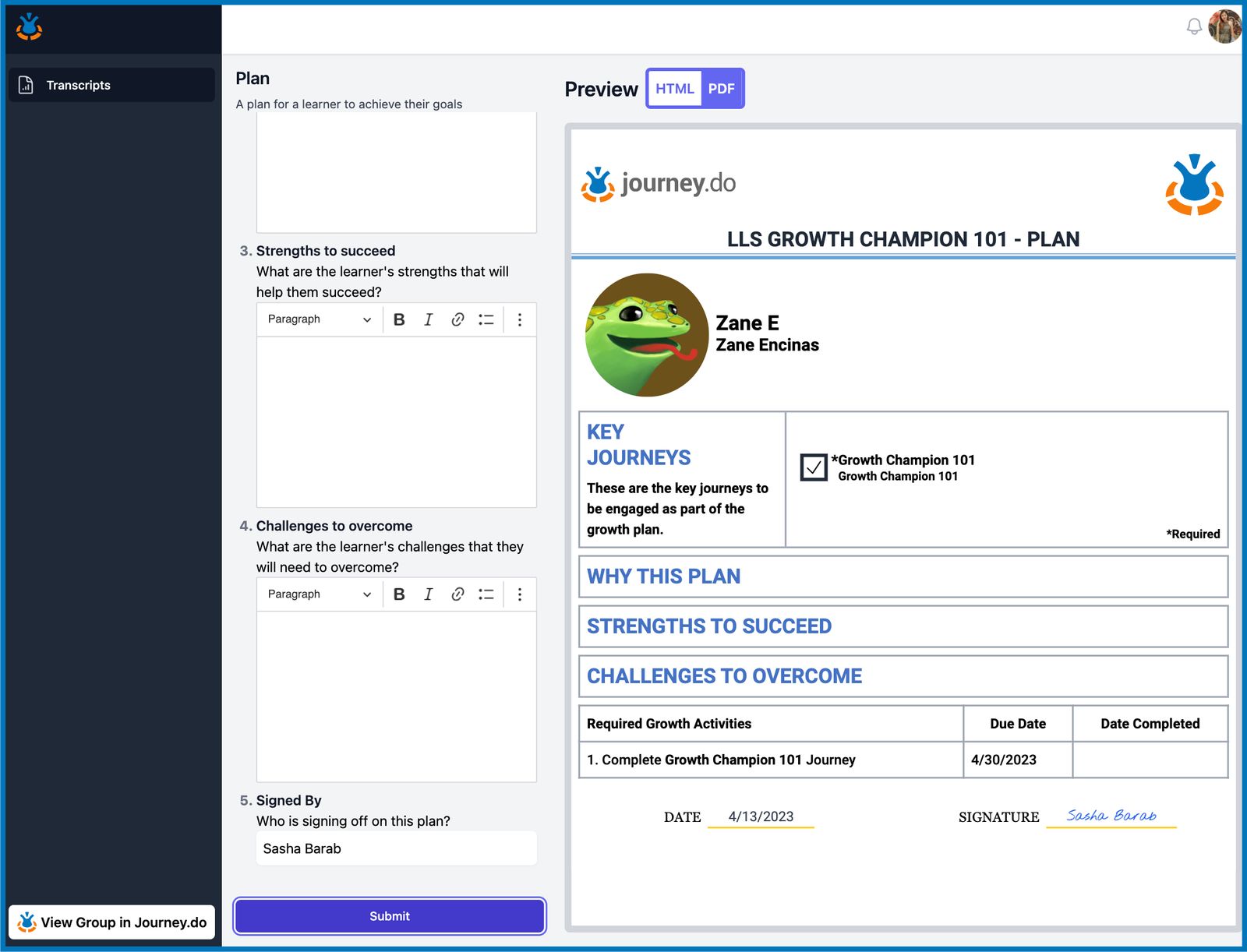
With the new Plan template, Champions can pick specific Journeys to assign that the member has to work on and even set a due date if needed. In the Plan editor, Champions can indicate the objectives of the plan for the member, as well as their strengths and challenges to overcome. The Journey Plan can be viewed in both HTML and PDF layouts. What’s even better is that the PDF version is readily downloadable and printable.
Member’s Transcript Template
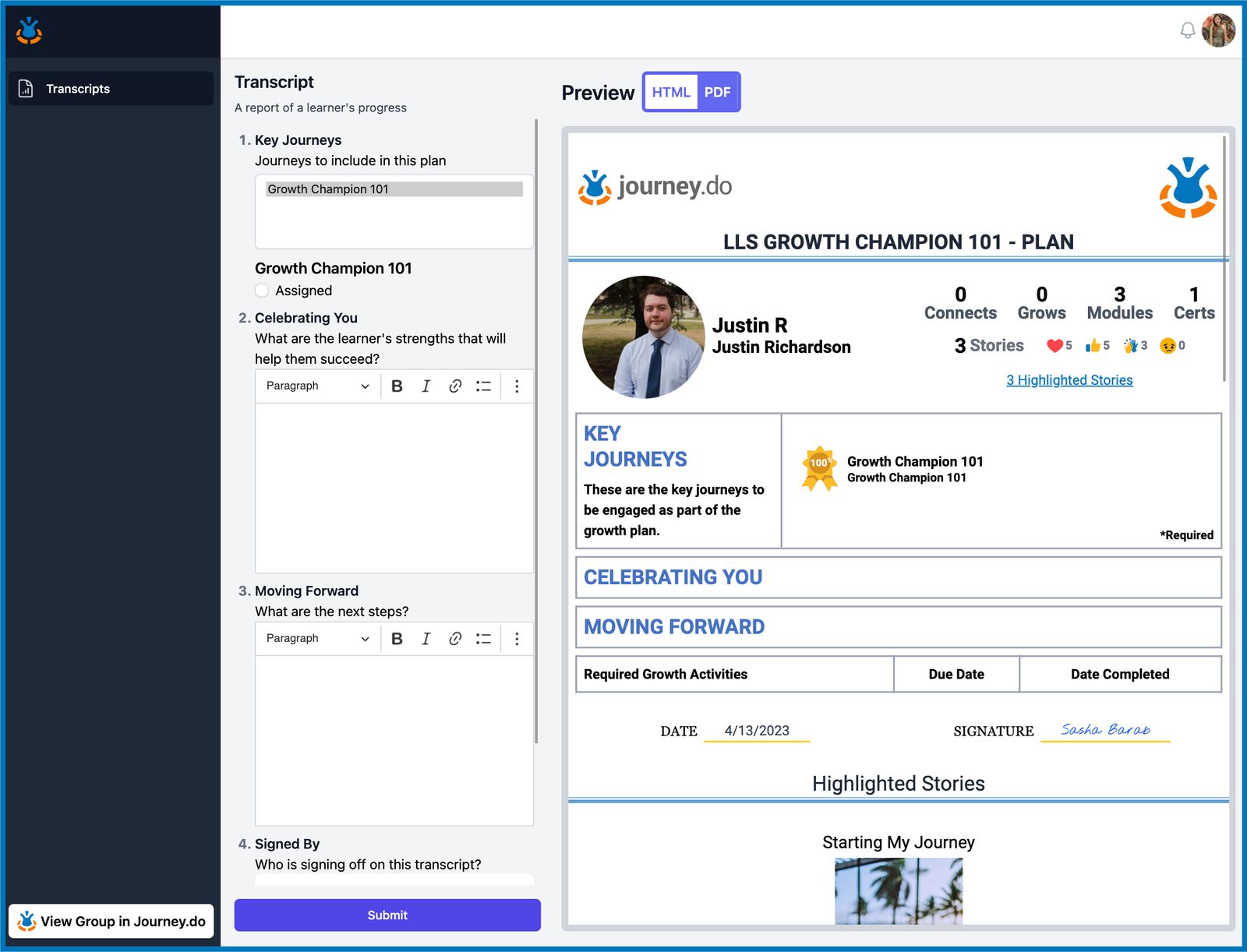
With the Transcript template, Champions can pull the member’s activity from Journey.do and display a summarized view of the times they connected to other members, number of grows and modules they did, their updated Journey scores, and the stories they published. Spaces are also provided to highlight the member’s strong points and the succeeding steps needed to move forward. The Transcript is viewable in HTML and PDF layouts and can be downloaded and printed out.
March 2023
Group Notifications Preferences
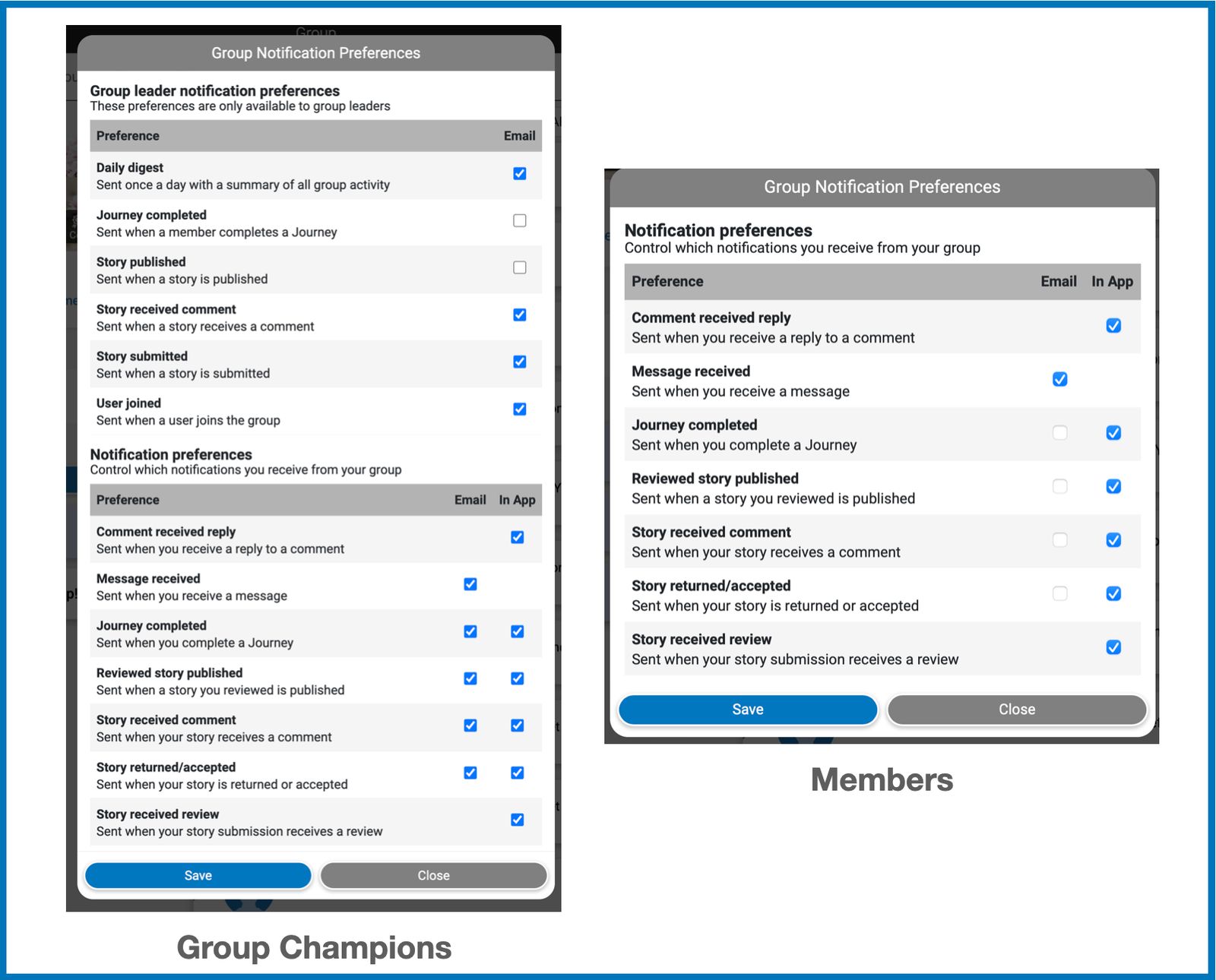
We made it possible for both members and group champions to conveniently manage their notification preferences for every group they belong to. From Group page setting, you may now manually set your account to receive emails and/or in-app notifications for every new member that joins the group, story submissions, comments on stories, story acceptance or returns, received messages and completed Journeys.
Grow Activity Report
Group Champions can now download a detailed report of Grows accomplished by its group members. The data can be pulled from either All Grows or specific Grows only and all groups or specific groups that share the same library. The report can be useful in analyzing the members responses and in keeping logs of when certain grow has been started and completed.
Grows Firing Automatically
As you work on grow activities in every module, you will find that the activity automatically completes as soon as you hit the minimum required score or a perfect score without the need to click on the Finish button for a time-saving and more frictionless experience.
Optimized Group Statistics Page
We have significantly improved our existing Group Statistics page in terms of loading speed and stats accuracy. Numbers on the 30-day statistics display real-time increments even in groups with large numbers of members.
Fixed Issue with Profile Image
We fixed the bug with profile images where you can click on anyone’s display photo and change your own and made it so that clicking on the avatar or photo will take you to the other member’s profile page instead.
Managed User Feature for Specific Groups
The Create Managed User option on Journey.do Group page was turned off for all groups by default and turned on for specific groups that require the feature.
February 2023
New Notifications and Emails
As we added and improved new and existing features on Journey.do, we also wanted to support ways to keep you updated on every important activity that you and your fellow members have accomplished within the group. A way where you don’t have to leave the site by means of Notifications and another is a more permanent record by means of Emails.
Completed Journeys
Every Journey that you complete will automatically trigger a Notification alert on the Home page and will also display on the Group Activity page. Both the member and group champions will receive an email for every completed Journey.
Received Messages
Chances of missing any messages are now lower as sending messages via Journey.do will now automatically send an email to notify the recipient that a message was received.
Limit Story Submission per Member
To help Group Champions with efficiently managing reviews and story submissions, we added an ability to set a specific number of story submissions allowed for every member in a specific group. Champions can also choose to set the duration of when the limit will reset from as early as seconds to days, depending on their needs and preference.
Display Name for Managed Users
We added the Display Name field on the Create Managed User box so group champions can conveniently assign the name to be displayed for each managed user they create.
Fixed Various Issues in Group Settings for Managed Users
Some tweaks were done to the system so that managed users could have separate and/or different feature settings from non-managed users within the same group.
Members Names Sorted by ‘Last Active’
We set up the names on Members list to automatically be sorted based on who has recently been active in the group to give group champions an easier way to see and track their member’s journey progress.
Up-to-Date Members List
Your group’s Members page is now showing an updated list with only active members and members that were added back to the group. Members that have been archived are no longer shown on the list.
Story Preview Short Text
Story cards on home page have been polished to display story preview on not more than 2 rows of texts for a more uniform and neat-looking feed.
End of January 2023
Certificate Completion Email
Each time you complete a Journey deserves to be acknowledged. Apart from being able to download your Certificate, you shall also start receiving an email to congratulate you on accomplishing a Journey and earning a new Certificate.
New Review Story Page
Providing quality reviews plays a vital role in producing good stories. To ensure the success of every Group Champion in reviewing stories, we gave our Review page a more polished look which now displays cards of all stories submitted along with the short story preview, cover image, author’s name, related group, and date and time of submission.
Create Managed Users
Creating new Managed Users can now be conveniently done directly on Journey.do. Facilitators will no longer need to access the toolkit as this feature has already been added on the Group page menu.
Facilitator Options for Managed Users
To efficiently facilitate the connection between every group leader and members, after successfully creating a new managed user, facilitators can now choose in between suggesting a Journey or Module, sending a personal message, or following the group’s activity progress on the Members page.
Members Page and Heatmap
We transformed our Members page into a space accessible by both group leaders and members where anyone can get a preview of where everyone is in terms of their journey progress. Each member is now displayed as a card with their name, profile photo, short bio, date when they first joined and when they were last active, and their running stats. It has been redesigned to highlight every group member’s growth progress by means of heat maps which represent their activities in the last 14 days. The names can be grouped according to roles and can be sorted either alphabetically, date they joined, or date they last logged in.
Early January 2023
Change from Certificate to Journey
We have been in search for the most suitable name for our collections, from Collections to Certificates, we have decided to switch to ‘Journeys’. Because we want our users to realize that every single activity they do on the site, means more than just gaining a piece of digital paper, but more like a vital step in a meaningful journey.
Improved Dialog Boxes
The overall functionality of our dialog boxes across the site have been polished for a uniform and more consistent user experience.
Fixed bugs around Managed Users
Existing and newly created managed users should now be able to get into the site and view Certificates and Modules without any issues.
Better User Search Box
We fixed some old bugs and made our User Search option more efficient with faster and more intelligent search results.
December 2022
Traditional Likert Table
To provide more likert scale options for survey-type activities, we designed a simple and traditional likert scale in table form.
‘Any of’ Certificate Criteria in To-do List
We added a new optional criteria to our existing to-do list which will require users to complete any of the given certificates to get a 100% score and a new Certificate.
Keep Modules Position on Apple Devices When Navigating Back
When you are on your Apple device and visited a Module, you are now able to keep the same scroll position as you navigate back, helping you easily keep track of the module you’re working on.
Suppressed Pretest for Group Champions
Group champions and facilitators can now opt to not take the Pretest Activity in groups where one is set.
Pretest and Posttest on To-do List
We added a Pretest and a Posttest Survey criteria as optional tasks in the Certificates to-do list.
Fixed Editor Issues in the Toolkit
Designers should no longer be having issues when creating and editing content in the toolkit.
Cert Count on Group Stats
Each group member’s completed certificate is now instantly reflected and added to the Group’s total count.
Spellcheck Fixed
Our spellchecker is now up and running to help you easily spot typographical errors as you write your stories, posts, and other activities.
Email Sign-Up Icon
A simple email icon was added to the ‘Sign Up with Email’ button on the login page.
November 2022
Certificates
In line with our goal to build a better and more user-friendly platform for you, we gave our Certificates a new look along with several new functions and sub-features. Essentially, being one of the highlights of the app, we want our Journey Certificates to serve as a better guide for you to know what activities to do, where to go, what has been accomplished, and what else needs to be done. As you start and continue your journey with us, you will note the following changes:
From Collections to Certificates
All places on the site that were previously labeled as Collections are now referred to as Certificates along with a new certificate badge.
To-do List Card
For every Certificate, you will find a set of tasks behind the To-do button that are a combination of connecting to stories, doing grow activities, and submitting and/or posting your own story for others to connect with. Each task displays a minimum quantity goal that you need to meet to check off the task. The score on the ribbon increases as you progress with the tasks.
“What’s Next?”
Under each Certificate title, you will see a “Next: (task)” that automatically updates and tells you what specific activity to complete next and how many of the same activity has been accomplished so far on your to-do list.
View Certificate
As you open a Module, you will see a View Certificate button on the upper left portion of the Overview tab. This will help you easily identify the set of modules that are included in the same Certificate.
Continue in Module Card
We wanted to implement a more efficient way for you to switch between Connect, Grow, and Apply tabs without the need to navigate back and forth. With the new Continue in Module card added along the bottom of the page, you can now easily transition from one task to another within the same module.
Certificate Preview Card
Whether you’re reading someone’s story, working on a grow, or writing your own story, you will be able to track your certificate progress with the Certificate Preview card that you will find at the footer of the page. It also functions similarly to the View Certificate button.
Earning a Certificate Tutorial Card
On every Certificate menu list, you will see the “How Certificates Work” option which displays a sample to-do list and a brief instruction on how to accomplish your tasks.
Easy Download Button
Downloading your completed Certificate hasn’t been as straight-forward as it is now with the new Download Certificate button added on the ribbon badge modal.
Certificate Count on Group Stats
Apart from Connects, Grows, and Stories, you will also now see the total number of completed Certificates that your group has accomplished on the Group Stats page. The upper part showing the total count from Day 1 while the lower portion is for the last 30 days.
Category Dropdown on Likert
We have been continually improving the design of our Likert for the ease of use of both survey respondents and designers. When creating or changing category list, rather than updating individual dropdowns on every category, each dropdown will be automatically updated.
Improved Questionnaire Activity
Questionnaire type of activities are best for type of questions with no specific right or wrong answers. To extend its flexibility, we added features so designers can now enable options for respondents to either only ‘View’ or ‘Edit’ their answers. We also added an option to ‘require’ answers to specific questions.
October 2022
Short-Answer-List
We built a new type of h5p that’s inspired by our existing Documentation Tool but with the added features:
A single page activity that can contain multiple elements for header, header with answer field, and image
Answers can be anything from single-word responses to essay forms.
Designers have the options to set a question as required and to allow changes to the answers
It can be used as a stand-alone activity, as part of Column, or as part of Interactive Book
A More Flexible Likert Structure
Several changes have been made around the Likert structure to adapt to the different needs of our users:
Likert graph is now able to show posttest results even when the pretest has not been taken.
Similarly, likert graph is also able to show results for a pretest with multiple categories vs a posttest with a single category only.
Likert, as either a standalone or part of Interactive Book, is now able to save and restore answers even prior to submission.
Designers now have the option to add a “Free Response” type of question at the end of the likert survey.
We also gave designers more liberty in deciding whether or not to “require” a question and to “allow edits” to the answers.
Uploading Images to the Toolkit
While we added a safety feature when uploading photos, we don’t want to completely limit the use of images as part of the Grows. With confidence that designers are mindful of every content to use, we keep the image blocker off the toolkit strictly for designers only.
Image Upload Filter
As an additional means of keeping a community feed free from unsafe content, we added a filter to our image-uploading system that automatically blocks photos that are considered inappropriate for and by the group. This applies to any attached images when you are publishing a post, a story, or an announcement.
Delete Post for Members
In groups where posting is enabled for all members, the “Delete Post” has been fixed and is now functional.
Changing User Bio and Display Name
We fixed the bug around updating the user profile so you can now edit your bio information and display name without any error.
September 2022
Comments on Announcements
Keep interacting with your group champions and fellow participants outside of modules and stories by leaving comments on published announcements.
Cover Image Guidelines
Your stories are as important to us as they are to you. That includes the Cover Images you use and so we put together some guidelines to help you identify and pick an ideal cover image for each of your stories.
Safer Image Browsing
While we encourage everyone to make use of images available on our Browse Photos feature, it is our responsibility to ensure that the photos are generally safe and non-offensive. We added a feature that automatically scans the searched images before they show up on the results.
Fixed Google Sign-in on Android
We fixed things around to enable an easy sign-in using the ‘Connect with Google’ button on Journey.do app on Android devices.
Edit Post for Members
Share what’s on your mind with your fellow group members by posting. And you, as a member, can now conveniently make changes to your own posts.
Ability to turn on/off external links in Stories
We wanted to keep a safe feed for everyone where no unmonitored content or links can go unchecked. We added a feature that will enable/disable the ability of members to upload external links onto their stories. When posting links is turned off, the URL will remain unclickable and will not unfurl.
Single Review on Story Submissions
Saving Group Champions a bit of their time when reviewing story submissions, we set the “No More Reviews Needed” option on default which would prevent a second review on the same story.
Comment on Stories Notifications
We fixed some bugs around Comments on Stories. You will now start receiving email and app notifications when someone leaves a comment on your published stories.
Data Reset Box on an Updated H5P
You will no longer see this Data Reset popup box whenever an activity has been updated from the backend.
End of August 2022
Pinned Collection Stays on Top of the Page
You may now easily keep track of the collection you are working on by pinning it to keep it on top of the Collections List.
Reset Password Help for Google Connected Accounts
For those who initially signed up via google and need to reset their password, we made instructions via email more specific, clear, and easy to follow for you.
Resolved Subdomain Login Issue
We fixed things around subdomain logins so that you can automatically land on the subdomain Modules page even when signing up through the regular journey.do link.
View Collections Button
Our old “Collection” button was replaced with “View Collection” for a more defined function.
Safer Image Browsing
We continuously ensure our Browse Photos feature in Story stays more secured by recently adding a new set of search words into the current pool of blocked words.
Actual Story Submission Count
Our Review tab badge can now reflect the exact story submissions made within your group on pending approval even as it goes beyond the old 99 mark.
Optional Tooltips for Designers
Designers can now highlight and add short descriptions to specific words or terminologies that are shown by hovering the mouse over the word.
More Efficient Group Search and Sorting
Switching in between groups is made more efficient for you as the list is now automatically sorted by the most recent group on top. Also, you can now easily search for a specific group by typing in just the keywords or letters.
Animation on Group Selector Page
We put a little bit of flair to our Group Selector page adding an on-mount transition animation to group cards.
Mid-August 2022
Navigation Improvements on Likert and Interactive Book Activities
A number of fixes and changes have been made to our Likert-type activity and Interactive Book to improve your overall navigation experience:
Your interactive book activity now automatically completes without the “Click Here to Finish” button.
Going from one page to the next within a Likert activity is made more flawless as the page does auto-scroll to the top now
We fixed the back-button bug so whether you’re in the middle of doing your interactive book or have already completed it, clicking on the back button will take you right outside of the Grow rather than the previous pages within the activity.
Easy Apple Sign-in
We’ve fixed it and made it possible for Apple users to sign up and sign in using their Apple ID in just a few clicks.
Early August 2022
Reactions to Announcements
Express your interest, not just in stories and posts, but also in announcements published by champions within your group by leaving a reaction.
Comparable Assessment Result
Library designers can now link two identical likert assessments to highlight differences in the user’s responses prior to and after completing their journeys.
Comments Are Now Editable
Connect to as many participants as possible by commenting on their stories while keeping your remarks sensitive and respectful. In case of a mistake, worry not as you can now edit and delete your own comments.
Polished 3-Step Guide for New Members
Your first few steps on our platform are important to us. To make sure that the beginning of your journey goes smoothly, we made an easy-to-follow onboarding checklist that’s more on-point and concise.
Video Previews in Stories
Add more flair to your stories by incorporating relevant online videos and external sites. Simply copy/paste the link or attach it using our built-in editor and watch your video or other media content unfurls within your written story.
Showing Names on Reactions
Whether you’re on your phone or on your PC, names of fellow members who were inspired and reacted to your story or post, are now visible.
July 2022
Net Promoter Score
In participating groups, users now have a means of sharing their thoughts about the stories, collections, modules, and activities found within their group to help both facilitators and designers improve their content and their users’ journeys.
Pre-Activities
Groups can now configure an optional Survey-type activity that each of their members must complete before gaining full access to the modules, grows, and stories.
Even Safer “Safe” Image Searching
We’ve taken further steps to prevent groups participating in our safe image search feature from being exposed to unwanted imagery, above and beyond what is returned from a “Safe Search.” Additionally, participating groups can flag any unwanted images found to prevent them from appearing in any future searches.
Better Group Stats
The group tab now offers more detailed and structured information on group activity, including a Monthly Stats view offering a month-over-month calendar view of group activity.
Improved Discover Feed
Users now see more posts and stories relevant to them as they scroll through the feed.
June 2022
Archivable Group Membership
Group runners can now archive (and unarchive) users in their groups, which allows them to sunset their current participation while still retaining the ability to keep track of and easily re-admit former participants.
Updated Designer Tools
Designers can share H5P grow permissions across multiple designers. Auto Populating H5P templates (multiple choice, sort, drag and drop, true false, etc.) within new grow activities. Uploaded images auto-shrink for maximal performance on different machines.
May 2022
Updated Feed Experience
More likely to see group member story, as well as content related to active Modules.
Posts Unfurl Many URLs
More like to see group member story, as well as content related to active Modules.
Members can also react and comment on posts.
April 2022
Updated Posts
Champions (and members with permissions) can re-share stories, grows, Modules as posts in feeds for members to comment.
Send Messages Updates
Champions (and members with permissions) can share stories, grows, Modules as within messages to individual members.
March 2022
Champion Notification Emails
Group facilitators can subscribe to email notifications when members submit stories, add comments, and/or join groups. Group facilitators can subscribe to digest emails, overviewing activities in groups for the last 24 hours.
Auto-Spawn Group Invites
Facilitator can create a group invite, set a cap on groups size and it will auto-spawn a new group and place future invites in the new groups.
February 2022
Recent Activity Updates
Members can see their recent activity auto-pinned to home. Group page lists all group activities, with ability to sort by published stories, commented stories, user joined group, etc.
Nested Group Invites
Invites can be created at the “organization” level, and auto-list all the available cohorts with the redeemer being able to choose which of the nested groups they wish to join.
Deep Linking Invites
Invites created and accepted through the app will keep their link through downloading and creating new accounts in the mobile apps.
January 2022
Subdomains
Partners can use branded subdomains (partner.journey.do) with unique icons, links, and even help screens associated with specific subdomains.
Announcements
Champions can create group announcement, uploading images, documents or even posting websites that can unfurl.